

Replace Your Ad Agency: Static, Video, and UGC Ads with Magic Fit
Magic Fit is an AI-powered ad creation platform that turns a product URL into static image ads, UGC-style video, and stop-motion clips — no designers or agency retainer required. By the end of this walkthrough, you’ll have generated ad creatives across four formats from a single product listing. The platform runs entirely in the browser and deducts credits per generation job.
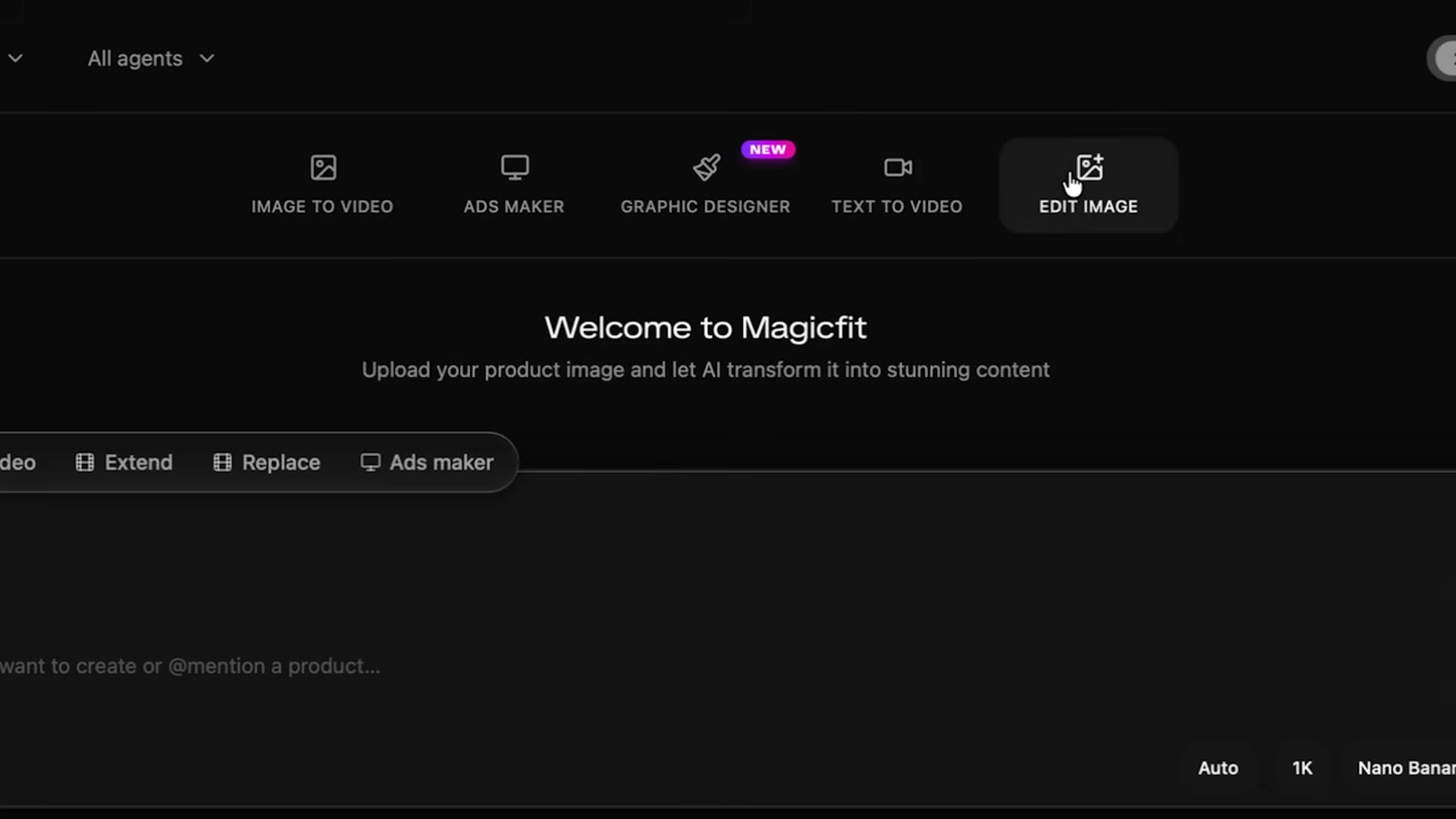
- Open the Magic Fit dashboard and review the five top-level tools: Image to Video, Ads Maker, Graphic Designer, Text to Video, and Edit Image. Each tab surfaces its own model and aspect ratio options before any job begins. Available image models include Google Nano, Nano Banana 2, and Nano Banana Pro.
-
Enter Ads Maker and choose Clone Winning Ads over Quick Create. The clone path starts you from a proven template structure. Filter the template gallery by ad type (Lifestyle, Testimonial, Sale/promo) and industry (Fashion, Beauty, Food) to find a layout that already contains the text layers, CTA buttons, and imagery style you want.
-
Select a template and drop in your product URL. Magic Fit scrapes the page and returns the product name, price, description, and all available images. Confirm or remove scraped assets before moving to configuration.
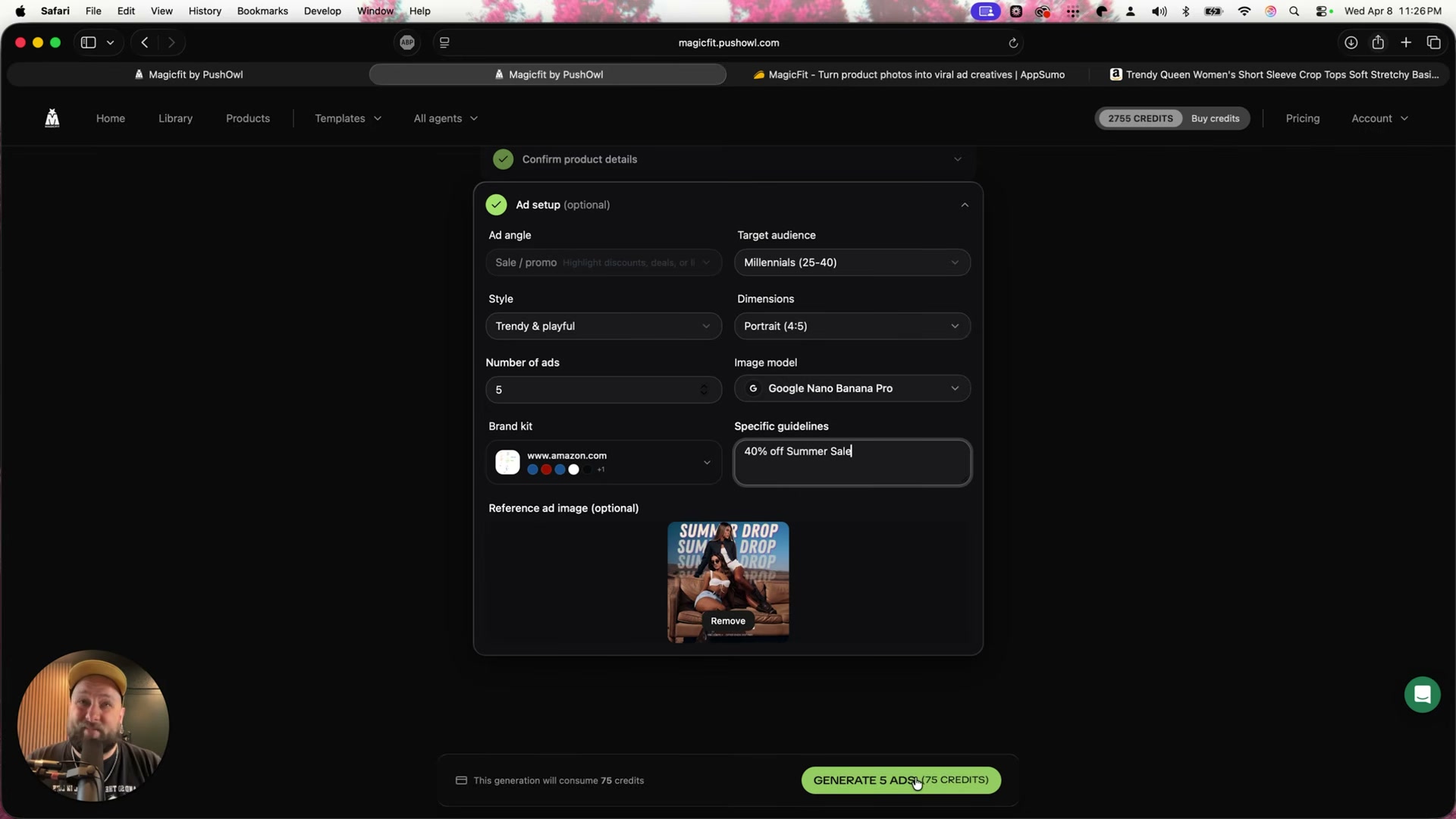
- Configure the ad job: set target audience, dimensions, number of variations, style (Trendy & Playful, Bold & Energetic, etc.), and specific offer copy. Apply a brand kit and reference image if available. The credit cost displays before you commit. The demo runs five ads at 75 credits using an Amazon apparel listing.
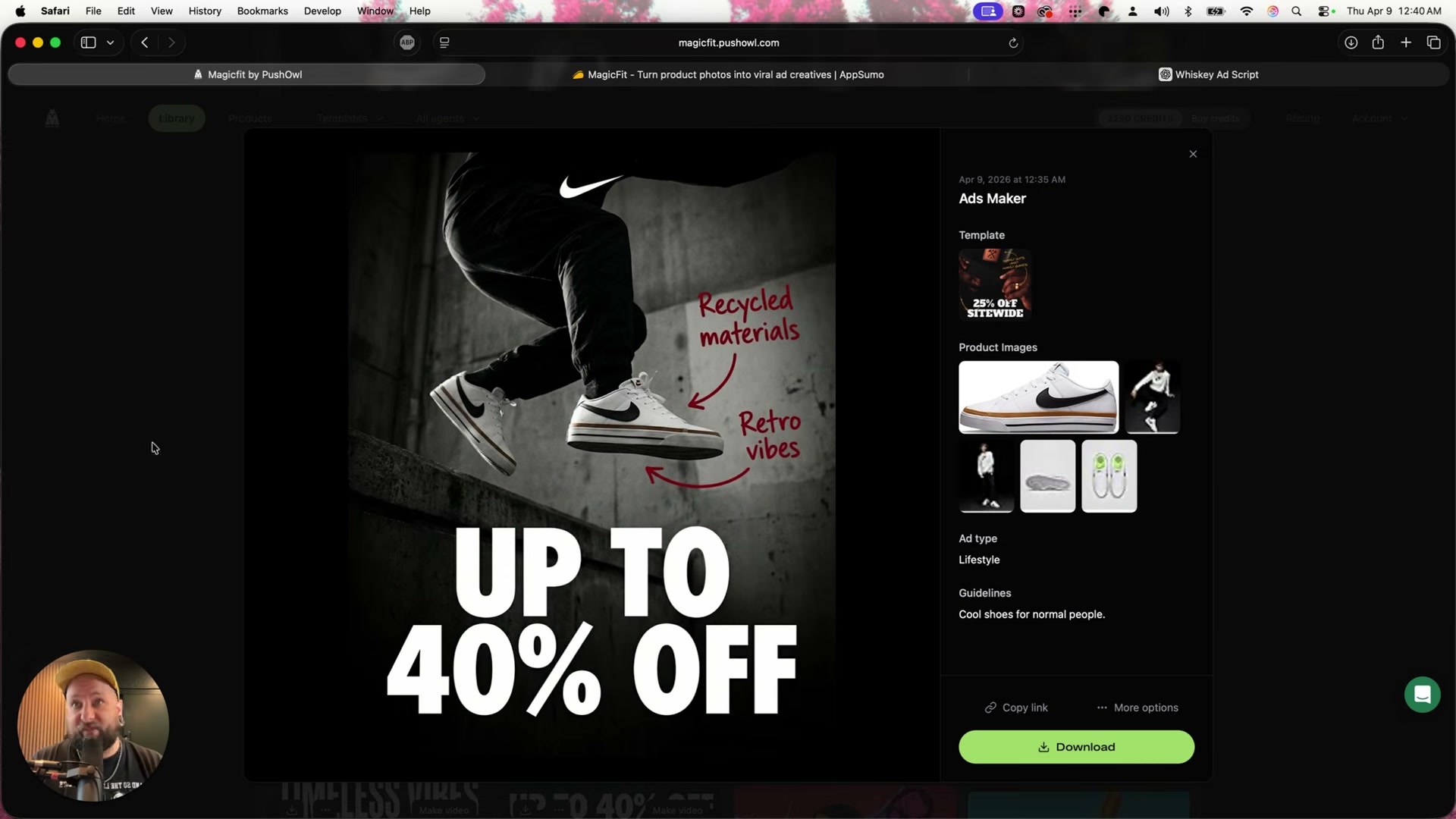
- Review the generated variations. Magic Fit pulls review text, star ratings, and product descriptors directly from the listing copy. For the Nike shoes run, the platform returns 10 lifestyle variations in a single job — including annotation-style ads with dramatic product photography and bold discount CTAs.
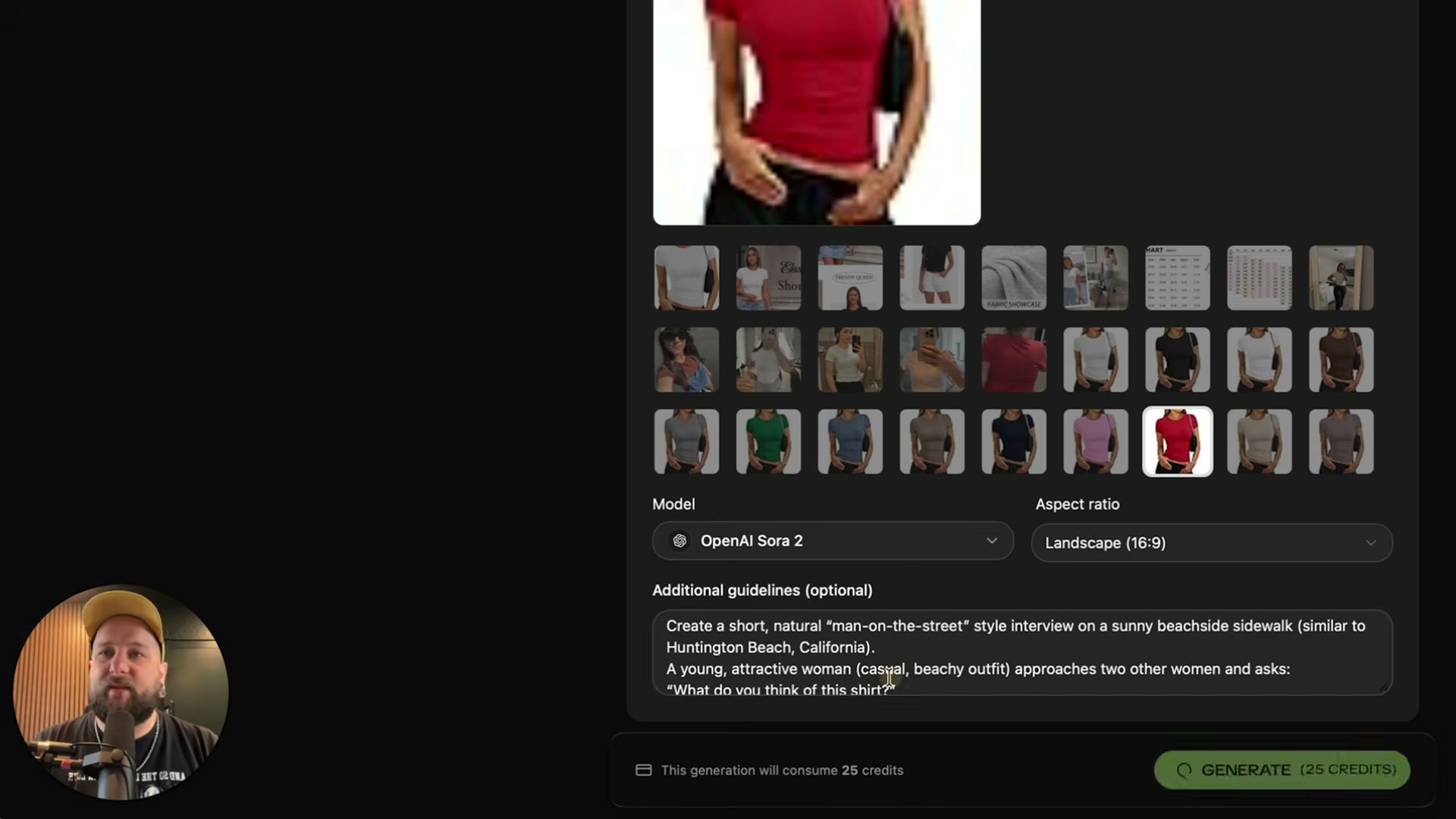
- Clone a street interview template to generate UGC-style video. Select a product image, set aspect ratio (16:9), choose a video model, then paste a detailed scene prompt describing the setting, characters, and opening dialogue line. The demo sources the prompt from an external LLM rather than composing it directly in the interface.
Warning: this step may differ from current official documentation — see the verified version below.
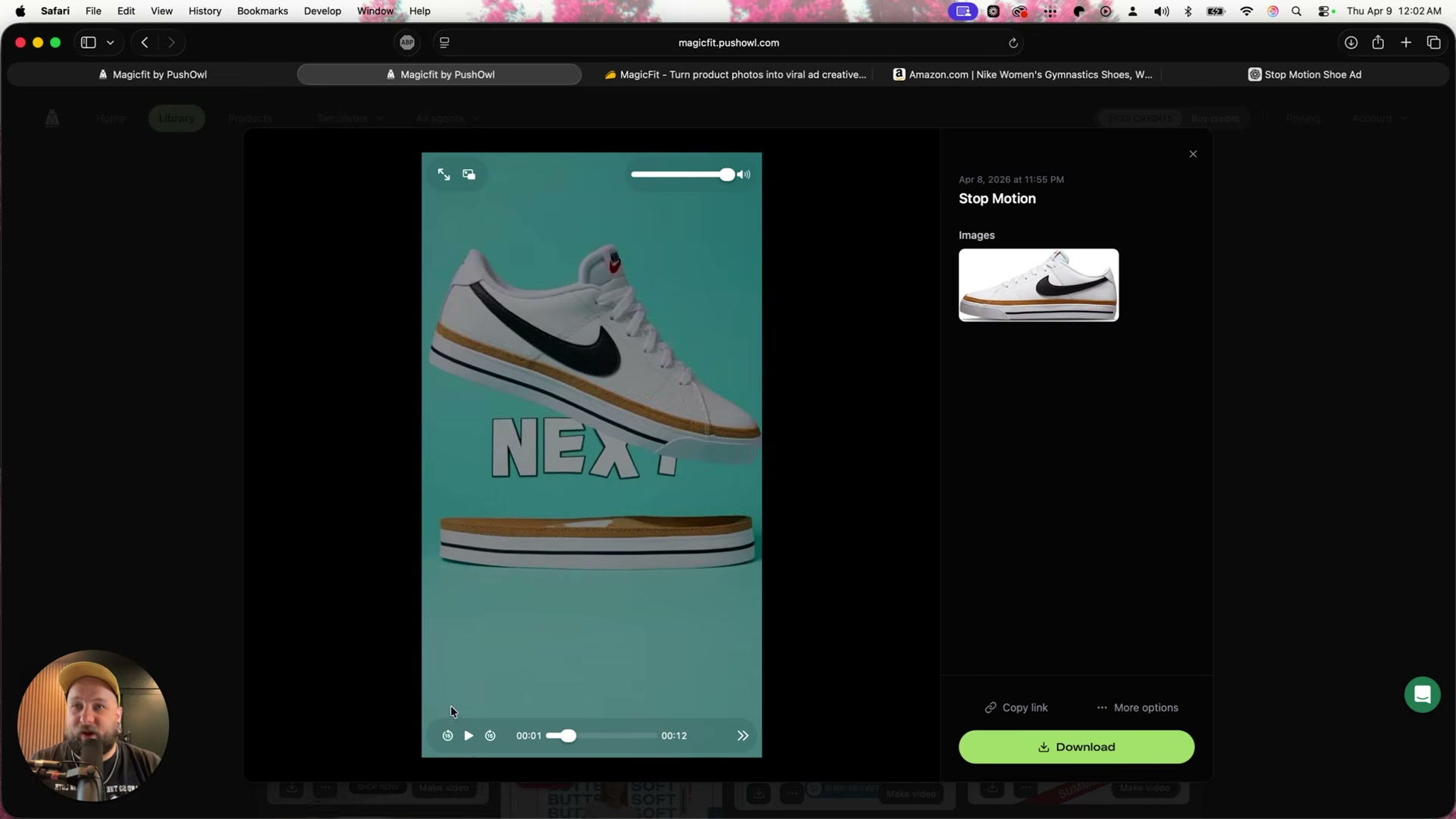
- Clone a stop-motion template. Select your product image, choose the Sora model (flagged as recommended in the interface), then paste a prompt that specifies color blocking and kinetic text style. For a single Nike shoe photo, the platform returns a 12-second video with bold text overlays and dynamic product movement.
-
Use Text to Video for tabletop product ads. Supply a scripted voiceover prompt, select your product, and generate. Inspect the output for text rendering errors — letter substitutions in AI-generated video are a known limitation across current models, not specific to this platform.
-
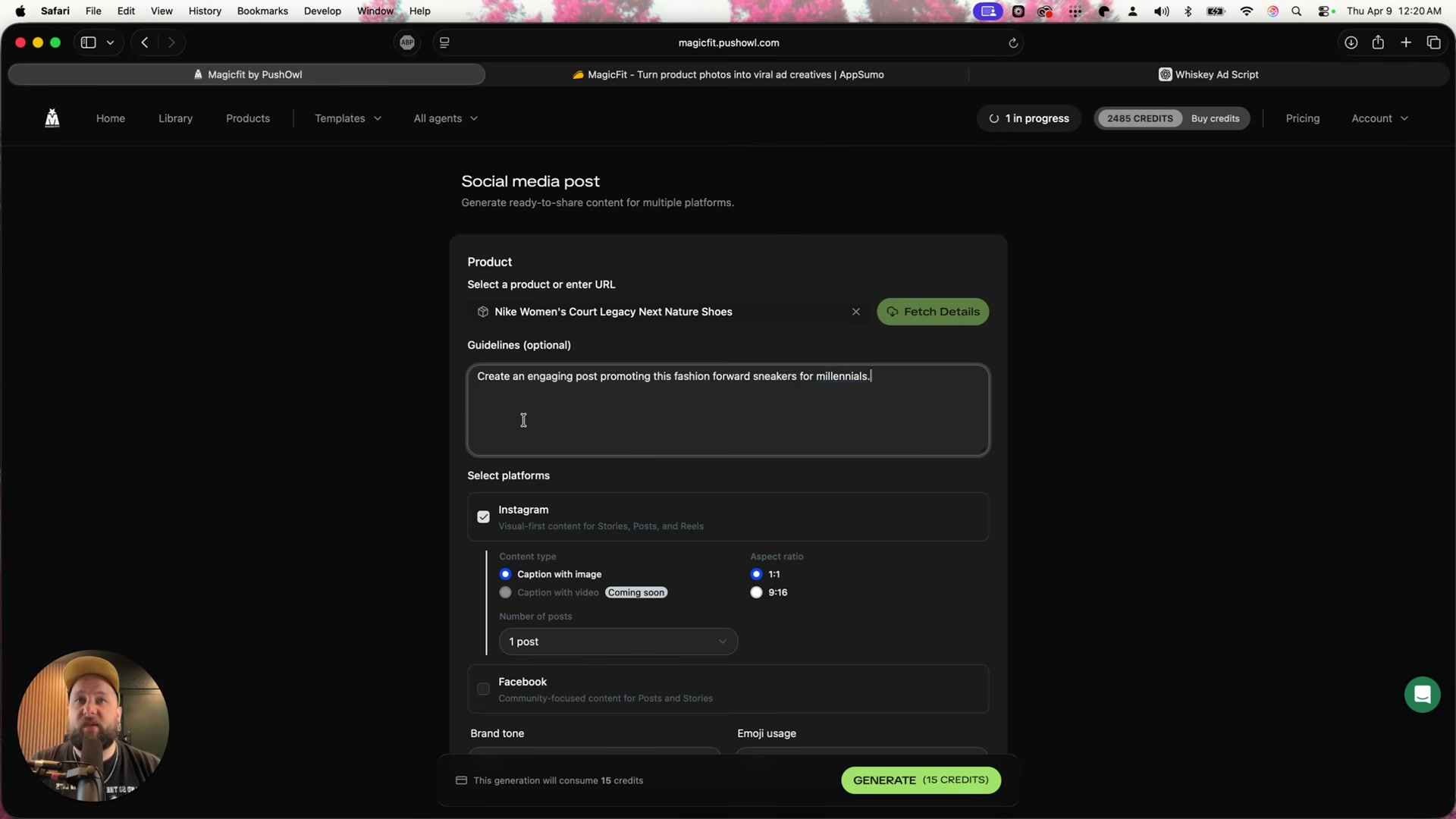
Open the Social Media tool. Select a product, write platform-specific guidelines covering audience and tone, choose target platforms and content format, then generate. A single job returns both post caption and a visual ad. The Agency panel extends the toolkit further with product placement, background replacement, viral hooks, web push, and ad copy generators — all stored in a filterable Library.
How does this compare to the official docs?
The video demonstrates Magic Fit’s core workflow clearly, but credit costs, model availability, and default prompt behavior change with platform updates — the official documentation is where those details get resolved.
Here’s What the Official Docs Show
Act 1 gives you a clear working picture of the Magic Fit workflow as the video presents it. This section adds verified context for the third-party tools involved — Claude and ChatGPT — and is transparent about where documentation coverage runs out so you can verify those steps on your own terms.
Steps 1–5 — Magic Fit dashboard, Ads Maker, template selection, configuration, and review
No official documentation was found for these steps — proceed using the video’s approach and verify independently.
Steps 6–7 — Paste an Amazon product URL; review scraped product details
No official documentation was found for these steps — proceed using the video’s approach and verify independently.
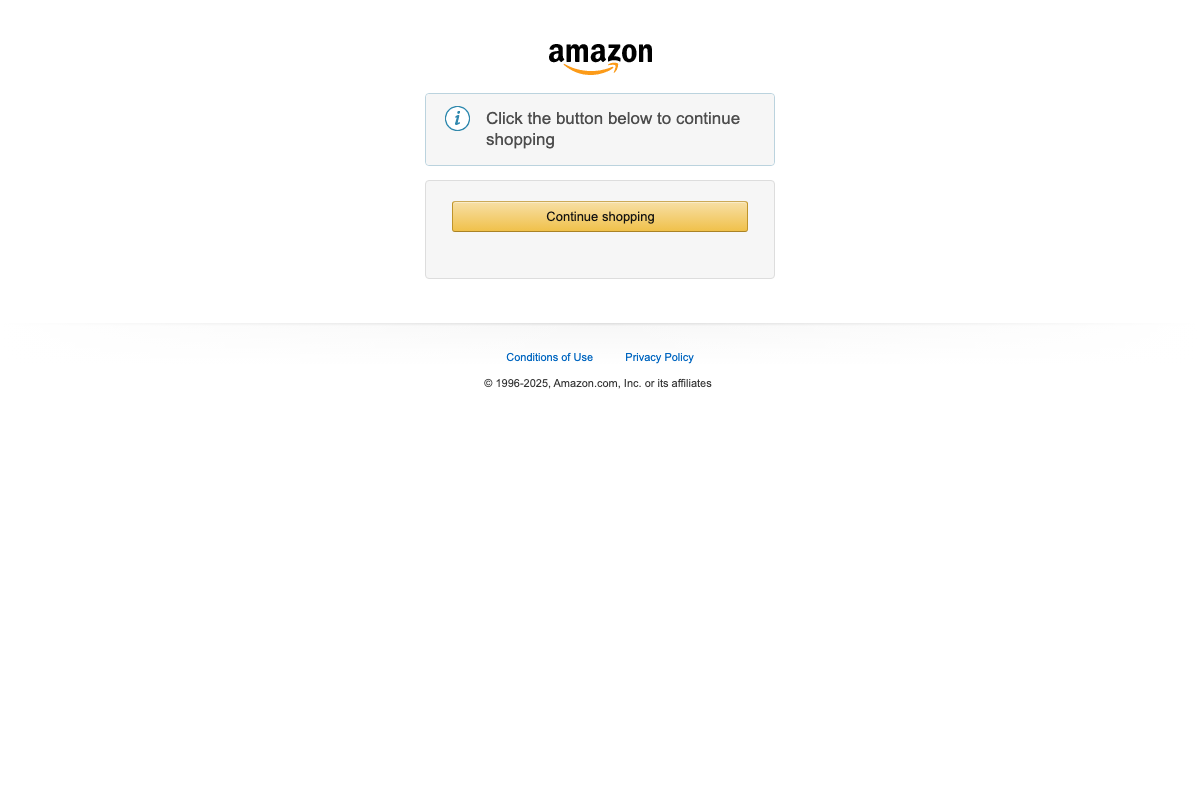
One practical caveat: as of April 9, 2026, every Amazon screenshot attempt returned a bot-detection gate, not a live product listing. The tutorial’s claim that pasting an Amazon URL auto-populates product name, price, description, and images in Magic Fit cannot be confirmed from available evidence. If Amazon blocks the scrape, try a direct brand or retailer URL as a fallback.
Steps 8–9 — Text to Video; Social Media tool
No official documentation was found for these steps — proceed using the video’s approach and verify independently.
Step 10 — Generate your ad prompt in Claude
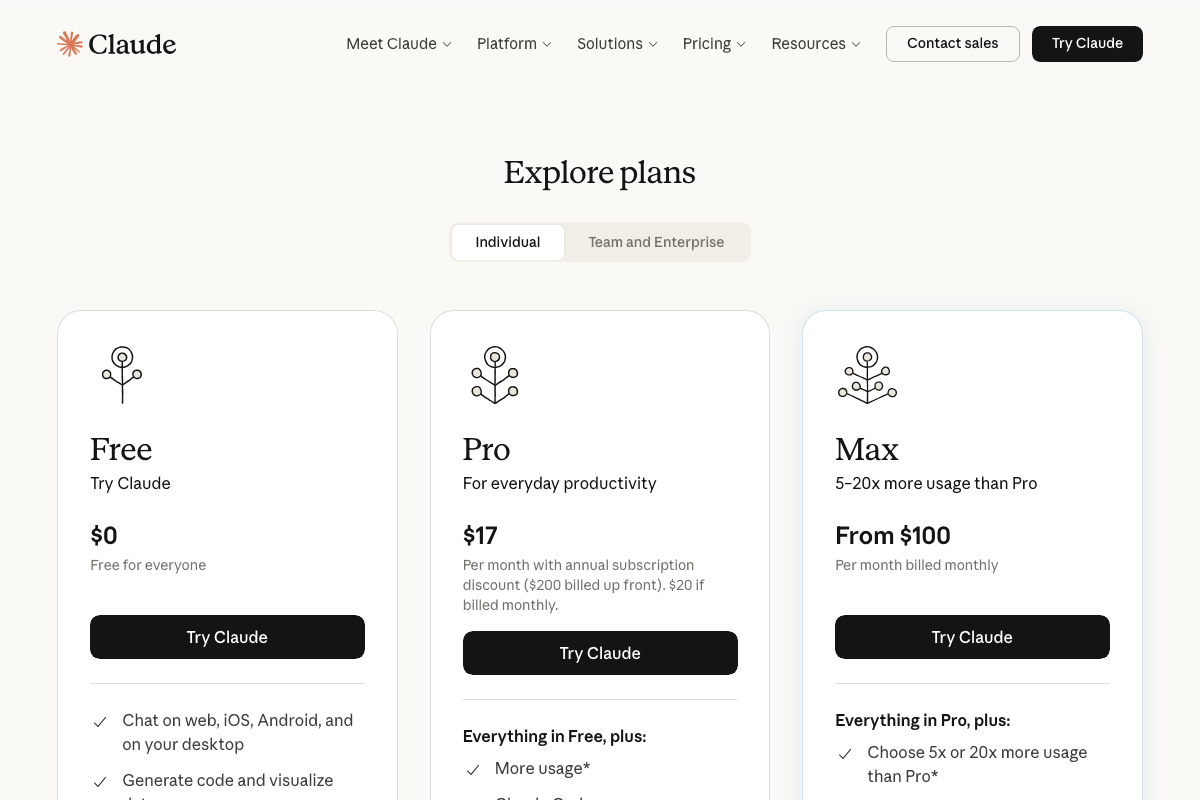
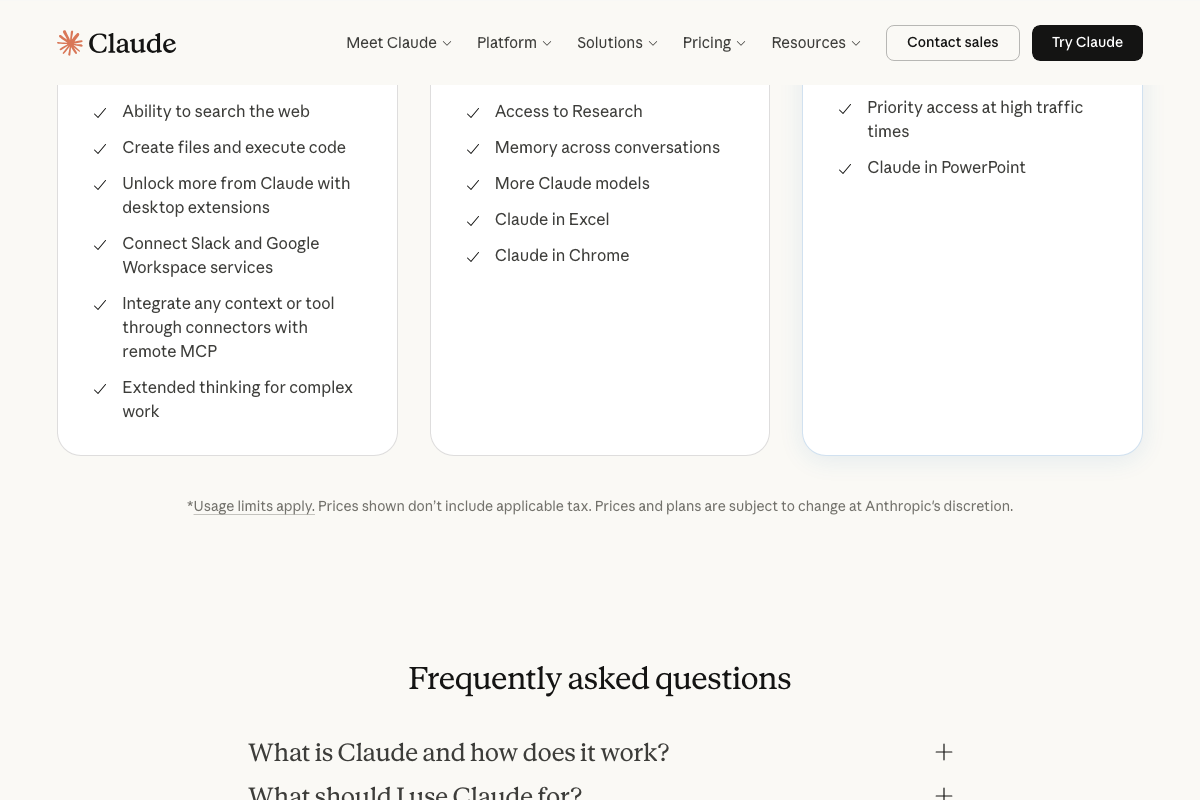
The video’s approach here matches the current docs exactly. One useful addition: as of April 9, 2026, Claude’s Free plan ($0) includes both extended thinking and web search — features that were not available on free tiers historically. You do not need a paid Claude subscription to write the prompt shown in this step.
Step 11
No official documentation was found for this step — proceed using the video’s approach and verify independently.
Step 12 — Generate a video ad prompt in ChatGPT
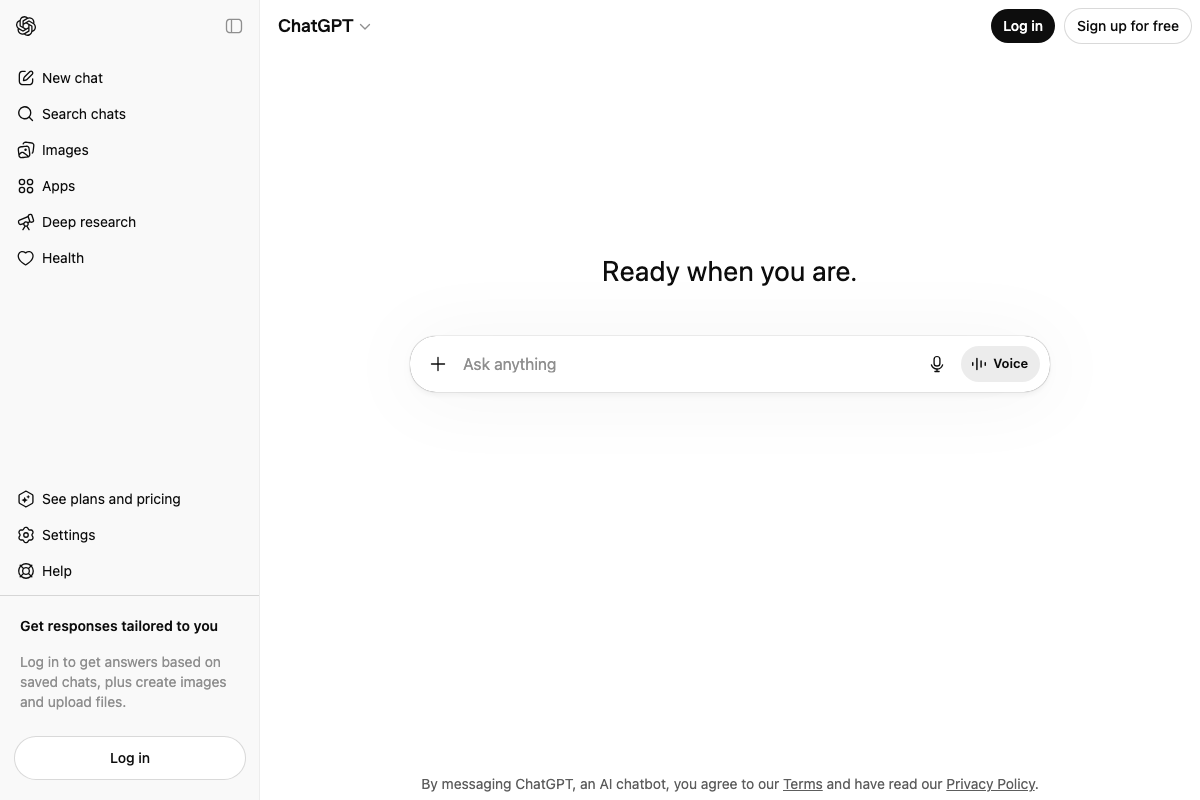
The video’s approach here matches the current docs exactly. ChatGPT is live at chatgpt.com. The tutorial does not specify which model was used; log in to access the model selector and choose accordingly.
Step 13
No official documentation was found for this step — proceed using the video’s approach and verify independently.
Step 14 — Generate a video script in ChatGPT
The video’s approach here matches the current docs exactly. Same interface as step 12 — chatgpt.com, any plan tier.
Steps 15–17
No official documentation was found for these steps — proceed using the video’s approach and verify independently.
Useful Links
- Claude — Consumer interface at claude.ai; used in step 10 to generate ad prompts for Magic Fit, with a Free plan that now includes extended thinking and web search
- ChatGPT — Consumer interface at chatgpt.com; used in steps 12 and 14 to write video ad prompts and scripts
- Amazon.com — Product listing source referenced in steps 6–7; automated screenshot capture was blocked by bot detection on all attempts, leaving those steps unverified


0 Comments