

Google Ads Certifications and the Google Partner Program
Earning Google Ads certifications through Skillshop is the foundation for both professional credibility and qualifying for the Google Partner badge. After working through this tutorial, you’ll know exactly where to get certified, which certifications count toward Partner status, and what the three eligibility thresholds are that separate a plain Google Ads account from a badged Partner.
- Go to skillshop.withgoogle.com and create a free Skillshop account using your Google account credentials. Skillshop is Google’s official learning platform and the only place where certifications that count toward Partner status are issued.
-
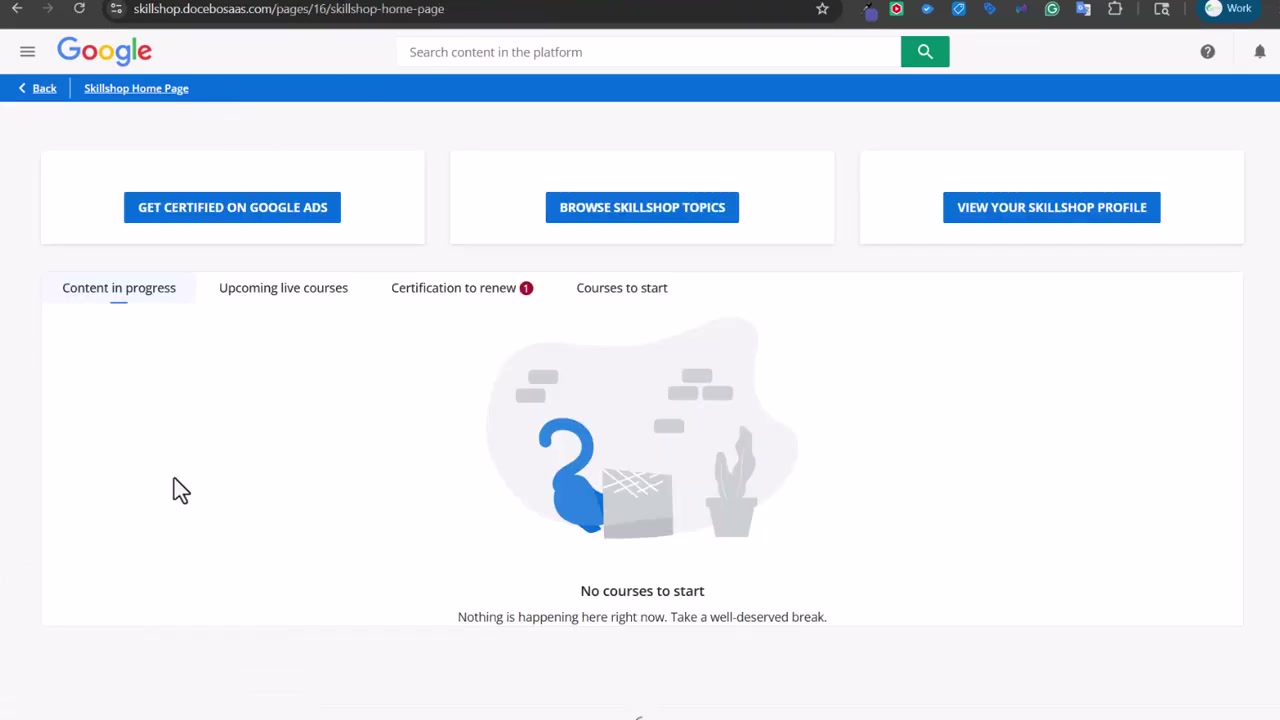
From your Skillshop dashboard, select Get Certified on Google Ads to open the Google Ads certification catalog. The catalog lists every available exam alongside estimated completion times. You’ll see both foundational options and newer AI-powered certifications — note that the AI-powered tracks are worth completing for professional development but do not count toward Partner status.
-
Review the full list of available certifications: Search, Display, Video, Shopping Ads, Apps, Measurement, AI-Powered Performance, and AI-Powered Shopping, among others. Before committing to an exam order, confirm which certifications apply to your active product areas, since the Partner requirement ties certification to actual campaign spend of $500 or more in a 90-day window.
- Sit for the Google Ads Search certification exam first — it’s the most broadly applicable and a logical starting point. The exam includes questions with multiple plausible answers, so read carefully. Passing delivers a certification valid for 365 days; you’ll need to renew annually to keep Partner status intact.

-
Plan to complete Video, Shopping Ads, and Measurement next. These are the certifications most directly tied to common campaign types. Apps and Display round out the five that count. Once any certification is earned, it appears on your Skillshop profile with its expiration date.
-
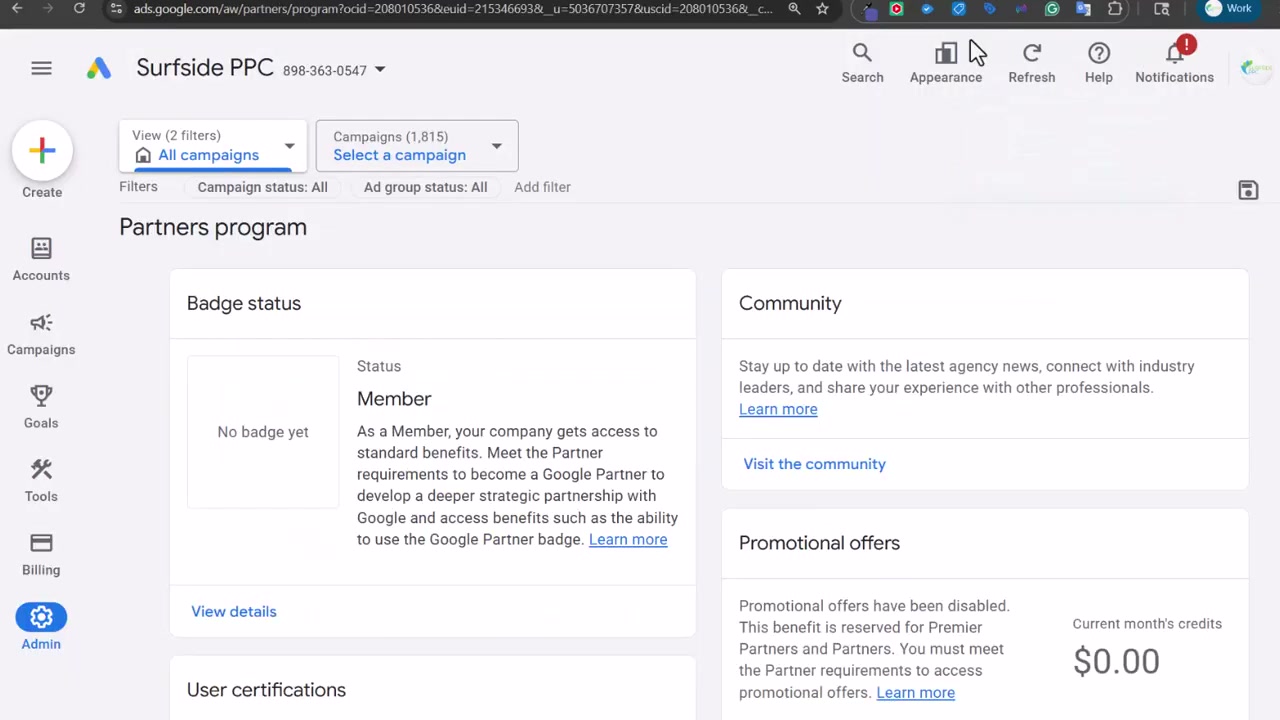
Navigate to business.google.com to review your Google Partner program status. This is where your badge eligibility is tracked across all three requirements in real time.
-
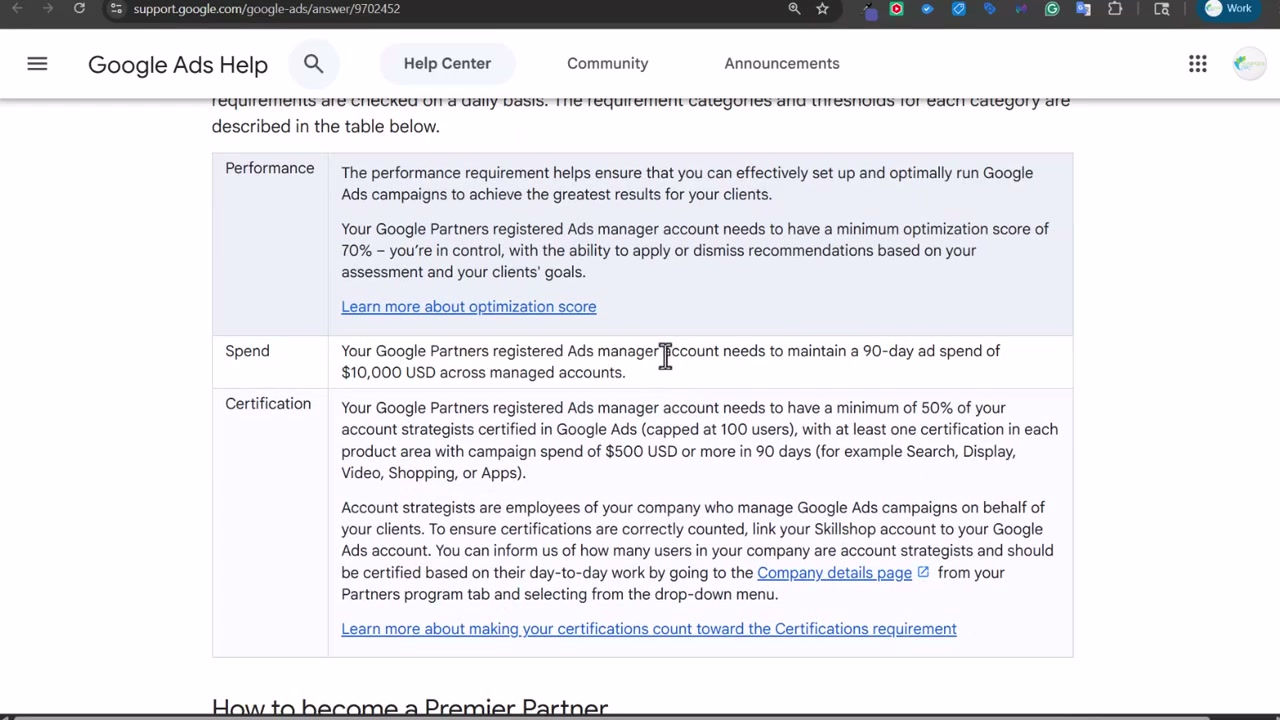
Verify that your Google Ads Manager account optimization score is at or above 70%. Dismissing recommendations you disagree with — rather than ignoring them — still raises your score, so a disciplined weekly review of the Recommendations tab is enough to hold the threshold.
-
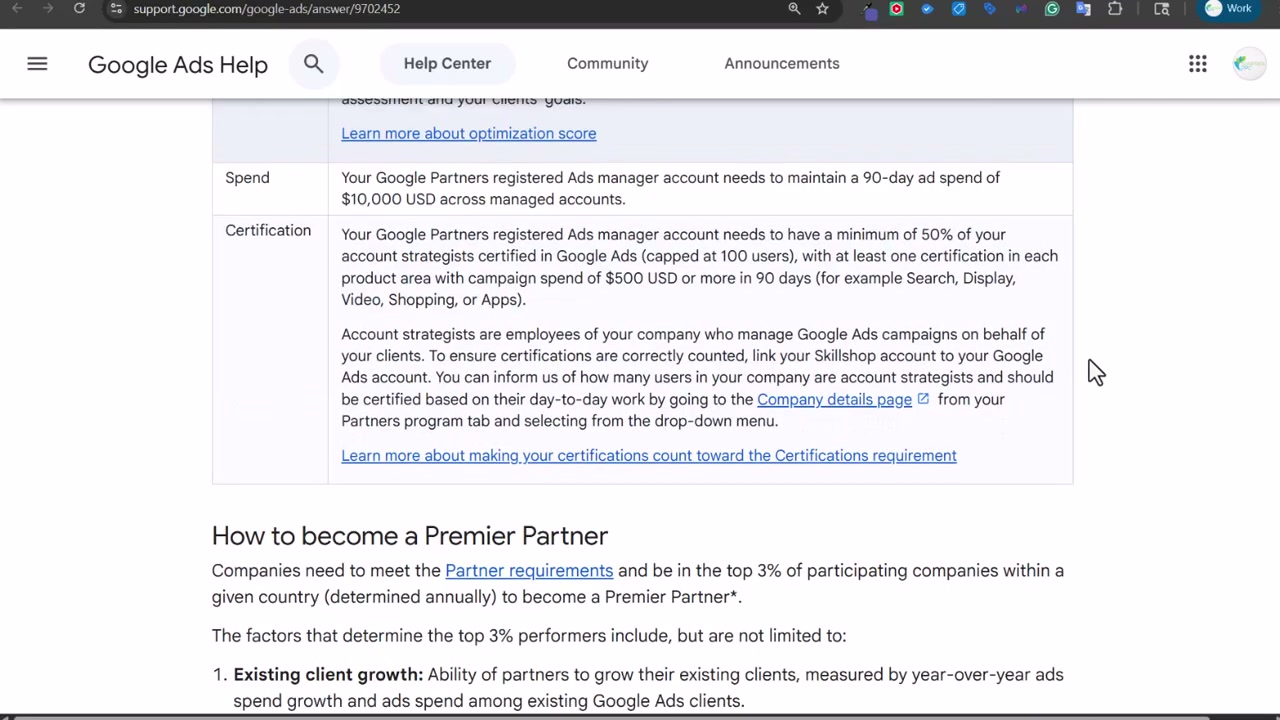
Confirm that your Manager account has accumulated $10,000 USD or more in managed spend over the trailing 90 days. This is calculated across all client accounts linked to your Manager account, not any single account.
-
Ensure that at least 50% of your account strategists hold at least one relevant certification per active product area — capped at 100 users. If multiple people are added to your Manager account, each person without a current certification pulls your percentage down.
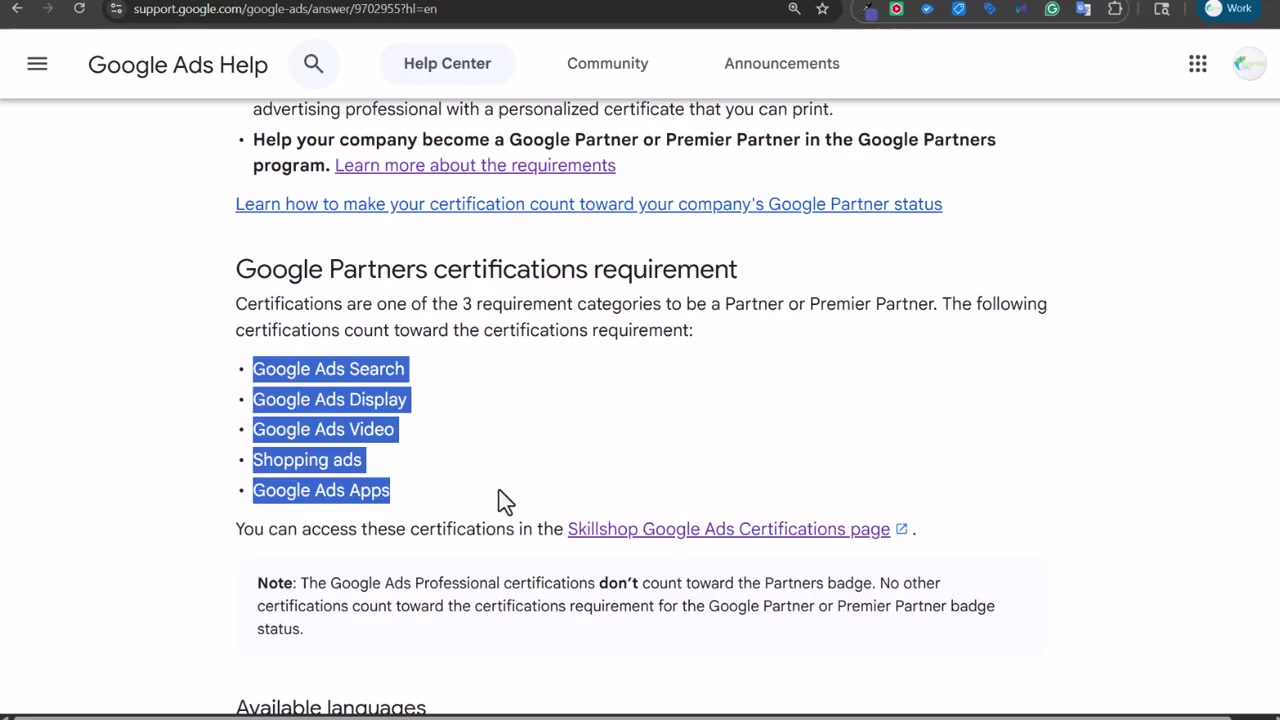
- Once all three thresholds are met — performance, spend, and certification — your account qualifies for the Google Partner badge, which can be displayed on your website and unlocks dedicated Google support. Premier Partner status goes further, placing accounts in the top 3% within their country based on client growth, new client acquisition, and product diversification, evaluated annually.
How does this compare to the official docs?
The video gives you a practitioner’s working picture of the Partner program, but the official Google Ads Help Center carries the precise eligibility thresholds, edge-case rules, and any requirement changes Google rolls out — so Act 2 puts each step against that primary source.
Here’s What the Official Docs Show
The video delivers a reliable walkthrough of Skillshop and the Google Partner program — this act adds what the official documentation confirms, clarifies, and extends at each step. Nothing here invalidates the tutorial; a few things sharpen it.
Step 1 — Go to skillshop.withgoogle.com
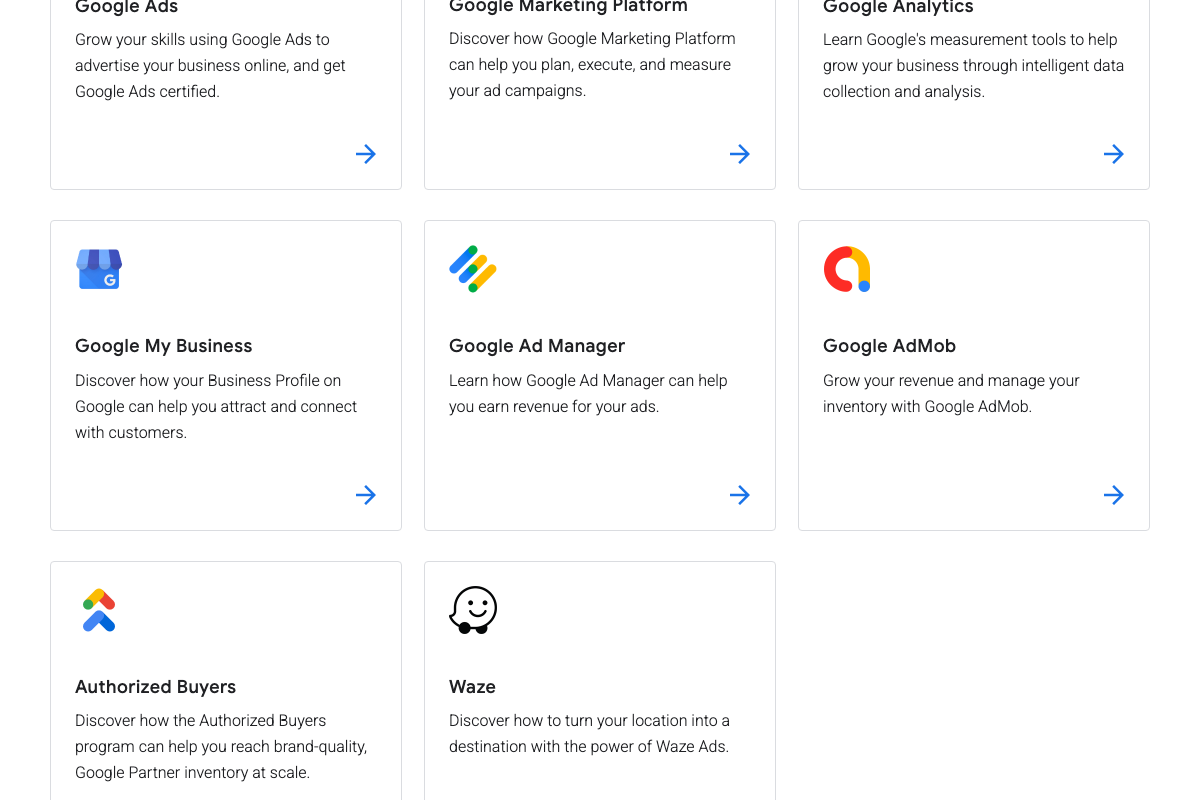
The video’s approach here matches the current docs exactly. Worth noting from the screenshots: the platform’s headline reads “Master the Google tools you use at work with online training” — Skillshop covers Google Analytics, Google Marketing Platform, Ad Manager, and more alongside Google Ads. Navigate into the Google Ads section specifically to stay on track.

Step 2 — Open the Google Ads certification catalog
The video’s approach here matches the current docs exactly. The Google Ads card reads: “Grow your skills using Google Ads to advertise your business online, and get Google Ads certified” — that’s your confirmed entry point.
Step 3 — Review available certifications
No official documentation was found for this step — proceed using the video’s approach and verify independently.
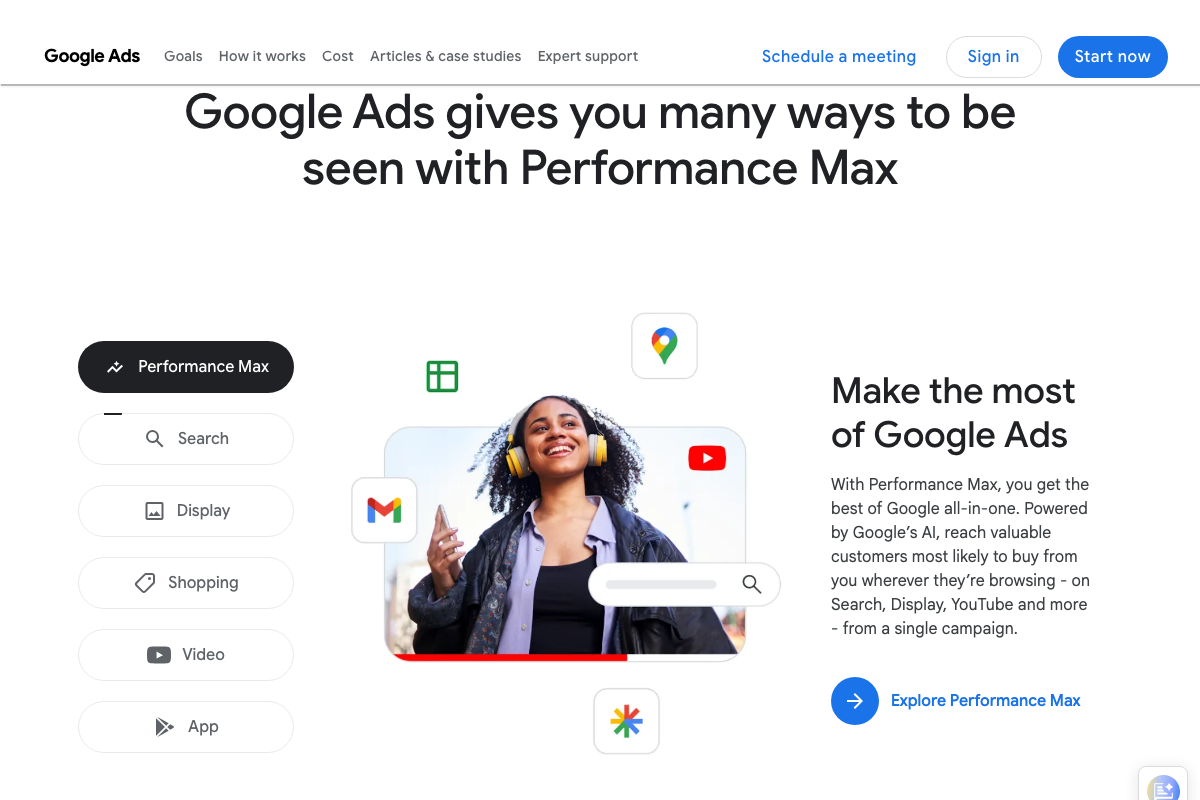
The Google Ads homepage does list Search, Display, Shopping, Video, and App as campaign types — an indirect mapping to the certification categories, but not a direct confirmation of the full exam list by name.
Steps 4 & 5 — Sit for Search, then Video, Shopping Ads, and Measurement
No official documentation was found for these steps — proceed using the video’s approach and verify independently.
Step 6 — Navigate to the Google Partner program page
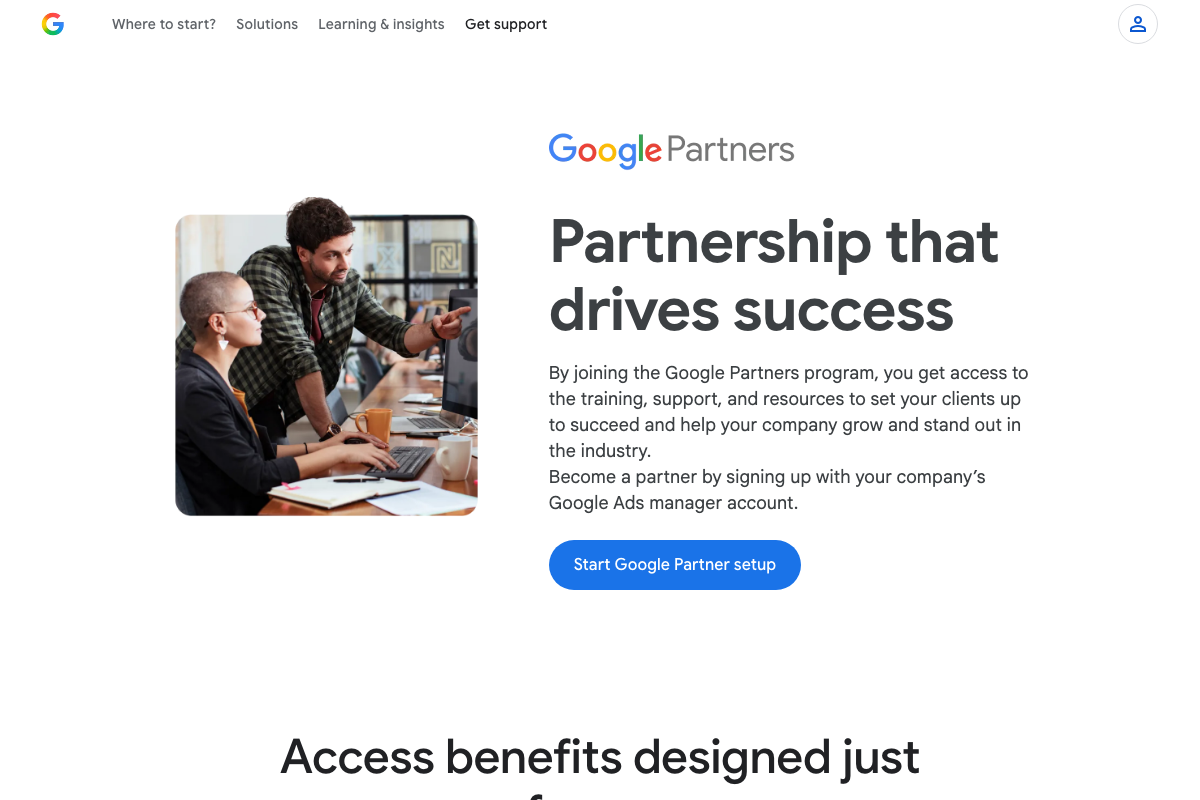
As of April 4, 2026, the correct URL is www.google.com/partners/ — the video directs viewers to business.google.com, which reflects an earlier or alternate destination. The official page includes a “Start Google Partner setup” CTA and explicitly states: “Become a partner by signing up with your company’s Google Ads manager account.”
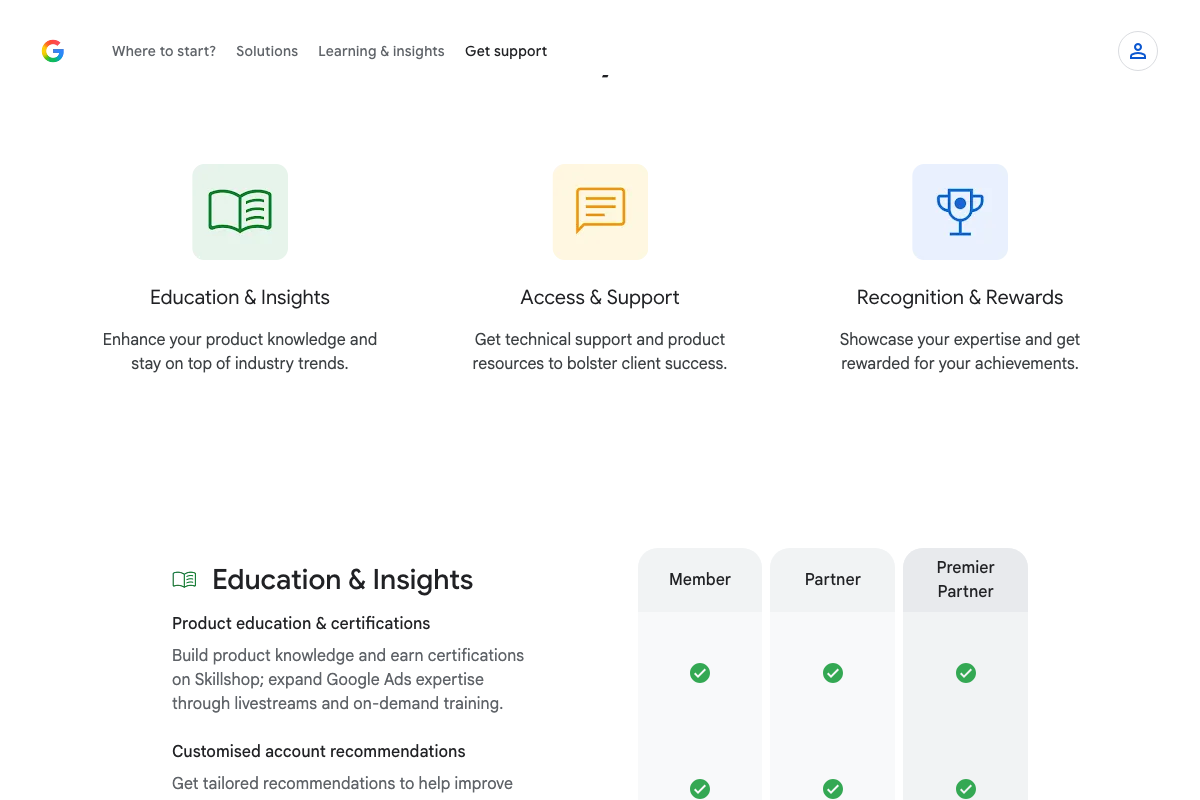
One meaningful addition the docs surface here: the program has three tiers — Member, Partner, and Premier Partner. The video focuses on achieving Partner status but doesn’t mention the Member tier, which is the baseline every enrolled account starts at — and it already includes Skillshop access and select program benefits.
Steps 7, 8 & 9 — Optimization score, spend threshold, and certification coverage
No official documentation was found for these steps — proceed using the video’s approach and verify independently.
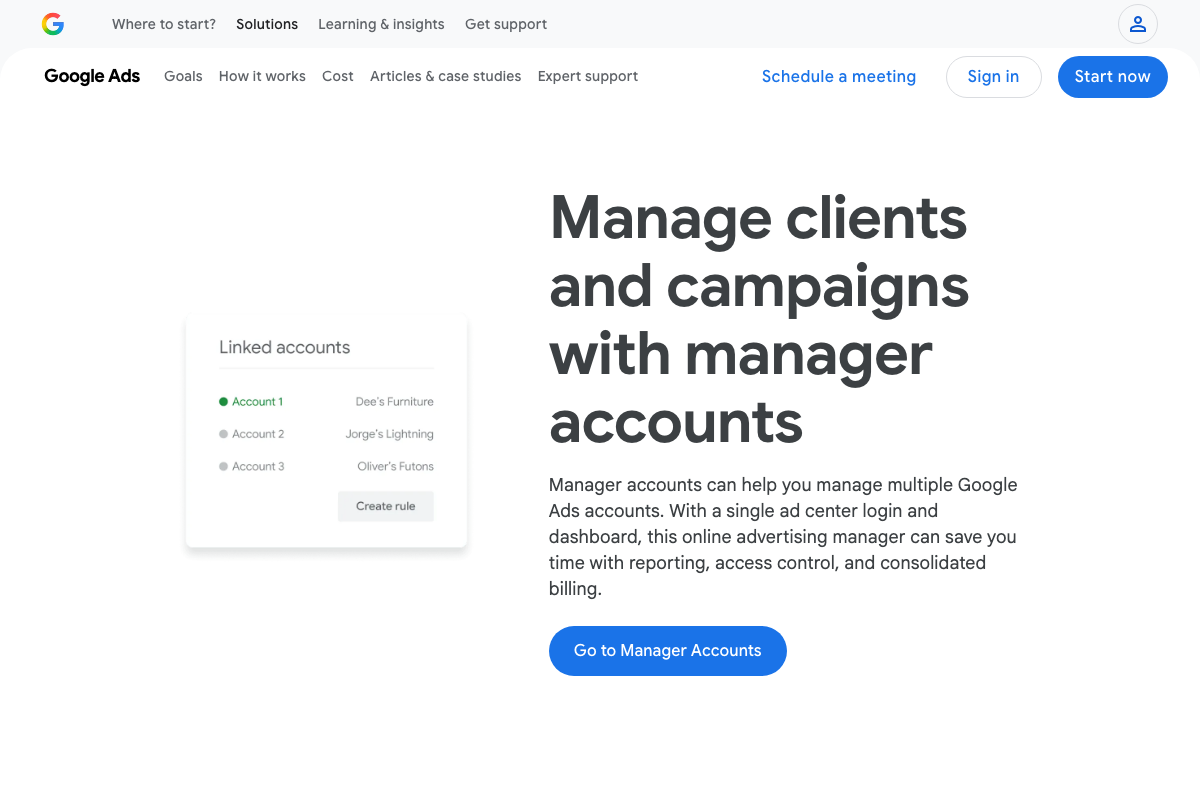
The Manager Accounts page at ads.google.com/home/tools/manager-accounts/ confirms the product and its role in agency workflows, but the specific numeric thresholds the video cites — optimization score percentage, 90-day spend figure, and certification coverage requirements — do not appear in the available screenshots and cannot be confirmed or corrected from these sources.
Step 10 — Qualify for the Google Partner badge
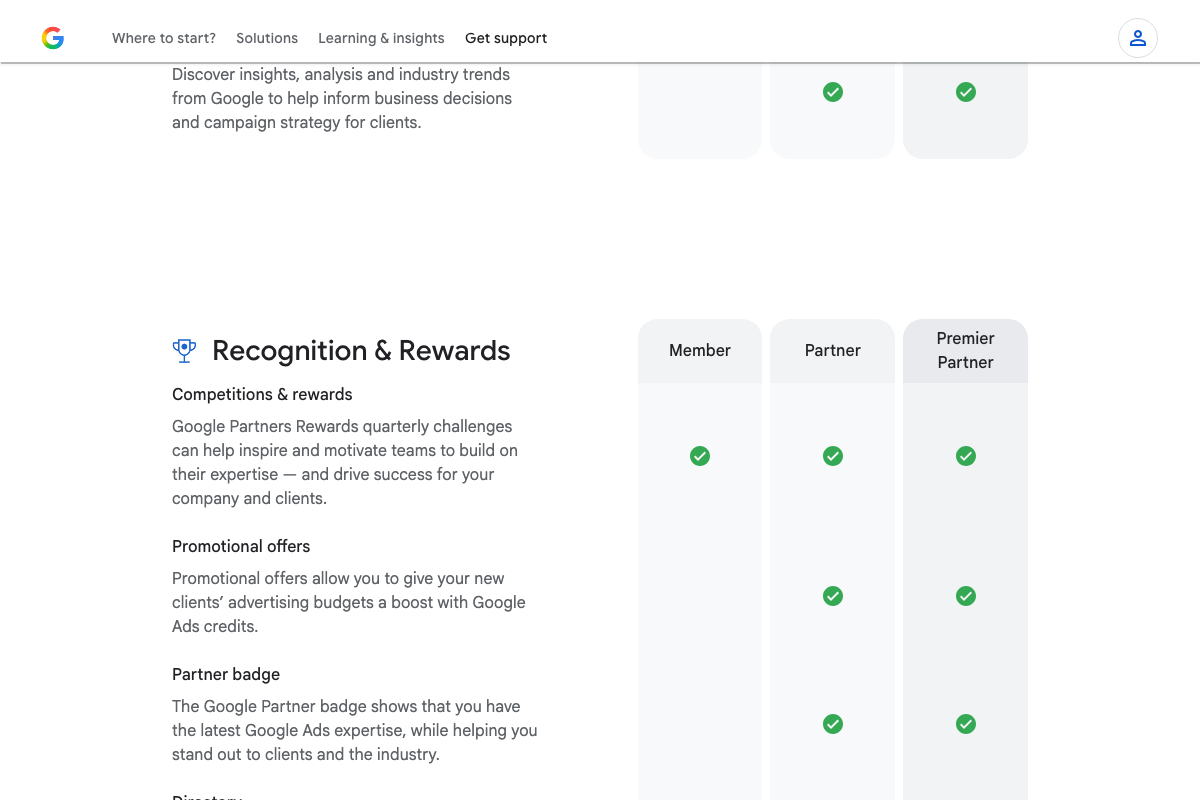
The video’s approach here matches the current docs exactly. The official badge description reads: “The Google Partner badge shows that you have the latest Google Ads expertise, while helping you stand out to clients and the industry.” One addition the docs surface that the video skips: Partner and Premier Partner tiers also unlock promotional Google Ads credits for new clients — a direct revenue benefit worth factoring into your pitch to prospects.
Useful Links
- Skillshop — Google’s official learning platform for Google Ads certifications and training across all Google products
- Google Partners Program: Get Training and Support – Google Ads — Official Google Partners program page with the three-tier structure, benefits comparison table, and Partner setup CTA
- Manager Accounts: Manage Multiple Google Ads Accounts – Google Ads — Google Ads Manager Accounts product page covering multi-account management and agency setup workflow
- Google Ads – Get Customers and Sell More with Online Advertising — Main Google Ads homepage, distinct from the Skillshop certification portal and the Google Partners program page


0 Comments