

Optimize LinkedIn Content for AI Citation and B2B Lead Generation
LinkedIn is becoming one of the primary sources LLMs cite when answering business queries — and that shift is already generating measurable leads for practitioners who understand the mechanics. By the end of this tutorial, you’ll know how to structure LinkedIn content for AI discovery, build a publishing workflow that sequences SEO authority before LinkedIn syndication, and evaluate LinkedIn’s new ad personalization features without alienating your prospects.
-
Recognize LinkedIn’s rising citation rate among LLMs. Reddit and Wikipedia citation rates are declining across ChatGPT, Claude, and Gemini. LinkedIn is trending upward — one practitioner reports that 30–40% of inbound leads now arrive through AI-assisted discovery, up from near zero six months prior.
-
Factor in the Microsoft ownership chain. Microsoft owns LinkedIn and is the largest investor in OpenAI. That relationship likely shapes how ChatGPT prioritizes LinkedIn content relative to competing platforms. Expect this structural advantage to deepen over time rather than equalize.
- Choose LinkedIn Articles and Newsletters over standard posts for lasting visibility. A standard post lives two to four days and is effectively dead within two weeks. An article or newsletter entry is indexed long-term and remains accessible to LLMs. Use posts for short-term engagement and articles for content you need discoverable months from now.
- Build a two-stage publishing workflow. Publish the full piece on your own domain first. Wait two to three days for Google to index it, then republish the same content verbatim as a LinkedIn Article. This sequences SEO authority before LinkedIn syndication, keeping your original URL canonical while making the content accessible to LLMs through LinkedIn’s structured semantic markup.
Warning: this step may differ from current official documentation — see the verified version below.
-
Post about the article separately as a standard LinkedIn post. When you publish a LinkedIn Article, LinkedIn auto-generates a post — but that auto-post underperforms a hand-crafted text post. Write an original, standalone post linking to or summarizing the article to capture the short-term engagement reach that articles alone do not generate.
-
Set up a LinkedIn Newsletter to trigger direct subscriber notifications. Newsletters are collections of articles, but they carry an additional distribution layer: subscribers receive both an email notification and an in-app alert on every publish. That direct-reach mechanism bypasses the feed algorithm entirely for subscribers who have notifications enabled.
-
Write in clear, factual, corroborable language. LinkedIn’s official guidance targets a grade 9–11 reading level. For marketing content — especially ads — a grade 5 reading level improves skimmability without sacrificing authority. The operative goal is LLM confidence: models cross-reference claims against their existing training data, so verifiable statements get cited more readily than novel, unsubstantiated ones.
Warning: this step may differ from current official documentation — see the verified version below.
-
Use specific, verifiable statements rather than unsubstantiated claims. LLMs assign higher citation confidence to content that aligns with facts already indexed across the web. Fringe assertions or proprietary statistics without attribution are harder for models to corroborate and are therefore less likely to surface in an AI-generated answer.
-
Test LinkedIn’s new ad personalization features before scaling. LinkedIn now supports dynamic insertion of first name, job title, and company name directly into ad copy. Run a click-through rate test on a contained segment before broad rollout — personalization that worked inside tightly scoped ABM campaigns does not automatically transfer to wider audiences.
-
Avoid company-name personalization at scale. Seeing their company name appear in ad copy reads as surveillance to prospects outside a known ABM context. Reserve that level of granularity for accounts where the targeting intent is already understood by the recipient.
How does this compare to the official docs?
The verbatim republishing workflow and reading-level guidance both touch areas where LinkedIn’s own documentation and broader SEO best practices diverge — and the gap is significant enough to affect your results depending on which approach you follow.
Here’s What the Official Docs Show
The tutorial’s core content strategy is well-grounded, and LinkedIn’s official documentation backs its most actionable claims solidly. The gaps below are genuine — several steps rely on practitioner experience rather than platform documentation, and you should treat them as informed hypotheses until LinkedIn publishes clearer guidance.
Step 1 — LinkedIn’s rising LLM citation rate
No official documentation was found for this step —
proceed using the video’s approach and verify independently.
Step 2 — Microsoft-OpenAI-LinkedIn ownership advantage
No official documentation was found for this step —
proceed using the video’s approach and verify independently.
Step 3 — LinkedIn Articles and Newsletters over standard posts
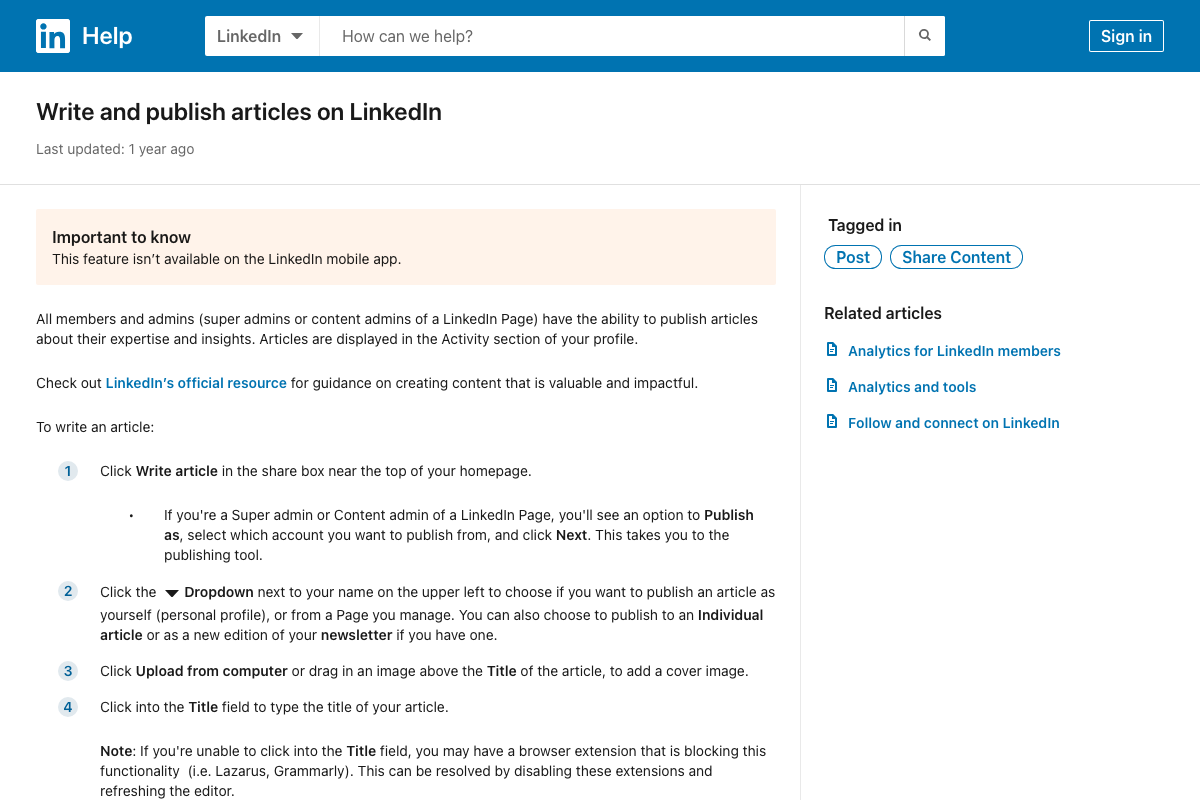
The video’s approach here matches the current docs exactly. LinkedIn Help confirms Articles are a distinct, permanently indexed format that lives in the Activity section of your profile — not the feed. One constraint the tutorial doesn’t mention: Articles are not available on the LinkedIn mobile app. Desktop access is required for the entire creation workflow.
Step 4 — Two-stage publishing workflow (own domain first, then LinkedIn)
No official documentation was found for this step —
proceed using the video’s approach and verify independently.
What the docs do confirm: the Article editor includes a dedicated SEO title, SEO description, and custom Article URL field under the Manage dropdown. LinkedIn’s indexability infrastructure supports the tutorial’s longevity argument — the specific 2–3 day sequencing strategy just has no documented basis.
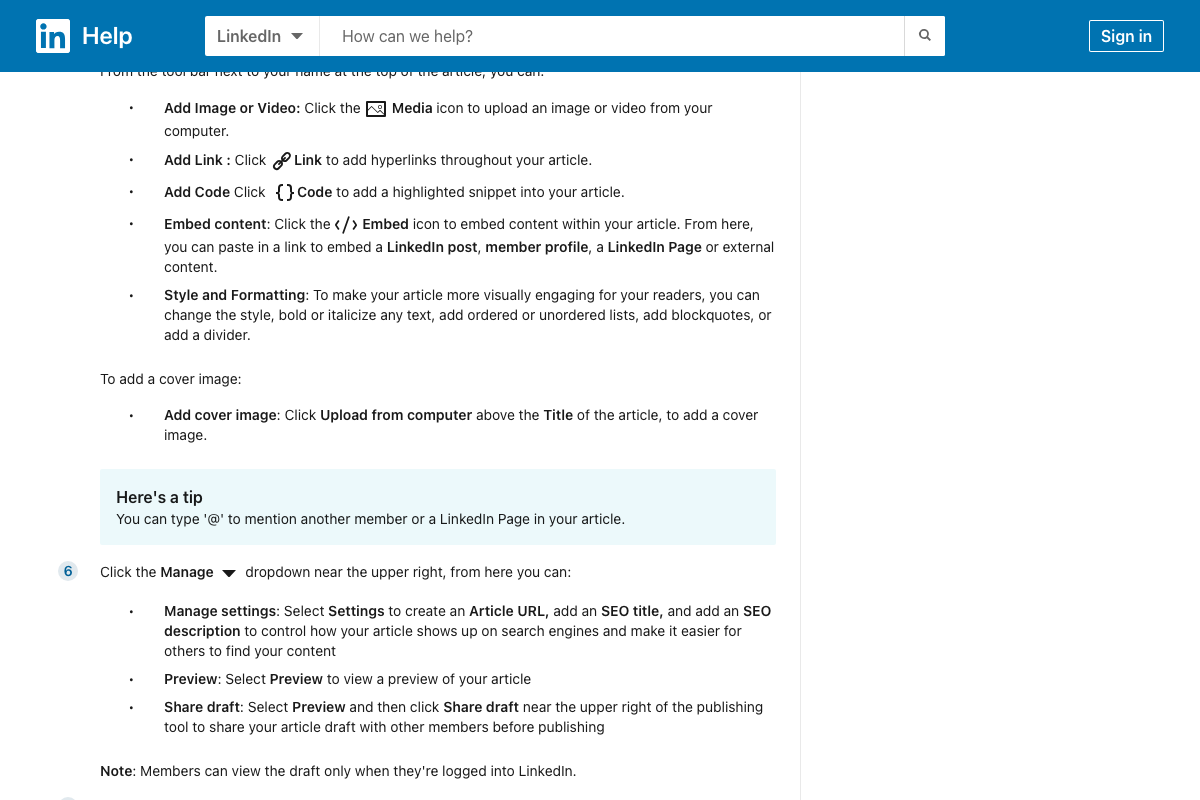
Step 5 — Post about the article separately as a standard post
The video’s approach here matches the current docs exactly. The Article editor includes a “Tell your network what your article is about” field at publish time — the platform’s own prompt for pairing a standalone post with every Article. Write that post independently rather than accepting LinkedIn’s auto-generated version.
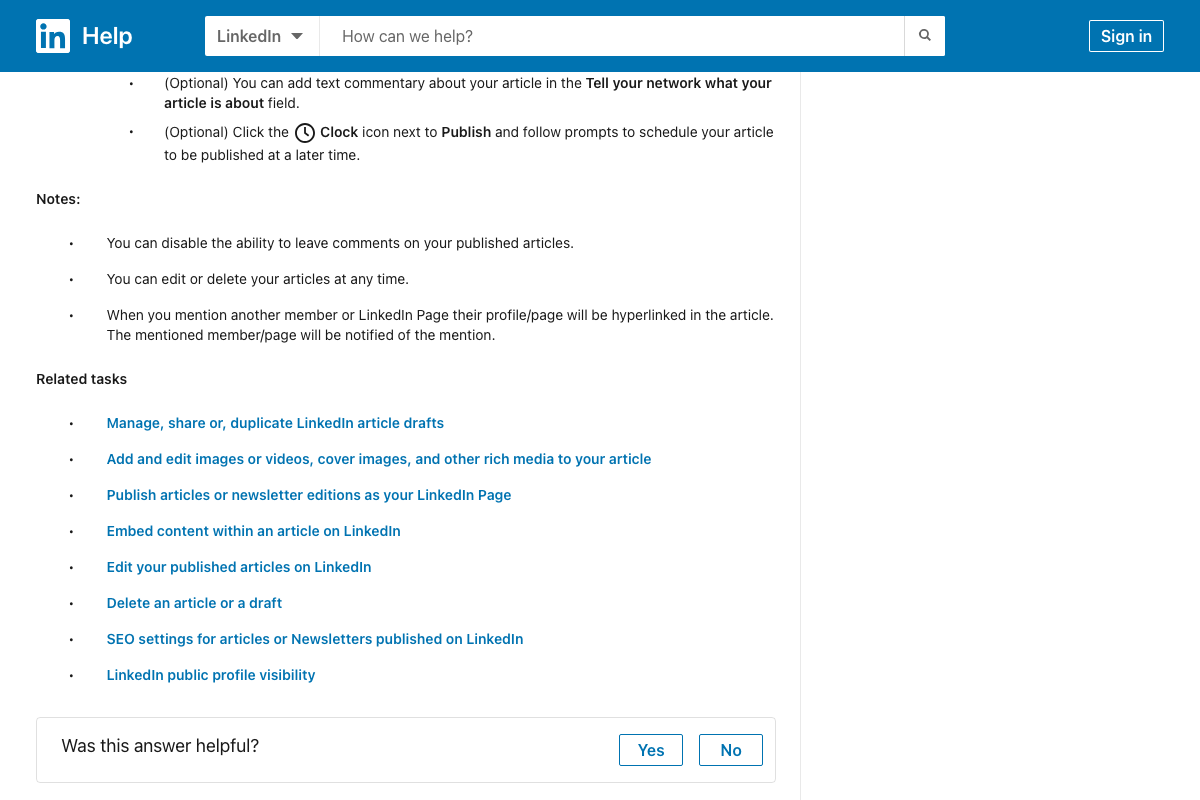
Step 6 — LinkedIn Newsletter subscriber notifications
No official documentation was found for this step —
proceed using the video’s approach and verify independently.
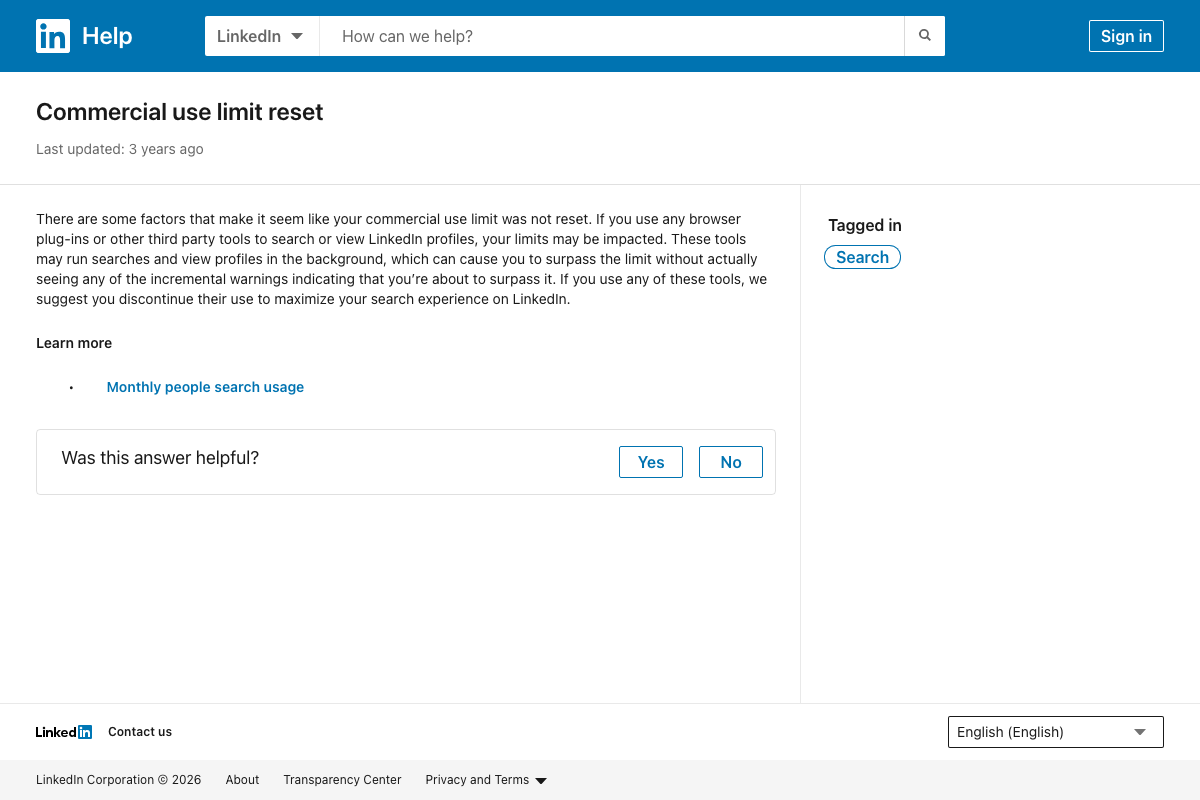
As of April 2, 2026, the screenshots assigned to this step captured the wrong LinkedIn Help article — “Commercial use limit reset” (answer/a528024) rather than Newsletter setup documentation. Step 6’s claims about subscriber email and in-app notifications cannot be confirmed or corrected from available sources.
Step 7 — Grade 9–11 reading level guidance
No official documentation was found for this step —
proceed using the video’s approach and verify independently.
The LinkedIn Articles help doc references an “official resource for guidance on creating content that is valuable and impactful,” but the linked resource’s contents were not captured in the available screenshots.
Step 8 — Specific, verifiable statements for LLM citation confidence
No official documentation was found for this step —
proceed using the video’s approach and verify independently.
Step 9 — LinkedIn ad personalization tokens (first name, job title, company name)
No official documentation was found for this step —
proceed using the video’s approach and verify independently.
Campaign Manager is confirmed as the required platform for all LinkedIn ad creation. No available documentation shows dynamic personalization token fields in ad copy. Verify current Campaign Manager capabilities directly before building this into a client deliverable.
Step 10 — Avoid company-name personalization at scale
No official documentation was found for this step —
proceed using the video’s approach and verify independently.
Useful Links
- Write and publish articles on LinkedIn | LinkedIn Help — Official documentation for the Article editor, SEO metadata fields, publishing scope options, scheduling, and mobile availability constraints.
- Marketing Solutions Help — LinkedIn’s self-serve ad platform help hub and Campaign Manager entry point.
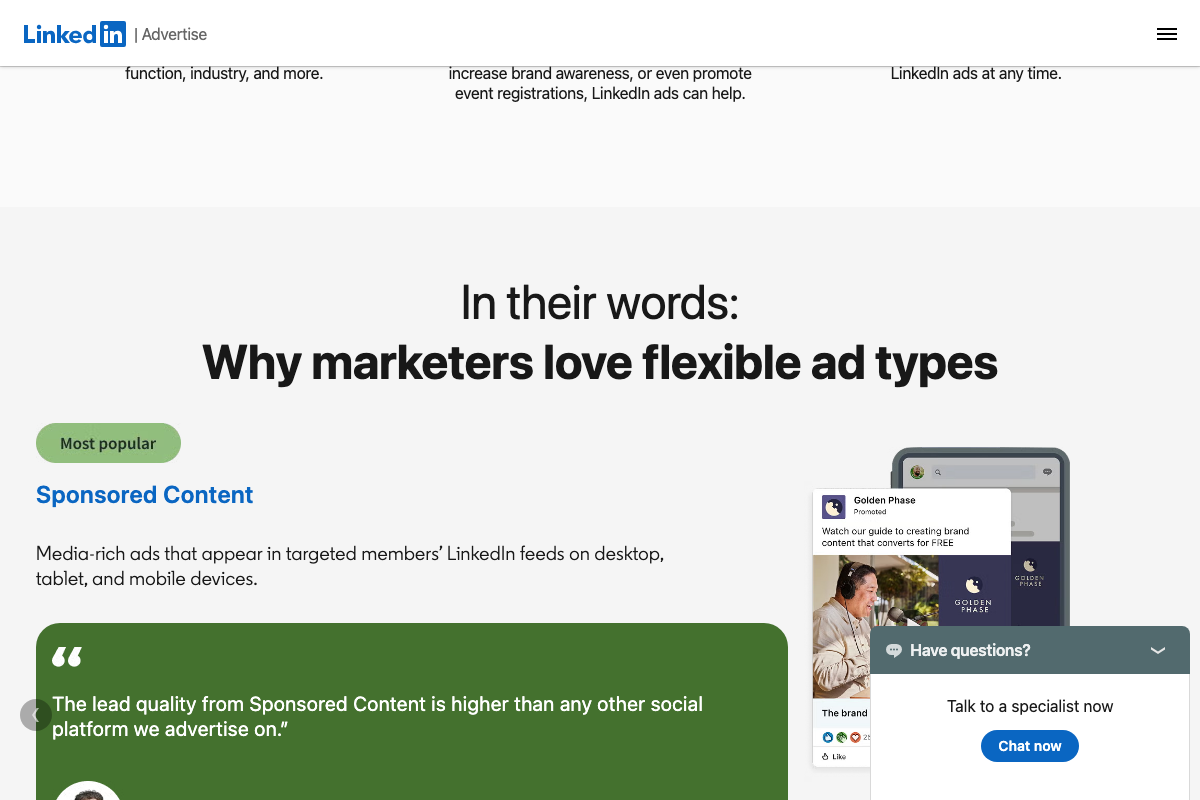
- LinkedIn Ads: Targeted Self-Serve Ads — LinkedIn’s Sponsored Content product page with B2B onboarding flow and format details.
- LinkedIn: Log In or Sign Up — LinkedIn’s public homepage, confirming content is publicly browsable and categorized for logged-out visitors and web crawlers.
- Commercial use limit reset | LinkedIn Help — LinkedIn people-search throttle documentation, captured in error for the newsletter research step — included here for source transparency.
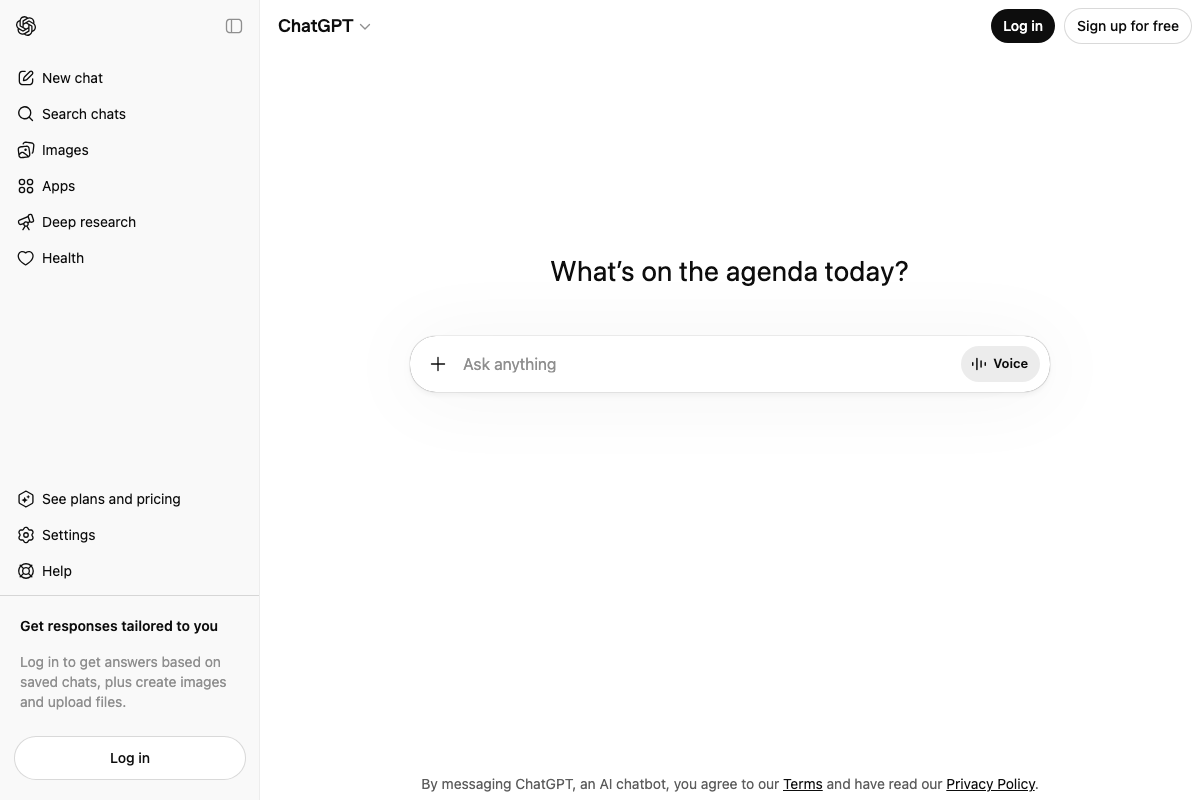
- ChatGPT — OpenAI’s ChatGPT interface, confirming Deep Research and web-citation capabilities exist as a product feature.


0 Comments