

Building a Seven-Skill Claude Code Content System That Produces 90 Pieces per Month
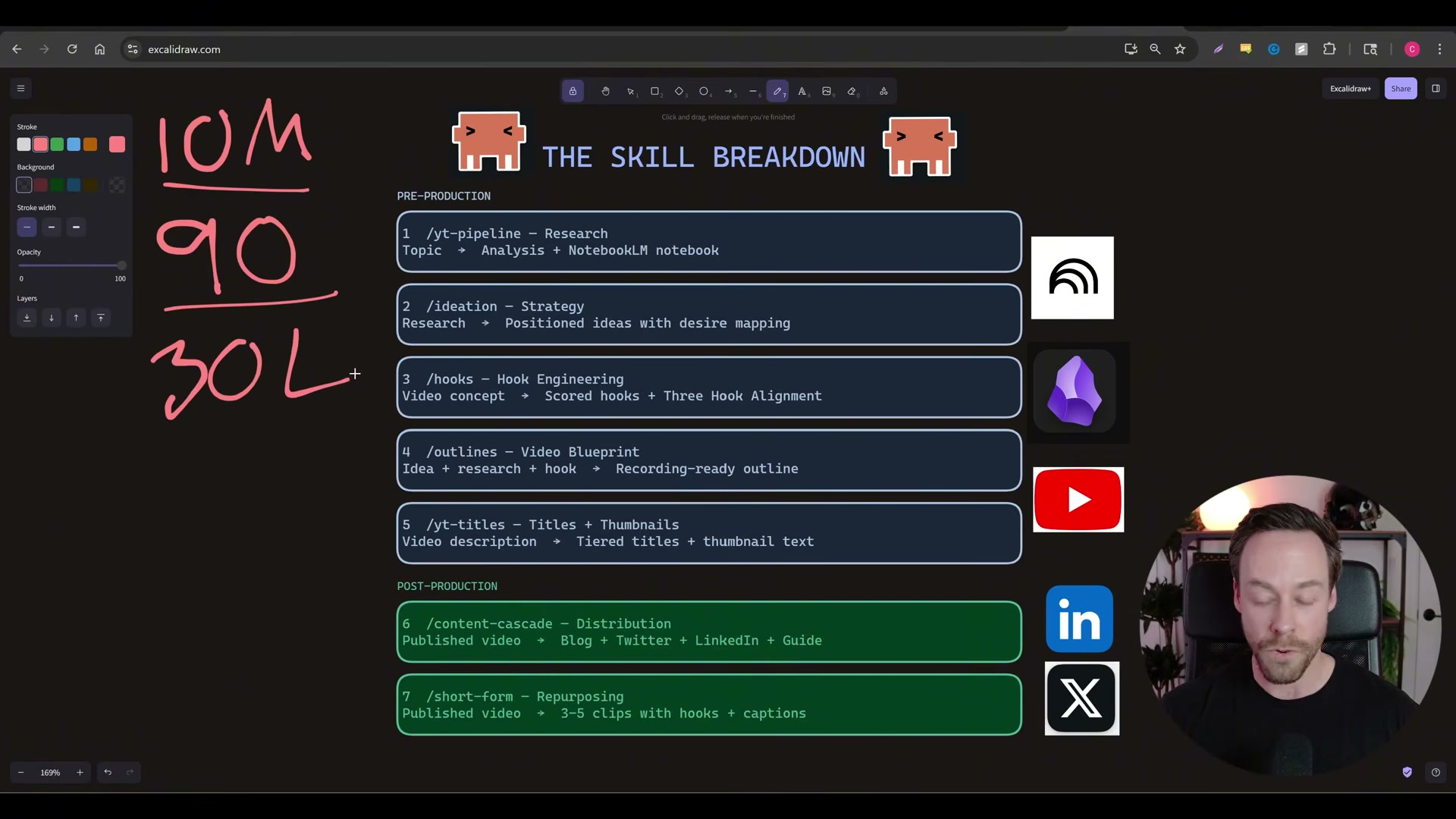
Chase Reeves — creator behind Chase AI — built a seven-skill Claude Code pipeline that generated 10 million views across 90 pieces of content in a single month as a one-person operation. After working through this tutorial, you’ll understand how to identify your niche’s knowledge sources, wire up automated research agents, and connect them to an ideation-and-scripting workflow that runs largely on its own. The system maps four content phases — research, ideation, scripting, and distribution — to seven Claude Code slash commands.
- Identify your niche’s fountainhead knowledge sources. Determine where original ideas surface in your vertical before any automation starts. For AI and tech, that means Twitter and GitHub — YouTube is typically downstream. Other niches have their own origination points; trace ideas to their source before they spread and saturate. This is “step zero” — the input layer the entire pipeline depends on.

-
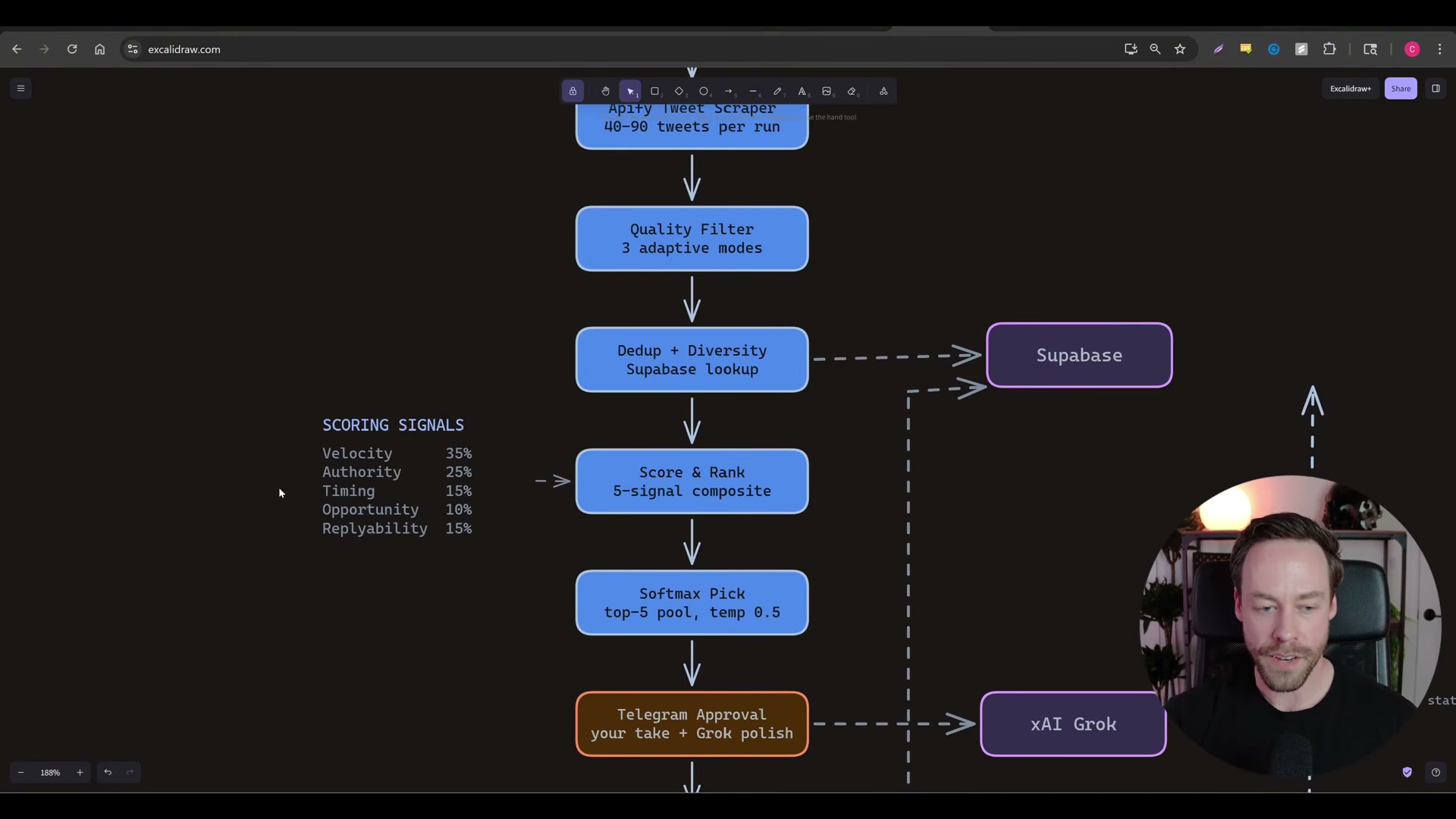
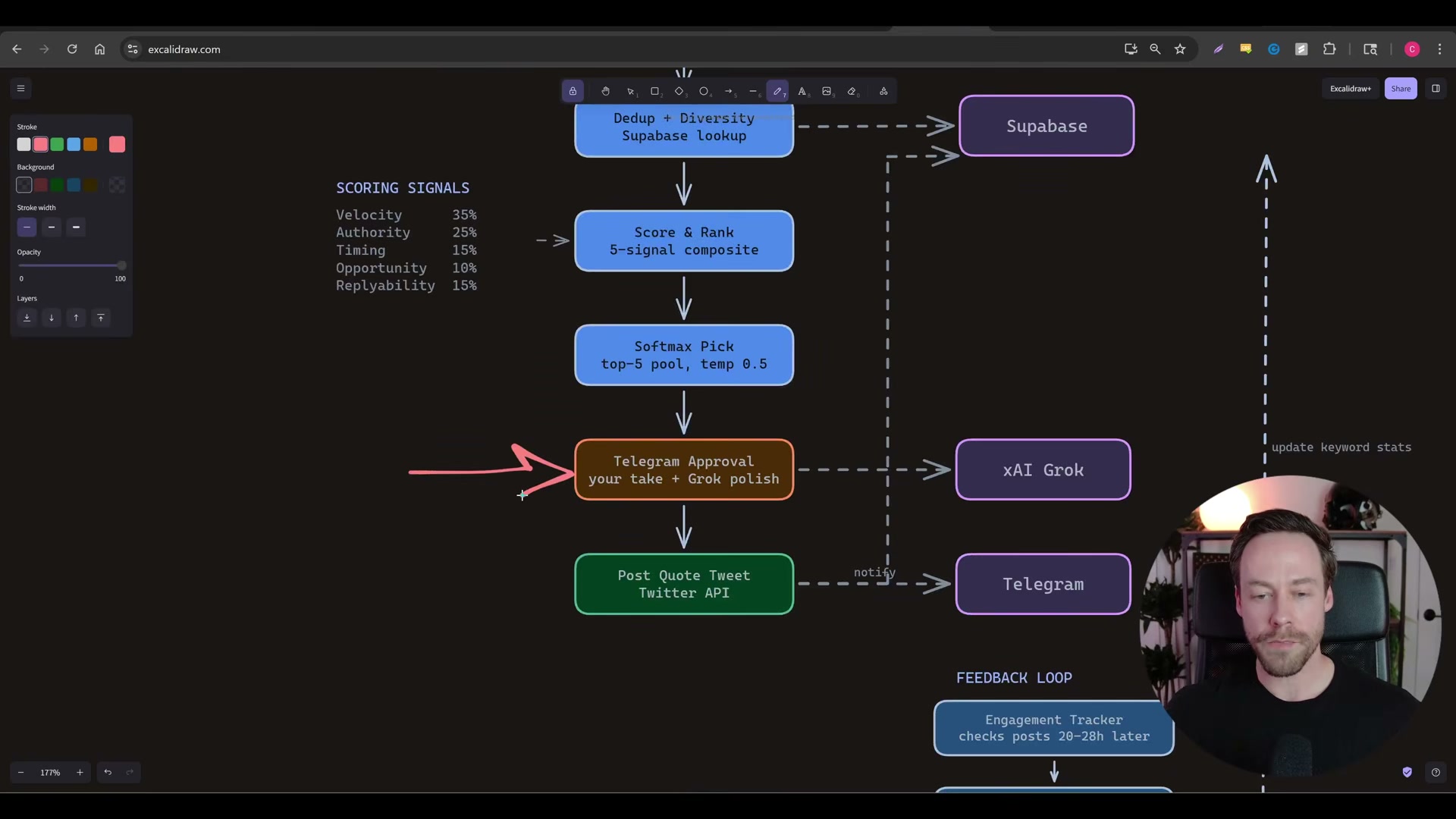
Use Claude Code to build a Twitter scraping web app. Have Claude Code scaffold an app combining an Apify tweet scraper, Supabase for deduplication and storage, Grok for reply drafting, and Telegram for delivery. The app runs on a randomized 30-to-45-minute timer, scrapes 40 to 90 tweets per cycle, and pushes curated results to your Telegram feed. You supply a keyword list and author list; Claude Code handles the wiring.
-
Configure the five-signal tweet scoring system and apply softmax selection. Score each scraped tweet across velocity (35%), authority (25%), timing (15%), opportunity (10%), and replyability (15%). After scoring, apply softmax to generate a probability distribution across the top-five candidates so the feed doesn’t converge on the same accounts every cycle. All replies flow back through Supabase to build a self-improving engagement record over time.
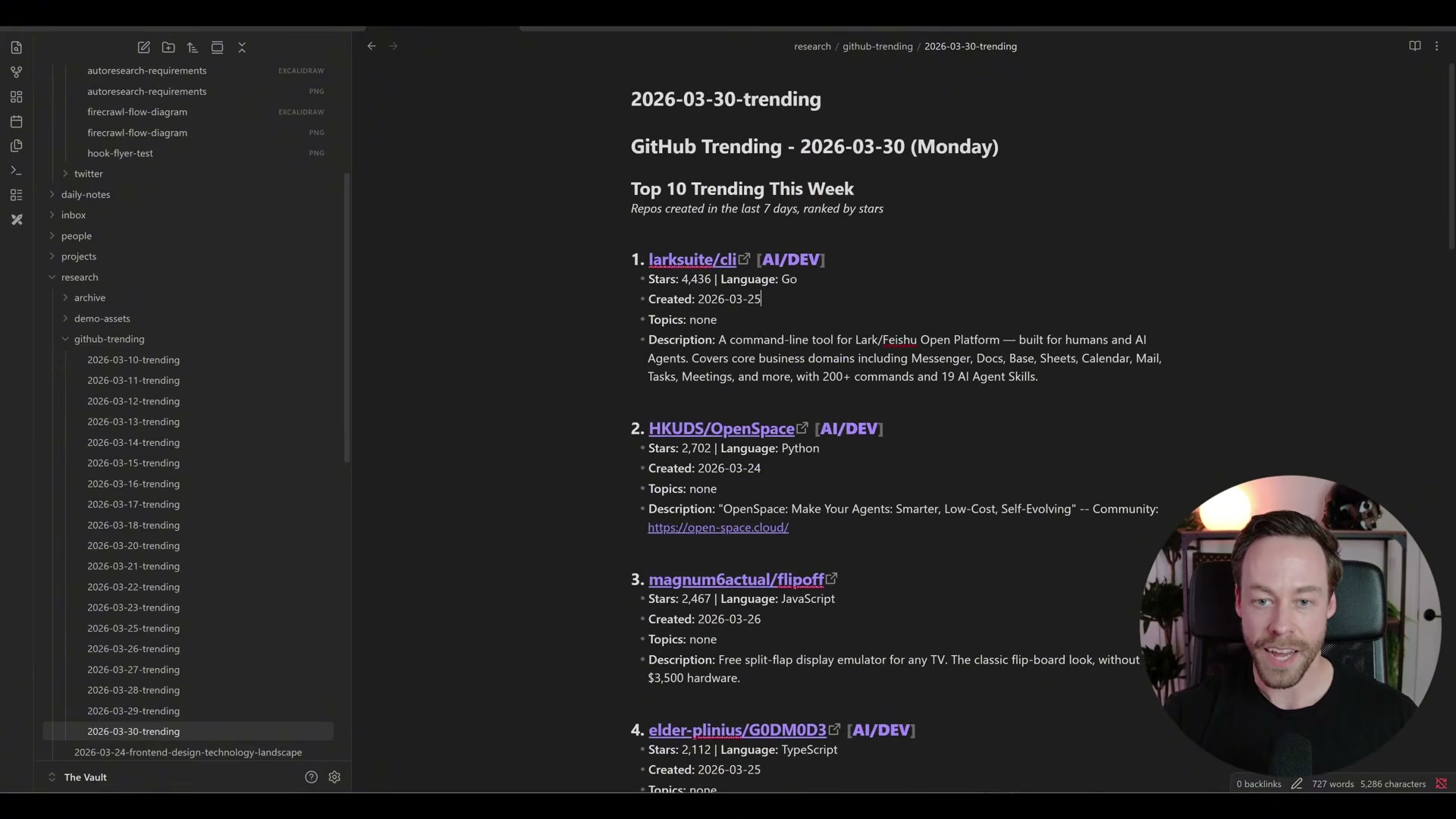
- Build a GitHub trending repos script that writes daily digests into Obsidian. Claude Code generates a script that runs every morning, filters GitHub Trending for AI-relevant repositories, and writes two structured summaries to your vault: a top-10 list for repos created in the last seven days and a top-5 for the current month, each with star count, language, a link, and a description.
- Invoke
/yt-pipelineon a topic discovered via Twitter or GitHub. Run the skill in your Claude Code terminal, pointing it at your candidate topic. It sources relevant YouTube URLs automatically, passes them to NotebookLM via the NotebookLM API CLI bridge, and returns full analysis without consuming Claude tokens for the heavy lift — Google’s servers handle that. Output lands in your Obsidian vault as markdown.
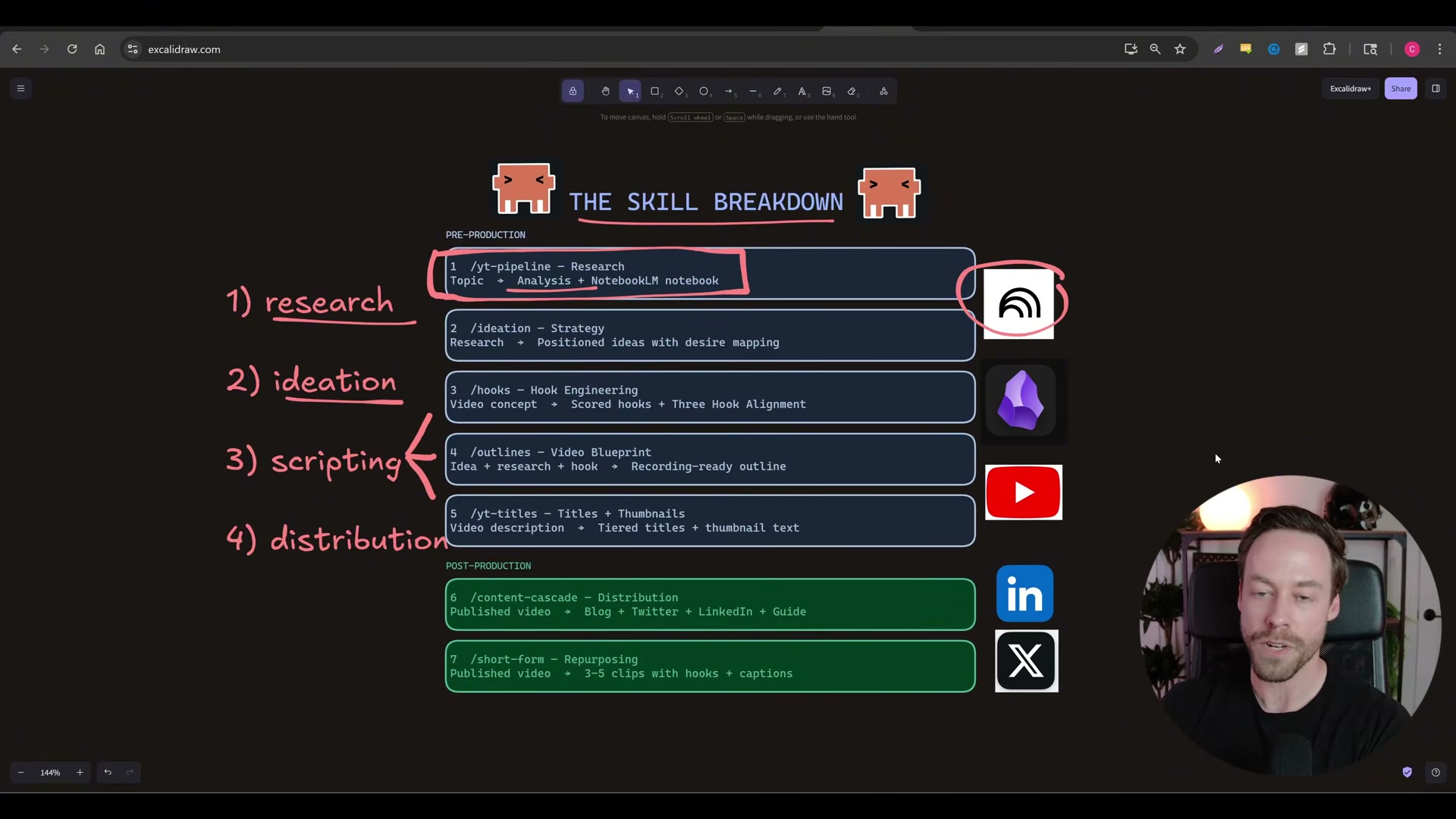
-
Review NotebookLM analysis outputs stored in Obsidian. The skill creates a full NotebookLM notebook with chat, mind map, briefing doc, and flashcard generation ready. Read the structured markdown in Obsidian and decide which research threads are worth pursuing before moving forward.
-
Run
/ideationto analyze competitive landscape and surface open gaps. The ideation skill reads the research output and identifies what competitors have covered, which angles are saturated, and where performance outliers exist — reframing the data through desire mapping rather than repeating the research. -
Review ranked video ideas with titles, angles, and competitive gap notes. The skill returns a prioritized list of concepts with proposed titles, desire-mapped angles, and explicit notes on what’s been missed. Use this output, not intuition, to decide what to produce.
-
Approve or refine ideas before advancing to scripting. Once an idea clears ideation, it advances to
/hooks,/outlines, and/yt-titles. The approval gate keeps you in the loop — the system does not auto-advance.
How does this compare to the official docs?
The workflow relies on several third-party APIs and a custom NotebookLM CLI bridge — the next section checks each integration against current official documentation to identify what may have shifted since this video was recorded.
Here’s What the Official Docs Show
The video gives you a solid working model of the seven-skill pipeline — this section adds the build-checklist layer, filling in architectural specifics and flagging a handful of integration details worth confirming before you start wiring. Nothing here replaces what the video demonstrated; it extends it where the docs had something concrete to add.
Step 1: Identify your fountainhead knowledge sources
The video’s approach here matches the current docs exactly. GitHub’s homepage confirms its developer-and-agent-forward positioning, validating it as a primary origination layer for the AI/tech niche.

Step 2: Build the Twitter scraping web app
The video’s approach here matches the current docs exactly for the Apify and Supabase layers. Apify confirms 22,000+ marketplace Actors and lists social media monitoring as a supported use case — search “tweet scraper” in the Apify Store to locate the specific Actor before building, since it isn’t surfaced on the homepage. Supabase is confirmed as a production-grade Postgres platform with auto-generated REST APIs; no separate API layer is needed. One setup detail the tutorial omits: Row Level Security is not enabled by default on new Supabase tables — configure RLS policies before storing data you intend to access-control. Telegram confirms its API is open and officially supported for bot development; practical setup requires a token from BotFather and the sendMessage method at core.telegram.org/bots/api, which was not capturable during verification.
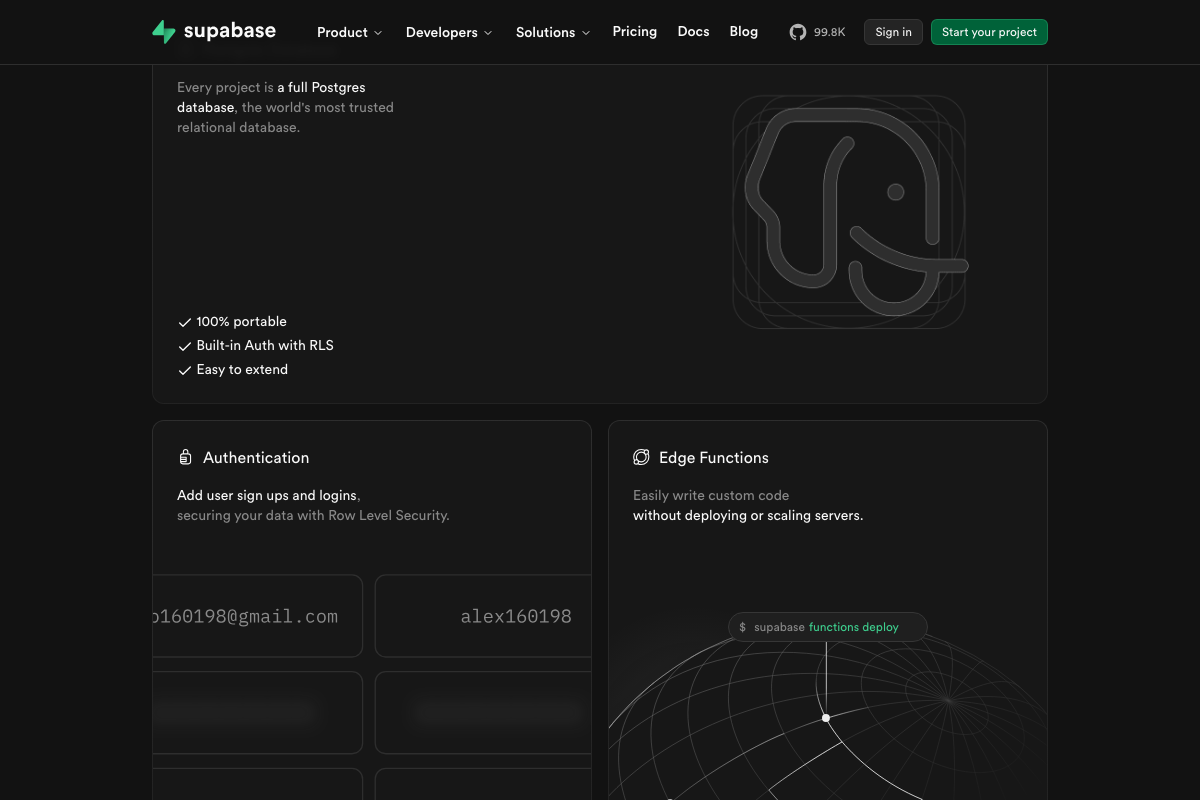

No official documentation was found for the Grok API (steps 2–3) —
proceed using the video’s approach and verify independently at docs.x.ai.
Step 3: Configure five-signal scoring and softmax selection
No official documentation was found for this step —
proceed using the video’s approach and verify independently.
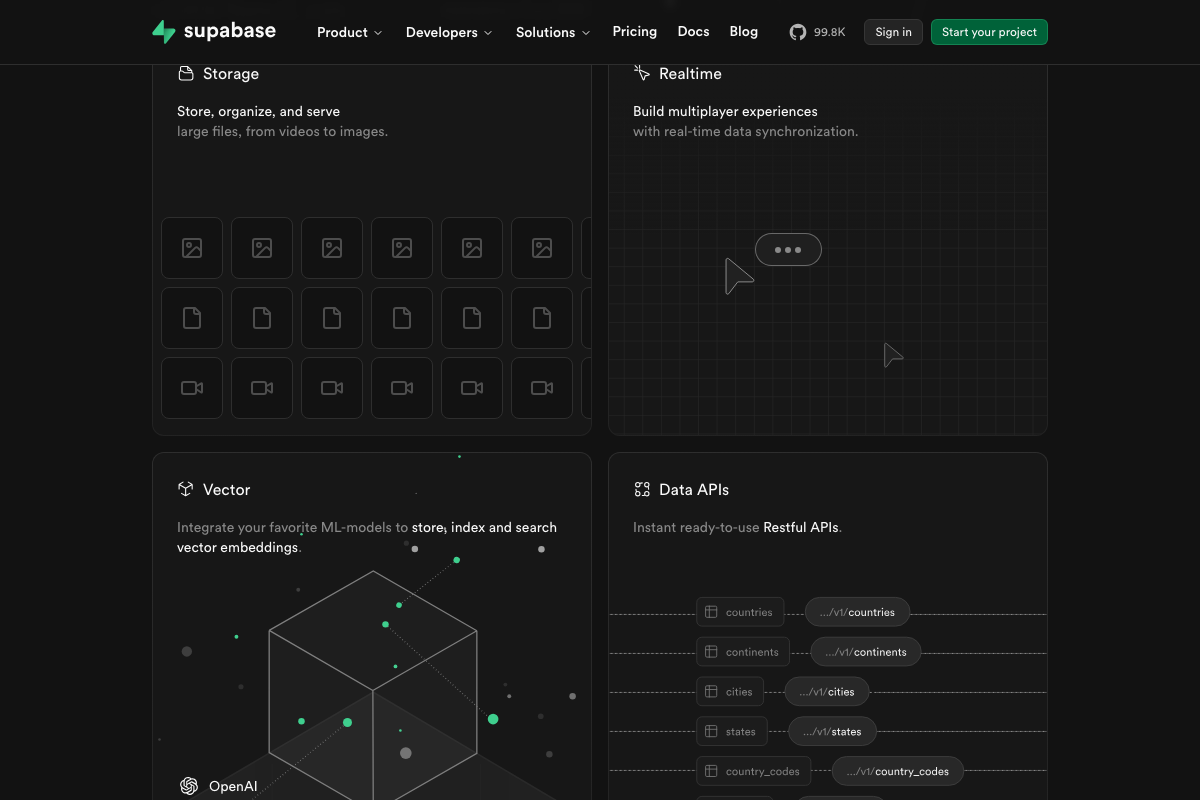
Worth noting: Supabase’s Vector embeddings feature, confirmed in the docs, could support semantic similarity scoring alongside the five rule-based signals if you want the model to evolve beyond fixed weights.
Step 4: Build the GitHub trending repos script and write digests to Obsidian
The video’s approach here matches the current docs exactly for the Obsidian storage layer — it is a local-first markdown app and scripts write directly to vault files with no API or plugin required. One architectural gap: GitHub provides no public Trending API. The script must scrape github.com/trending, which is subject to HTML structure changes. A more stable proxy is the GitHub Search API with created:>YYYY-MM-DD date filtering.

Step 5: Invoke /yt-pipeline on a candidate topic
No official documentation was found for this step —
proceed using the video’s approach and verify independently.
NotebookLM at notebooklm.google.com sits behind a Google Account authentication wall — no interface or API surface was accessible during verification.
Step 6: Review NotebookLM outputs in Obsidian
No official documentation was found for this step —
proceed using the video’s approach and verify independently.
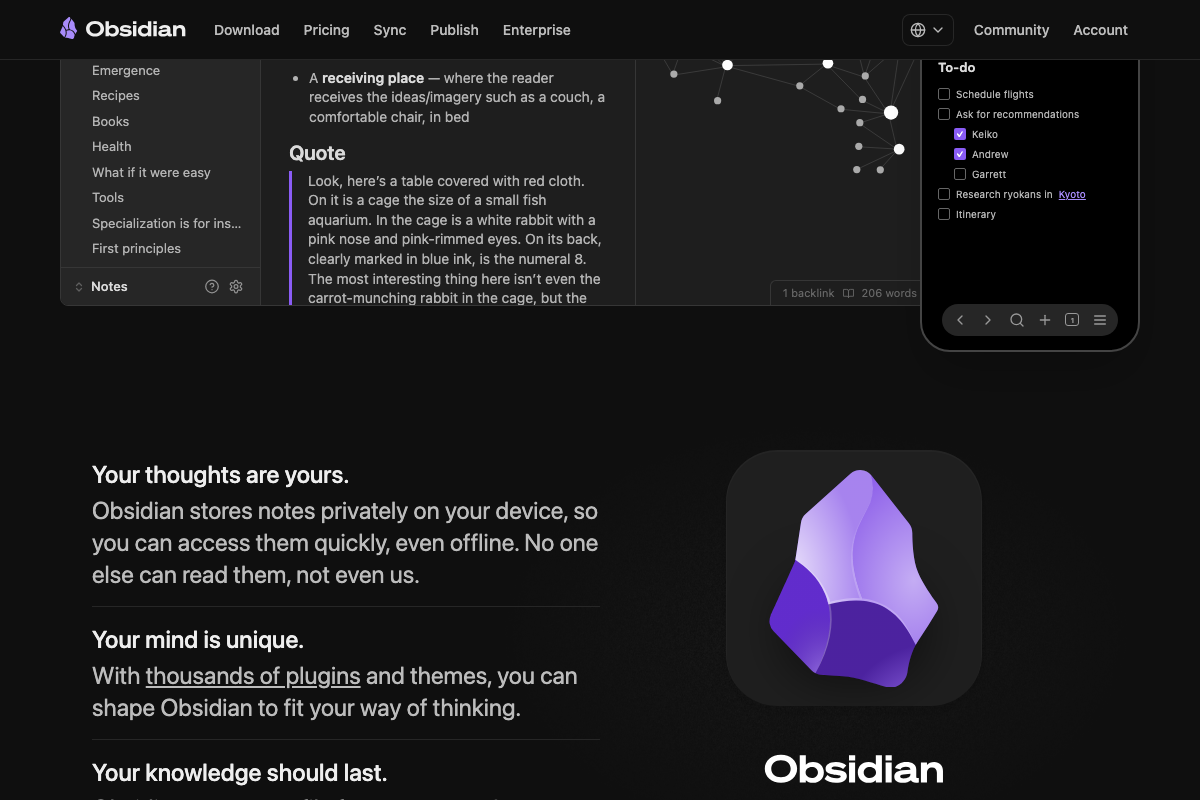
If you need cross-device access to research outputs, Obsidian Sync (paid) or a Git-based sync workflow is required — neither is mentioned in the tutorial.
Steps 7–9: Ideation, ranked output, and approval gate
No official documentation was found for these steps —
proceed using the video’s approach and verify independently.
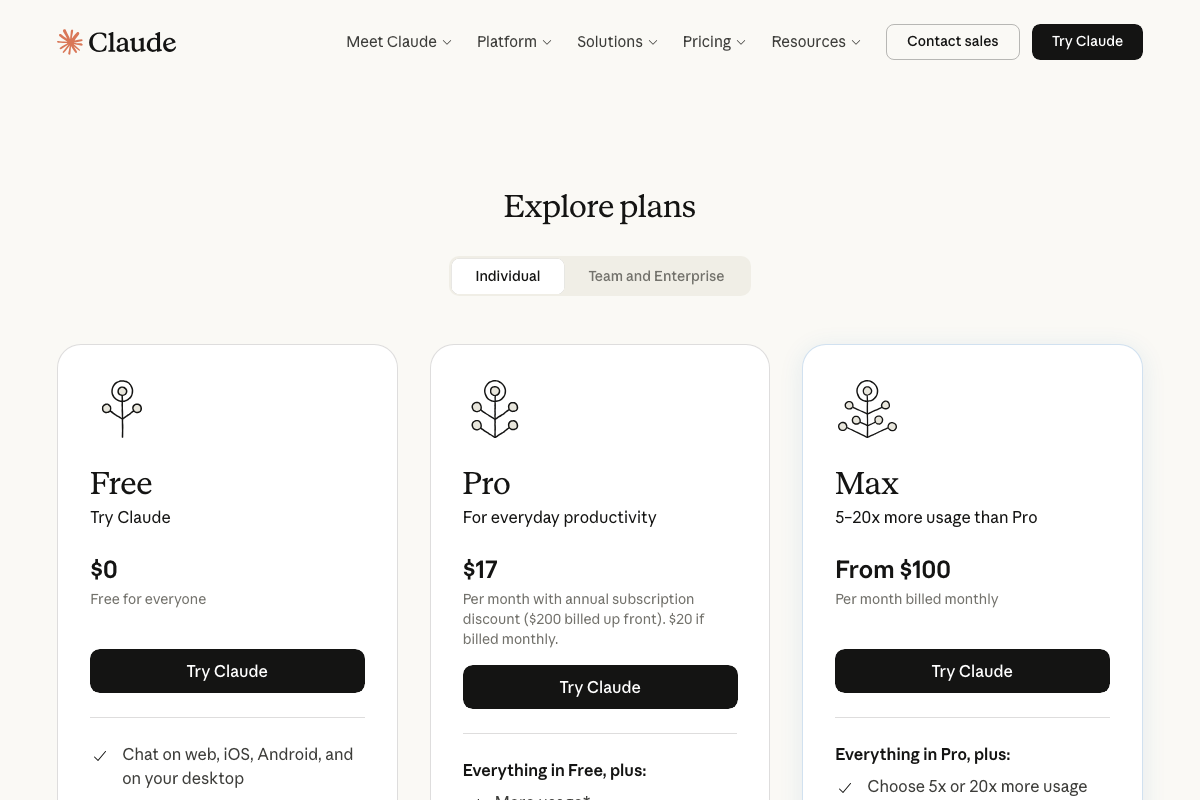
One important product distinction applies across the entire build: the screenshots captured the claude.ai Cowork web product, not the Claude Code CLI the tutorial uses. These are separate Anthropic products with separate interfaces and billing. The Claude Code CLI — the terminal-based coding agent that writes and executes your skill scripts — is documented at docs.anthropic.com/en/docs/claude-code, not at claude.ai/code. Claude API usage powering the pipeline is also billed separately from any claude.ai subscription plan shown in pricing screenshots.
Useful Links
- Claude Code — claude.ai marketing page for the Cowork agentic workspace; Claude Code CLI documentation lives at docs.anthropic.com/en/docs/claude-code
- NotebookLM — Google’s AI-powered research notebook, requiring a Google Account to access any interface or API surface
- Apify — Full-stack web scraping platform with 22,000+ marketplace Actors, including social media scrapers for Twitter/X
- Supabase — Open-source Postgres development platform with built-in auth, auto-generated REST APIs, Edge Functions, and Vector support
- Telegram — Cross-platform messaging app with an officially supported open Bot API for programmatic delivery
- xAI / Grok — xAI homepage; automated access was blocked during verification — consult docs.x.ai directly for Grok API documentation
- GitHub — Developer platform used as a trending repository data source; no public Trending API exists, so web scraping or Search API workarounds are required
- Obsidian — Local-first markdown knowledge base for storing pipeline research outputs, daily digests, and ideation notes


0 Comments