

When to Enable Google Ads AI Max — and When to Wait
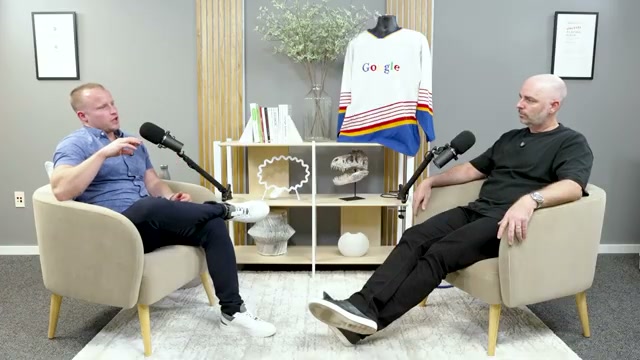
Google’s AI Max for Search is generating strong opinions, and neither side has the full picture yet. Two agency owners ran three consecutive live-account experiments to isolate exactly what AI Max does, when it activates, and what it cannibalizes — and the results cut against most of the advice circulating right now. Work through these steps and you’ll have a repeatable testing framework for evaluating AI Max in your own accounts before you commit to enabling it.
- Set up three parallel campaign types in a single account: your existing dedicated search campaigns, a standalone DSA campaign, and a brand-new AI Max campaign running independently alongside both. Monitor activity across all three for a meaningful window. In this experiment, the AI Max campaign generated zero meaningful activity — DSA’s internal weighting appeared to suppress AI Max entirely when both ran simultaneously.
- Run your dedicated search campaigns as normal, then “upgrade” the existing DSA campaign by enabling AI Max directly on it. Carry over the same page content rules and URL targets already configured in the DSA settings. The AI Max match type received zero clicks — DSA logic continued to dominate, and final URL expansion produced negligible activity.
Warning: this step may differ from current official documentation — see the verified version below.

- Keep your dedicated search campaigns active, then enable AI Max with full URL expansion and text asset customization turned on. Remove any page feed restrictions and exclusions entirely. Pause the DSA campaign rather than running it alongside AI Max. In this configuration, AI Max absorbed DSA’s traffic share within a single day with no measurable performance degradation.
- Pull the search term report covering seven weeks before AI Max was enabled and seven weeks after. Map the post-AI Max terms back against what broad match was already triggering in the same period. In the accounts analyzed here, approximately 87% of search terms captured by AI Max were already being served by broad match, which was also covering 92–93% of conversions on its own.
- Identify whether AI Max produced net-new search queries — terms that neither broad match nor DSA had ever matched. Cross-reference the AI Max match type column in your search term report against your historical broad and phrase match data. In these experiments, no material volume of net-new terms appeared, meaning AI Max was reclassifying existing traffic rather than expanding reach.
- Before enabling AI Max in any account, audit three readiness factors: conversion volume (enough for smart bidding to stabilize), bidding strategy maturity (target CPA or ROAS already performing consistently), and your current match type mix (accounts running phrase and exact only responded differently than those already running broad match).
How does this compare to the official docs?
Google’s published guidance on AI Max describes enablement differently than what these experiments revealed — and the gap matters for anyone deciding whether to flip the switch today.
Here’s What the Official Docs Show
The video’s experimental logic and evaluation methodology hold up — the docs confirm the analytical framework behind steps 4–6 and add structural explanations for the zero-activity outcomes in Experiments 1 and 2. Where the docs extend the picture, one finding materially changes the decision timeline for every advertiser currently sitting on the AI Max fence.
Step 1 — Three parallel campaigns (Dedicated Search + DSA + AI Max)
No official documentation was found for this step — proceed using the video’s approach and verify independently.
The keyword prioritization docs do explain the zero-activity result structurally: exact match keywords take documented priority over Performance Max search themes, and phrase and broad match keywords share that priority tier rather than deferring to AI-driven match types.
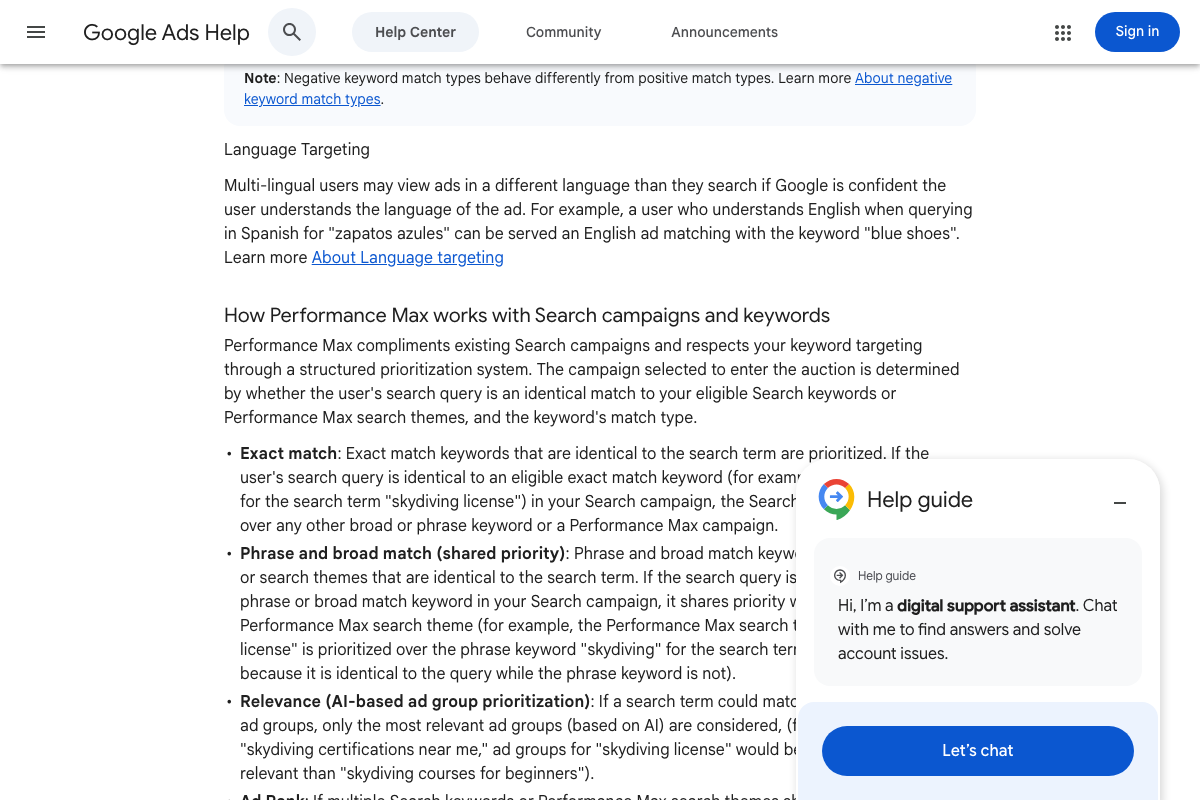 📄 Google Ads keyword prioritization: exact match > phrase/broad match (shared priority with PMax search themes) > AI-based relevance — documents why AI Max received no traffic when active keyword campaigns were present
Step 2 — AI Max enabled on existing DSA campaign with page content rules preserved
No official documentation was found for this step — proceed using the video’s approach and verify independently.
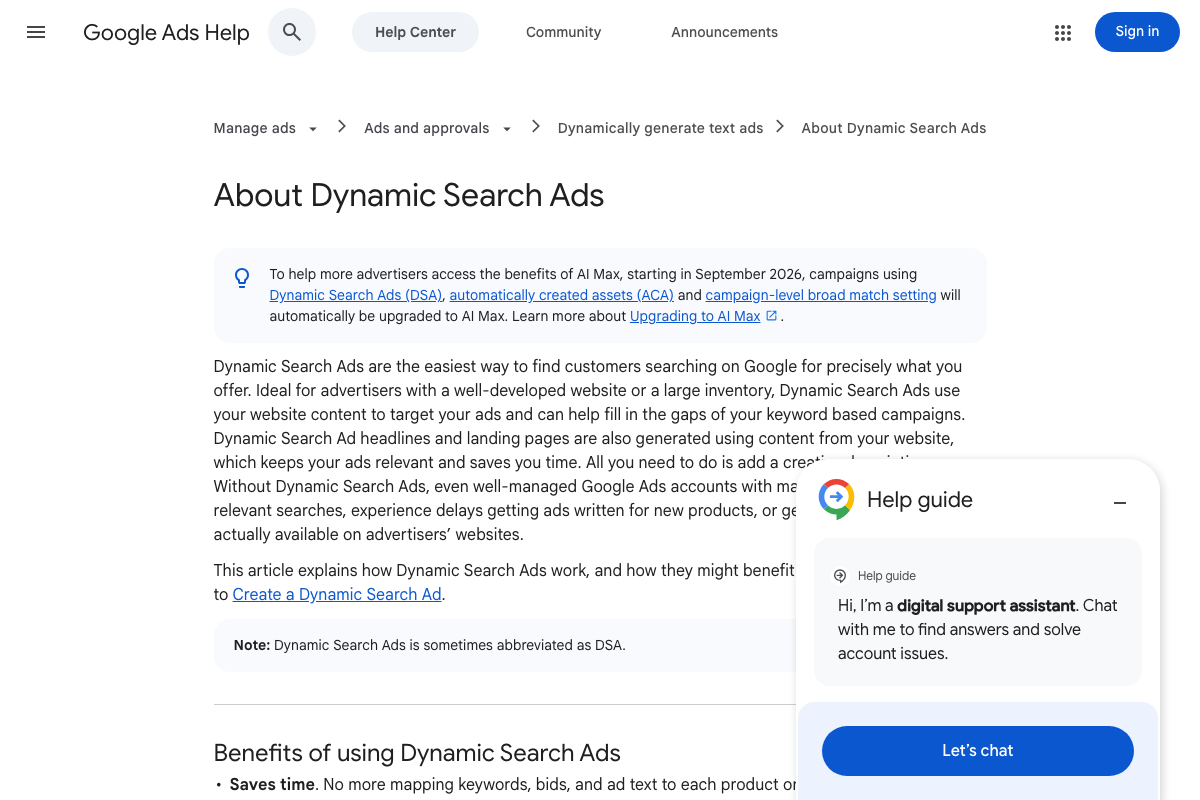
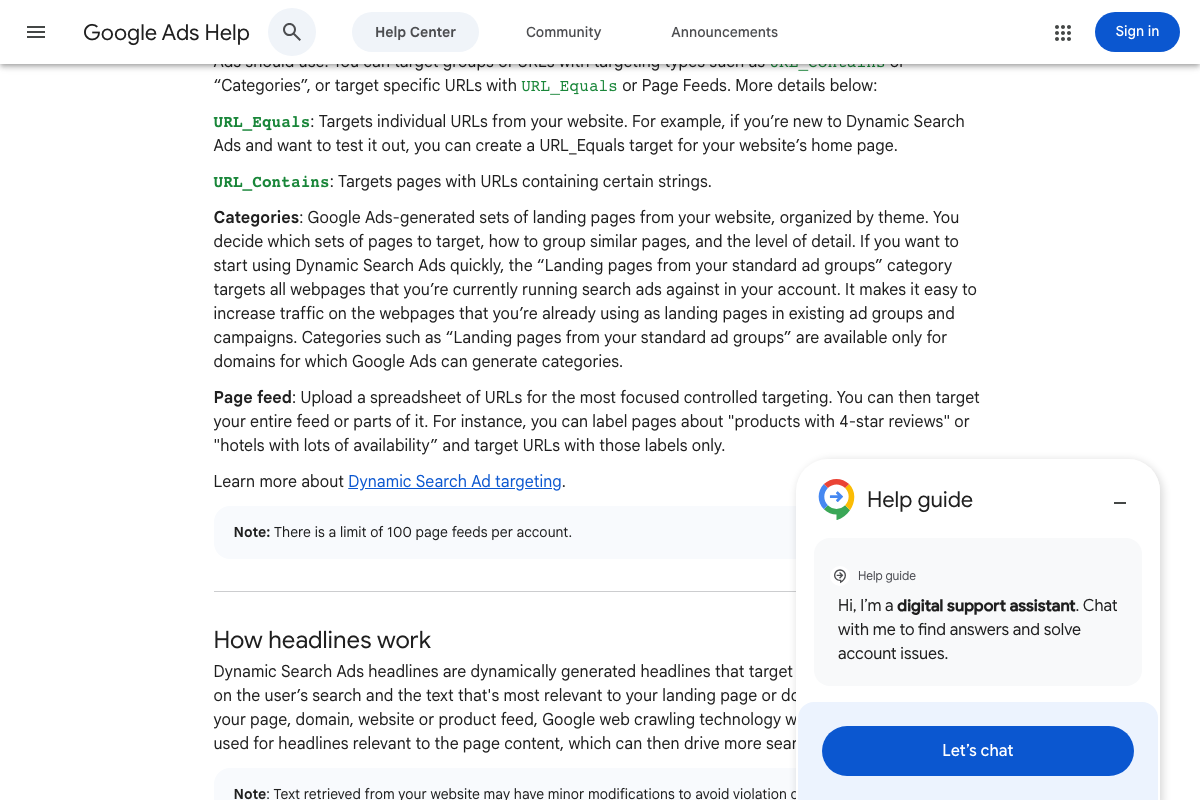
One addition the video doesn’t surface: the DSA help page carries a live notice that starting September 2026, campaigns using Dynamic Search Ads, automatically created assets, and campaign-level broad match will be automatically upgraded to AI Max. The manual experimentation in steps 1–3 is a time-limited choice, not a permanent configuration option.
Step 3 — AI Max with full URL expansion enabled and DSA paused
No official documentation was found for this step — proceed using the video’s approach and verify independently.
Step 4 — Pull the 7-week pre/post search term report
The video’s approach here matches the current docs exactly.
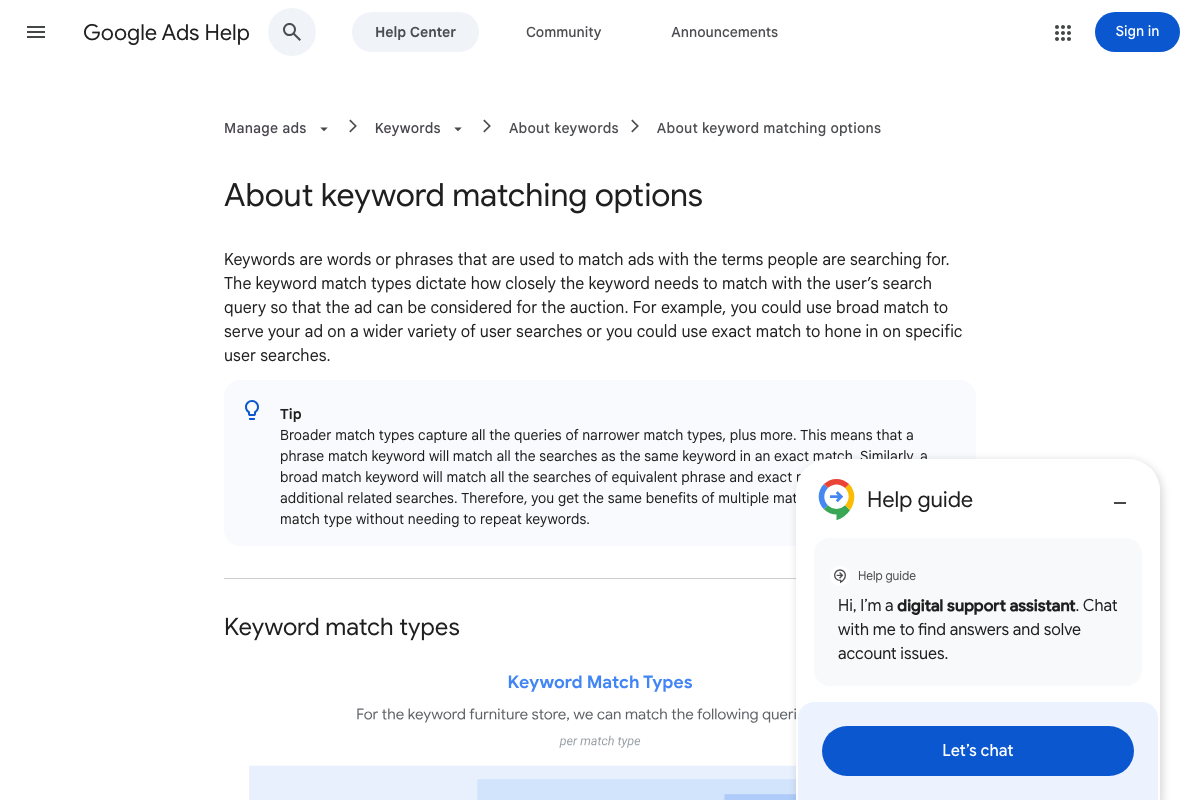
The keyword matching docs confirm the analytical foundation: broad match is documented as capturing all phrase and exact match query territory plus more. An 87% overlap figure is structurally expected before any test begins — the step 4 methodology surfaces that baseline rather than inventing one.
Step 5 — Identify net-new queries from AI Max
The video’s approach here matches the current docs exactly.

DSA’s documented “Capture additional traffic” benefit is functionally identical to the net-new query hypothesis the video tests in this step. Google’s own framing of what incremental AI-driven coverage is supposed to accomplish validates the methodology directly.
Step 6 — Account readiness audit: conversion volume, bidding maturity, match type mix
The video’s approach here matches the current docs exactly.

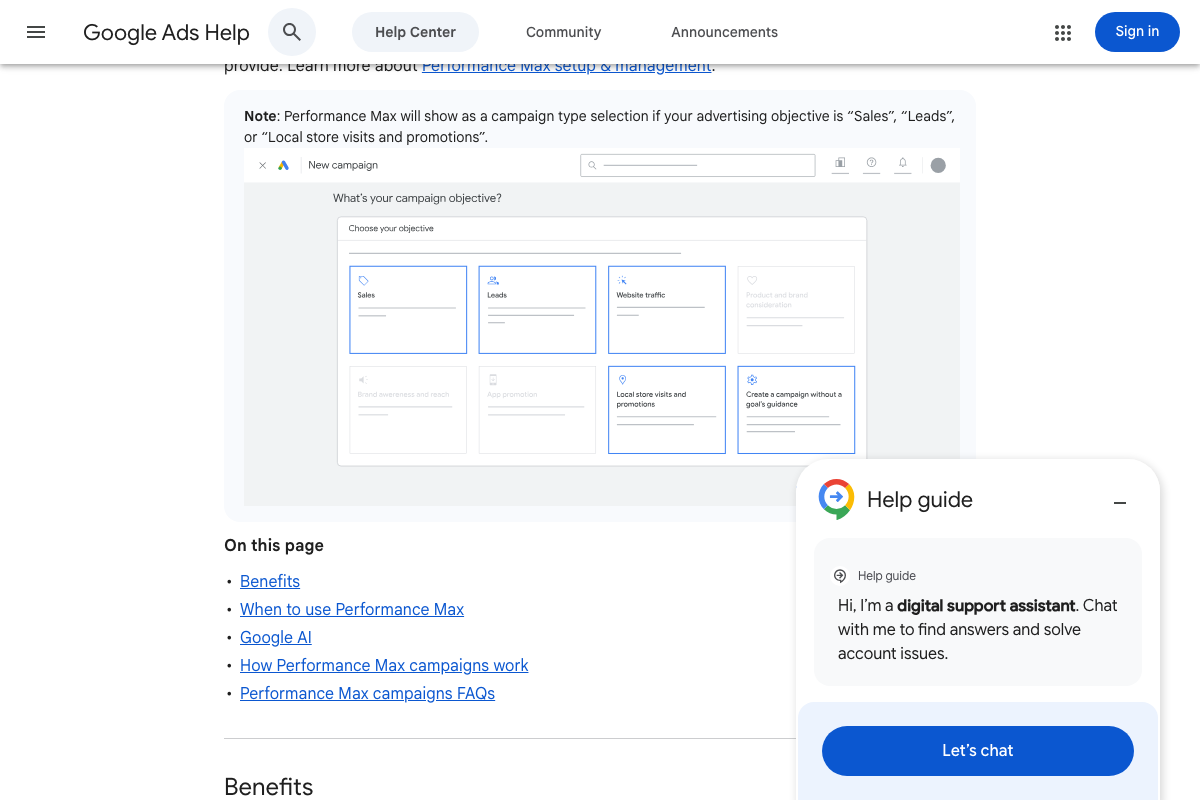
Two doc-grounded additions worth noting. First, the Smart Bidding docs recommend a minimum of 30 conversions over at least one month for accurate strategy evaluation — the closest official analog to the conversion volume threshold in step 6, though stated as a Smart Bidding recommendation rather than an explicit AI Max gate. Second, campaign objective eligibility isn’t addressed in the video: AI Max, via PMax architecture, is available only for Sales, Leads, or Local store visits and promotions objectives. Accounts running other objectives may not see AI Max as an option regardless of conversion volume or bidding maturity.
Useful Links
- About Dynamic Search Ads – Google Ads Help — Documents DSA targeting types, the “Capture additional traffic” benefit, and the September 2026 automatic AI Max upgrade notice for eligible campaigns
- About keyword matching options – Google Ads Help — Defines the broad/phrase/exact match hierarchy and the keyword prioritization rules that structurally suppressed AI Max traffic in Experiments 1 and 2
- About Performance Max campaigns – Google Ads Help — Covers PMax campaign structure, objective eligibility requirements, and the architectural context for AI-driven campaign types layered onto Search
- About Smart Bidding – Google Ads Help — Documents Smart Bidding strategies, the 30-conversion-per-month evaluation benchmark, and the recommendation to pair broad match with Smart Bidding before expanding reach further


0 Comments