

Track AI Referral Traffic, Bot Activity, and Self-Reported Attribution
Measuring SEO is straightforward — Google Search Console gives you clicks and rankings. Measuring AI visibility is not, because most AI platforms either strip referrer data or hide it entirely. This tutorial walks you through building a three-pillar measurement framework using GA4, Ahrefs Web Analytics, and a simple onboarding survey so you can connect AI-driven discovery to actual business outcomes.
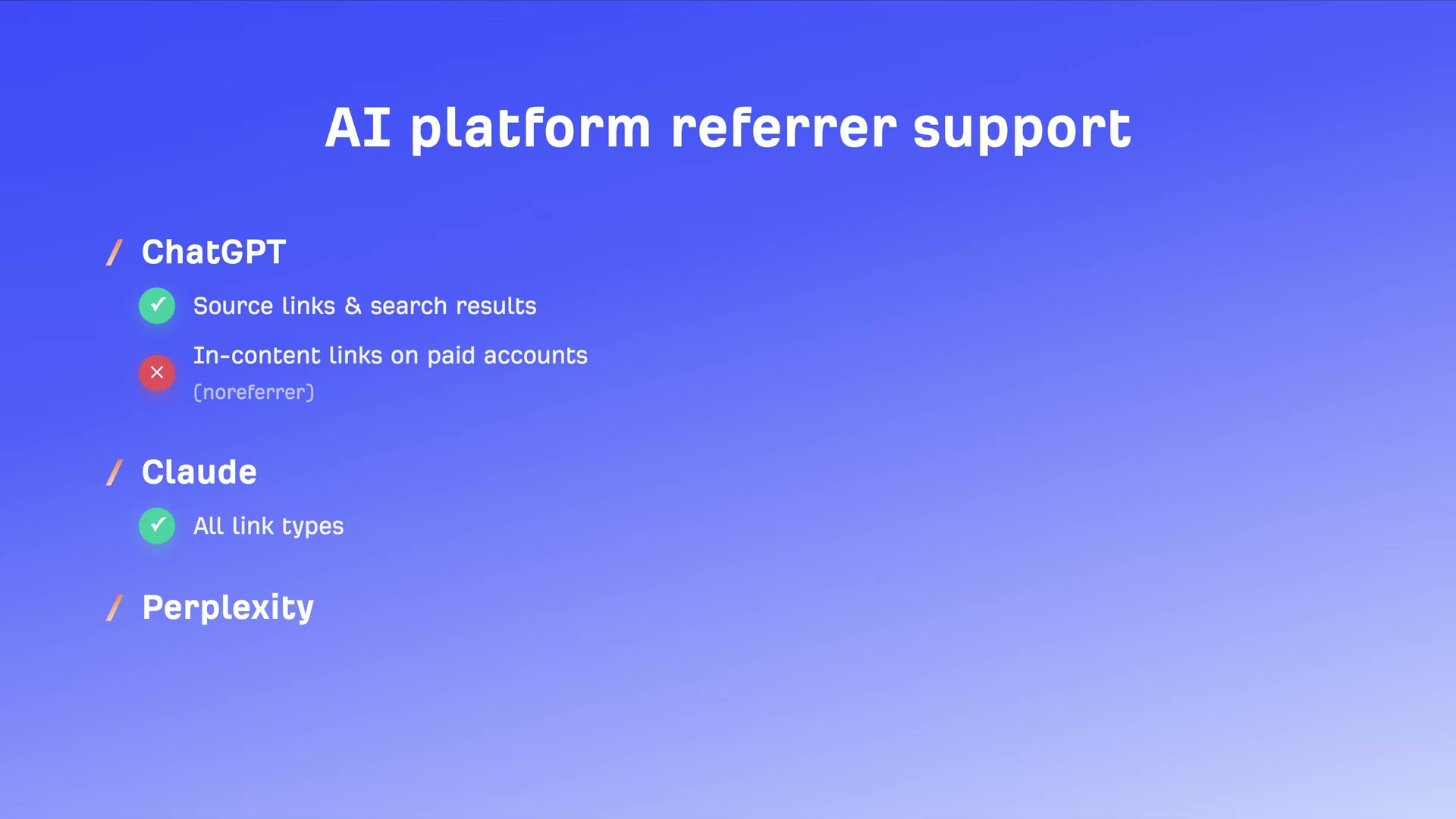
- Recognize that AI visibility measurement rests on three distinct signals before configuring any tool: referral traffic (humans clicking links from AI platforms), bot activity (AI crawlers indexing your content), and self-reported attribution (customers telling you they found you via AI). No single source is complete — each captures a different slice of AI’s influence on your pipeline.
-
In GA4, go to Admin > Data Display > Channel Groups. Copy the default channel group — this preserves all existing channel definitions while giving you a safe workspace to modify.
-
Inside the copied group, add a new channel named AI Traffic. Set the source condition to match a regex that includes
chat.openai.com,perplexity,gemini.google.com,copilot.microsoft.com,claude.ai, anddeepseek.com.
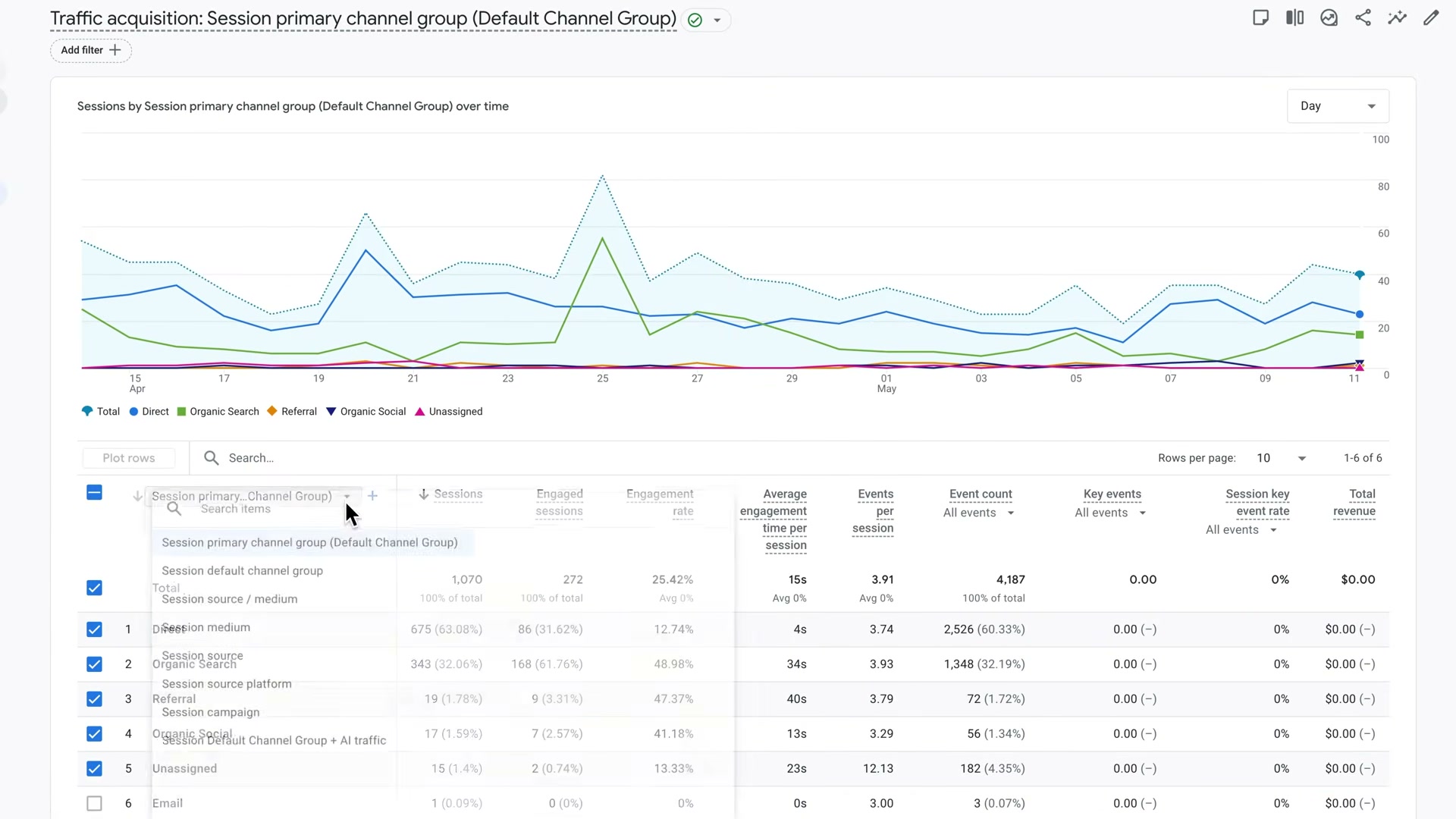
- Go to Reports > Acquisition > Traffic Acquisition. Open the dimension picker and switch to your new channel group. AI-referred sessions now appear as their own row, letting you compare volume, engagement, and conversion rate against organic, direct, and other channels.
-
Review two things inside that report: which pages are already receiving AI referral traffic (keep them current and ensure they have clear calls to action), and which high-value pages are getting none (a signal worth investigating for content gaps or crawlability issues).
-
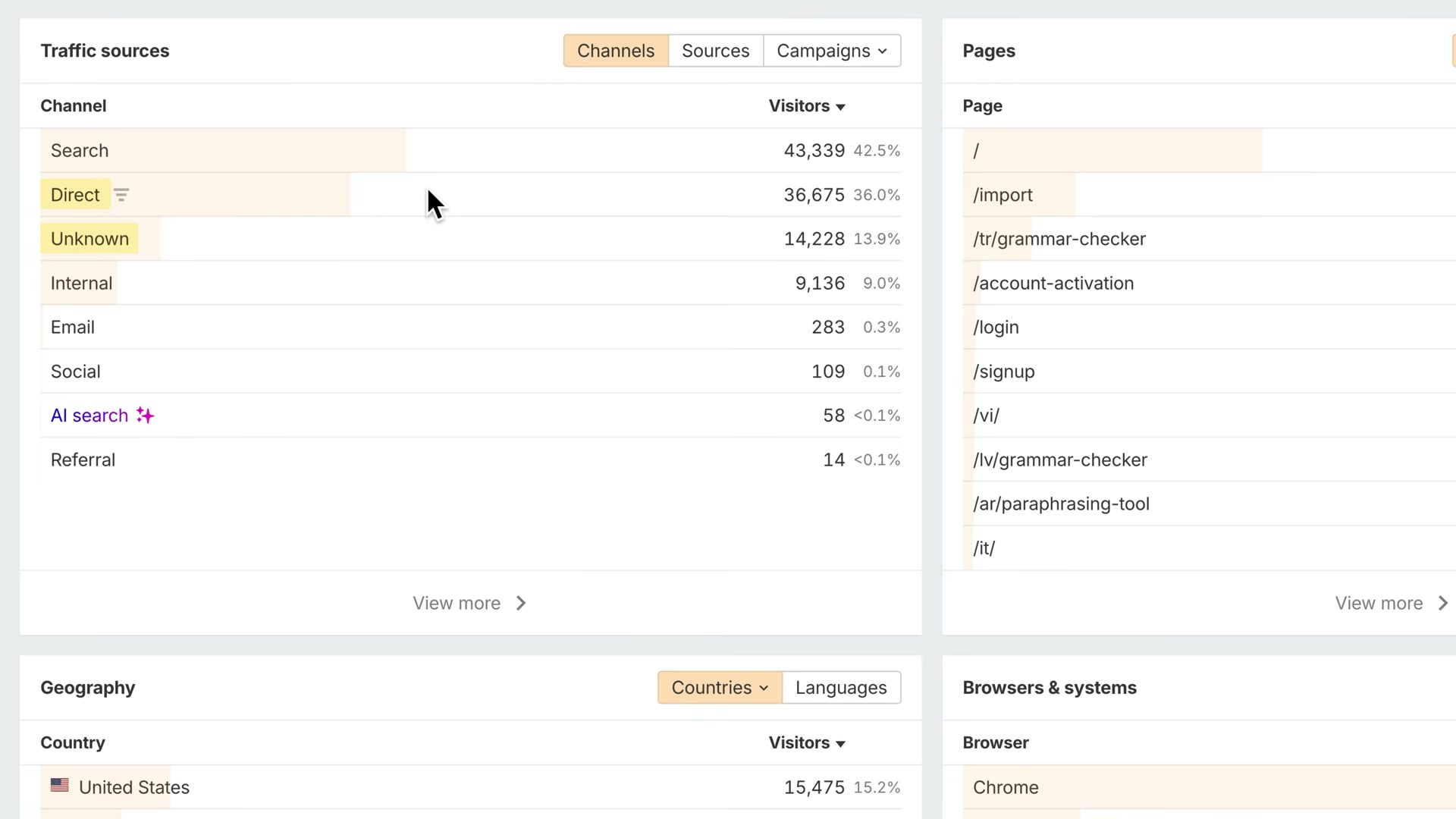
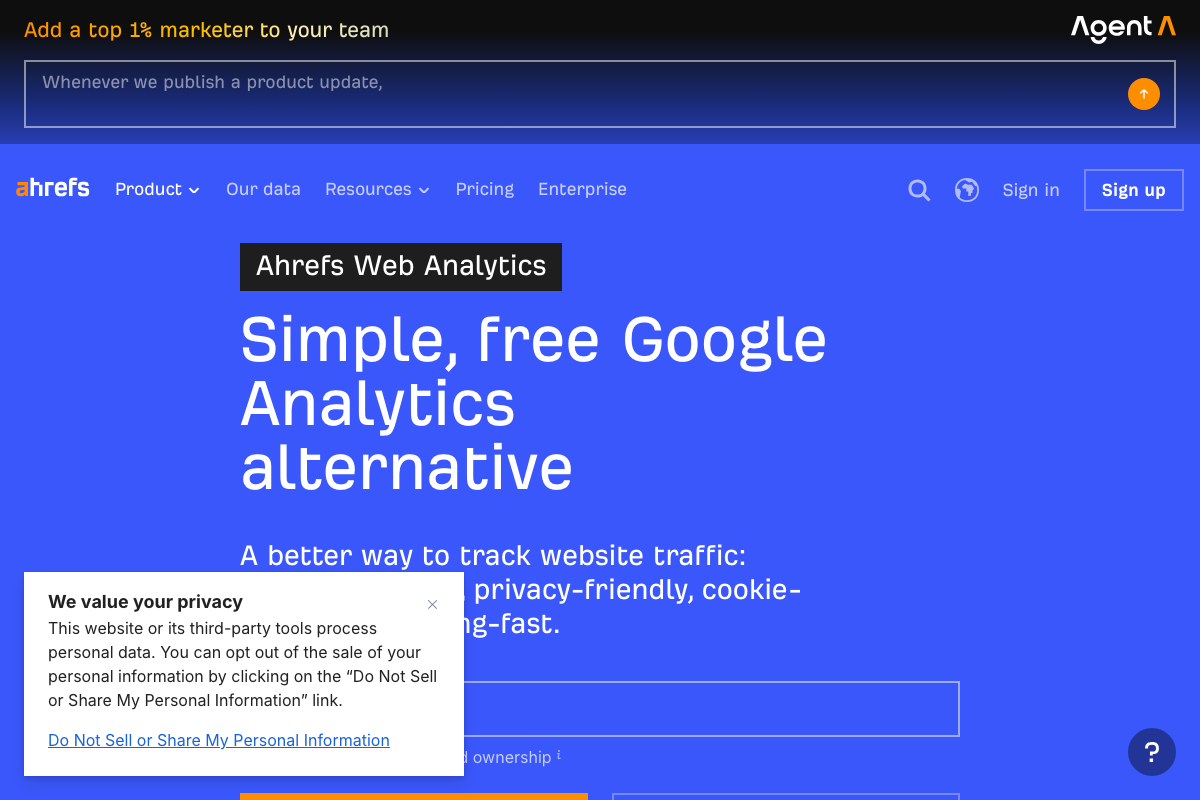
If GA4’s manual setup is more overhead than you want, Ahrefs Web Analytics provides a free alternative with a built-in AI search channel. No custom regex, no copied channel groups — AI search traffic appears as its own dimension automatically, and unknown traffic is separated from direct traffic for cleaner attribution.
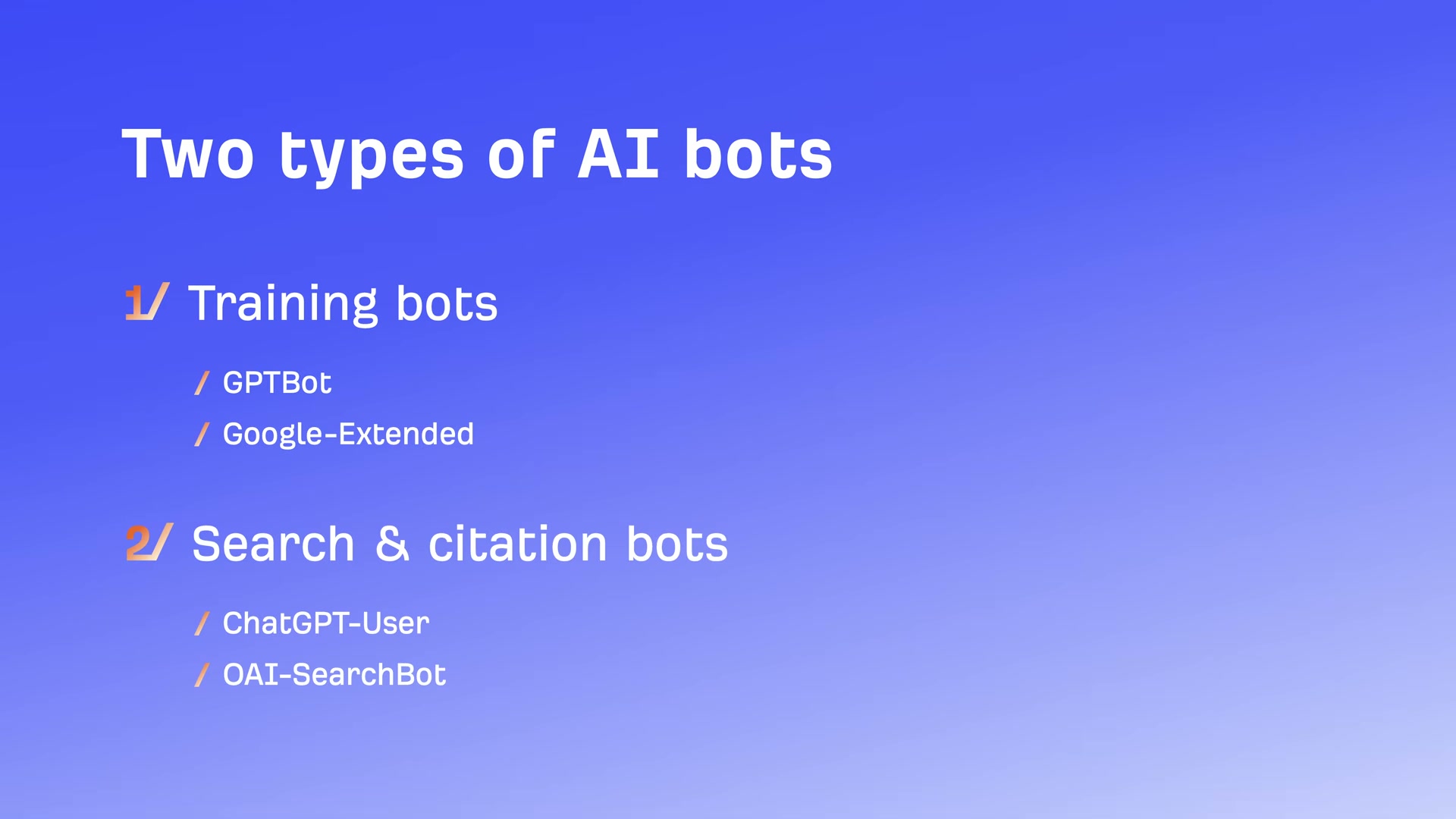
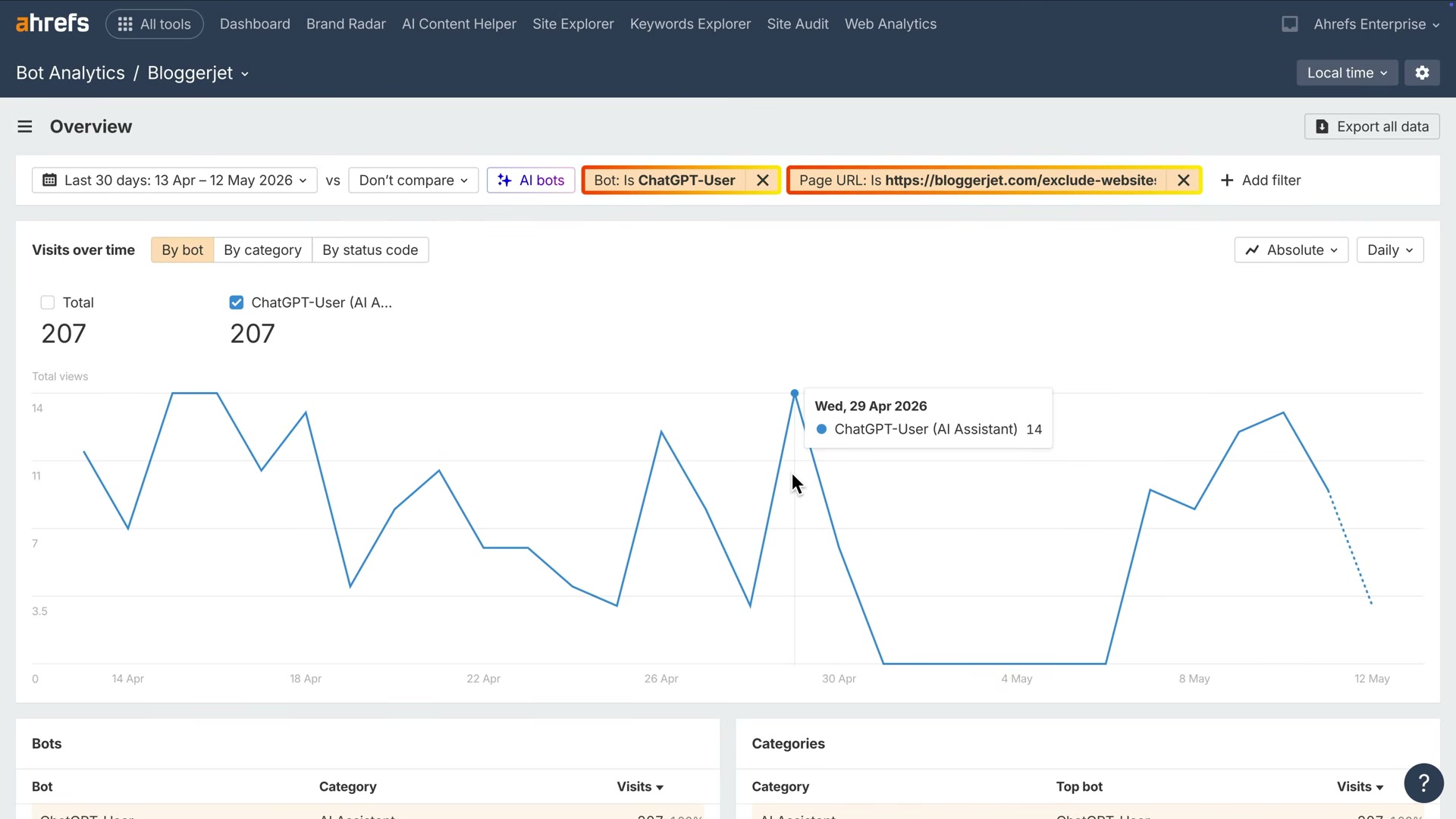
- To track AI bot behavior, enable Ahrefs Bot Analytics via its Cloudflare integration — a free Cloudflare plan is sufficient. Distinguish between two bot categories before you start: training bots like GPTBot and Google-Extended crawl content to train models, while citation bots like ChatGPT-User and OAI-SearchBot fetch pages in real time to answer live user queries. Citation bots are the ones that drive referral traffic.
- In Bot Analytics, filter by citation bot names — particularly ChatGPT-User — and look for pages being hit repeatedly over time. Frequent citation bot visits on a specific URL are a strong signal that AI is actively sourcing that page to answer user questions.
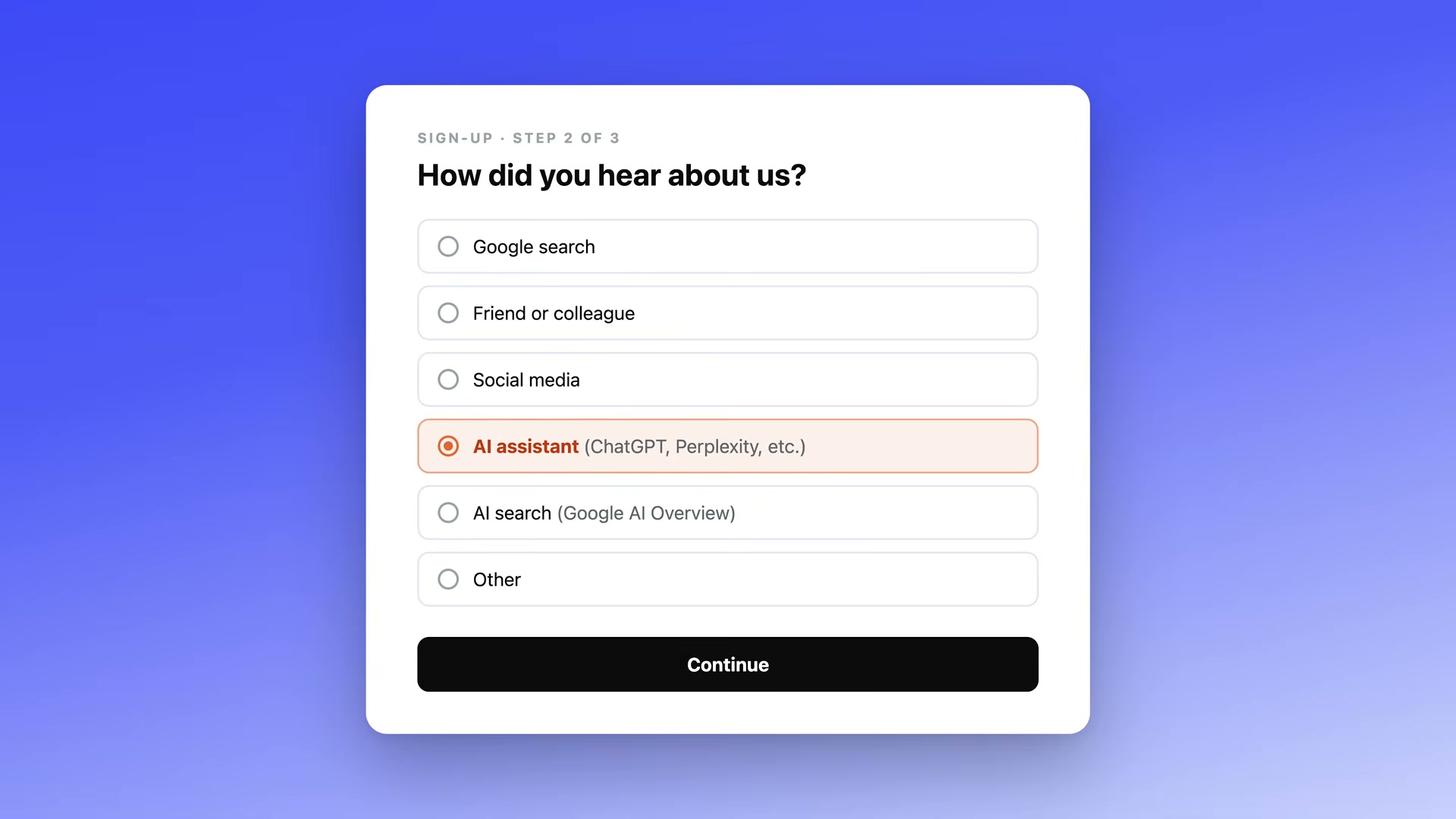
- Add a “How did you hear about us?” question to your sign-up flow, checkout, or post-purchase survey. Include explicit options for AI assistant (ChatGPT, Perplexity, etc.) and AI search (Google AI Overviews). This zero-party data captures AI-influenced conversions that arrive as direct or branded organic traffic — the ones your analytics will never attribute correctly on their own.
- Combine all three sources into a unified view: referral traffic shows where AI is sending users, bot analytics shows what content AI is paying attention to, and self-reported attribution ties AI discovery to revenue. Each pillar catches what the others miss.
How does this compare to the official docs?
The GA4 channel group approach and Ahrefs bot analytics setup shown here are functional — but the regex domain list and bot user-agent strings evolve as new AI platforms launch, making the official documentation worth a check before you treat either list as final.
Here’s What the Official Docs Show
The three-pillar framework the tutorial introduces is well-structured, and the tool choices are legitimate starting points. What follows walks the same steps with documentation in hand — confirming what official sources back up, flagging where screenshots couldn’t reach the configuration UI, and adding two conditions on the Ahrefs free tier that matter before you build this into a client workflow.
Step 1 — Establish the three-signal model
The video’s approach here matches the current docs exactly.
Steps 2–5 — GA4 Channel Groups setup and Traffic Acquisition report
No official documentation was found for these steps —
proceed using the video’s approach and verify independently.
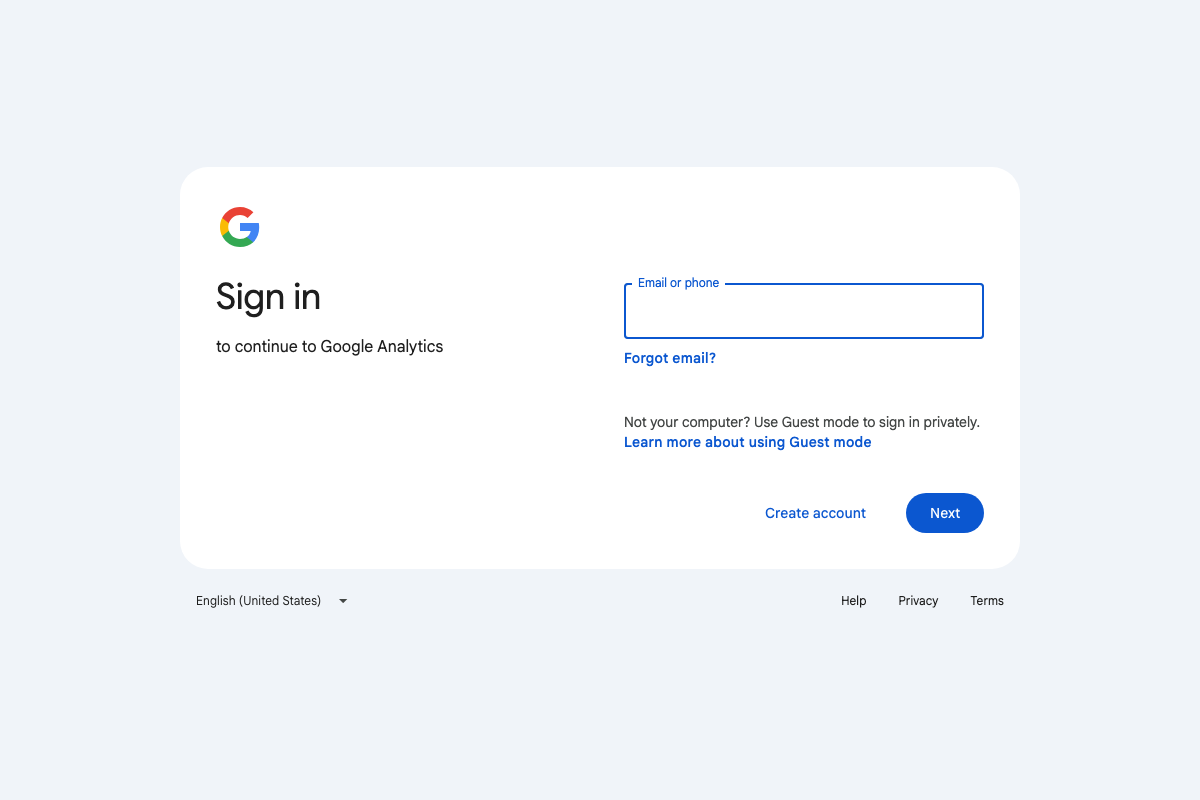
One practical note: the GA4 help article associated with Channel Groups (support.google.com/analytics/answer/13329676) returned a 404 error as of May 2026. The feature is current GA4 functionality, but the documentation path has moved. Search “channel groups” directly within support.google.com/analytics to find the live article before you start.
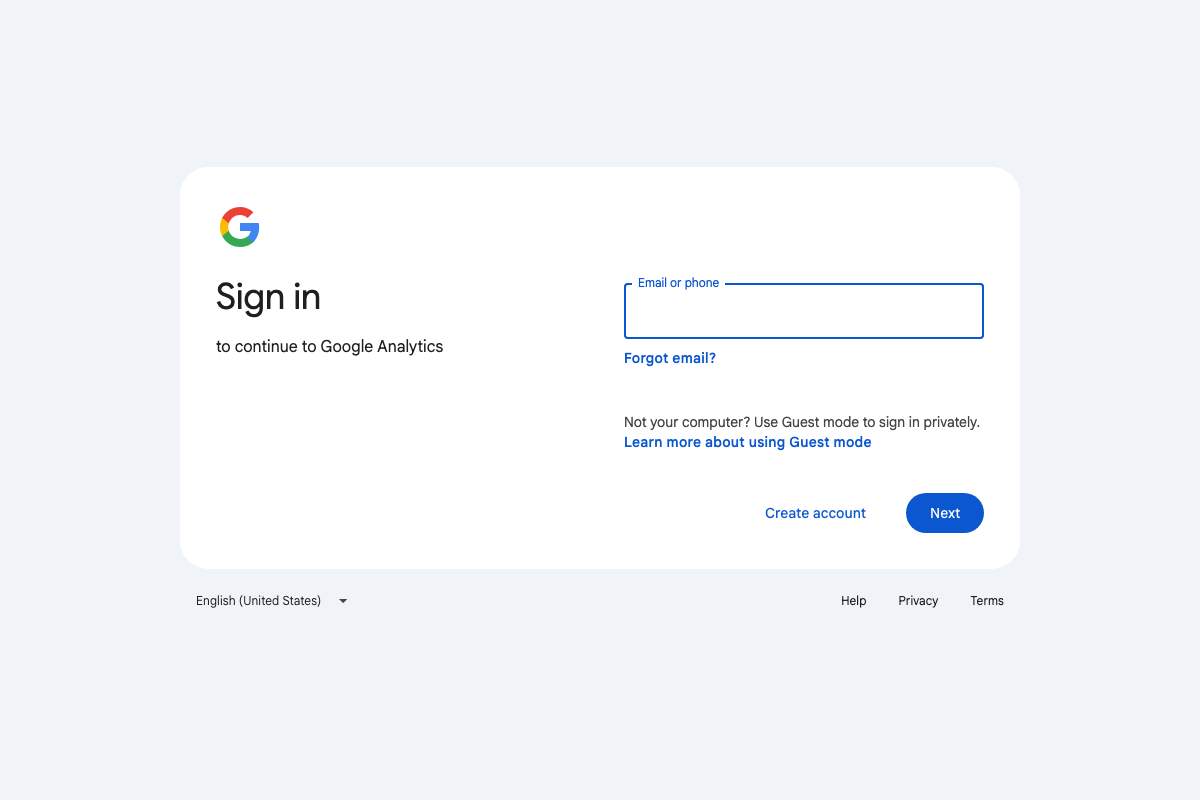 📄 GA4 sign-in screen — the Admin > Data Display > Channel Groups path requires an authenticated session; no public documentation screenshots were available for steps 2–5.
Step 6 — Ahrefs Web Analytics as a free alternative
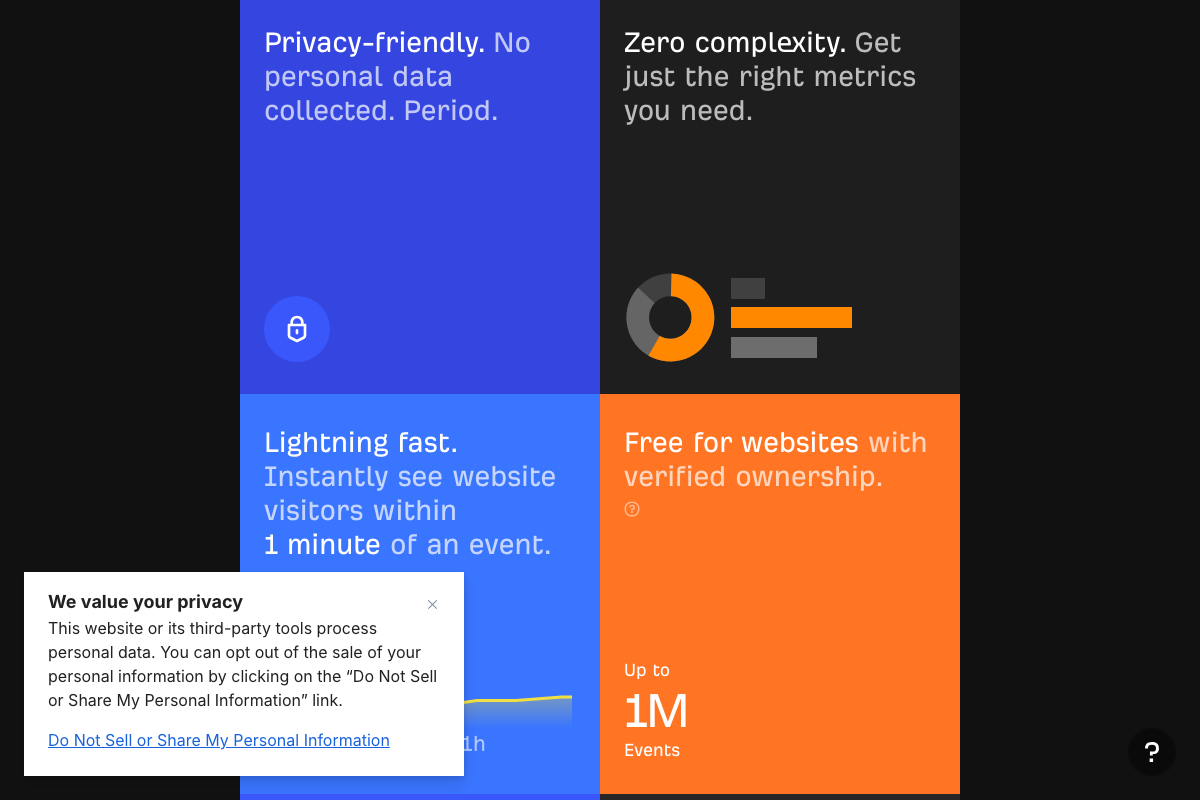
Ahrefs Web Analytics exists and is positioned broadly as the tutorial describes. The official product page adds two conditions the video does not mention: the free tier requires verified site ownership, and it is capped at 1 million events. For most marketing properties this ceiling is comfortable, but high-traffic sites should confirm before treating this as their primary analytics layer.
As of May 2026, the official demo dashboard shows Google, Direct, Bing, Yandex, and wordcount.com as top sources — the video’s claim of a “built-in AI search channel requiring no manual configuration” is not confirmed by the available product screenshots. Whether an AI-specific channel surfaces under live conditions with sufficient referral volume is not ruled out, but it cannot be taken as given from current documentation alone.

Steps 7–8 — Bot Analytics via Cloudflare integration
No official documentation was found for these steps —
proceed using the video’s approach and verify independently.
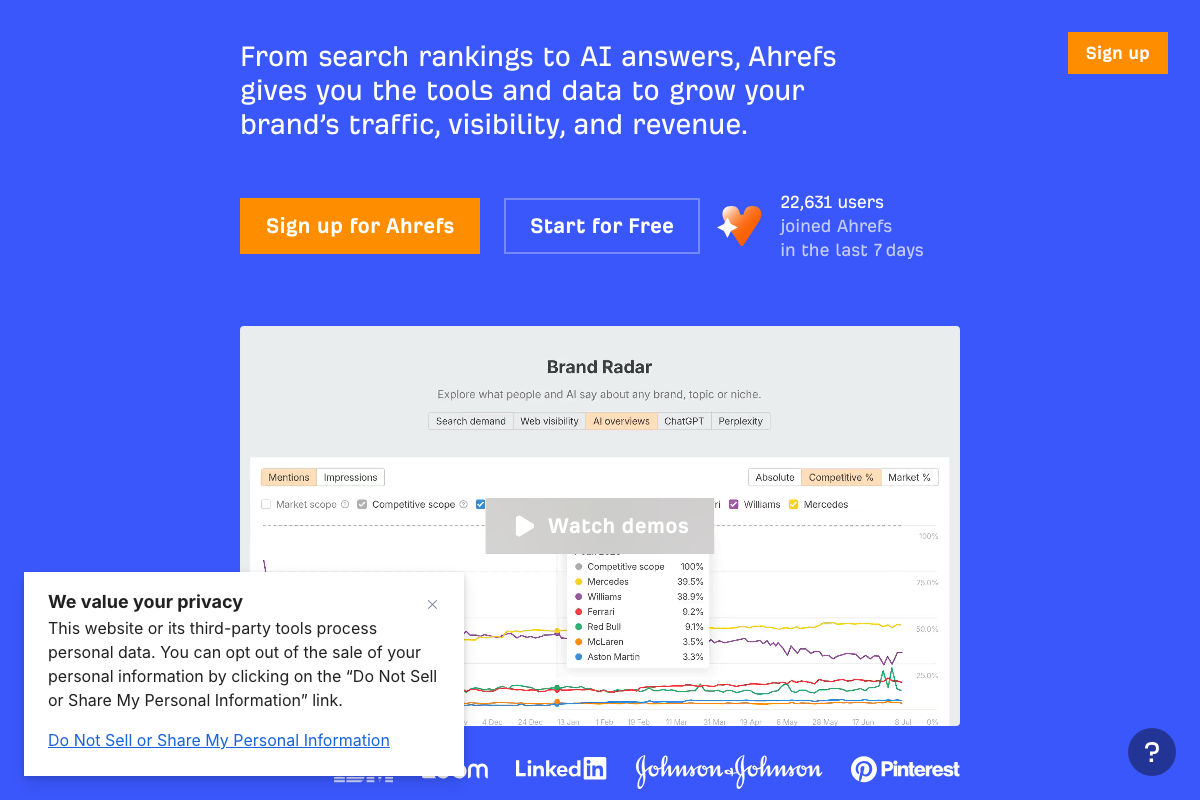
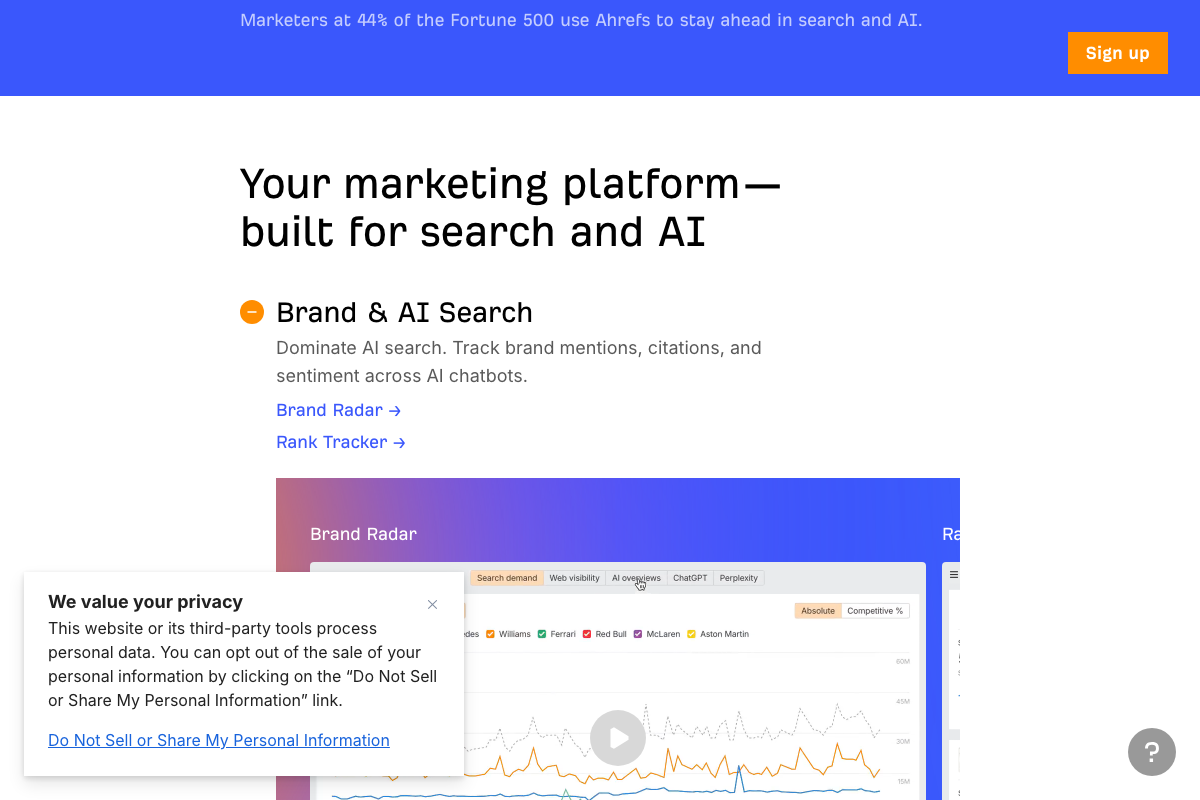
Worth knowing before you search: the Ahrefs AI-branded feature currently visible on the Ahrefs homepage is Brand Radar — a tool for monitoring brand citations across ChatGPT, Perplexity, and AI Overviews. This is a distinct product from bot crawler analytics. Navigate directly to the Ahrefs product menu rather than using the homepage as a reference point for the bot tracking feature described here.

Steps 9–10 — Self-reported attribution and unified measurement
No official documentation was found for these steps —
proceed using the video’s approach and verify independently.
Useful Links
- Ahrefs Web Analytics | Simple Google Analytics alternative — Product page confirming free tier availability, verified ownership requirement, and the 1M event cap.
- Google Analytics — GA4 authenticated dashboard; Admin > Data Display > Channel Groups is accessible post-login.
- Ahrefs — AI Marketing Platform Powered by Big Data — Ahrefs main homepage featuring Brand Radar (AI citation monitoring) and Agent A; not a Bot Analytics product page.
- Cloudflare: Build for the agent era — Cloudflare main homepage; analytics documentation lives at developers.cloudflare.com/analytics/.


0 Comments