

When to Introduce Performance Max: A Framework for E-Commerce and Lead Gen
Three senior Google Ads coaches — Aaron Young, Brent, and Johan from Define Digital Academy — walk through the exact sequencing decisions that determine whether a PMAX campaign accelerates growth or cannibalizes it. After working through this post, you’ll know when to hold on Shopping, when to make the switch, how to structure lead gen accounts for PMAX readiness, and how to audit for keyword redundancy that silently bleeds budget.
-
Start e-commerce accounts on standard Shopping campaigns. Before any multi-channel campaign type enters the picture, build conversion history and validate your Merchant Center product feed through Shopping. A fresh account dropped straight into PMAX has no signal to work from — it will spend its learning budget testing every available channel before finding what converts for your brand.
-
Use Shopping’s fast feedback loop before expanding. The single-channel constraint of Shopping is a feature, not a limitation. You get rapid signal on ad copy performance, product title quality, and feed attribute accuracy without the noise introduced by Display, YouTube, and Discovery placements running simultaneously. Fix feed problems here, not inside a PMAX asset group.
-
Wait for approximately 30 purchases per month before introducing PMAX. Consistency across multiple products — not just a single champion SKU — is the threshold signal. If the account is slightly below 30 monthly purchases and you’ve been running for a reasonable period, case-by-case judgment applies; the goal is reliable, multi-product conversion data, not an arbitrary milestone.
- Transition to a feed-only PMAX campaign as an intermediate step. Rather than jumping directly to a full-build PMAX, a feed-only configuration layers in audience signals and search query signals while keeping asset expansion out of the equation. This is a more controlled bridge: your shopping feed does the heavy lifting, and PMAX gets exposure to intent data without being handed the keys to Discovery or Gmail inventory prematurely.
-
Layer a full-build PMAX campaign on top once core campaigns are stable. With a validated feed and a functioning feed-only PMAX providing baseline signal, the full-build campaign has the data context to allocate spend across channels meaningfully rather than experimentally.
-
Add Search campaigns for keyword-level control on priority queries. Search campaigns remain the mechanism for consistency and control around specific terms. Running them alongside PMAX — rather than treating them as competitors — gives you a lever to pull on high-intent queries where you can’t afford algorithmic variability.
-
For lead generation, always start with Search. Unlike e-commerce, lead gen lacks a clean purchase event as a guardrail. Search campaigns establish which keywords and which copy actually drive conversions before any additional complexity is introduced.
-
Scale Search campaigns toward saturation before introducing lead gen PMAX. Squeezing every available conversion out of Search first means PMAX inherits a richer signal set from day one and doesn’t have to learn from scratch what qualifies as a lead.
-
Structure lead gen PMAX with one asset group per core service, seeded with primary keywords. PMAX will expand beyond those keywords regardless — the seeds orient the campaign toward intent clusters that map to real service lines, giving the algorithm a coherent starting point.
-
Require offline conversion import or strong front-end lead filtering before enabling lead gen PMAX. Multi-step forms that pre-qualify prospects, or a CRM integration that pushes backend conversion quality data back to Google, are prerequisites — not nice-to-haves. Without them, PMAX optimizes toward form fills, not customers.
-
Audit accounts for keyword redundancy before restructuring anything. A pattern that appears frequently in mature accounts: 10–15 keyword variants that share identical search intent, spread across campaigns or ad groups. These aren’t cannibalization in the technical sense — they’re redundancy, and they make performance data ambiguous and budget allocation noisy.
-
Assign each converting keyword or product theme to a single campaign. One theme, one home. Clean budget control and unambiguous attribution depend on this discipline. When two campaigns compete for the same query, you lose the ability to know which one is actually working.
How does this compare to the official docs?
The sequencing logic these coaches describe is built from practical account management — the official Google Ads documentation frames PMAX eligibility and structure differently, and comparing the two surfaces some important gaps worth verifying before you apply this framework.
Here’s What the Official Docs Show
The coaches’ roundtable holds up well against Google’s official documentation — the core campaign mechanics are accurately described and the Search-plus-PMAX layering approach gets direct doc support. What follows adds the official framing where it aligns, flags the gaps where it diverges, and marks the practitioner-only steps so you know which parts of the framework to hold more loosely.
Step 1 — Start e-commerce accounts on Standard Shopping.
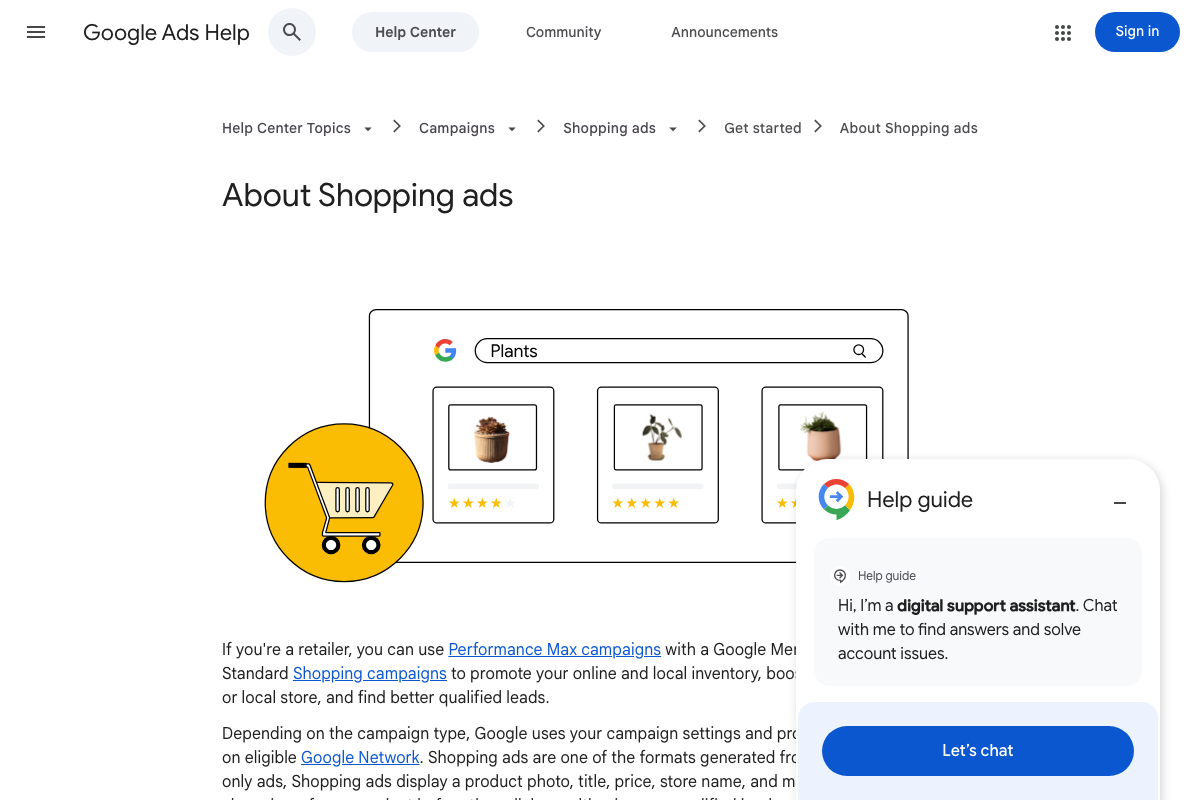
The video’s approach here matches the current docs exactly. Google confirms Standard Shopping and Performance Max as two valid options for Merchant Center–connected retailers — presented as parallel choices, not a prescribed sequence. The coaches’ sequencing logic is strategic guidance built on top of that structure.
Step 2 — Optimize the feed before expanding.
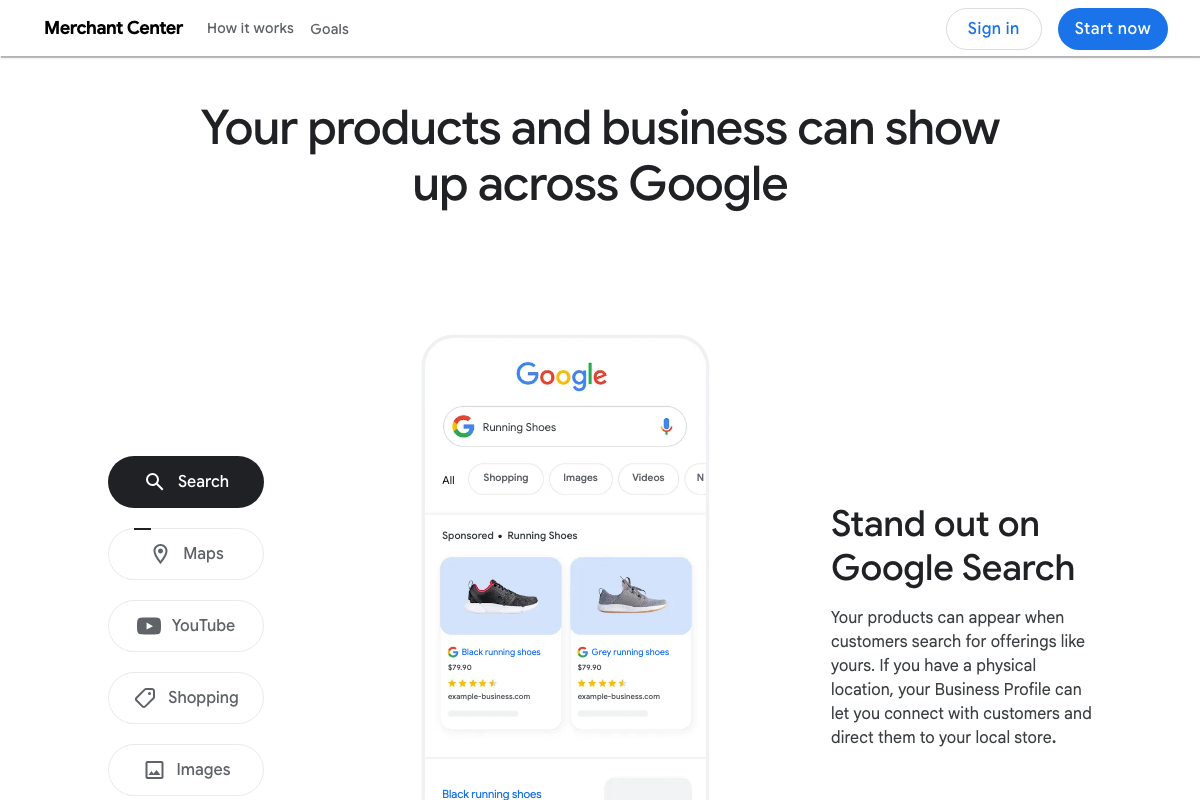
The video’s approach here matches the current docs exactly. Google states explicitly that Shopping ads use “product data (not keywords)” — making feed quality the primary optimization lever, exactly as the coaches describe. Both Shopping and PMAX draw from the same Merchant Center feed, which is why feed health matters before either campaign type scales.
Step 3 — Wait for ~30 purchases/month before enabling PMAX.
Google’s documentation does not publish a minimum conversion volume requirement for PMAX eligibility or optimization readiness. The ~30 purchases/month threshold is practitioner experience, not a published Google standard. It’s also worth noting that Google’s own homepage leads with PMAX as the default recommendation for most advertisers — no conversion history prerequisite stated.
No official documentation was found for this step — proceed using the video’s approach and verify independently.
Step 4 — Transition to a feed-only PMAX as an intermediate step.
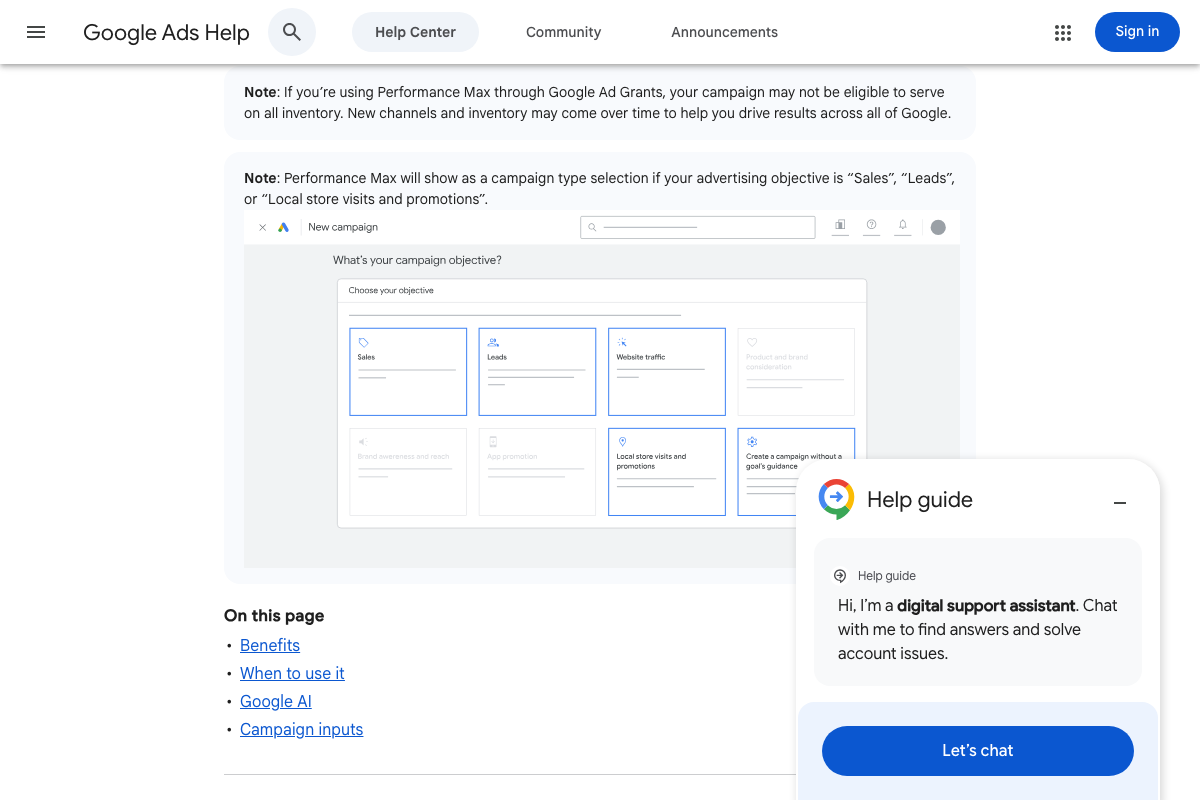
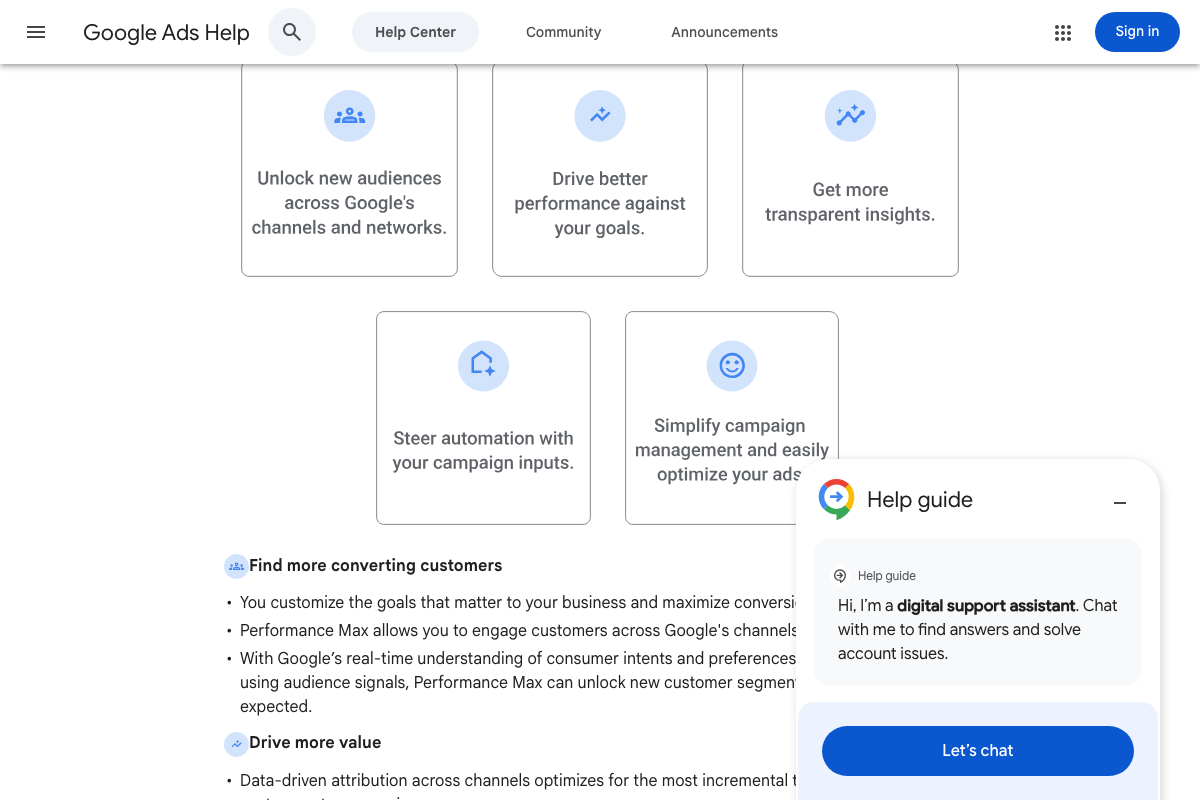
The docs confirm that “steering automation with campaign inputs” — including feed data and audience signals — is a defined PMAX benefit. However, a “feed-only PMAX” as a discrete intermediate configuration does not appear in Google’s documentation. The docs describe PMAX as a single campaign type that uses feed and audience signals together. The coaches’ staged rollout method is practitioner strategy, not an officially documented setup.
Step 5 — Layer in full-build PMAX once core campaigns are stable.
No official documentation was found for this step — proceed using the video’s approach and verify independently.
Step 6 — Run Search campaigns alongside PMAX for keyword-level control.
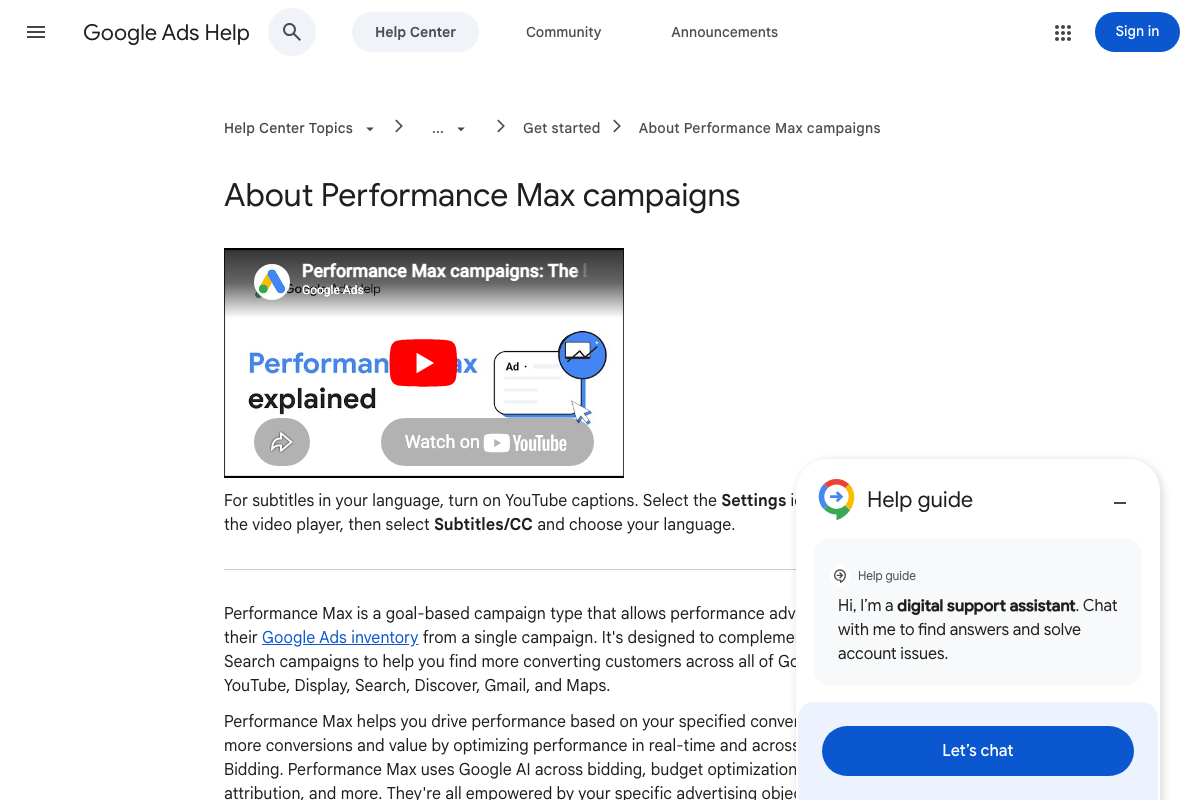
The video’s approach here matches the current docs exactly — and this is the strongest alignment in the framework. Google’s documentation states directly that Performance Max is “designed to complement your keyword-based Search campaigns,” not replace them. Running both is the documented intent, not a workaround.
Step 7 — For lead gen, always start with Search.

The video’s approach here matches the current docs exactly. Selecting “Leads” as a campaign objective in the documented creation flow surfaces both Search and Performance Max as co-deployable options — confirming they are distinct, parallel types rather than alternatives.
Steps 8–12 — Lead gen saturation threshold, asset group structure, offline conversion requirements, keyword consolidation, single-campaign budget discipline.
No official documentation was found for these steps — proceed using the video’s approach and verify independently.
Useful Links
- Google Ads – Get Customers and Sell More with Online Advertising — Google Ads homepage positioning Performance Max as the platform’s primary recommended campaign type for all advertiser goals.
- About Performance Max campaigns – Google Ads Help — Official definition, objectives, benefits, and confirmed relationship between Performance Max and keyword-based Search campaigns.
- About Shopping ads – Google Ads Help — Confirms Standard Shopping and Performance Max as the two Merchant Center–connected campaign types available to retailers, presented as parallel options.
- Promote Your Business with Merchant Center – Google for Retail — Google Merchant Center homepage confirming its role as the product data hub powering Shopping and PMAX placements across Search, Maps, YouTube, and more.
- Create a campaign – Google Ads Help — Campaign creation workflow documenting the objective-first selection process and all eight available campaign types, including Performance Max and Search.


0 Comments