

How a 19-Year-Old Built a $20K/Month Niche App With Cursor and Influencer Marketing
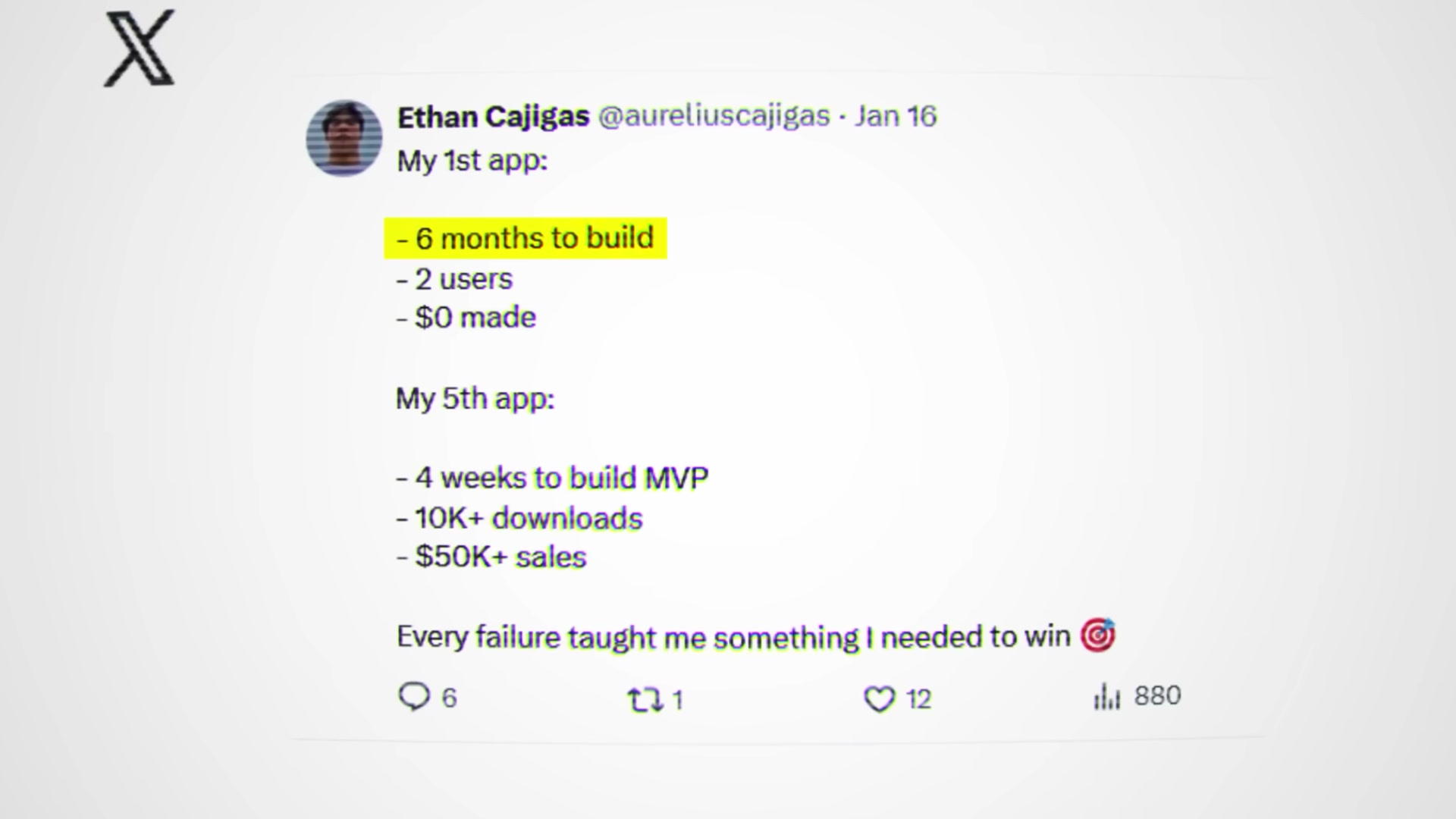
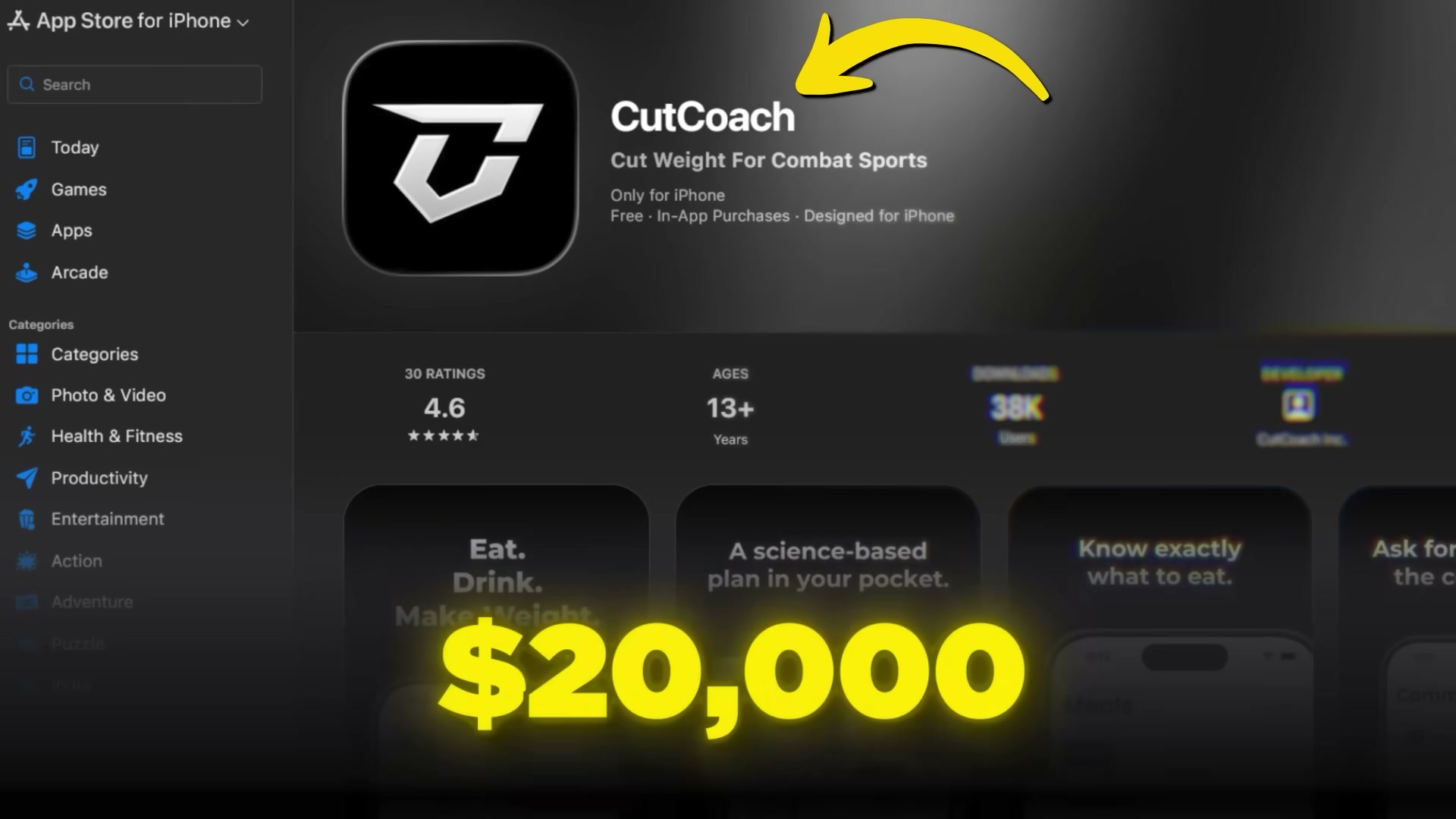
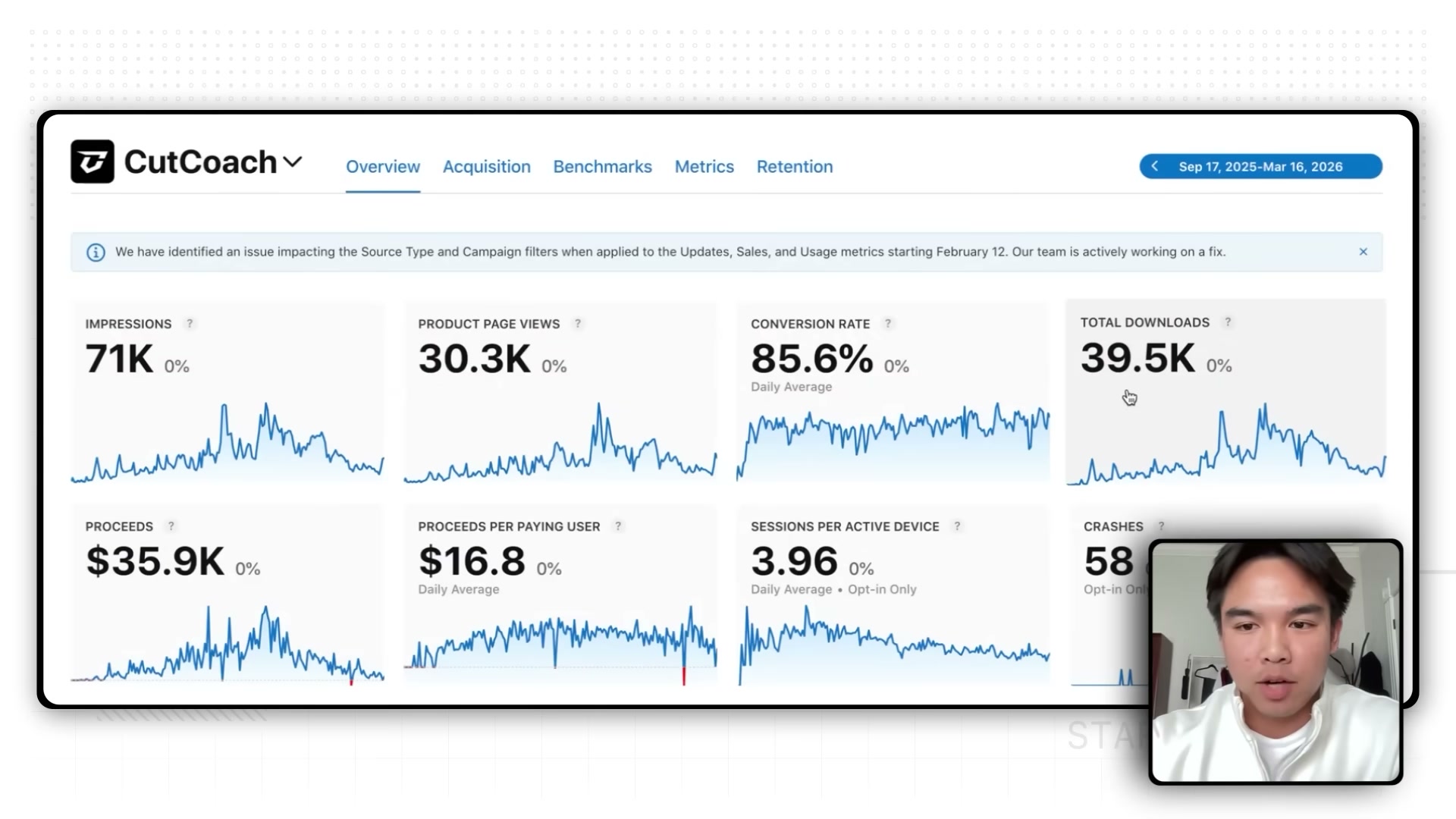
Ethan Cajigas dropped out of college, picked up Cursor, and shipped CutCoach — a mobile app for combat sport athletes — scaling from $0 to $20,000 in monthly revenue in under a year. By the end of this walkthrough, you’ll know how to identify a viable niche problem, build a functional MVP with AI coding tools, and run an influencer marketing operation that converts at rates most consumer apps never see.
-
Identify a problem inside a hobby or niche community you already belong to. Ethan’s years as a provincial judo champion and national wrestling champion gave him direct knowledge of competition weight cuts — a painful, universal problem for combat sport athletes with no dedicated app solution. Once you’ve chosen your niche, use ChatGPT to surface specific pain points and possible app angles. Being an insider cuts validation time dramatically because you already know what a good solution feels like.
-
Wireframe your core screens in Figma before touching code. Find a popular app in an adjacent category and study its navigation structure, onboarding flow, and layout. Adapt those patterns to your use case rather than reinventing UX from scratch. Established apps have run years of testing on interaction design — there’s no penalty for standing on that work.
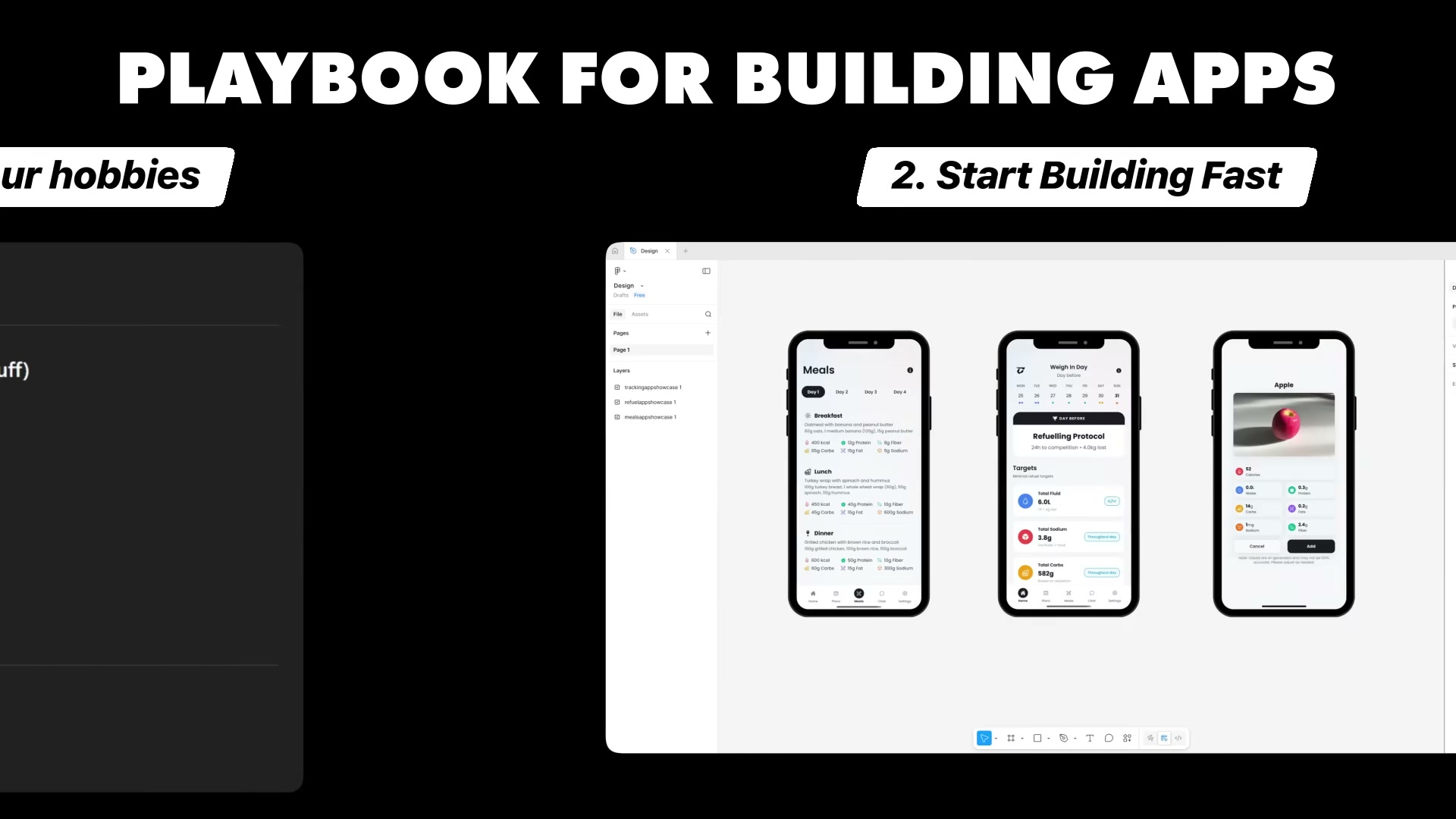
- Build frontend-first in Cursor, then layer in the backend. Give Cursor your Figma screens as reference and instruct it to match them before moving on. Once the UI is solid, build the backend using Cursor and ChatGPT in tandem. Treat the AI as a collaborative developer: describe the feature, review the output, and iterate until it matches your spec.
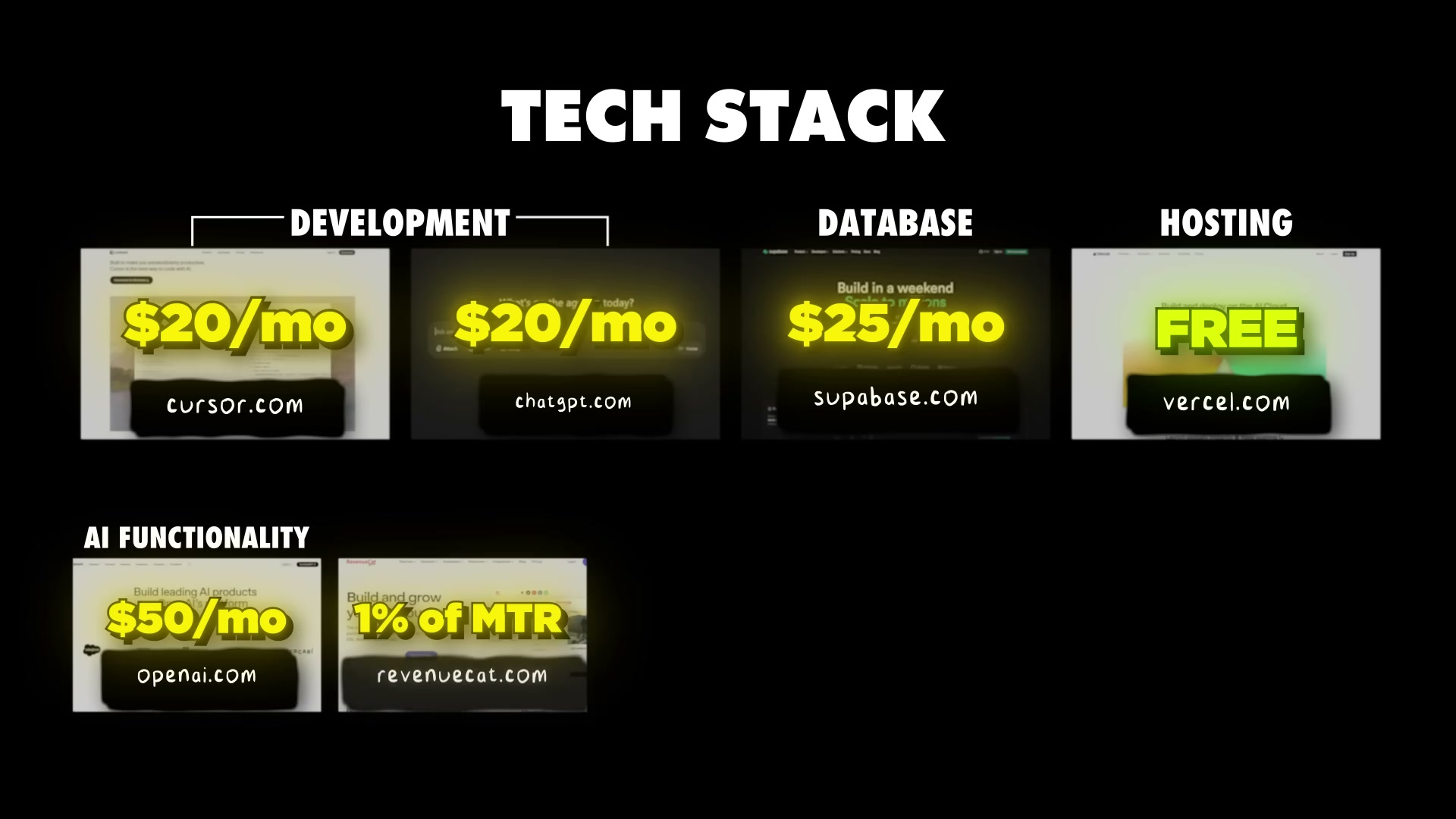
- Assemble the full tech stack and wire in every service before launch. Ethan’s CutCoach stack ran approximately $115/month plus a revenue share: Cursor ($20/mo) and ChatGPT ($20/mo) for development, Supabase ($25/mo) for the database, Vercel (free tier) for landing page and JavaScript file hosting, OpenAI API ($50/mo) for AI-powered features, and RevenueCat (1% of monthly tracked revenue) paired with Mixpanel and Superwall for subscription management, analytics, and paywalls. Add cron jobs for any scheduled automation the app requires.
Warning: this step may differ from current official documentation — see the verified version below.
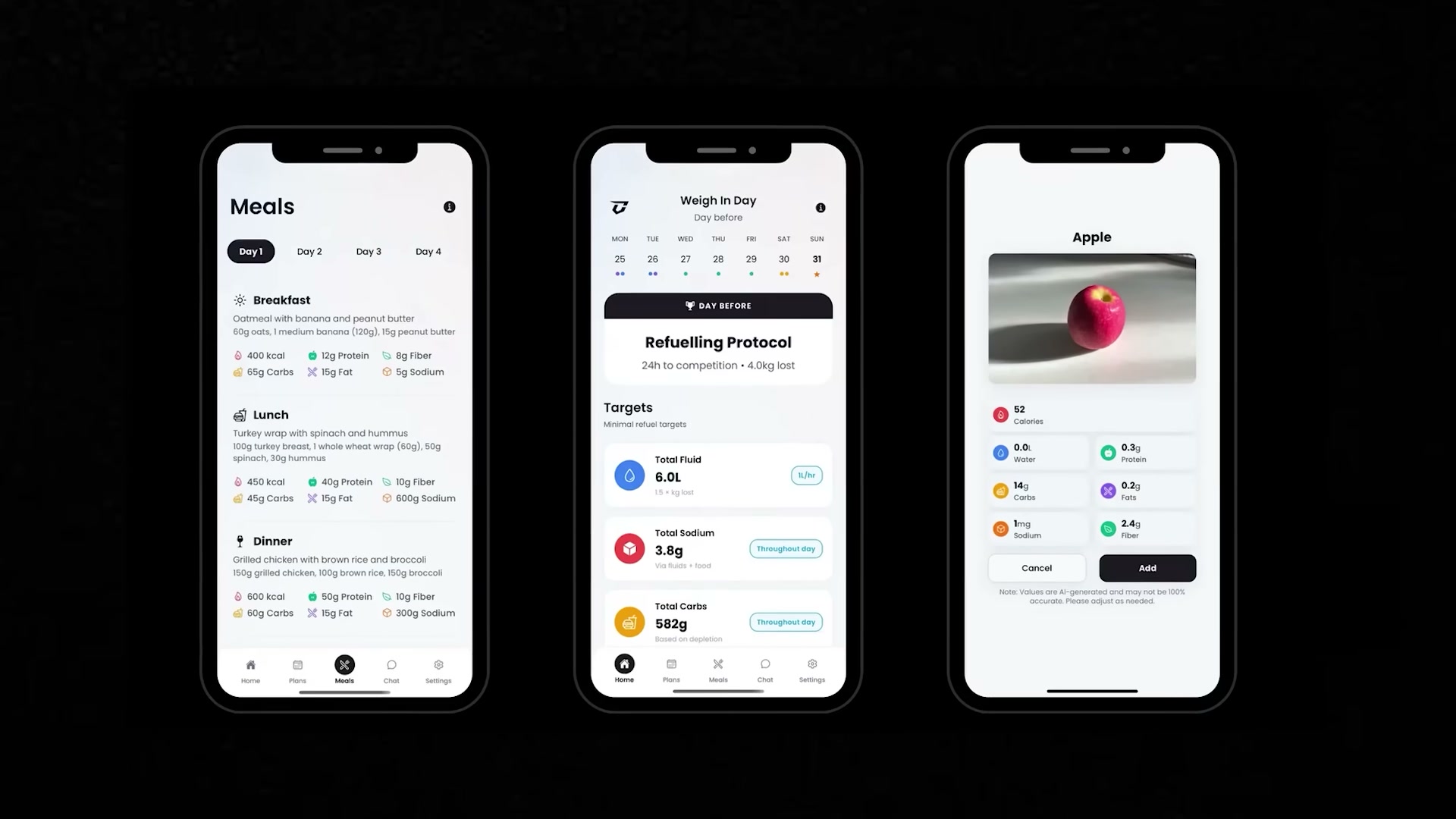
- Beta test with a real community and be prepared to rework the core concept. Ethan handed the first version of CutCoach to his wrestling club. They didn’t use it — the original flow routed weight-cut plans through coaches rather than delivering them directly to athletes. Two months of iteration and a full redesign fixed the concept before the public launch in September.
- Launch with organic short-form video, then scale through influencer partnerships and paid ads. Post content the niche actually wants to watch — not product demos. Ethan’s early videos showed UFC fighters during and after weight cuts, with a download call to action at the end. Posts with 200–500 views generated 10–15 installs per day. A 5–10% conversion rate from views to installs is realistic for a high-intent niche audience. Once organic content validates the message, DM micro-influencers directly on TikTok and Instagram — start with creators at 1,000–10,000 views per video, graduate to 20,000+, then repurpose the top-performing influencer videos as paid ads.
How does this compare to the official docs?
Ethan’s stack choices are defensible, but several tools — Supabase, RevenueCat, and Superwall — have integration requirements, pricing tier nuances, and configuration steps the video moves past quickly; Act 2 runs each one against current official documentation so you know exactly what you’re signing up for.
Here’s What the Official Docs Show
The video’s tool selections are well-matched to the problem and the build sequence holds up under scrutiny. What follows adds precision to several steps where current product documentation reveals capabilities the tutorial moves past quickly.
Step 1 — Identify a niche problem
No official documentation was found for this step — proceed using the video’s approach and verify independently.
Steps 2–3 — Brainstorm with ChatGPT, wireframe in Figma
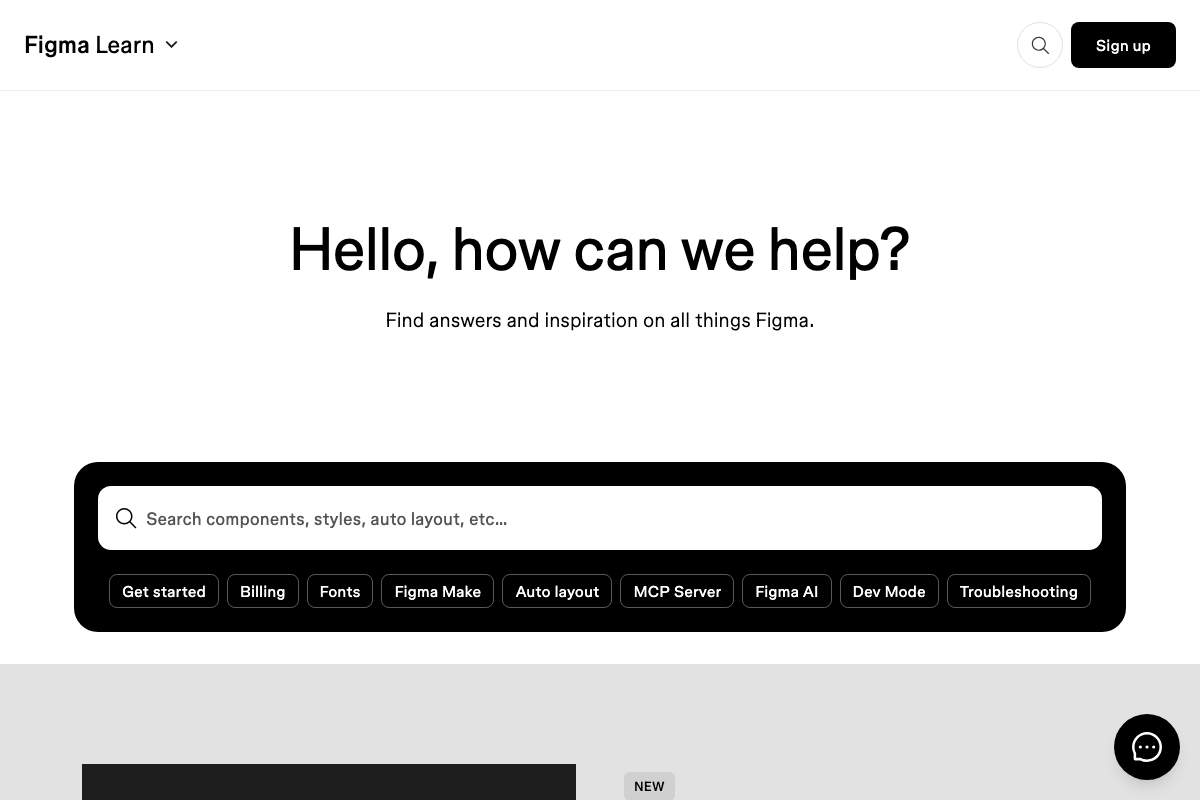
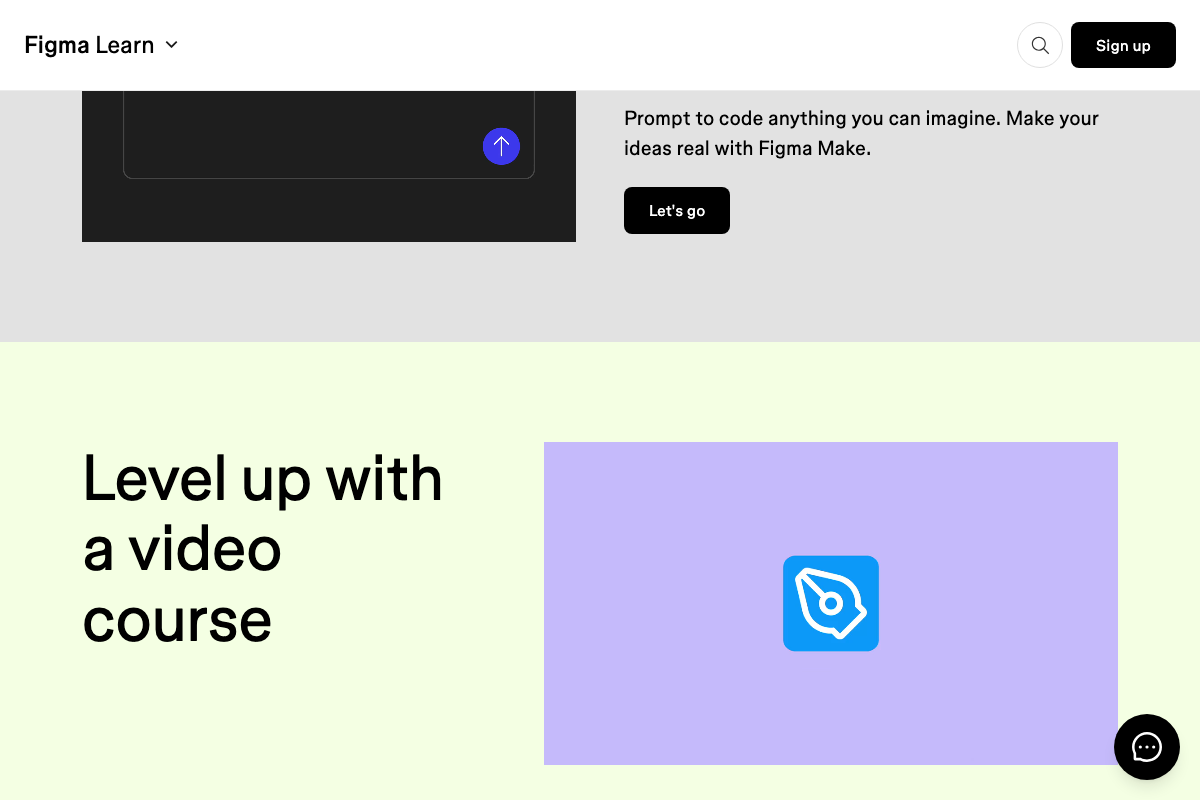
The video’s approach here matches the current docs exactly for basic usage. One distinction to carry forward: the tutorial uses “ChatGPT” for brainstorming and “OpenAI API” for in-app AI features — these are separate products with separate pricing and rate limits. Figma’s help center now prominently features Figma Make (prompt-to-code), Figma AI, Dev Mode, and an MCP Server integration, none of which appear in the tutorial. Figma Make alone — “Prompt to code anything you can imagine” — could reduce or eliminate the manual Figma-to-Cursor handoff described in Steps 3 and 4.

Steps 4–5 — Build frontend and backend in Cursor
The video’s approach here matches the current docs exactly. Cursor’s current interface is branded as Composer 2 with a dedicated Plan mode for agentic multi-step task queuing. The tutorial describes Cursor generically — if you’re using it today, Plan mode is the right starting point for any feature that touches multiple files simultaneously.


Step 6 — Supabase as your database
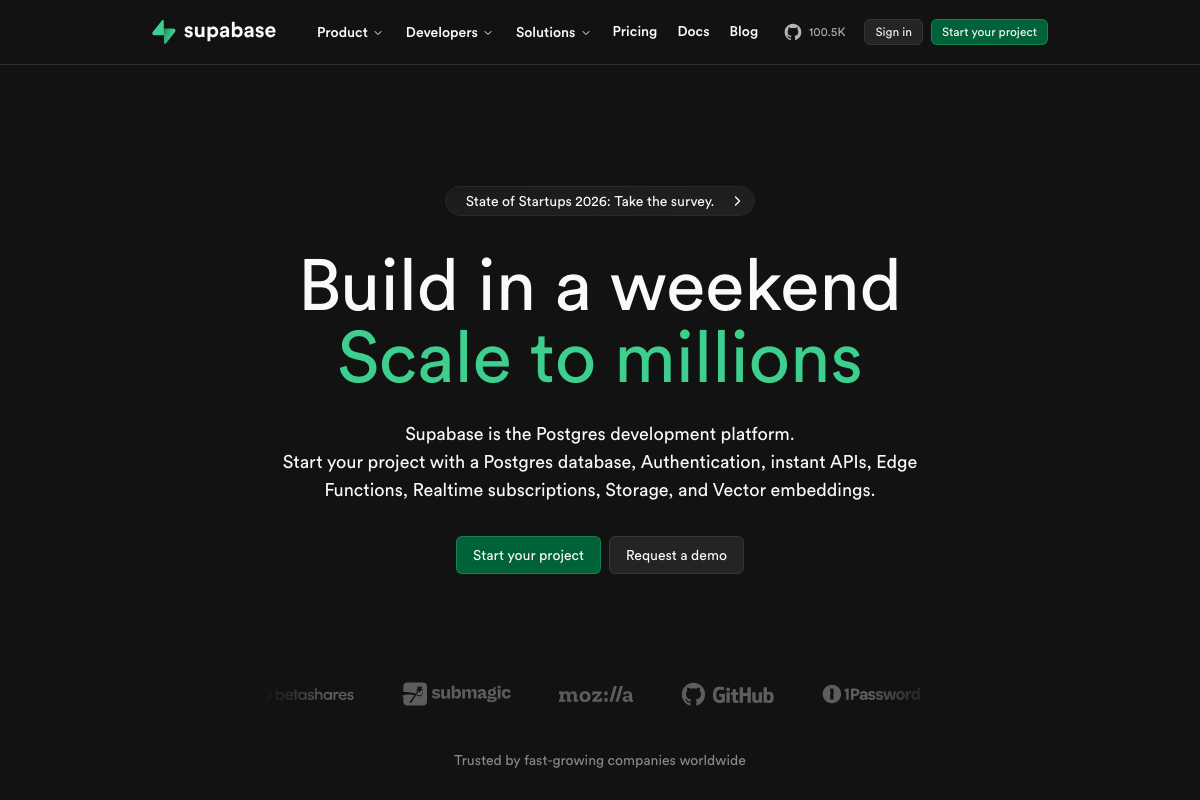
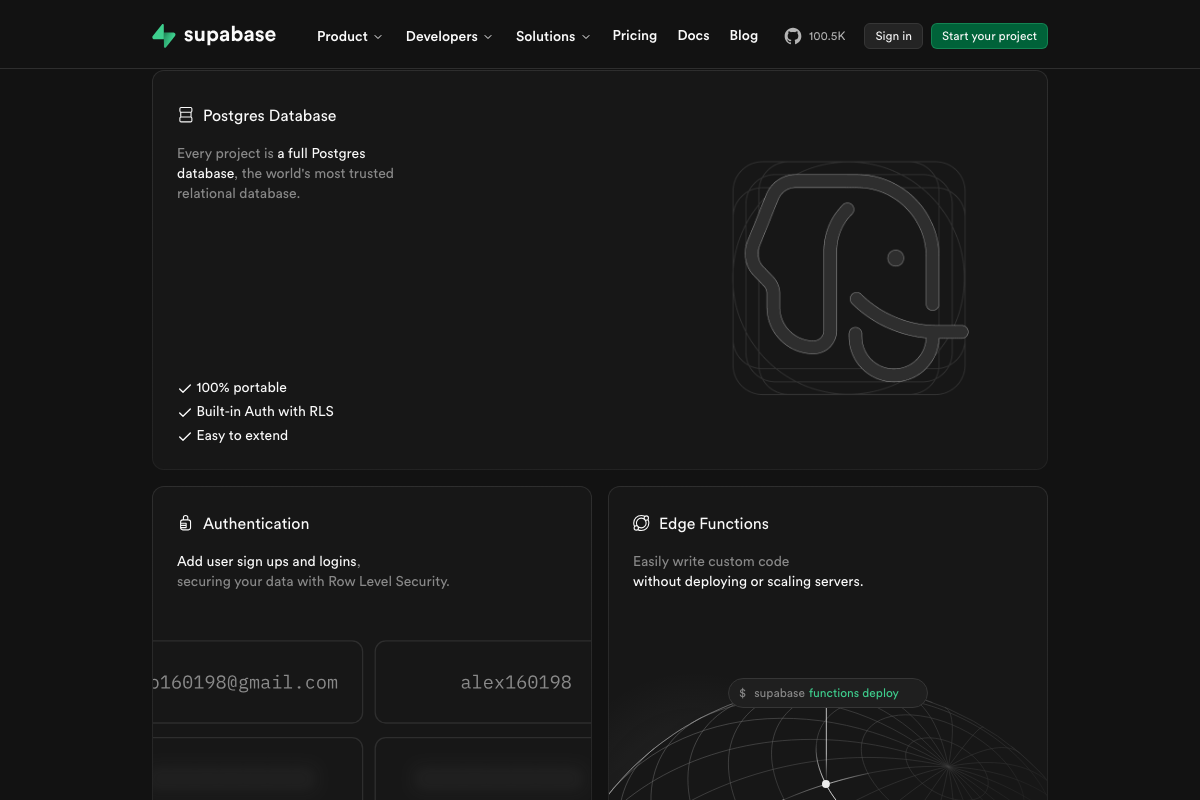
The video’s approach here matches the current docs exactly on database capability. What the tutorial omits: Supabase is not only a database. Its platform ships built-in Authentication with Row Level Security, Edge Functions, Realtime, Storage, and Vector embeddings as first-party features. If you’re planning to handle user auth or server-side scheduling separately, check whether Supabase already covers those needs before adding another service to the stack.
Step 7 — Deploy your landing page on Vercel
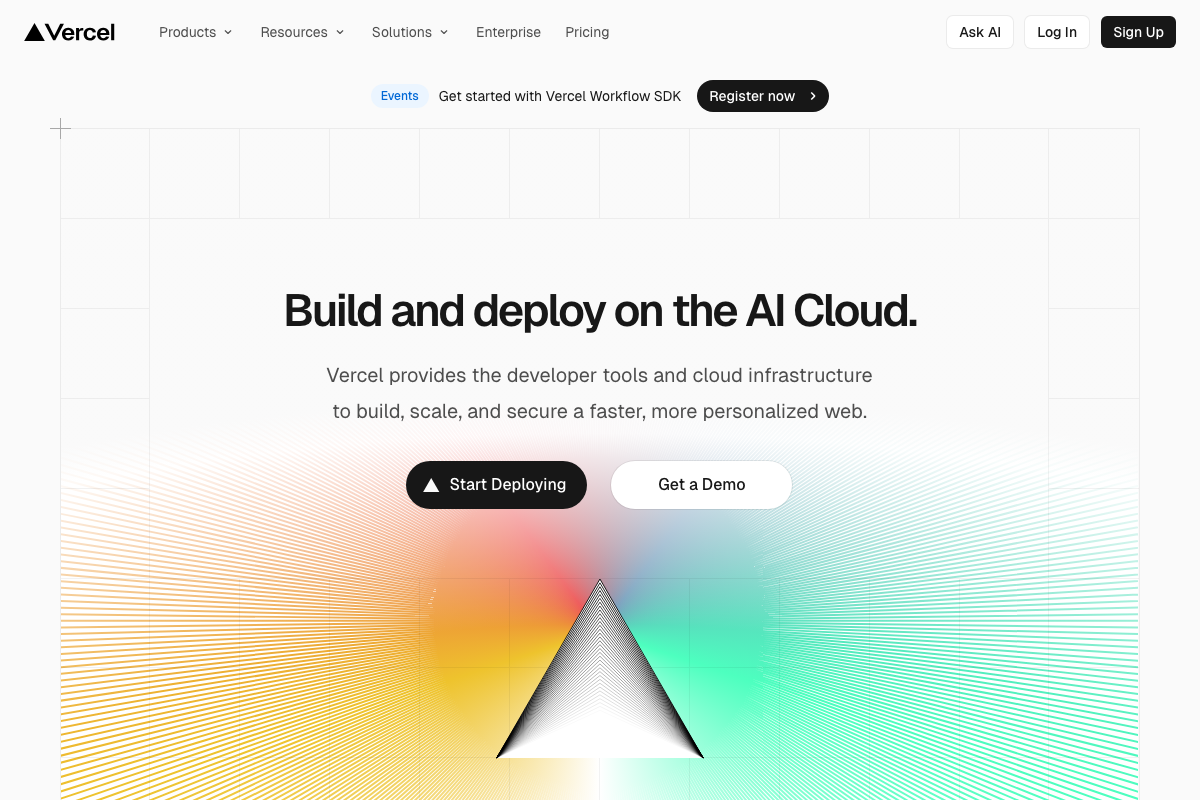
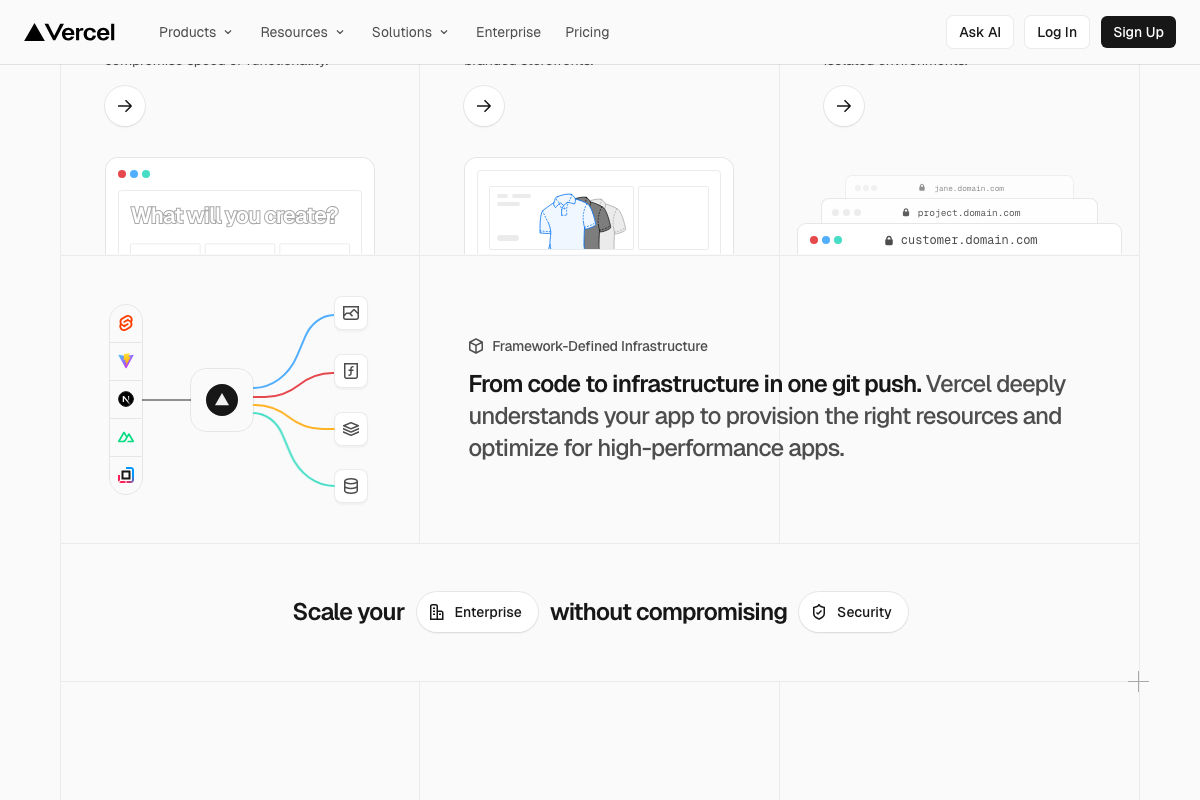
As of April 2026, the correct framing is that Vercel is a full AI Cloud deployment platform — the video describes it as a host for “landing page and JS files,” which reflects common free-tier usage but understates what you’re working with. Vercel deploys via git push with automatic infrastructure provisioning, supports serverless functions, and has a dedicated AI Apps deployment category that is directly relevant to the OpenAI API integration in Step 8. Framework-defined infrastructure is the current deployment model, not manual file uploads.
Step 8 — Integrate the OpenAI API for in-app AI features
No official documentation was found for this step — proceed using the video’s approach and verify independently.
Note: the screenshots provided for this step show the chatgpt.com consumer interface, not platform.openai.com. The OpenAI API has its own documentation, usage tiers, and rate limits that are separate from the ChatGPT product.
Step 9 — Monetization with RevenueCat, Mixpanel, and Superwall
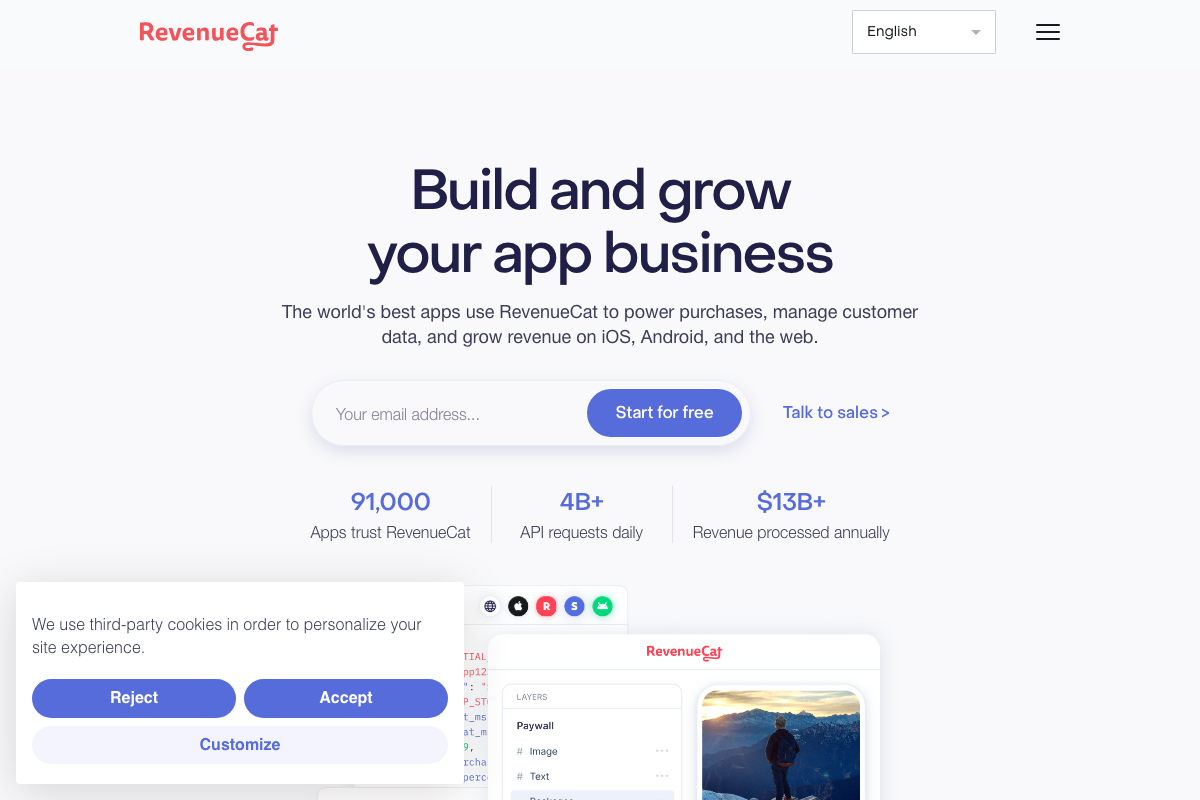
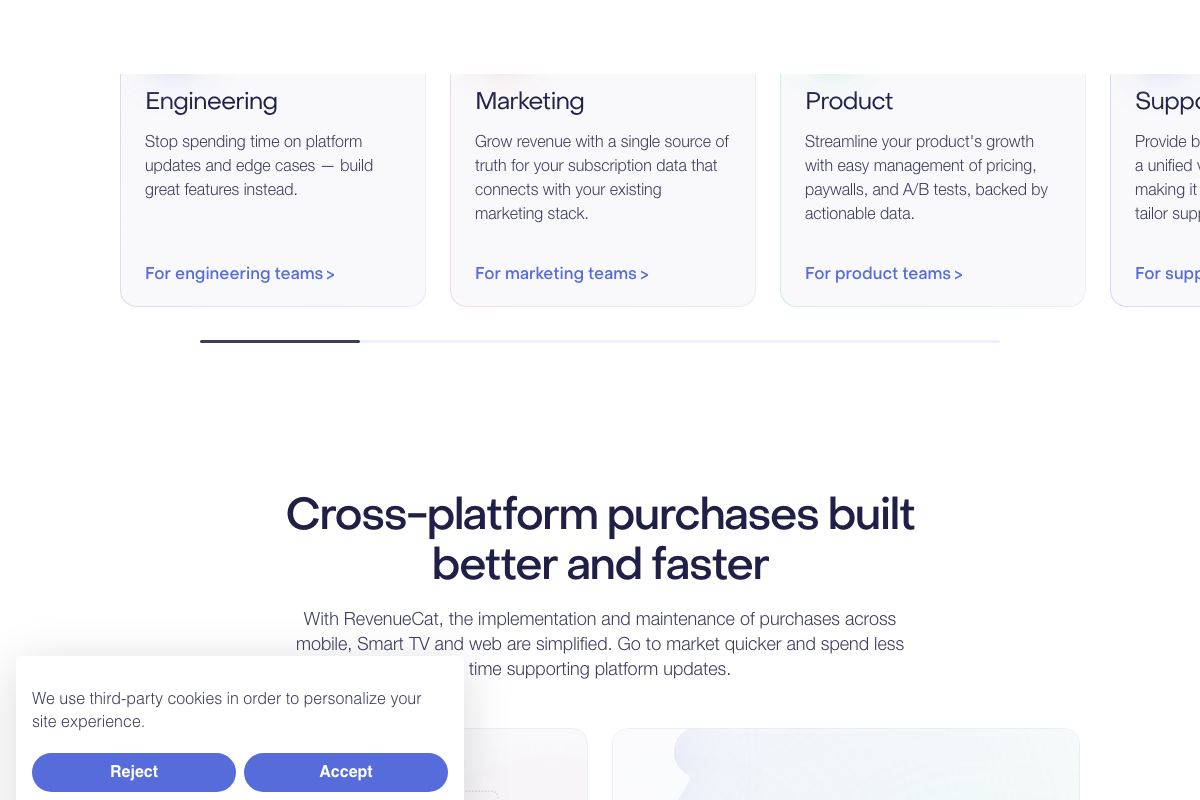
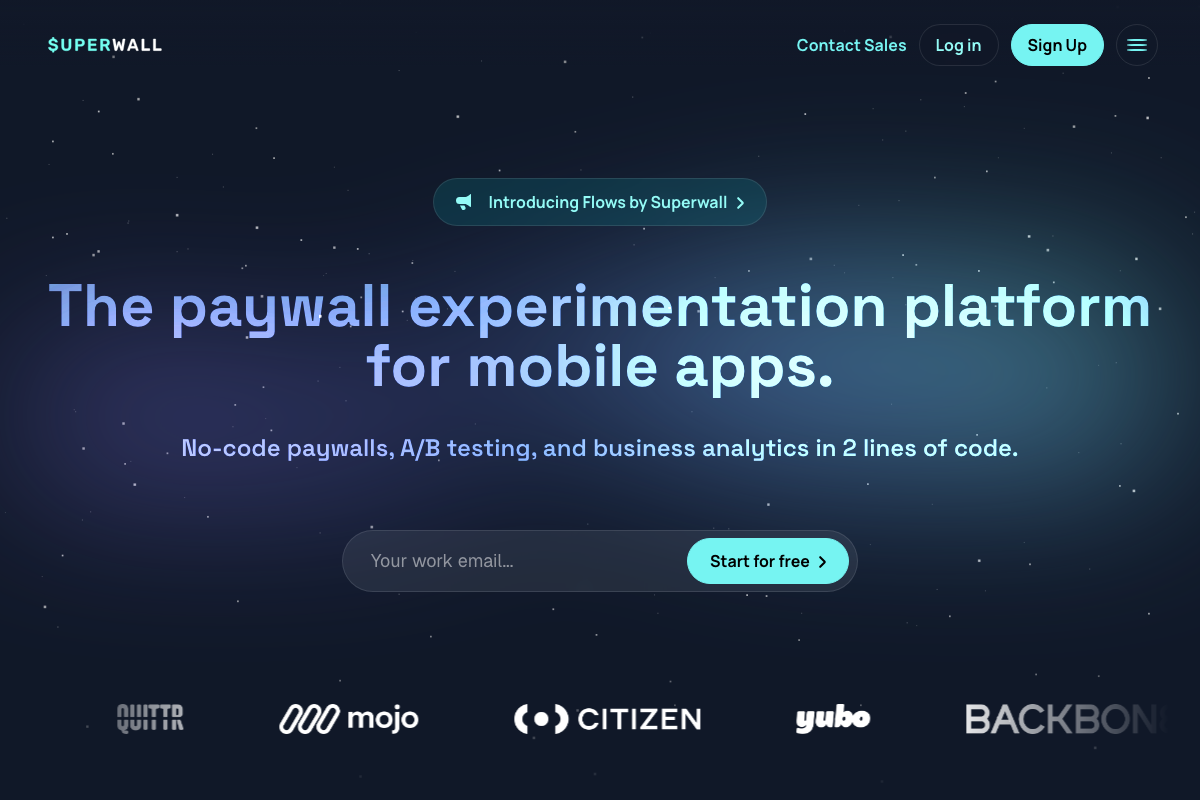
The video’s approach here matches the current docs exactly in tool selection. The overlap to understand before you configure: RevenueCat ships its own visual paywall builder, subscriber analytics dashboard, and A/B pricing tests — capabilities that also appear in Superwall and partially in Mixpanel. A practical division of responsibility: RevenueCat as the subscription data layer and payment processor, Superwall for no-code paywall experimentation and design, and Mixpanel only if you need event-level analytics beyond what RevenueCat’s built-in reporting already provides.

Steps 10–12 — Cron jobs, beta test, iterate
No official documentation was found for this step — proceed using the video’s approach and verify independently.
One addendum on Step 10: Supabase Edge Functions support scheduled server-side execution via CLI deploy. If you’re already on Supabase, check whether its native Edge Functions satisfy your cron job requirements before adding a separate scheduling service.
Step 13 — Post organic short-form video on TikTok and Instagram
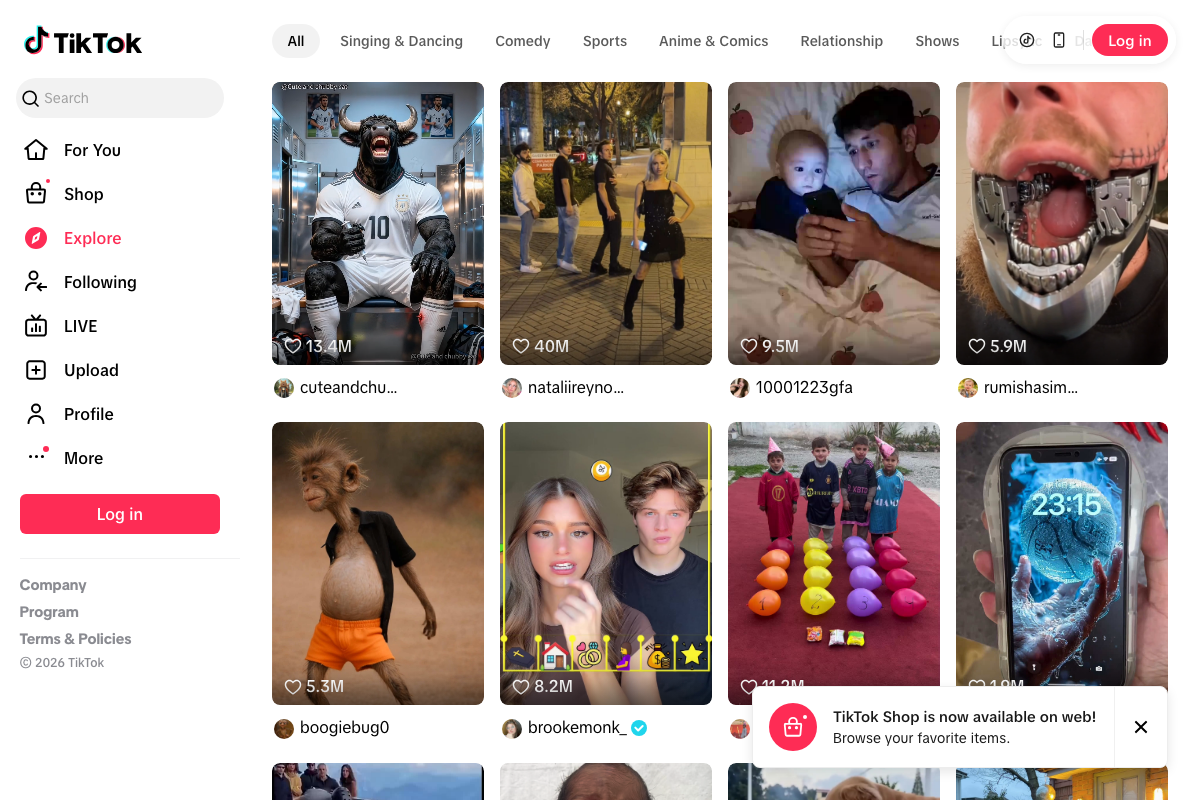
The video’s approach here matches the current docs exactly for platform access. TikTok’s Explore page is publicly accessible and surfaces niche content as described. Creator handles are visible in the grid, which supports the influencer identification workflow introduced later.
Steps 14–17 — Track conversions, DM influencers, scale to paid ads
No official documentation was found for this step — proceed using the video’s approach and verify independently.
No TikTok analytics dashboard, TikTok Ads Manager, or Instagram creator interface was captured in the available screenshots. The 5–10% view-to-download conversion target cited in Step 14 and the influencer-video-to-paid-ad repurposing workflow in Step 17 remain unverified against platform documentation.
Useful Links
- Cursor: The best way to code with AI — Cursor’s official homepage covering the Composer 2 agentic interface, Plan mode, and background agent workflows at cursor.com/agent
- Figma Learn – Help Center — Figma’s official help center documenting Figma Make, Figma AI, Dev Mode for design-to-code handoff, and MCP Server integration
- Supabase | The Postgres Development Platform — Supabase’s platform overview covering Postgres, built-in Auth with RLS, Edge Functions, Realtime, Storage, and Vector embeddings
- Vercel: Build and deploy the best web experiences with the AI Cloud — Vercel’s product page covering full AI Cloud deployment, framework-defined infrastructure, git-based deploys, and AI Apps deployment category
- Build and Grow Your App Business – RevenueCat — RevenueCat’s homepage covering in-app subscription infrastructure, visual paywall builder, and subscription analytics across Engineering, Marketing, and Product teams
- Paywalls for mobile apps – Superwall — Superwall’s product page covering no-code paywall creation, A/B experimentation, built-in business analytics, and drag-and-drop visual editor
- ChatGPT — OpenAI’s consumer chat interface at chatgpt.com, distinct from the developer API and documentation at platform.openai.com
- Explore – Find your favourite videos on TikTok — TikTok’s public Explore page showing the short-form video discovery surface relevant to organic content distribution in Step 13
- Instagram — Instagram’s platform login page confirming availability as of April 2026; authenticated creator and ad workflows were not captured in available screenshots


0 Comments