

The SEO Video Funnel That Closes High-Ticket Clients at 50%
Short-form social video and SEO are not separate strategies — this funnel treats them as a single channel. After completing this tutorial, you will be able to build a fully automated pipeline that moves cold searchers from a TikTok or YouTube Short into a segmented intake form, warms them with a personalized follow-up video, and books a sales call that closes at roughly 50%. The system is built on Moz, Descript, Typeform, Zapier, and Calendly, and it scales without a sales team.
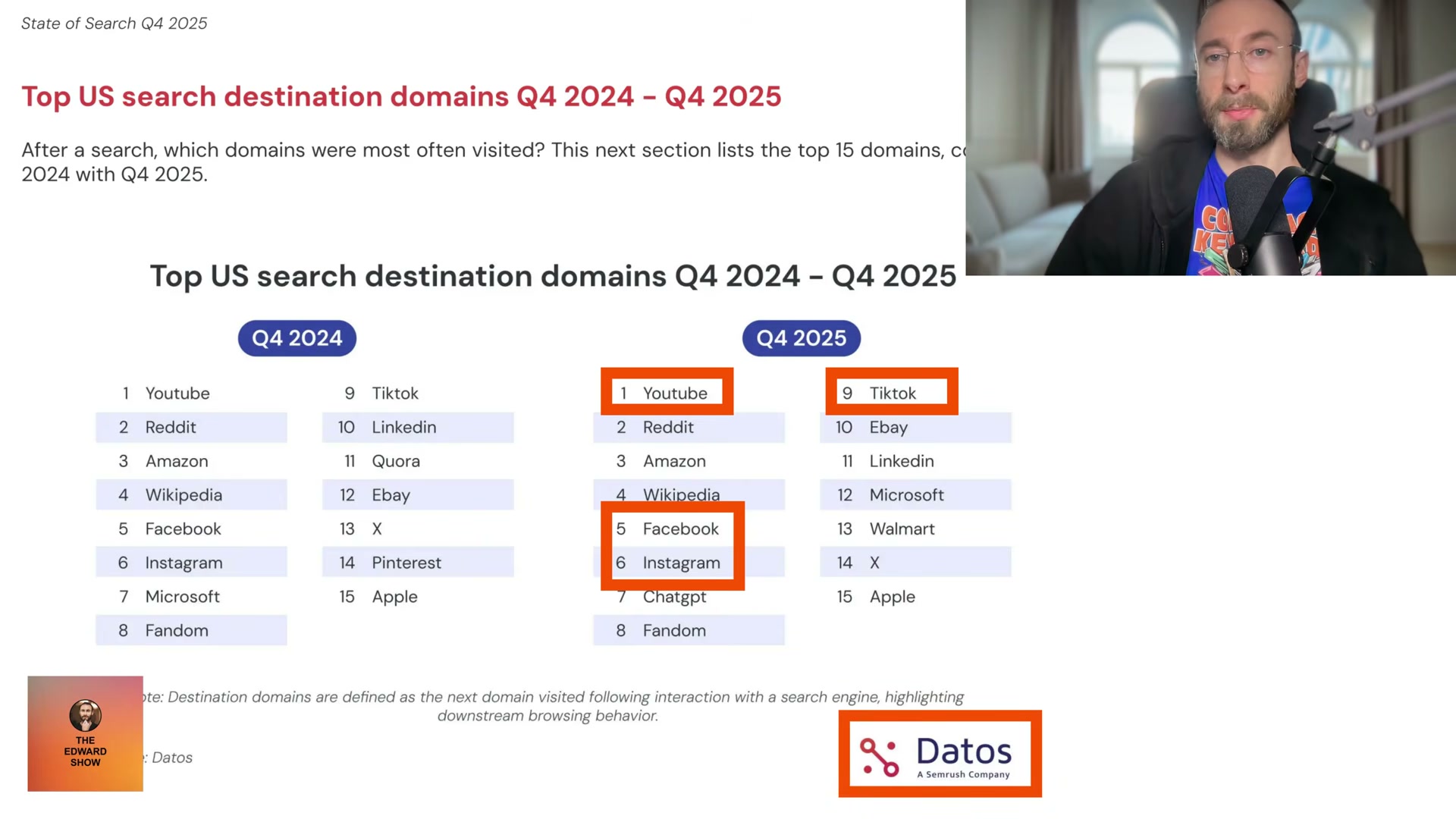
- Open your SEO tool — Moz works well here — and search for top-of-funnel question keywords in your niche. You are looking for questions with real search volume but minimal competing video content. For a dental software company, that might be “how to reduce admin time in a dental practice” or “how to reduce burnout as a dentist.” Low competition matters more than search volume when your accounts are new.

-
Record a mobile video answering the keyword question. Hold your phone up, answer directly, and wrap under two minutes — ideally under one. End with a verbal call-to-action directing viewers to a cheap, memorable custom domain you control, such as “edwardsfitnessplan.com.” Buy the domain for around $11; it only needs to be easy to say out loud.
-
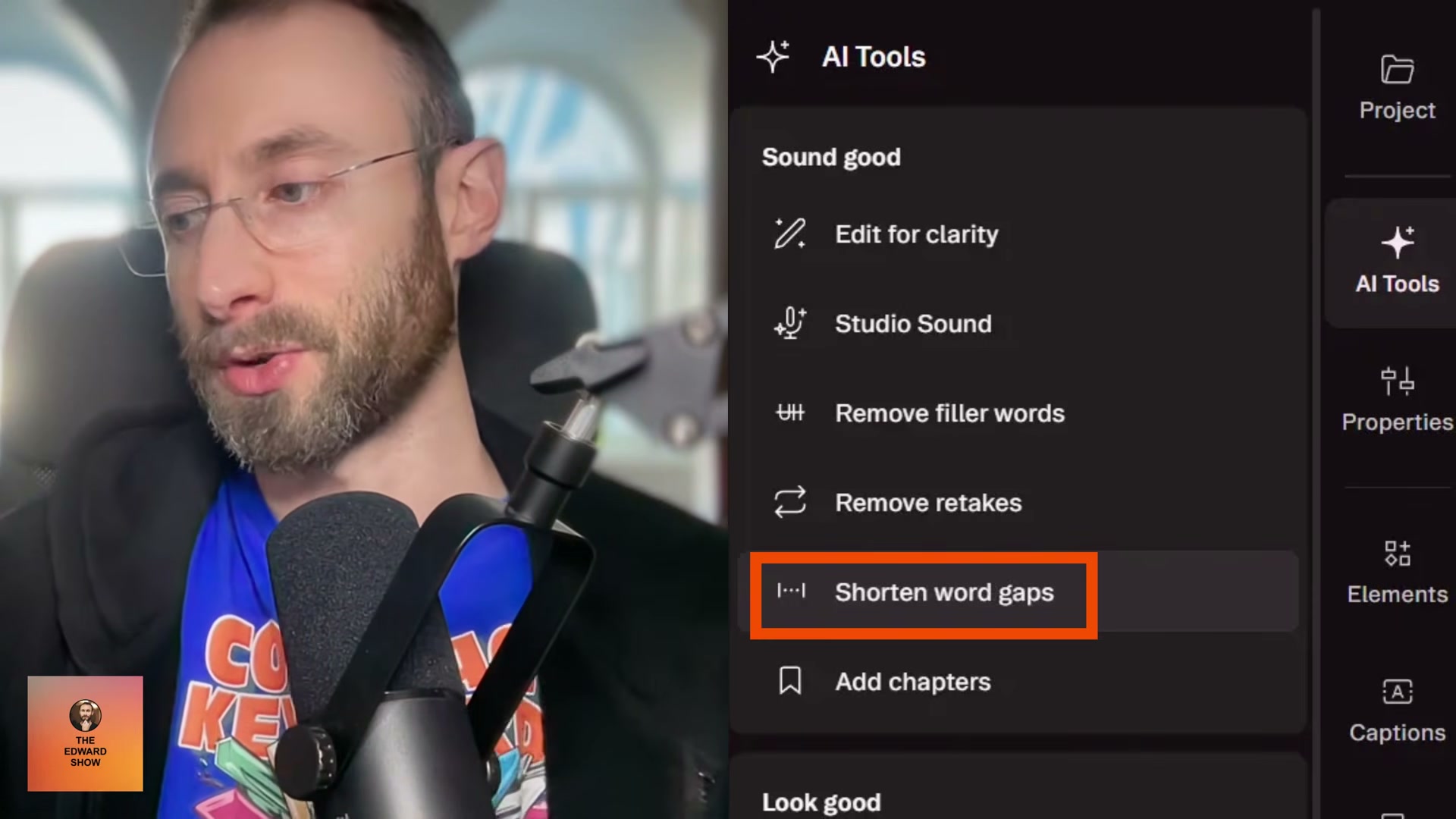
Edit the video in Descript. In a single session: run Shorten word gaps to eliminate dead air, toggle AI Eye Contact if you were reading from notes, apply Studio Sound to clean up background noise, generate Auto-Captions, and strip retakes. Every one of those actions is one click.
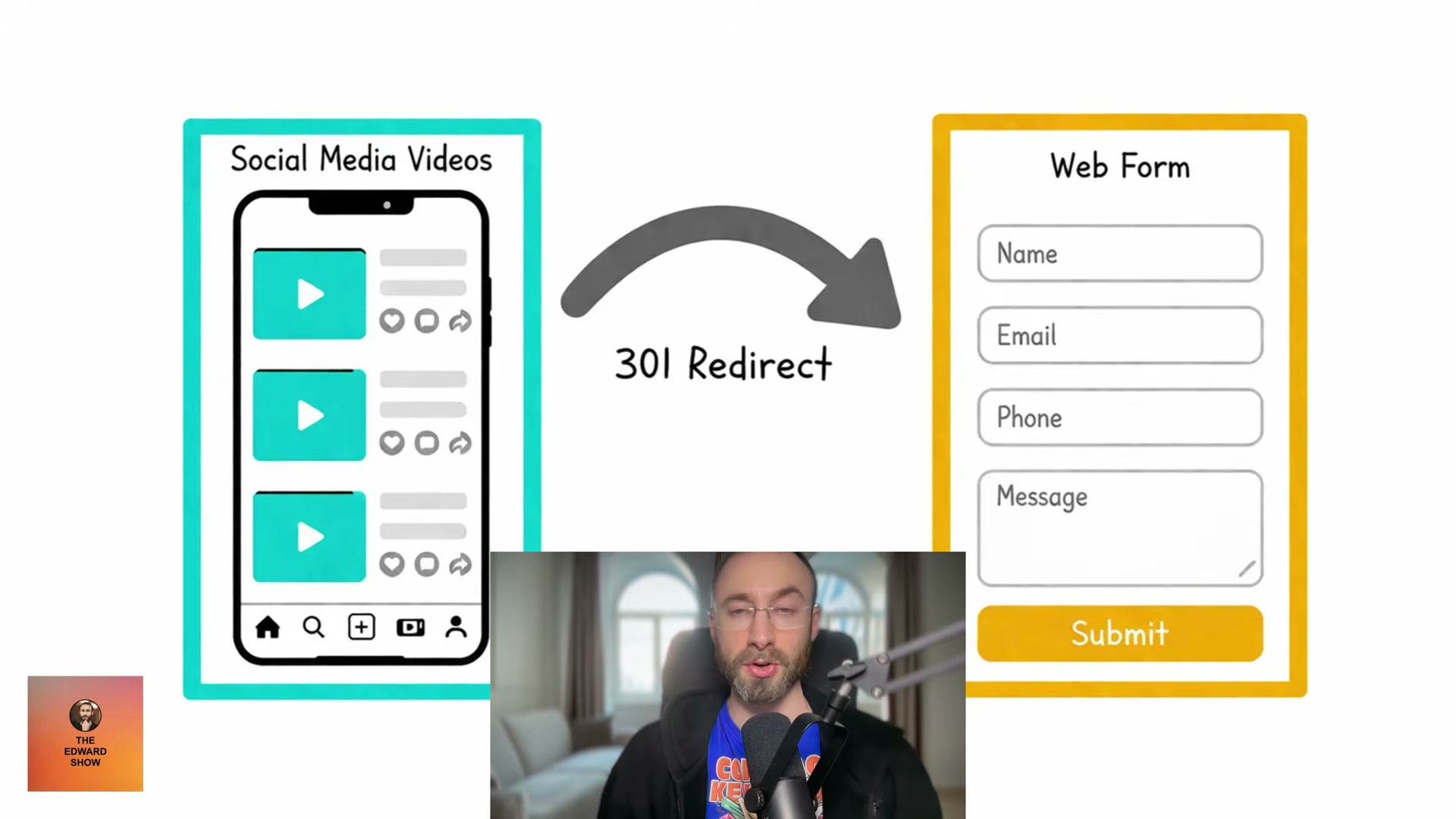
- Publish the edited video across YouTube Shorts, TikTok, Instagram Reels, Facebook, and LinkedIn simultaneously. The memorable domain you mention in your verbal CTA should be configured as a 301 redirect pointing to your intake form URL — never directly to a generic homepage.
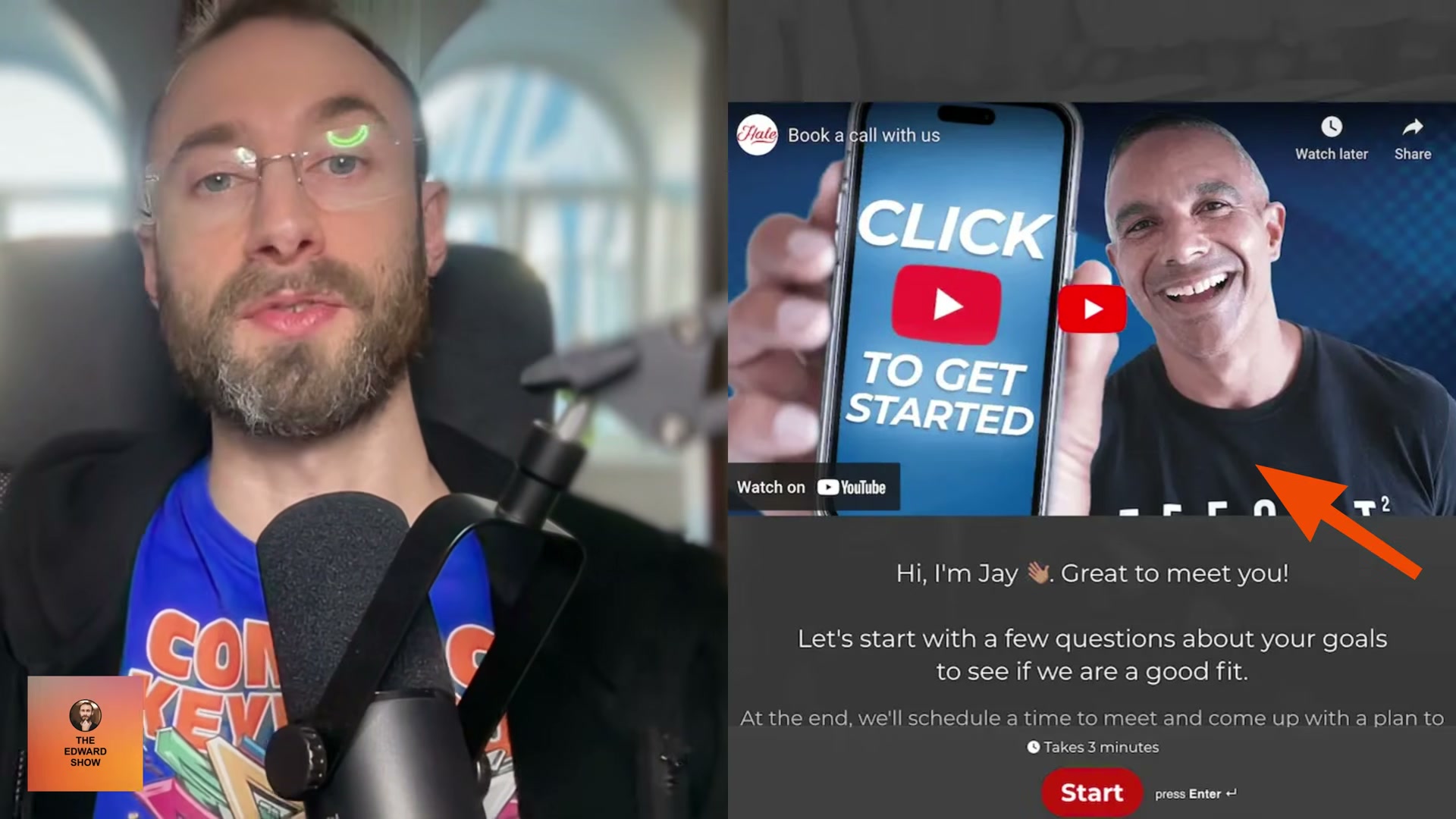
- Build your intake form in Typeform or on your own site. Embed a sub-45-second explainer video at the top that tells the prospect exactly what to expect from the call. Keep the form to seven fields. NP Digital’s conversion data shows the drop-off between five and seven fields is only 0.5%, but those two extra fields let you segment leads into archetypes — which is what the rest of the funnel depends on.

- Place a Calendly embed at the end of the form so qualified prospects self-schedule their sales call before they leave the page. Connect the form to Zapier; configure Zapier to write every submission to a Google Sheet.
- Define four to five customer archetypes — the distinct profiles of buyers you actually close. Use Zapier’s AI step to read each new Google Sheets row and classify the lead into one of your archetypes based on their form answers.
Warning: this step may differ from current official documentation — see the verified version below.
-
Record a five-minute follow-up video for each archetype. The easiest format is an interview: a colleague asks you the questions that archetype cares most about. If you have no interviewer, answer the archetype’s questions solo. If you can get an actual customer from that archetype on camera, do it. Edit these in Descript; for remote guests, use Descript Rooms with Automatic Multicam to switch between speakers in one click.
-
Configure a per-archetype email automation — in Zapier or Mailchimp — to send the matching follow-up video the day after form submission. The sales call runs the day after the video is sent. For prospects who don’t close on the call, send a 24-hour discount offer and one to three additional archetype-targeted videos as a follow-up sequence.
How does this compare to the official docs?
The funnel stitches together five separate platforms — Descript, Typeform, Zapier, Calendly, and Mailchimp — so the official documentation for each tool tells a meaningfully different story than the integrated workflow shown here.
Here’s What the Official Docs Show
The tutorial’s overall architecture holds up against current documentation — every tool it recommends is active, accessible, and largely works as described. What follows layers in product-level context from official sources, particularly where Moz and Descript have shipped meaningful new capabilities since the tutorial was recorded.
Step 1 — Keyword research in Moz
The video’s approach here matches the current docs exactly. Moz’s Rankings dashboard confirms keyword tracking, search visibility percentages, and competitive SERP analysis consistent with the low-competition keyword workflow. One significant addition worth knowing: Moz now features an AI Visibility Dashboard (labeled Beta) that tracks a brand’s presence in AI-generated answers, alongside a Prompt Suggestions tool (labeled NEW) for AI search optimization. Neither is required for this funnel, but both materially expand what Moz can surface for SEO clients as of April 2026.


Step 2 — Record and publish the short-form video
YouTube Shorts is confirmed as a dedicated navigation surface. TikTok, Instagram, Facebook, and LinkedIn are all confirmed active platforms. The video’s approach here matches the current docs exactly for platform availability. Creator upload tools and CTA configuration are behind authentication on all four platforms and were not captured in screenshots.
Step 3 — Edit in Descript
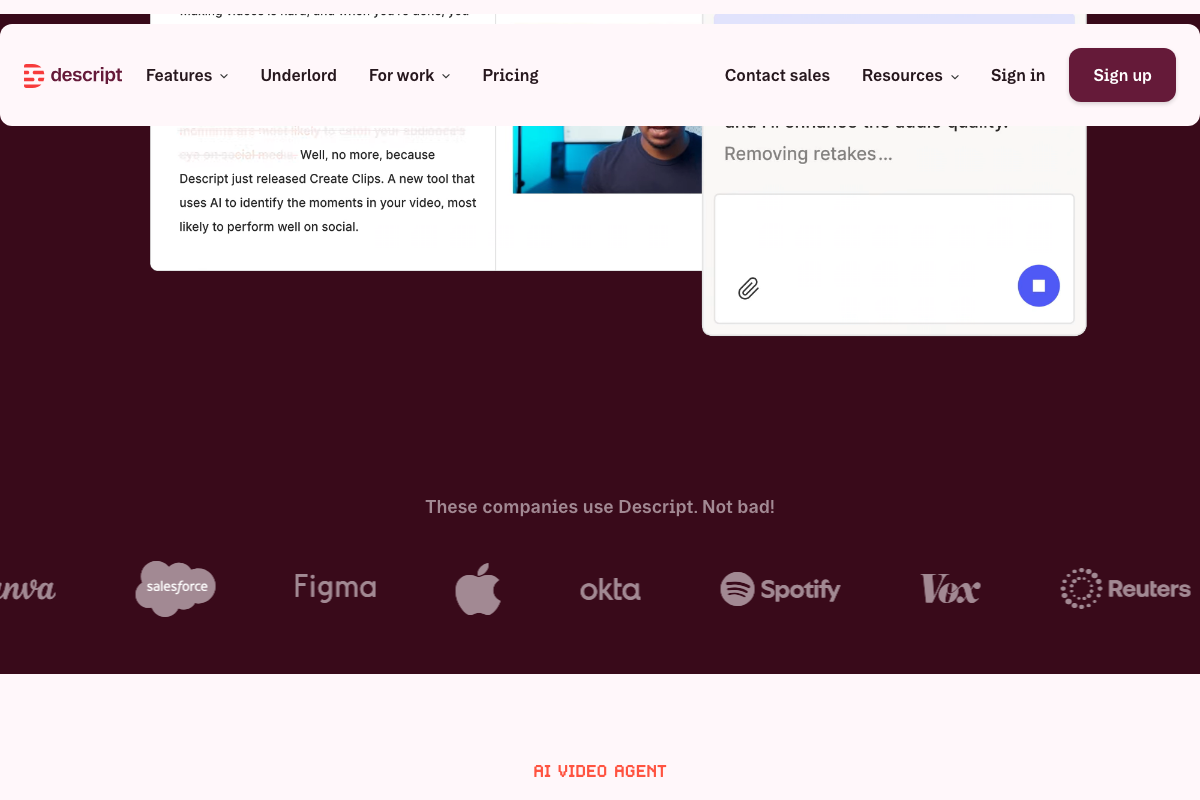
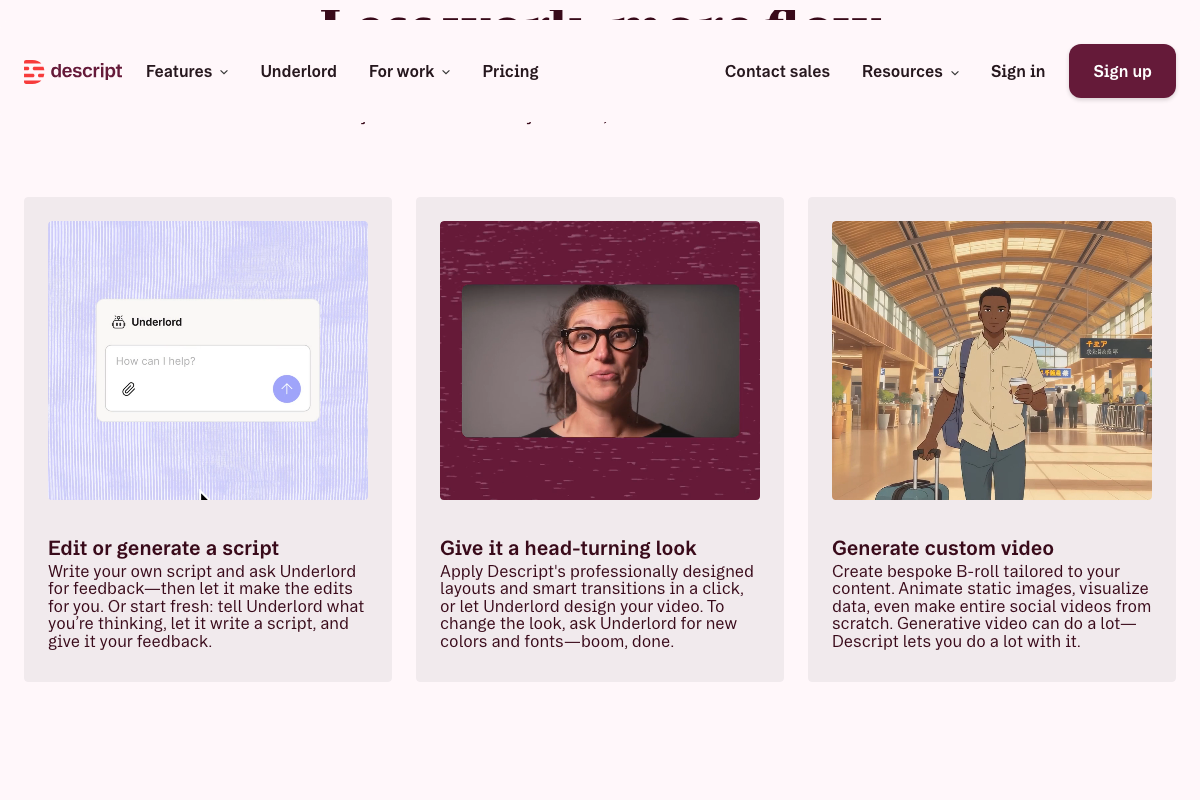
Descript’s AI editing suite is now branded Underlord — the tutorial doesn’t use that name, but the underlying system is the same one described. Retake removal is directly confirmed as a live Underlord AI action in the product UI. AI Eye Contact, Studio Sound, and Auto-Captions are not visible by those exact names in current product screenshots — verify their availability inside your account before relying on the tutorial’s one-click framing. One new capability worth adding to your workflow: Create Clips, which uses AI to identify moments most likely to perform on social media and is not mentioned in the tutorial.
Step 4 — 301 redirect from custom domain to intake form
No official documentation was found for this step — proceed using the video’s approach and verify independently.
Step 5 — Build the intake form in Typeform
No official documentation was found for this step — proceed using the video’s approach and verify independently.
Step 6 — Embed Calendly and connect Zapier to Google Sheets
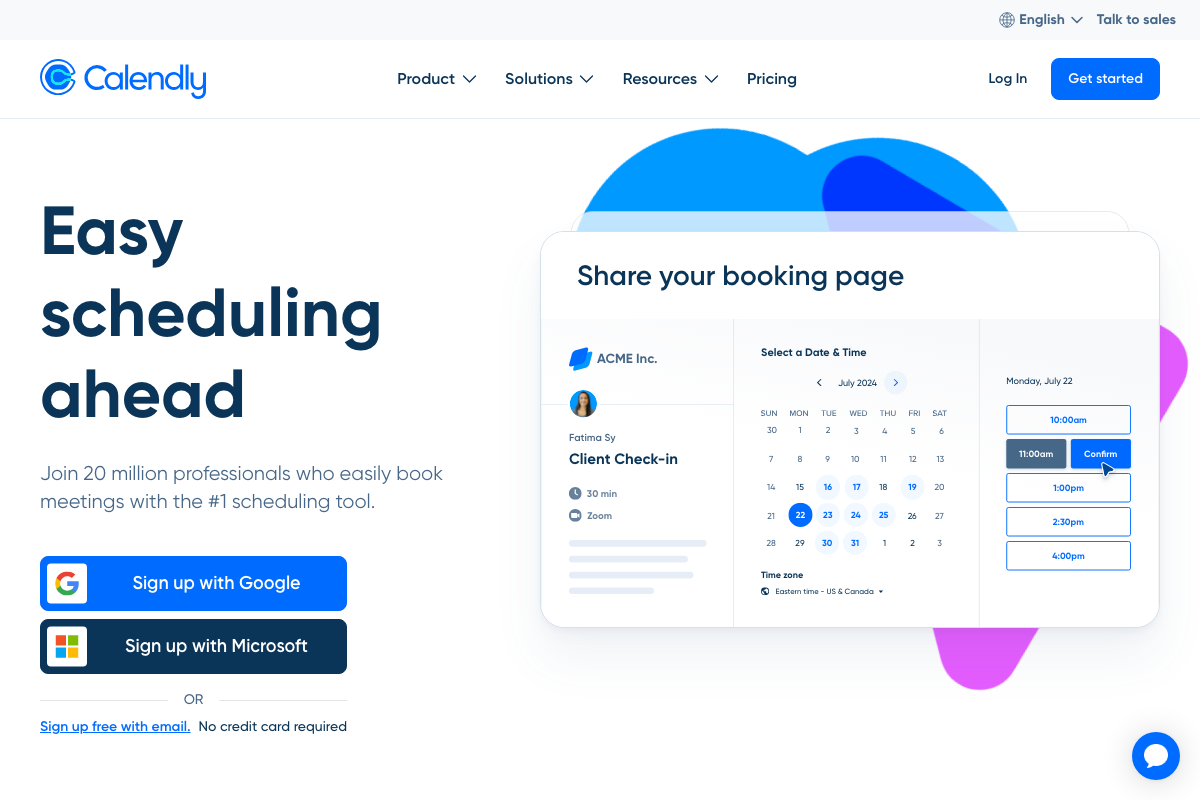
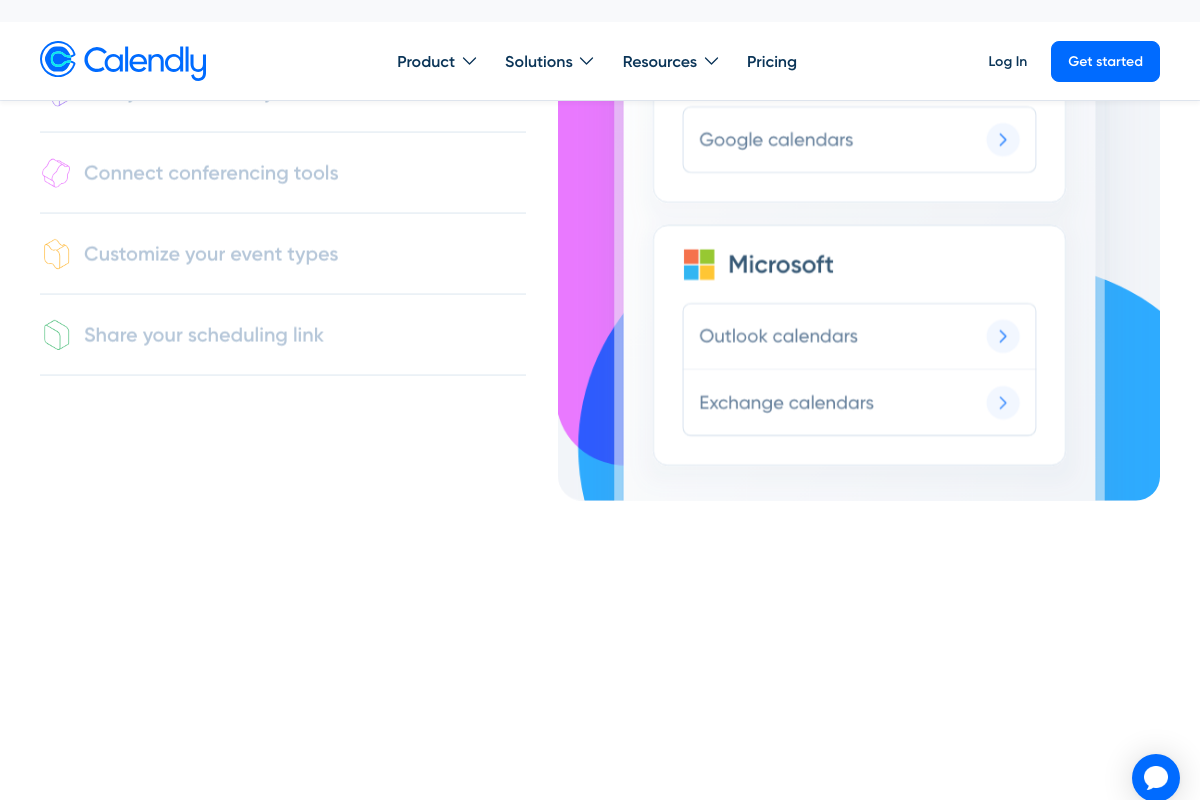
Calendly’s booking page, event type configuration, and Zoom conferencing integration are all confirmed in the current product UI. The video’s approach here matches the current docs exactly for the self-scheduling mechanic. One prerequisite the tutorial does not mention: connecting a Google or Outlook calendar is a required setup step before Calendly will generate a shareable scheduling link — build that into your onboarding time. The Zapier-to-Sheets data pipeline has no screenshot-level confirmation; all three Google Sheets screenshots captured show only the authentication gate.
Step 7 — Classify leads into archetypes using Zapier AI
No official documentation was found for this step — proceed using the video’s approach and verify independently.
Step 8 — Record and deliver archetype follow-up videos
No official documentation was found for this step — proceed using the video’s approach and verify independently.
Step 9 — Configure per-archetype email automation and close sequence
No Mailchimp or Zapier screenshots were captured for this step.
No official documentation was found for this step — proceed using the video’s approach and verify independently.
Form copy — Draft intake fields with ChatGPT (original step 14)
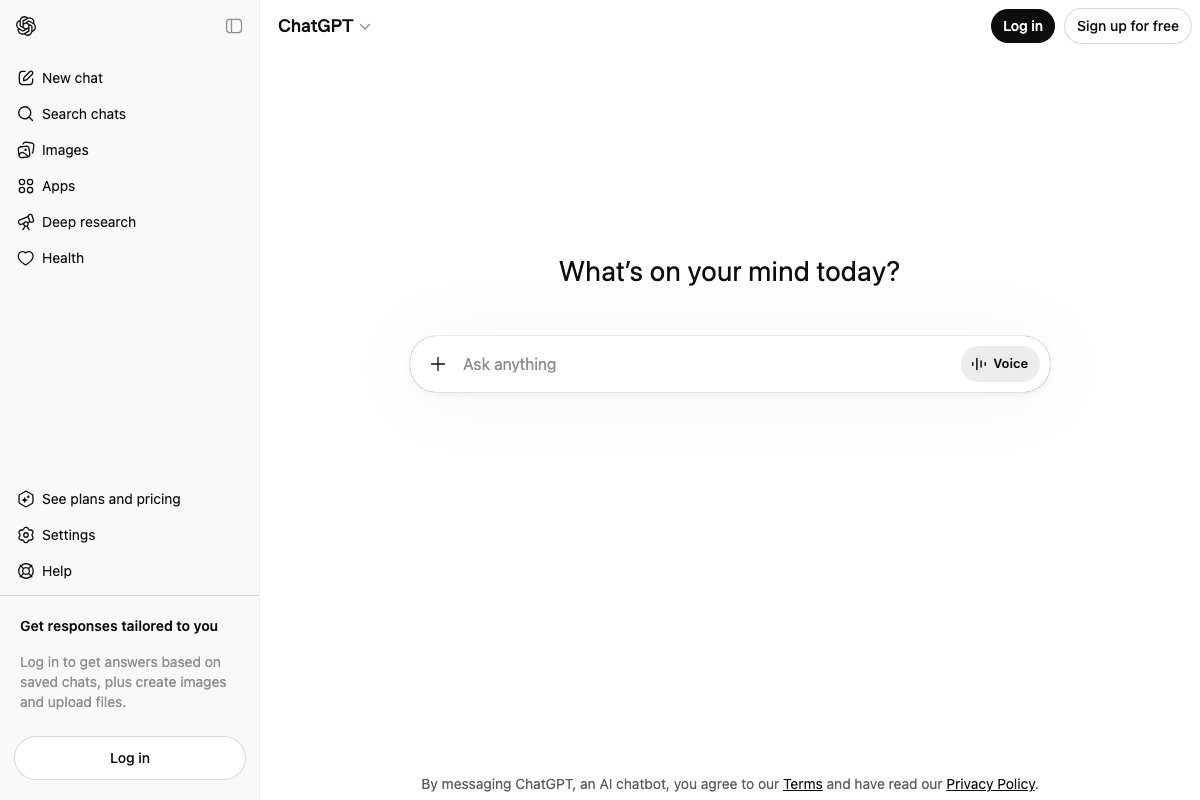
The video’s approach here matches the current docs exactly for tool availability. ChatGPT is confirmed accessible at chatgpt.com with a prompt input field. One contextual note: the interface has expanded considerably — the sidebar now includes Images, Apps, Deep research, and Health as distinct product surfaces not present in earlier versions. The core text prompt input for drafting form copy remains the same entry point it always was.
Useful Links
- Moz — SEO Software for Smarter Marketing — Keyword research, rankings dashboard, competitive SERP analysis, and the new AI Visibility Dashboard (Beta) for tracking brand presence in AI-generated answers.
- Descript — AI Video & Podcast Editor — Underlord AI co-editor for retake removal, audio enhancement, script editing, and the new Create Clips social distribution feature.
- Calendly — Free Online Appointment Scheduling Software — Prospect-facing booking pages with Zoom integration, event type customization, and required Google or Outlook calendar sync.
- ChatGPT — AI prompt interface for drafting form copy and funnel content, with expanded product surfaces including Deep research and Apps.
- Google Sheets — Sign In — Cloud spreadsheet for logging form submissions; requires Google account authentication before the interface is accessible.
- YouTube — Short-form video platform with YouTube Shorts confirmed as a dedicated distribution surface in the main navigation.
- TikTok — Explore — Short-form video distribution platform for funnel entry content, with TikTok Shop now available as a parallel commerce surface.
- Instagram — Reels-capable platform for short-form video distribution; creator tools and CTA configuration require authentication.
- Facebook — Video-capable social platform for funnel distribution; creator tools require authentication.
- LinkedIn — Professional network with confirmed B2B software buyer audience composition, relevant for high-ticket service targeting in steps 2 and 4.


0 Comments