

How to Diagnose and Recover from an SEO Traffic Drop
When organic traffic falls off, the instinct is to blame Google’s algorithm, AI Overviews, or the competition. This tutorial walks you through a structured four-step SEO audit framework that identifies exactly what’s holding your site back and produces a prioritized fix list you can act on immediately. The approach comes from a real audit run for an 11-figure beauty brand that had seen clicks drop 23.5% year-on-year; after implementing the recommendations, organic traffic grew 27% and Google AI Overview visibility more than doubled.

-
Run a comprehensive SEO audit before touching anything. The temptation when rankings slip is to start tweaking content or chasing individual keywords. A full audit first — covering technical health, on-page signals, content alignment, and AI visibility — gives you a prioritized roadmap rather than a scattered set of guesses. Structure the output around two categories: blockers actively harming performance, and opportunities that haven’t been exploited yet.
-
Audit your technical SEO foundations. Use Screaming Frog to crawl the site and surface structural issues, Google Search Console to see current search performance, and SEMrush for its site audit feature and keyword data. At this stage you’re looking for crawl issues, redirect chains and broken redirects, duplicate pages and duplicate page titles, pages blocked from indexing via robots.txt or noindex tags, broken internal links, missing canonical tags, and hreflang errors on any international site configuration.
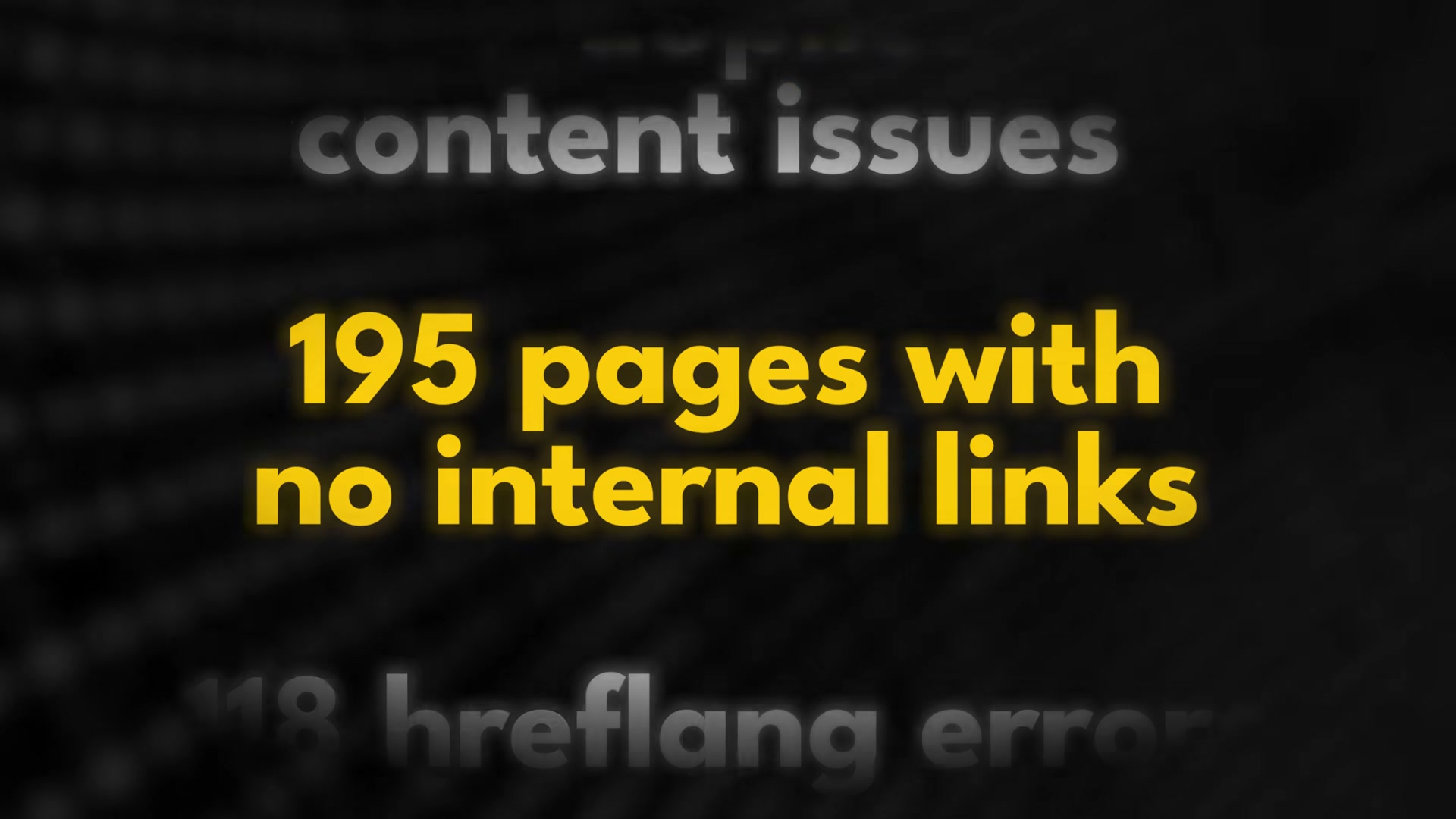
In the skincare brand audit, this step alone uncovered 349 duplicate page titles, 219 duplicate content issues, 195 pages with zero internal links, and 118 hreflang errors. Fixing them moved the site’s health score from 64 to 72 out of 100 within months.
- Audit on-page SEO signals. With the technical layer stabilized, run the same three tools against on-page factors. You’re looking for missing or duplicate title tags and meta descriptions, missing or incorrect H1 headings, images without alt text, and weak internal linking to priority pages. The skincare audit surfaced 201 missing meta descriptions, 136 missing H1 tags, 1,500 images without alt text, and 256 metadata errors. Each issue looks minor in isolation; across a large site, the compound effect on crawl efficiency and topical clarity is significant.
-
Map content to search intent and close keyword gaps. Open Search Console and filter for high-impression, low-CTR pages — Google is already surfacing these, but users aren’t clicking. Also pull pages ranking positions 8–20; a few positions of improvement here drives disproportionate traffic gains. Use SEMrush or SE Ranking to find keywords that have no dedicated page on your site targeting them. Then check whether each page’s content type matches dominant search intent: if searchers want a product page and you’re serving a blog post, rankings will stall regardless of how well the copy is optimized. Build topic clusters around your commercial priorities and restructure pages where content type and intent diverge.
-
Optimize for AI search visibility. Structure content so it’s machine-readable and directly citable by Google AI Overviews, ChatGPT, Gemini, Perplexity, and Claude. Dedicated, narrowly scoped pages that answer specific questions outperform broad content in AI-generated answers — the same specificity that earns AI citation also strengthens traditional rankings.

How does this compare to the official docs?
The framework above reflects one agency’s live audit methodology — Act 2 checks each step against Google Search Central documentation and the official guidance from Screaming Frog and SEMrush to show you where the video aligns, where it simplifies, and where the docs go further than what was covered on screen.
Here’s What the Official Docs Show
The tutorial’s five-step framework is well-grounded in what the tools actually do — what follows fills in a few constraints and extended capabilities the video moved past quickly. Think of this as the reference layer you keep open while you work through each step.
Step 1: Run a comprehensive SEO audit before touching anything.
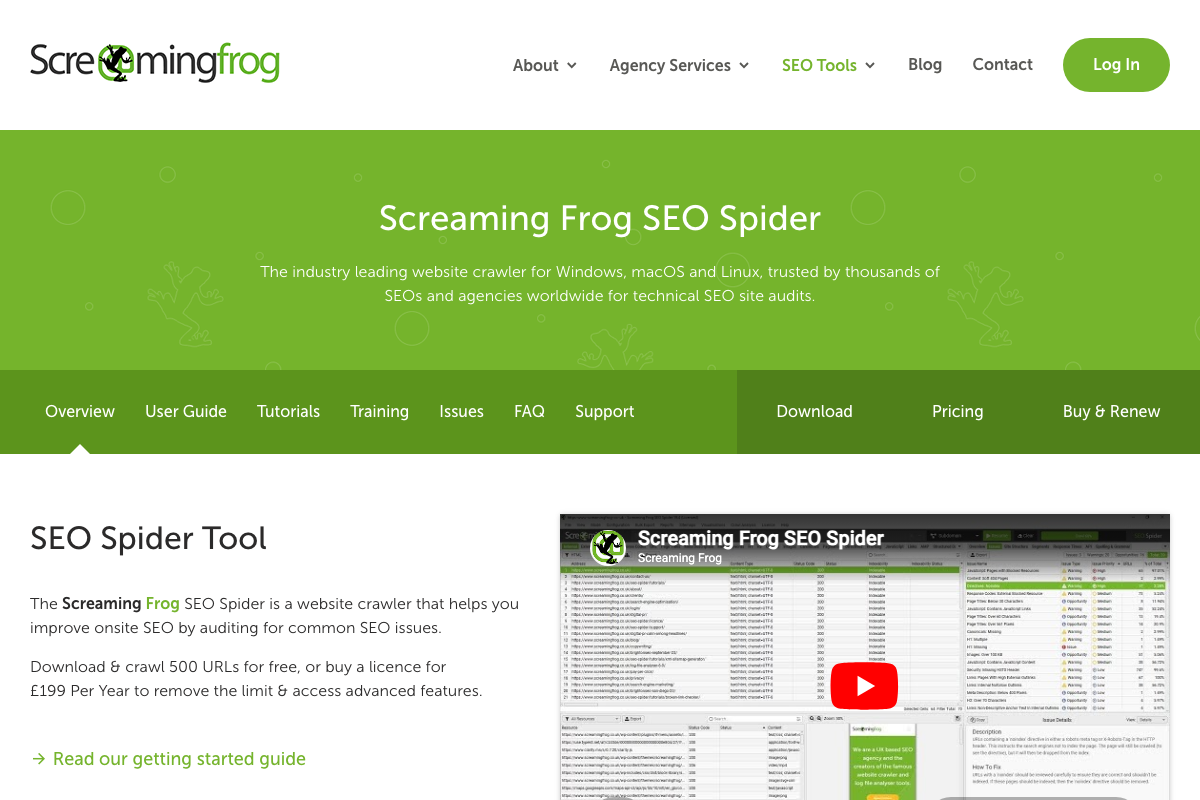
The video’s approach here matches the current docs exactly. One practical constraint to flag before you start: Screaming Frog’s free tier is capped at 500 URLs. Any site larger than 500 pages requires the £199/year paid licence — the video doesn’t mention this ceiling, and hitting it mid-audit is a poor way to find out.
Step 2: Audit your technical SEO foundations.
The video’s approach here matches the current docs exactly for the core workflow. Redirect chains, 404s with source URLs, duplicate content via md5 algorithmic checks, and canonical tag detection are all explicitly confirmed in Screaming Frog’s product documentation. Google Search Console’s dual role — issue detection and performance analytics — is confirmed on the official about page, validating its use across Steps 2 through 4.
One item to verify independently: hreflang error detection is cited in the video for international site configurations. Canonical tags and robots directives are clearly documented, but hreflang auditing does not appear in the feature descriptions visible in the current screenshots — confirm this capability directly before relying on it.

Step 3: Audit on-page SEO signals.
The video’s approach here matches the current docs exactly. Screaming Frog’s “Analyse Page Titles & Meta Data” feature and Semrush’s Site Audit tool — visible by name in the platform’s left navigation — both confirm the on-page audit capabilities the video describes. Worth noting for context: Semrush’s current homepage positions the platform as “The Ultimate SEO, AI search and GEO solution,” signalling capabilities well beyond audit-only, which becomes directly relevant in Step 5.
Step 4: Map content to search intent and close keyword gaps.
The video’s approach here matches the current docs exactly. Search Console’s Search Analytics feature provides the impressions, clicks, and position data the filtering workflow depends on; the positions-8–20 filter is a manual in-product configuration, not a standalone feature. Semrush’s Keyword Gap tool is visible by name in the platform navigation, directly corroborating its use for gap identification alongside Search Console.
Step 5: Optimize for AI search visibility.
No official documentation was found for this step —
proceed using the video’s approach and verify independently.
Two doc-grounded additions are worth carrying in here. First, Semrush One — a documented product tier — explicitly unites “SEO and AI visibility in one place,” making Semrush a viable option for the AI optimization workflow the video doesn’t attribute to it. Second, SE Ranking (not mentioned in the video) offers a dedicated AI Results Tracker covering ChatGPT, Google AI Mode, Gemini, and Perplexity. As of April 13, 2026, no Claude tracking tab appears in SE Ranking’s documented interface — the video lists Claude as a target platform, but third-party tracking infrastructure for Claude has not been confirmed in any tool reviewed here.


Useful Links
- Screaming Frog SEO Spider Website Crawler — Official product page covering crawler features, the 500 URL free-tier cap, and the £199/year paid licence.
- Google Search Console — Official about page confirming Search Analytics, issue detection, and impressions/clicks/position reporting.
- Semrush: Your Unfair Advantage for Growing Brand Visibility — Semrush homepage and in-product navigation documenting Site Audit, Keyword Gap, and the Semrush One unified SEO and AI visibility tier.
- SE Ranking — AI SEO Software That Gets Results — SE Ranking official site with documentation for the AI Results Tracker covering ChatGPT, Google AI Mode, Gemini, and Perplexity, plus agency-focused white-label features.


0 Comments