

Getting Started with NVIDIA GTC 2026: OpenClaw, Neotron 3 Super, and DLSS5
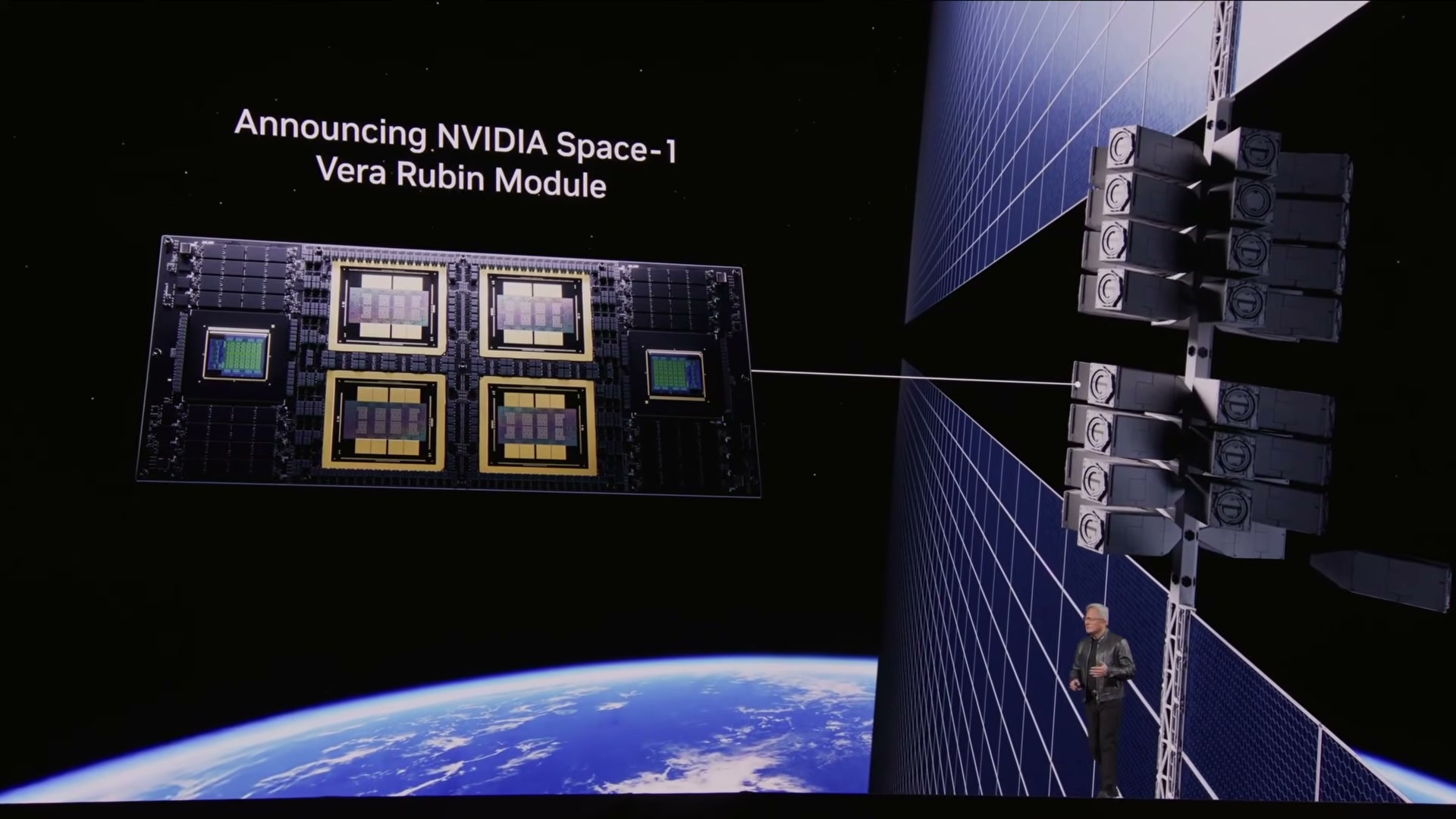
NVIDIA’s GTC 2026 packed three developer-relevant announcements into a single keynote that ran for two and a half hours. By following these steps, you’ll be able to install OpenClaw securely using the new NemoClaw one-line installer, run a 120-billion-parameter open-weight model locally on a DGX Spark, and enable DLSS5 AI upscaling on supported NVIDIA GPUs. Whether you’re an AI practitioner watching agentic infrastructure mature or a developer who also games, day one of GTC 2026 had something directly actionable for you.
Track the GTC keynote for consumer- and developer-facing announcements. NVIDIA’s GTC mixes data center buildout news with a smaller set of releases that affect practitioners and developers directly. Day one centers on Jensen Huang’s keynote — in 2026, that presentation ran roughly two and a half hours and contained every major announcement covered in this tutorial. Following the livestream or attending in person puts you ahead of the ecosystem commentary cycle.
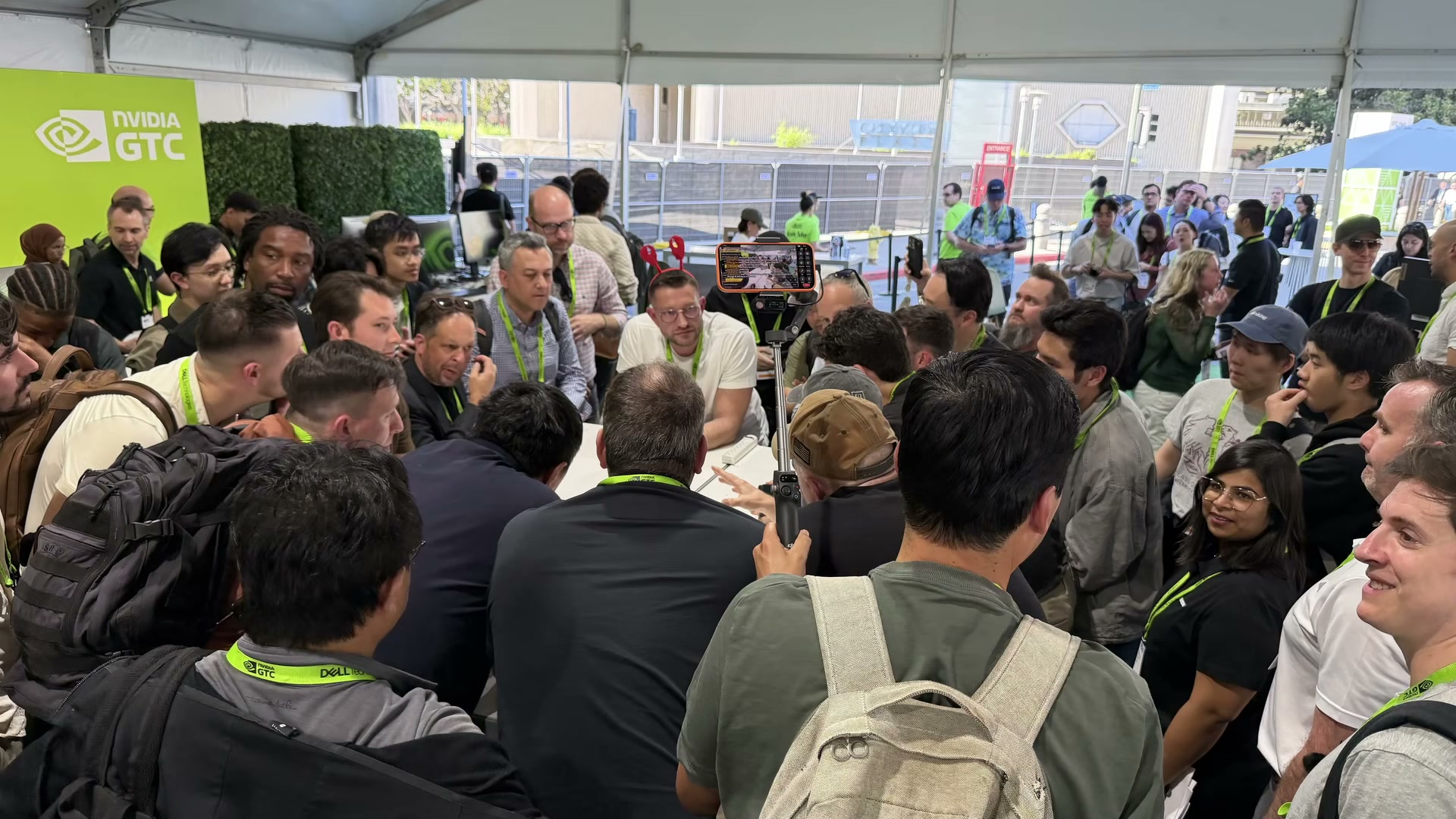
- Install OpenClaw with a single NemoClaw terminal command. NVIDIA introduced NemoClaw as the official one-line installer for OpenClaw, the open-source framework that converts AI models into memory-equipped, tool-using agents. Open your terminal, run the NemoClaw install command, and OpenClaw completes setup in under two minutes without manual dependency resolution.
- Confirm that NemoClaw’s automatic security layer has been applied. Credential exposure has been the primary adoption blocker for OpenClaw — the framework requests broad access to API keys, passwords, and sensitive tokens. NemoClaw’s installer reportedly applies an isolation layer that protects those credentials automatically as part of the standard setup flow.
Warning: this step may differ from current official documentation — see the verified version below.
3. Use a Build-A-Claw session for a supervised first install on your own hardware. NVIDIA ran a hands-on offshoot event at GTC called Build-A-Claw, where engineers completed full OpenClaw installations on attendees’ devices in approximately two minutes. If you have a DGX Spark and prefer a guided setup over a solo terminal session, Build-A-Claw is the faster path.
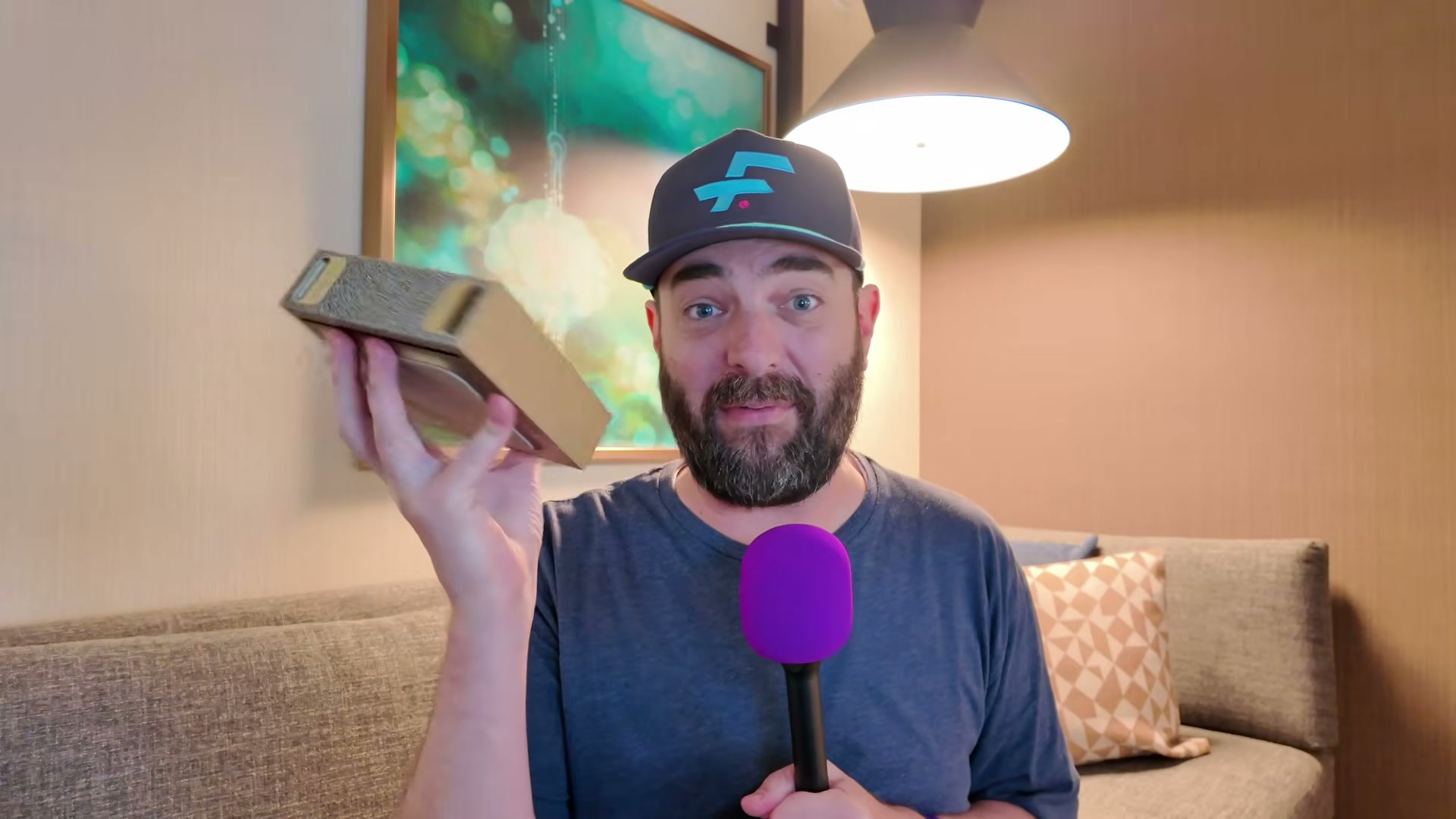
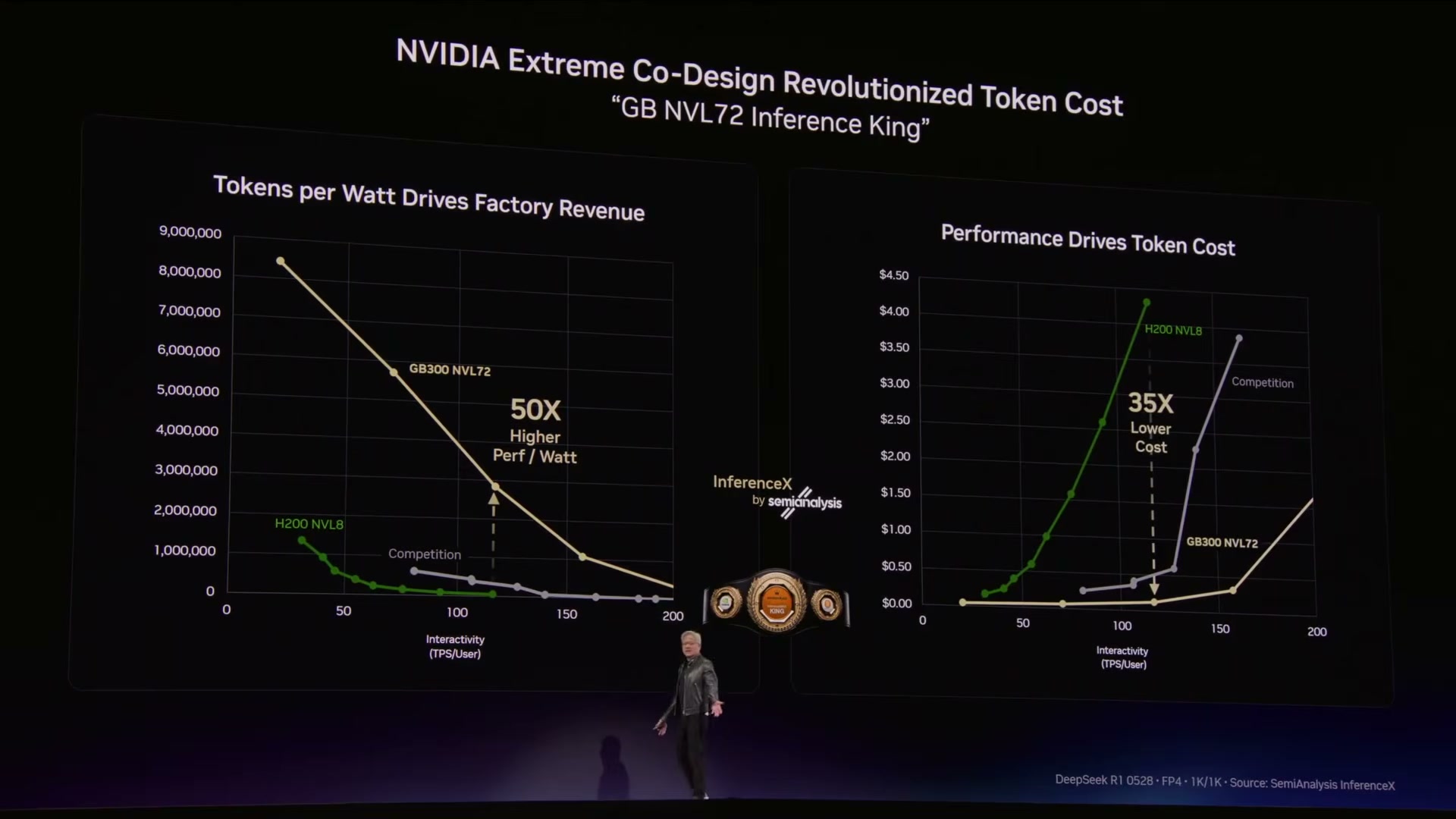
4. Install the Neotron 3 Super 120B open-weight model on a DGX Spark for fully local inference. The Build-A-Claw team also deployed Neotron 3 Super — a 120-billion-parameter open-weight model — directly onto the DGX Spark during the same session. Once installed, every inference call runs on-device with no data leaving the hardware to reach OpenAI, Anthropic, or any cloud endpoint. The keynote benchmarks placed Neotron 3 Super near the top of publicly available models, trailing only two Anthropic releases and one OpenAI model at time of announcement.
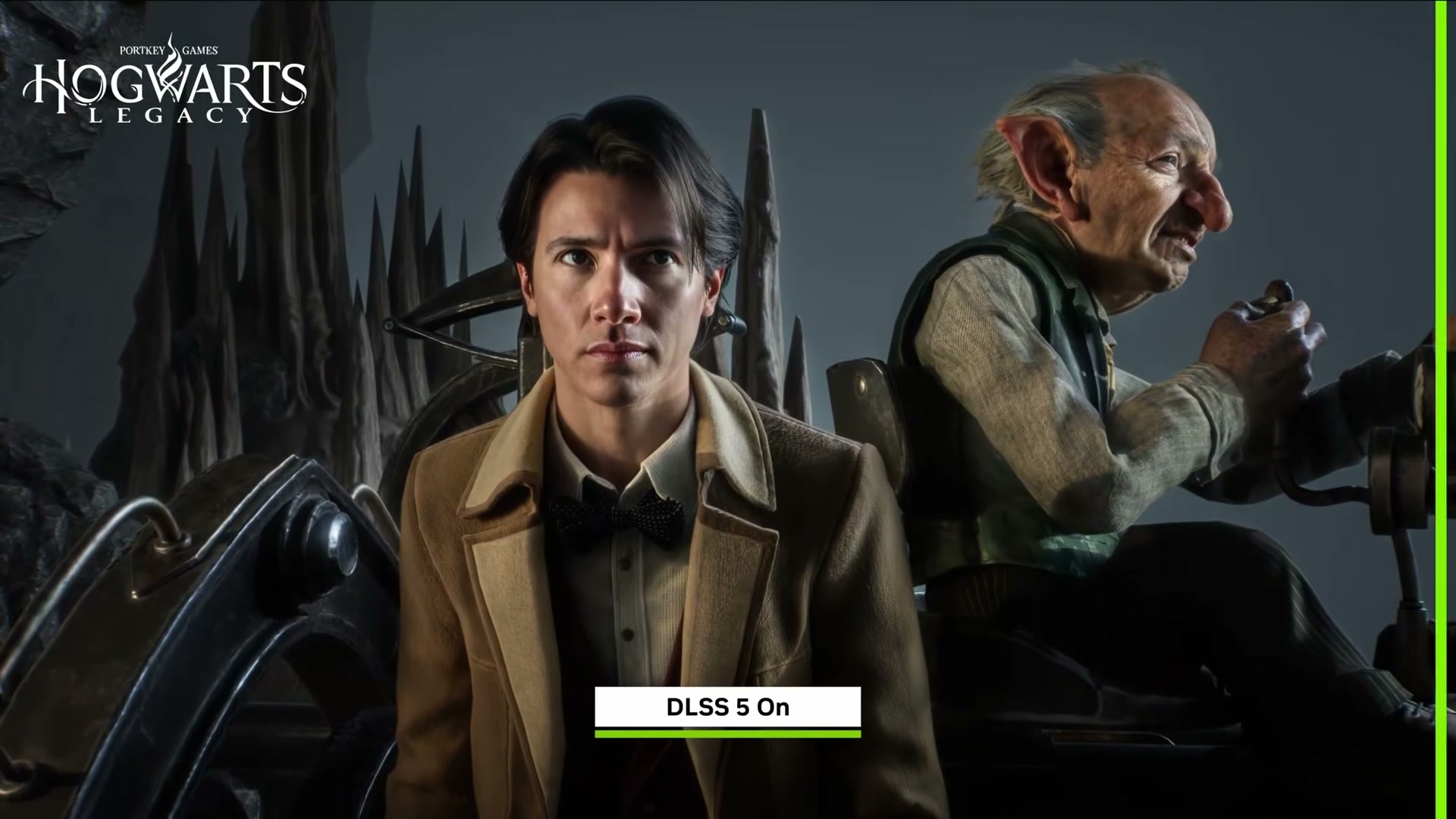
5. Enable DLSS5 on a compatible NVIDIA GPU for real-time AI upscaling of existing games. DLSS5 applies a frame-level AI upscaler at runtime, improving apparent image quality in games that already exist without requiring developer patches. The keynote demonstrated it running live in Hogwarts Legacy. Toggle it on through your NVIDIA driver or in-game settings on a supported GPU — the upscaler processes frames before display, producing output that resembles a higher-resolution native render.
Warning: this step may differ from current official documentation — see the verified version below.
How does this compare to the official docs?
The video captures sharp day-one impressions, but NVIDIA’s technical documentation has more to say about which GPU generations actually support DLSS5, exactly what NemoClaw’s security layer isolates, and the benchmark methodology behind Neotron 3 Super’s claimed performance — and a few of those details tell a different story than the keynote stage.
Here’s What the Official Docs Show
The video’s keynote recap holds up well across its core claims, and the official NVIDIA documentation confirms the substance of most of what was shown. What follows adds the specifics on hardware requirements, official product naming, and a few areas where the docs don’t yet provide visible confirmation.
- Install OpenClaw with a single NemoClaw terminal command.
NemoClaw is named explicitly on the official DGX Spark product page as an open-source agent framework for running long-running autonomous agents directly from the desktop. The video’s approach here matches the current docs exactly on that framing. One extension worth noting: the official page does not display a specific single-line installer command in any currently visible documentation. For exact setup syntax, NVIDIA’s Quick Start Guide and User Manual — both linked from the Getting Started section of the DGX Spark product page — are your most reliable source.
2. Confirm that NemoClaw’s automatic security layer has been applied.
No official documentation was found for this step — proceed using the video’s approach and verify independently.
3. Use a Build-A-Claw session for a supervised first install.
No official documentation was found for this step — proceed using the video’s approach and verify independently.
4. Install the Neotron 3 Super 120B model on a DGX Spark for fully local inference.
The video’s approach here matches the current docs exactly on the DGX Spark platform and NemoClaw’s role as a local agent deployment layer. The DGX Spark is confirmed as a Blackwell-powered workstation product on nvidia.com, and NemoClaw is documented as supporting long-running autonomous agent deployment fully on-device. One gap to flag: the model name “Neotron 3 Super 120B” does not appear in any available DGX Spark documentation screenshot — confirm the model’s name and availability through the official DGX Spark Playbooks or Quick Start Guide before attempting installation.
5. Enable DLSS5 on a compatible NVIDIA GPU for real-time AI upscaling.
Two things to update before you configure this feature.
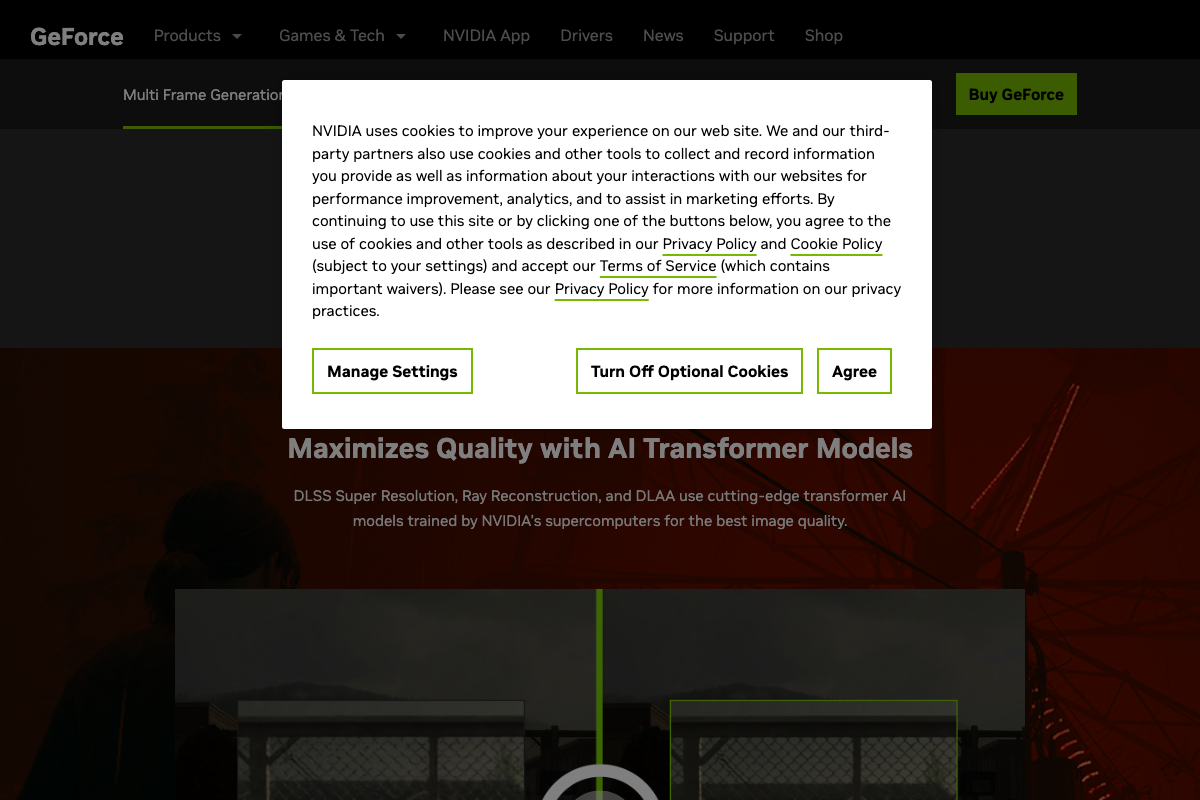
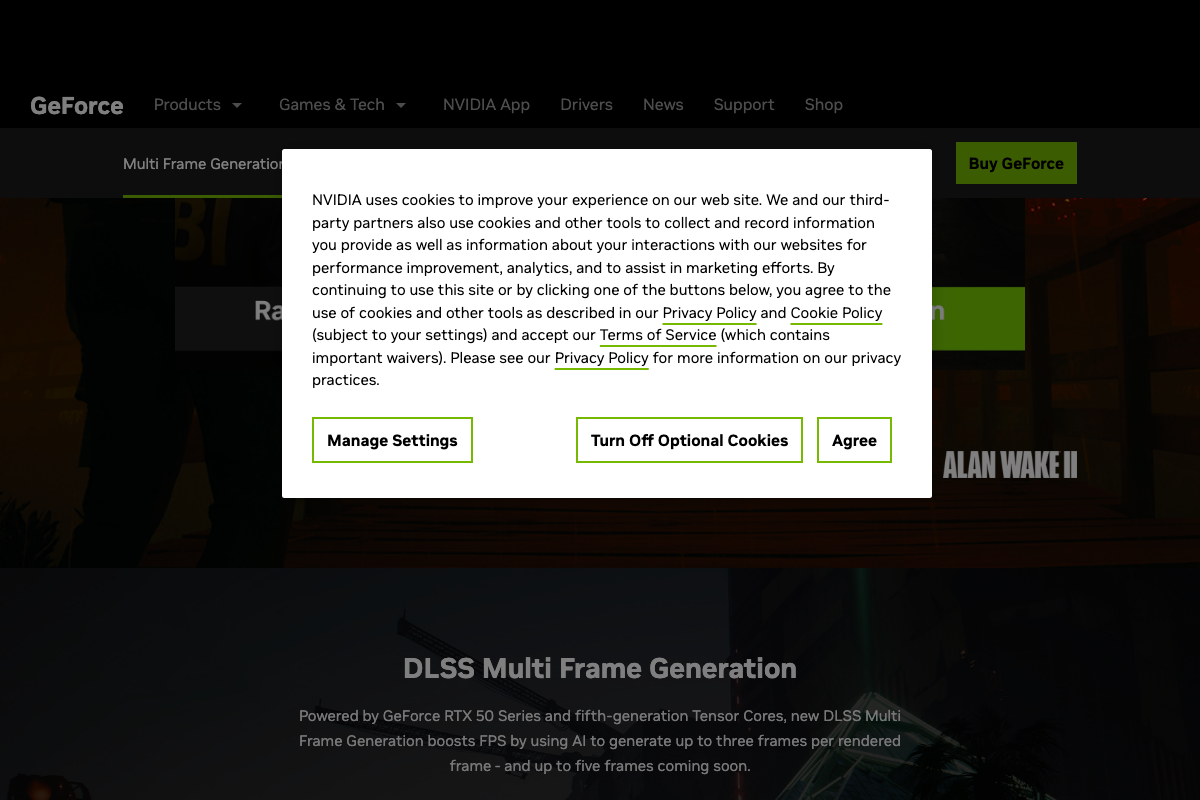
As of March 17, 2026, the correct product name is DLSS 4 — the video refers to this technology as “DLSS5,” which does not match any official product name on NVIDIA’s current documentation page. As of March 17, 2026, the correct hardware requirement for Multi Frame Generation is an NVIDIA RTX 50 Series GPU with fifth-generation Tensor Cores — the video’s description of “compatible NVIDIA GPUs” does not reflect this restriction and understates the hardware floor.
The underlying capabilities are confirmed and well-documented: Super Resolution, Ray Reconstruction, DLAA, and Multi Frame Generation are all real, named features under the DLSS 4 umbrella. The technology the video demonstrates is real — the name and the GPU requirement are what need adjusting before you enable it.
Useful Links
- Personal AI Supercomputer Powered by Blackwell | NVIDIA DGX Spark — Official NVIDIA product page for the DGX Spark, including NemoClaw references, Getting Started resources, Quick Start Guide, User Manual, and purchase options.
- DLSS 4 Technology | NVIDIA — Official NVIDIA documentation for DLSS 4, covering Multi Frame Generation, Super Resolution, Ray Reconstruction, DLAA, and RTX 50 Series hardware requirements.


0 Comments