

How to Film a Great Whiteboard Friday Video
Whiteboard Friday is one of the most recognized formats in SEO content — and after working through this guide, you’ll know how to plan a topic, structure your talk, dress for the studio, and deliver confidently on camera. Jo Cameron, Moz’s Director of Content, distills the production framework her London team uses with first-time presenters into a repeatable system anyone can follow. Whether you’re building a name in the SEO community or producing educational video for your own brand, these steps transfer directly.
-
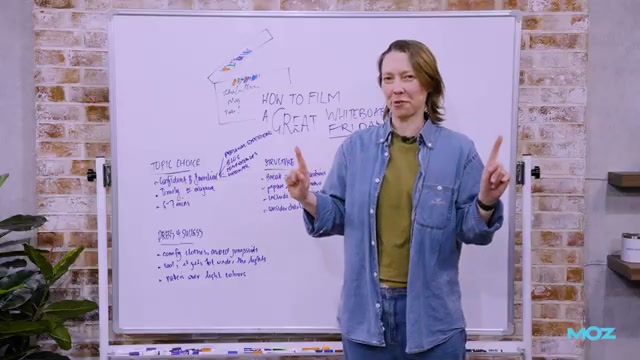
Pick a topic you’ve already spoken or written about. The format works best for bite-sized material you can cover in six to seven minutes — close to the point you’ve already developed familiarity with from a blog post, conference talk, or webinar. Timely topics perform well in the short term; evergreen topics continue to pull traffic. Either works, but the content should land cleanly within that time window.
-
Break the content into three to five sections that map directly onto the whiteboard. Each section becomes a visual anchor that guides both the presenter and the viewer. At this stage, also write a clear intro and outro — the bookends that give the segment a professional start and a satisfying close.

- Plan the visual layer on the board before you film. Simple icons, charts, and graphs carry meaning faster than prose alone. Cameron cites Tom Capper’s Whiteboard Fridays as a strong model for data-driven visual storytelling. Decide whether your board will be image-heavy or bullet-point-heavy — either approach works, but committing to one keeps the frame readable.

-
Choose clothes you can move and sweat in. Bold colors and patterns read better on camera than light neutrals, which can wash out against a white background. Avoid jumpsuits or anything difficult to attach a lapel mic to, and factor in studio heat — lights run warm.
-
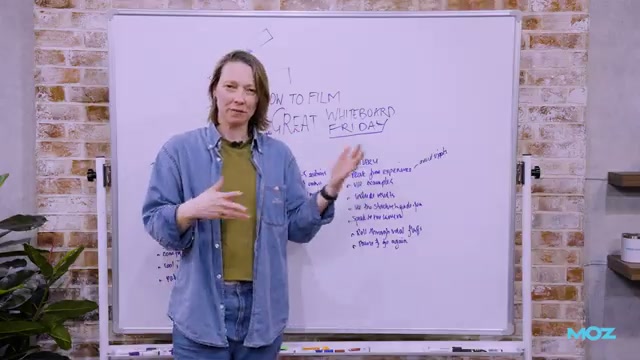
Deliver from experience, not from memory. Trying to recall a script under camera pressure is harder than it sounds. Speak to what you’ve actually done: real projects, real data, real results. Concrete examples — the kind Cameron models by citing a specific creator — give the audience something to hold onto.

-
Use the whiteboard structure to pace yourself. Move through the board section by section while keeping your eyes on the camera, not the board. The physical structure does the pacing work so you can focus on talking to the audience.
-
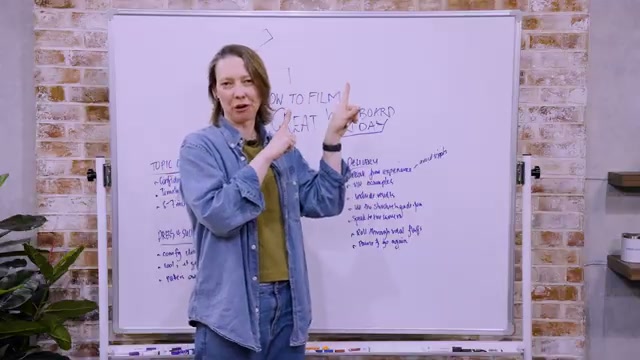
Roll through minor vocal flubs without stopping. Momentum matters more than perfection in a single take. When you want an edit point — for a mistake you can’t roll past, or for the closing logo — pause and give a neutral look directly to camera. The production team uses that signal to make the cut.
How does this compare to the official docs?
Cameron’s framework is grounded in Moz’s in-house production experience, but the official Whiteboard Friday contributor guidelines and Moz’s own documentation may specify additional technical or editorial requirements that don’t surface in the video — and that’s exactly what Act 2 examines.
Here’s What the Official Docs Show
Cameron’s tutorial is grounded in genuine in-house production experience, and the steps hold up well for anyone entering the format. What official Moz sources add is series-level context — what the platform’s own public description reveals about the standards each step is designed to meet.
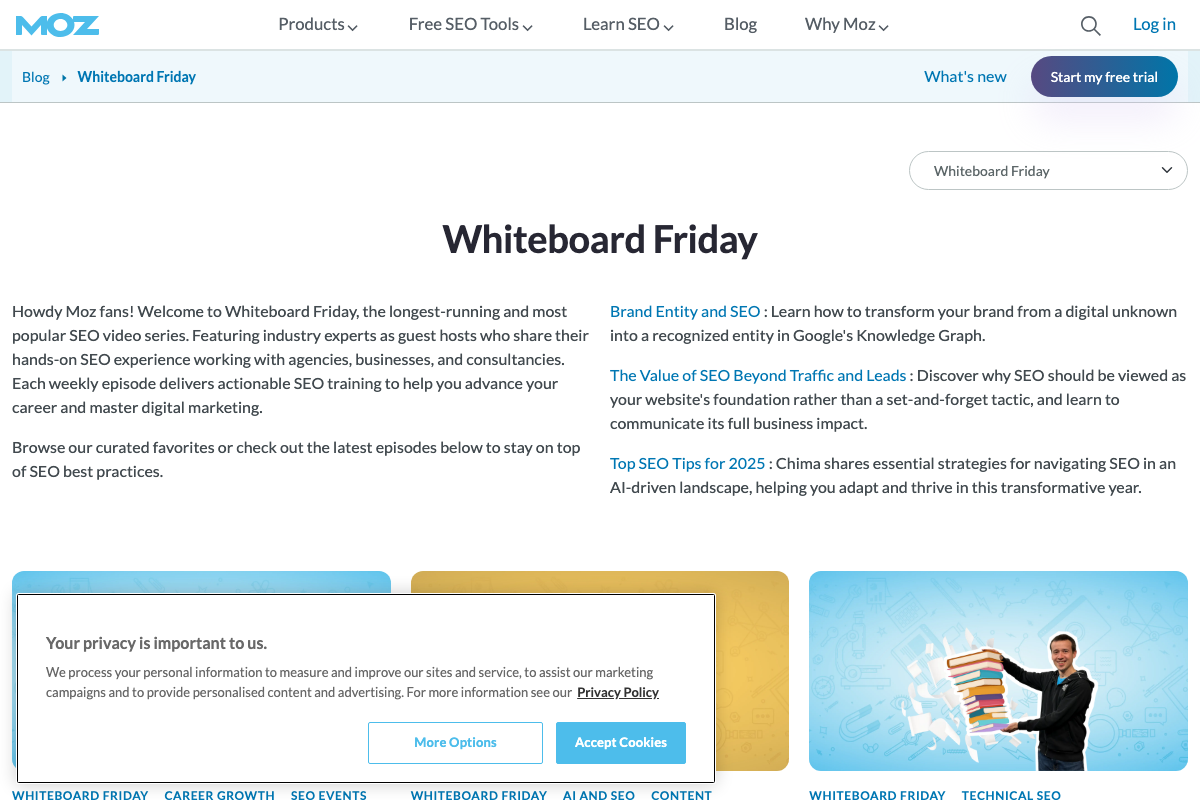
One caveat before diving in: the only official Moz documentation available for cross-reference is the Whiteboard Friday episode archive page at moz.com/blog/category/whiteboard-friday. No public creator brief, contributor handbook, or production guide exists to verify against. Most steps below are checked against what’s observable on that page and in published episode thumbnails — which confirms some guidance visually but confirms nothing officially.
Step 1 — Pick a topic you already know.
The video’s approach here matches the current docs exactly. Moz’s own archive page describes the series as featuring “industry experts as guest hosts who share their hands-on SEO experience” — language that directly mirrors the tutorial’s instruction to present only material you’ve already spoken or written about. Practitioner authority is the format’s stated premise, not a stylistic preference.
Step 2 — Break content into three to five sections with a clear intro and outro.
No official documentation was found for this step — proceed using the video’s approach and verify independently.
Step 3 — Plan the whiteboard visuals before filming.
No official documentation was found for this step — proceed using the video’s approach and verify independently.
Step 4 — Dress for contrast and mobility.
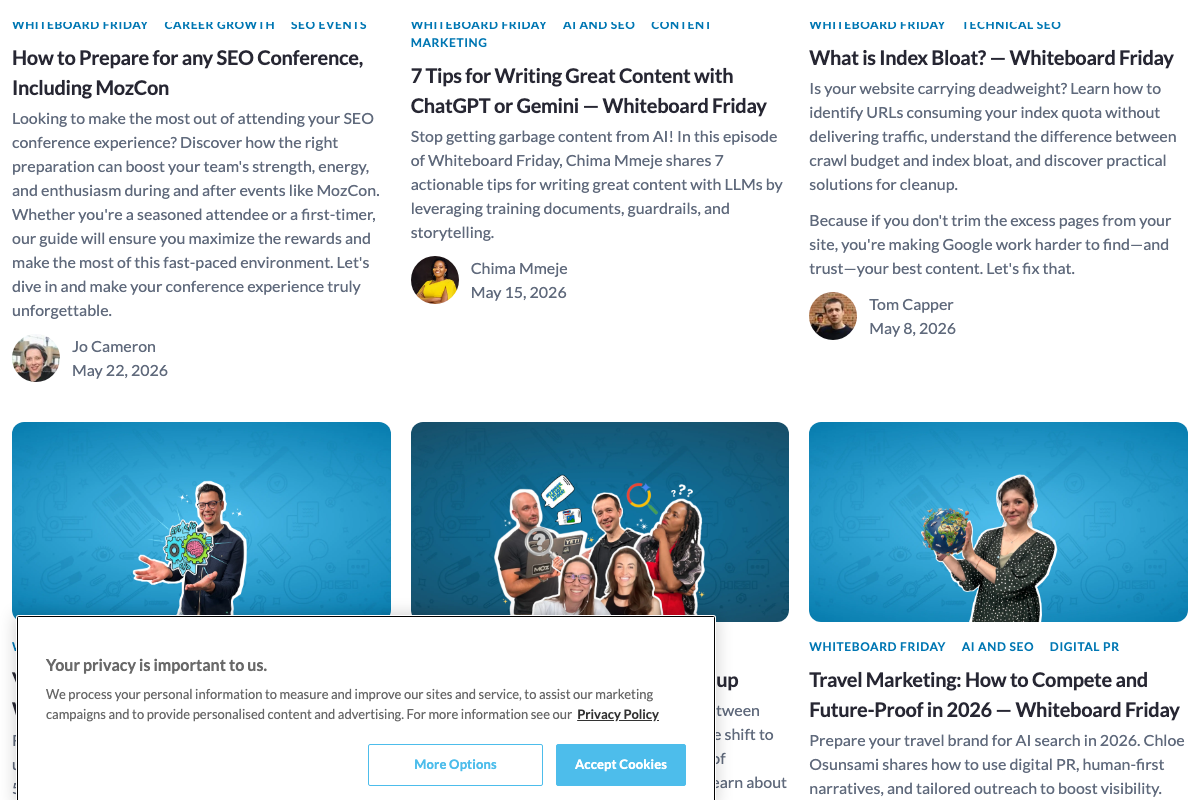
The video’s guidance on avoiding light colors finds indirect support in published episode thumbnails. Hosts visible in the May 2026 archive consistently appear in darker, solid-colored attire against high-contrast studio backgrounds — observable evidence, not a stated rule. Worth noting: current Moz production appears to use a cut-out, isolated-host composition rather than the traditional presenter-at-whiteboard framing the tutorial describes, suggesting the production format has evolved beyond what Step 4 — and Steps 8 and 10 — assume about physical setup.
Step 5 — Speak from experience, not memory.
No official documentation was found for this step — proceed using the video’s approach and verify independently.
Step 6 — Use the whiteboard to pace your delivery.
The video’s approach here matches the current docs exactly. Moz describes the series as delivering “actionable SEO training” on a weekly cadence — a cadence that demands the kind of structured, efficient delivery the tutorial prescribes. The whiteboard-as-pacing-tool isn’t just a presentation technique; it’s what makes the format repeatable at production scale.
Step 7 — Roll through minor flubs; signal edit points with a neutral look to camera.
No official documentation was found for this step — proceed using the video’s approach and verify independently.
Useful Links
- Whiteboard Friday – Moz — The official Whiteboard Friday episode archive; the only public Moz source available for verifying the tutorial’s guidance, containing series description, contributor bylines, and episode listings but no production documentation.


0 Comments