

How to Build a Viral YouTube Format Using vidIQ’s Outlier Detection and the Content Collision Framework
In January 2026, a gaming channel called Slorgs posted a 90-minute sniper gameplay video with a single stated goal: help viewers fall asleep. Two million people watched it. After working through this tutorial, you’ll know how to spot that kind of outlier on your own channel, reverse-engineer the three creative decisions that made it repeatable, and stake a claim in a content category no one else owns yet.
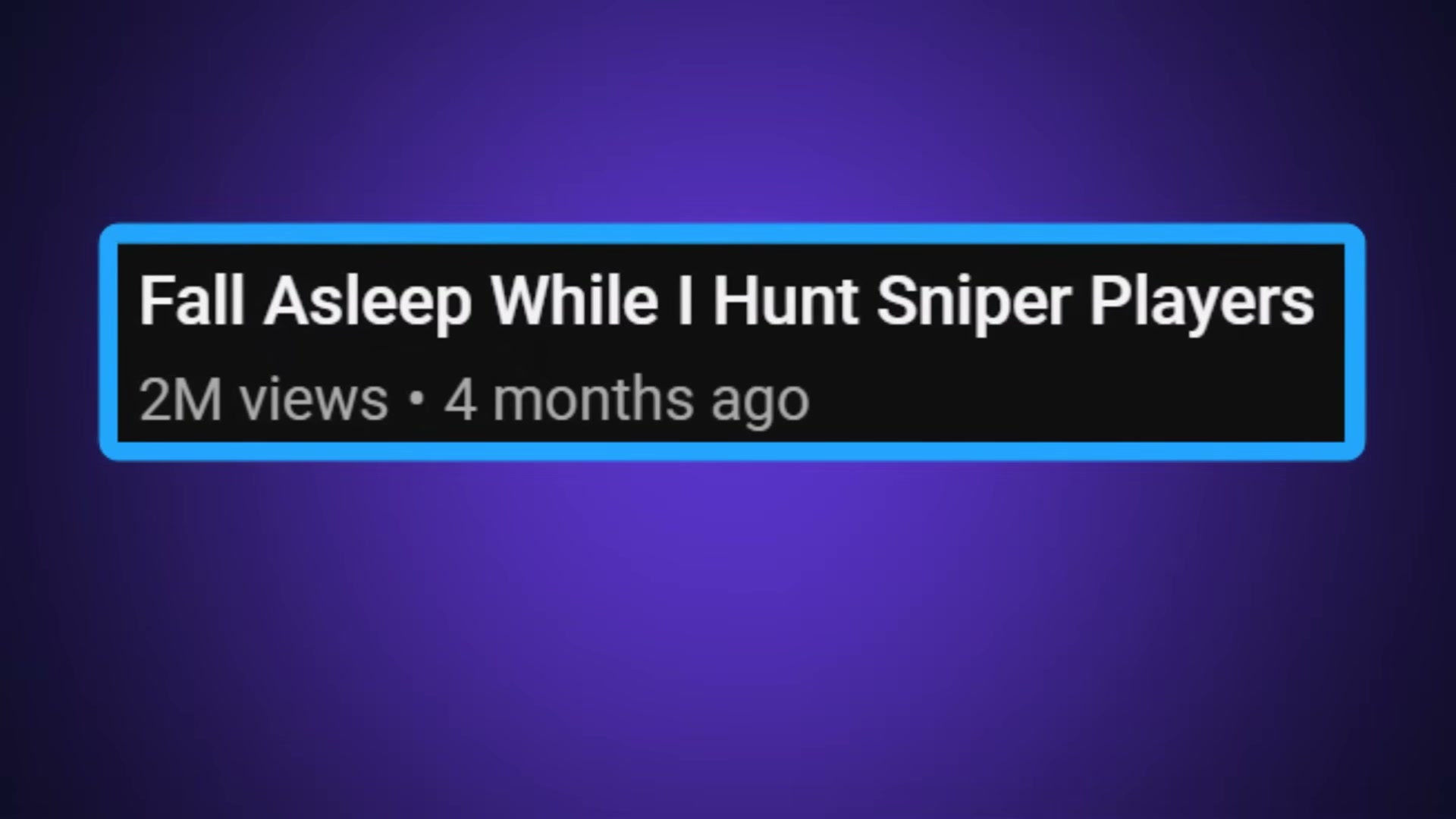
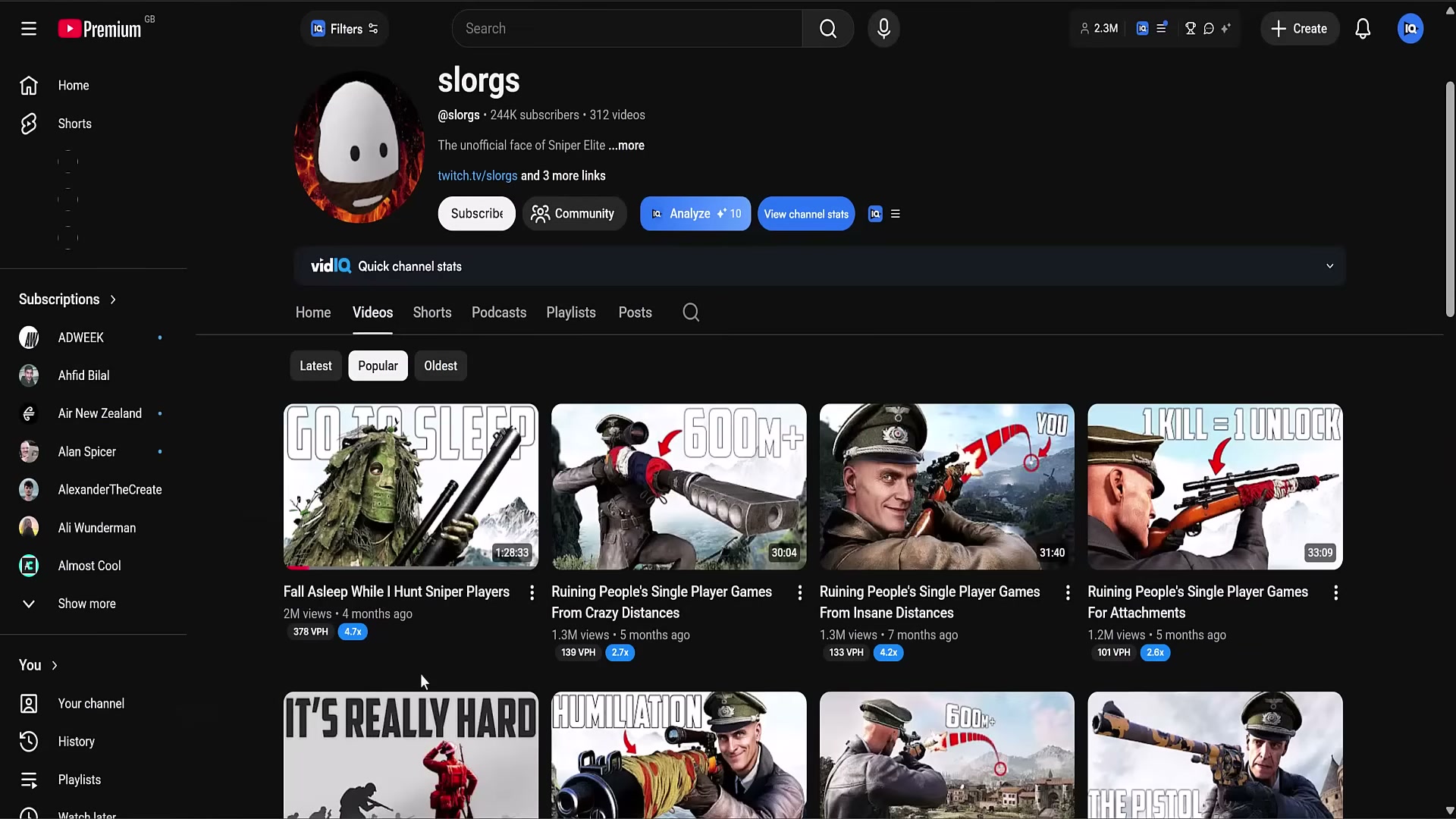
- Install the vidIQ browser extension and open your YouTube channel page. vidIQ overlays a VPH (views per hour) badge on every video in your channel grid and flags videos performing significantly above your channel average with an outlier multiplier — a number like “2.8x” displayed directly on the thumbnail. When a video is still pulling 300 views per hour four months after publication, that number is not trivia. It is the signal worth acting on.
-
Click the outlier number. The flag is a live link. vidIQ surfaces other videos using a similar idea and title strategy — platform-wide, not just your own channel. This step answers the only question that matters at this stage: is the format repeatable, or did you get lucky once? Multiple creators independently discovering the same collision means the audience already exists.
-
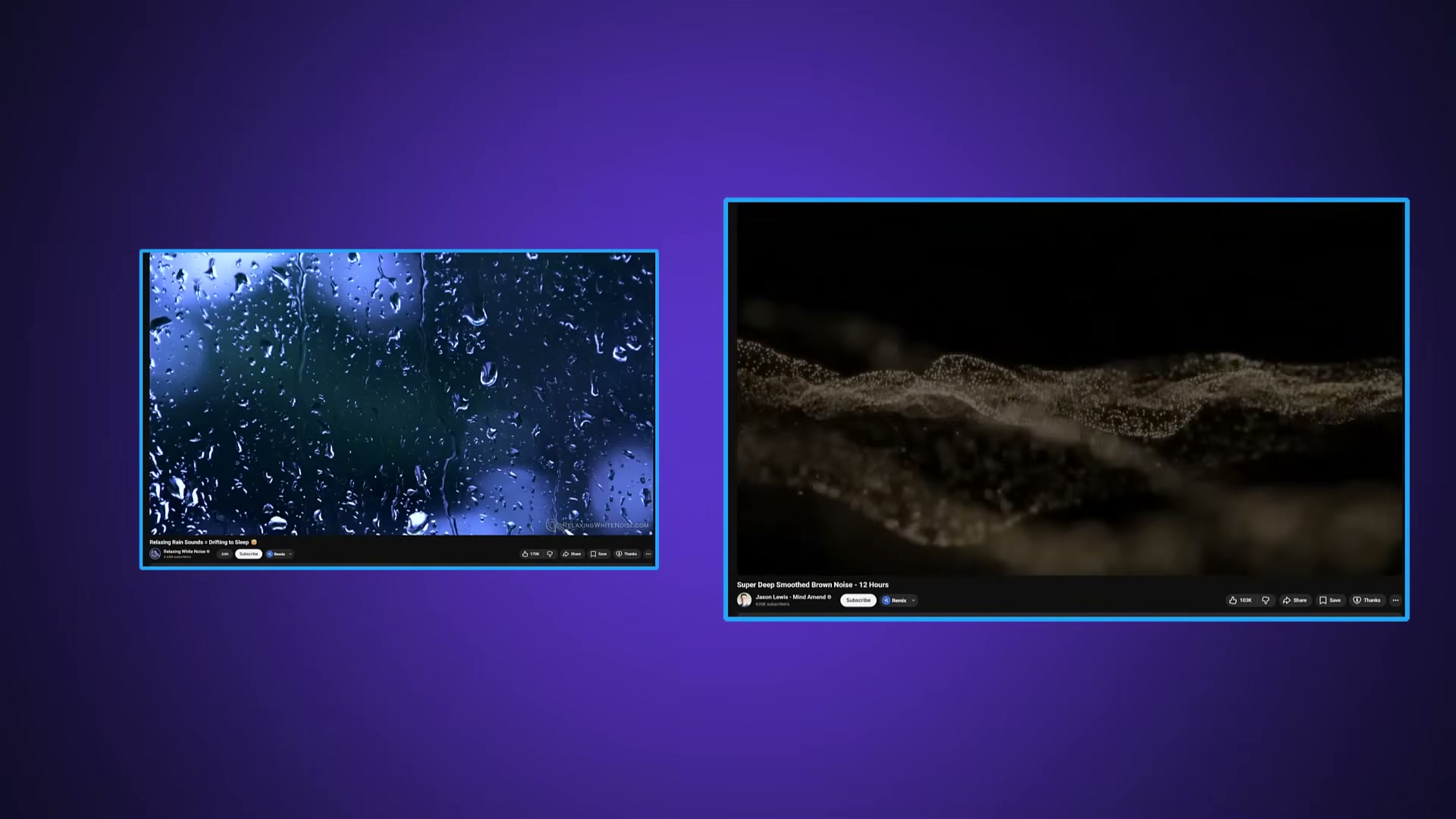
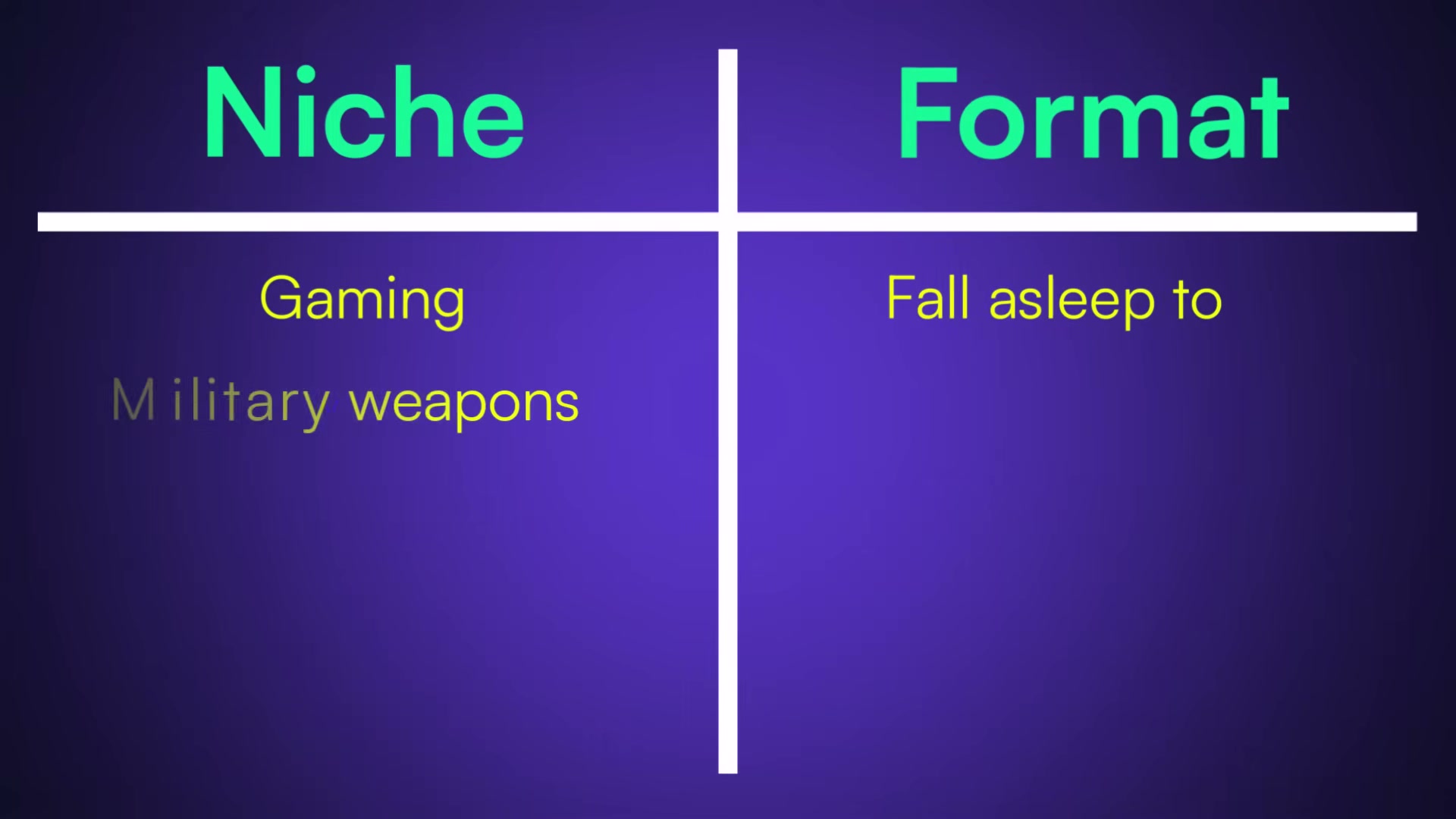
Apply the content collision framework. Write down your channel’s niche. Then write down a video format that is the complete opposite of what that niche normally produces. Sleep content had existed on YouTube for two decades — rain sounds, brown noise, ambient music, all engineered to be forgettable. Slorgs collided it with military gaming, a genre built on tension and gunfire. The contradiction becomes the premise, and the premise is what earns the click.
- Engineer a tension anchor before you write a single line of script. Every video needs a central question the viewer wants answered — does he escape the prison, does the recipe work, does the sniper get the kill? In the Sleepy Slorgs prison-break video, the creator spends over two hours genuinely lost underground, convinced the game is broken, then stumbles through darkness and escapes by accident. The commentary is calm, the pacing is unhurried, but the unresolved objective keeps viewers in the video. Without a tension anchor, there is no reason to stay.
-
Embed personality as the retention mechanism. Deadpan commentary, tangents about the narrator’s parents’ cat, unprompted apologies for accidentally launching a V2 rocket — none of it is incidental. Personality gives the audience a reason to return that has nothing to do with the game, the genre, or the algorithm. Slorgs built a Discord and a Patreon from a channel whose stated purpose is to put viewers to sleep before the video ends.
-
Once the collision is validated on one game or topic, transplant the format into adjacent territory. Slorgs moved from sniper games to heist gameplay to prison escape. The creator then launched a dedicated sub-channel, Sleepy Slorgs, to own the sub-niche outright. Being first matters: the second creator to occupy the same content Venn diagram has an extremely difficult time displacing whoever planted the flag.

How does this compare to the official docs?
The video walks through the framework at a conceptual level, but vidIQ’s documentation covers the outlier detection feature in considerably more technical detail — including how the multiplier threshold is calculated and how to use the tool inside the vidIQ dashboard rather than the browser extension.
Here’s What the Official Docs Show
The video’s framework is a solid starting point, and the documentation adds a layer of precision that makes it more actionable — particularly around how the Outlier metric actually works in the extension. Where the docs go silent, that’s flagged explicitly so you know where to verify independently.
Step 1 — Install the vidIQ browser extension and read the Outlier metric
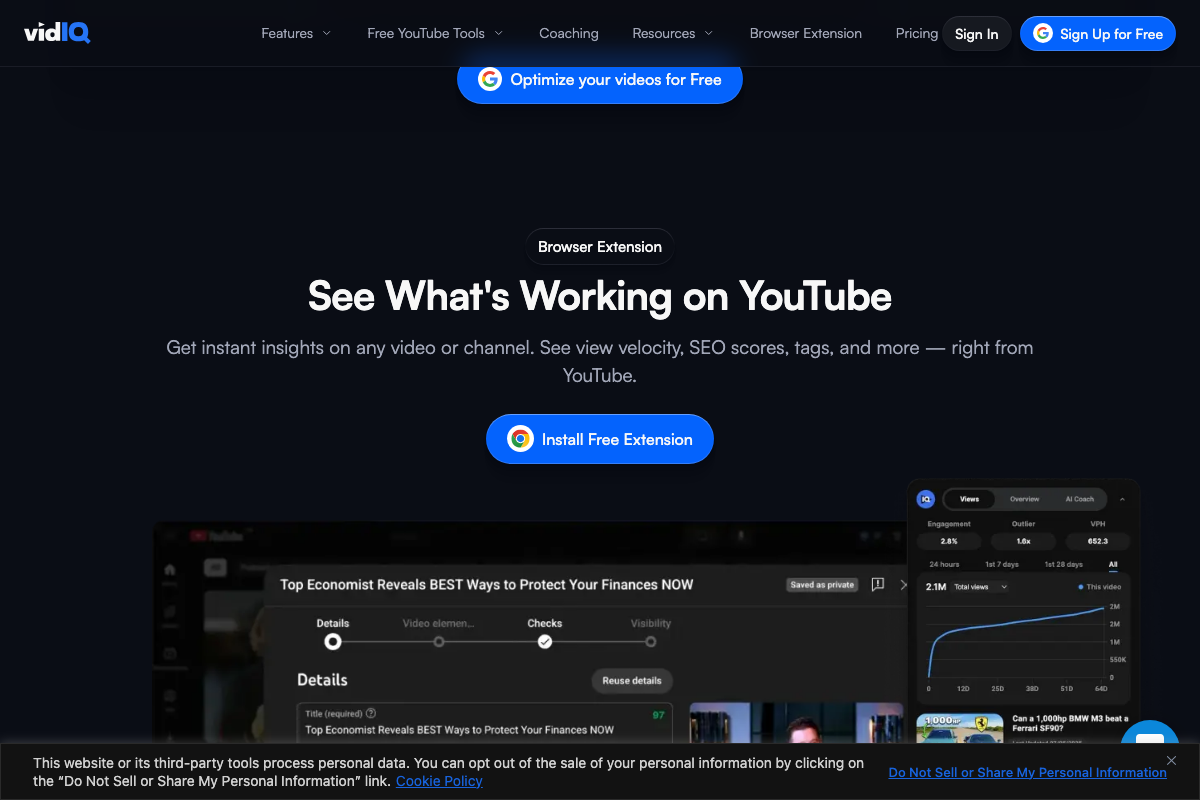
The video’s approach here matches the current docs exactly. The vidIQ browser extension is confirmed active, free-tier accessible, and the Outlier metric appears as a named field in the extension’s IQ panel. One important precision the video skips: the value is a multiplier, not a raw view count. A reading of 1.6x means that video is performing 60% above the channel’s average — a useful frame for setting your own alert threshold rather than reacting to any non-baseline number.
The extension panel also surfaces Engagement percentage, VPH, and a time-segmented view graph (first 24 hours, first 7 days, first 28 days, all time) in the same panel row — none of which the tutorial covers, but all of which give you additional signal on the same screen.
Step 2 — Click the Outlier number to surface similar videos platform-wide
No official documentation was found for this step — proceed using the video’s approach and verify independently.
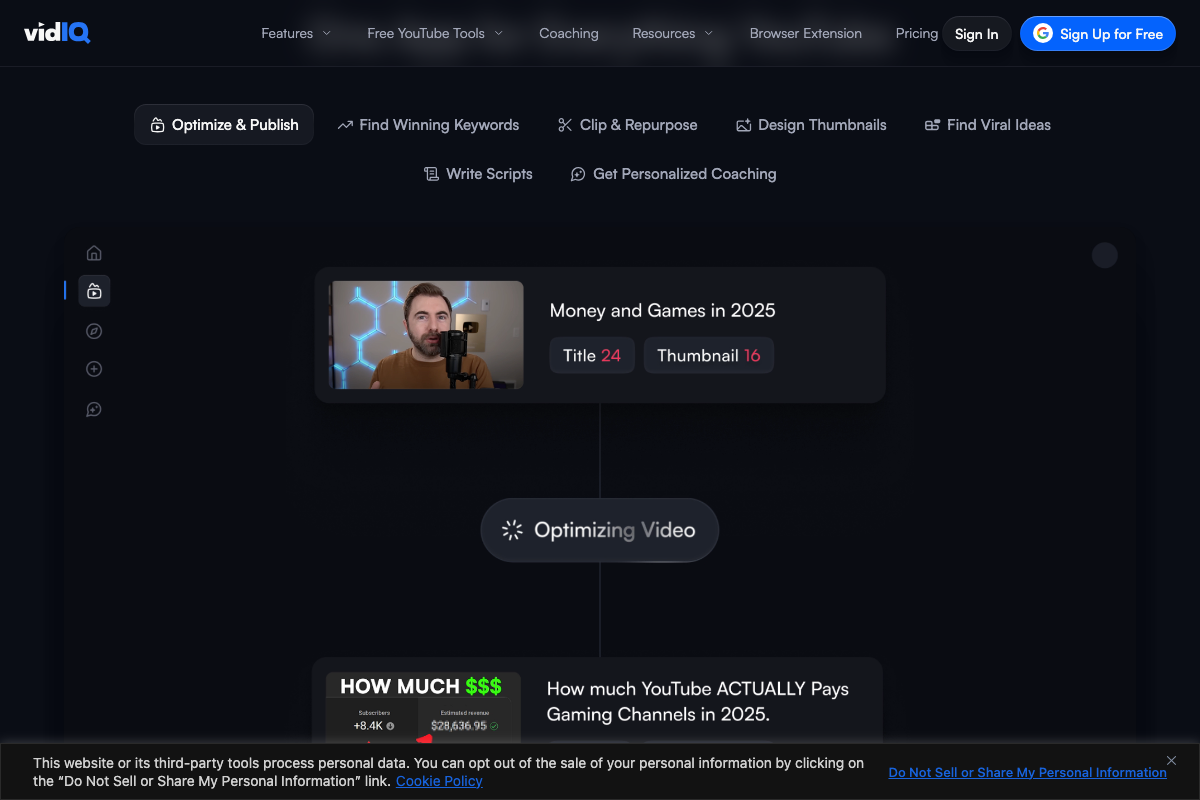
The extension panel in the documentation shows the Outlier value as a static read-only field. No clickable link or drill-through to similar videos is visible in the confirmed screenshots. This workflow may exist within the full dashboard — specifically the Find Viral Ideas tab visible in the in-app UI — but that is a separate product area from the browser extension metric the tutorial references. Do not conflate the two.
Steps 3–6 — Content collision framework, tension anchor, personality as retention, format scaling
No official documentation was found for these steps — proceed using the video’s approach and verify independently.
These are strategic and conceptual steps with no corresponding interface, feature, or documentation visible in any of the provided screenshots. They are the tutorial’s original methodology, not a vidIQ product workflow. That doesn’t make them less useful — it means you’re evaluating them on their own merits as creative strategy, not as a documented feature set.
Useful Links
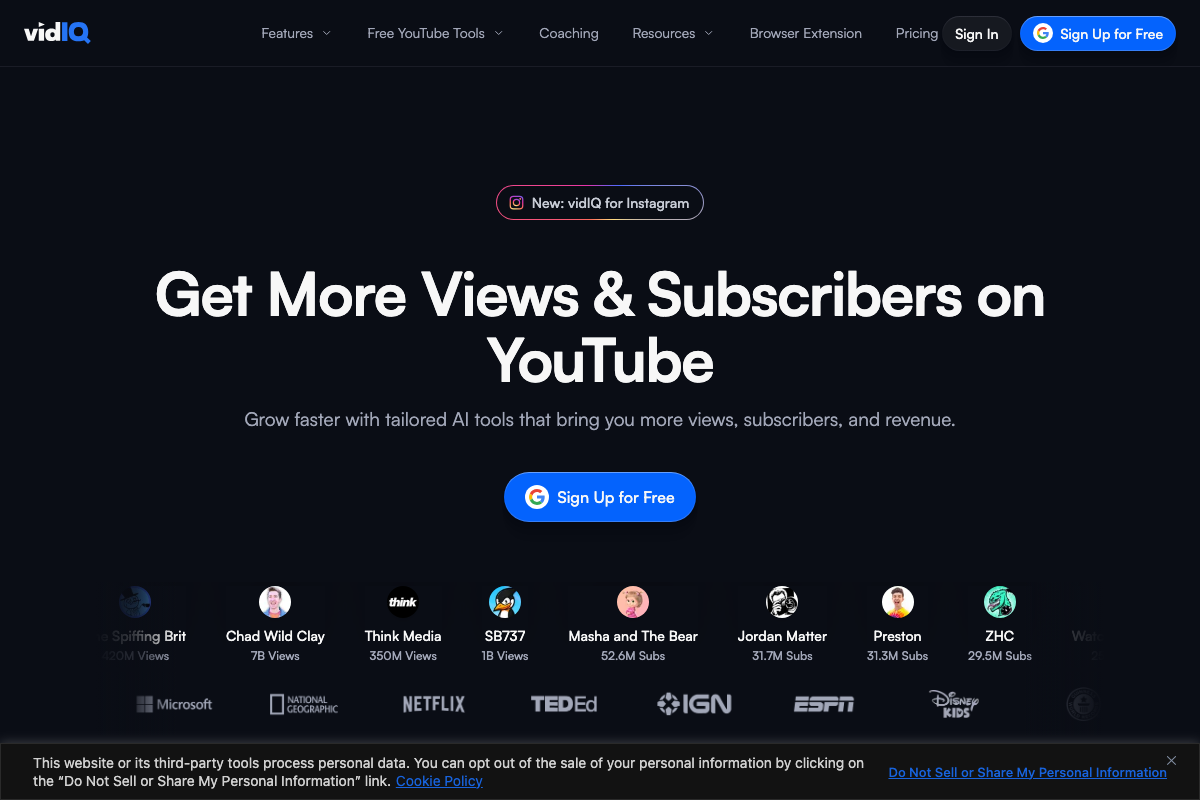
- vidIQ: Get More Subscribers & Views on YouTube | YouTube Tools — vidIQ’s homepage confirming free-tier access, browser extension availability, and current product offerings including the in-app Find Viral Ideas feature.
- YouTube Help — Google’s official YouTube support hub for platform documentation, Studio features, and channel management guidance.


0 Comments