

Getting Into Google Discover: Publisher Best Practices After the First Dedicated Algorithm Update
Google rolled out its first-ever Discover-specific algorithm update in February 2025, and the rules for publisher inclusion shifted in concrete ways. After completing this tutorial, you’ll know the technical requirements that make your content eligible for Discover, the content strategies that earn placement, and the mistakes that get publishers permanently removed. The stakes matter: once you’re inside Discover, a single publication can pull 3–30 million clicks per day — routinely dwarfing its own search traffic.
-
Ensure every featured image in your articles is at least 1,200 pixels wide. Discover surfaces content as visual cards, and undersized images are disqualifying. Google is now applying LLMs to evaluate title-to-image alignment, so the image must match the article’s actual content — not function as a standalone attention hook.
-
Set up and validate an RSS feed for your publication. Discover’s crawlers rely on a consistent freshness signal, and a well-formed RSS feed is the baseline mechanism for communicating that your site publishes on a regular cadence.
- Create and submit an XML news sitemap to Google Search Console.
Warning: this step may differ from current official documentation — see the verified version below.
XML news sitemaps are a Google News requirement. Because Discover and News operate as separate crawl systems — each surfacing as its own segment inside Search Console — treating news sitemap submission as a Discover eligibility lever can create a misleading picture of what’s actually driving your placement.
-
Verify your general XML sitemap is current and submitted in Search Console. Discover uses standard indexing infrastructure alongside its specialized crawlers, so gaps in your general sitemap create coverage blind spots that undermine the whole system.
-
Maintain strict topical focus. Publishing outside your established niche without a broader marketing signal tells Google your authority has drifted. The panel cites publishers in the UK and Australia that were removed from Discover in 2022 and have not returned — years of traffic loss from a single strategic overreach.
-
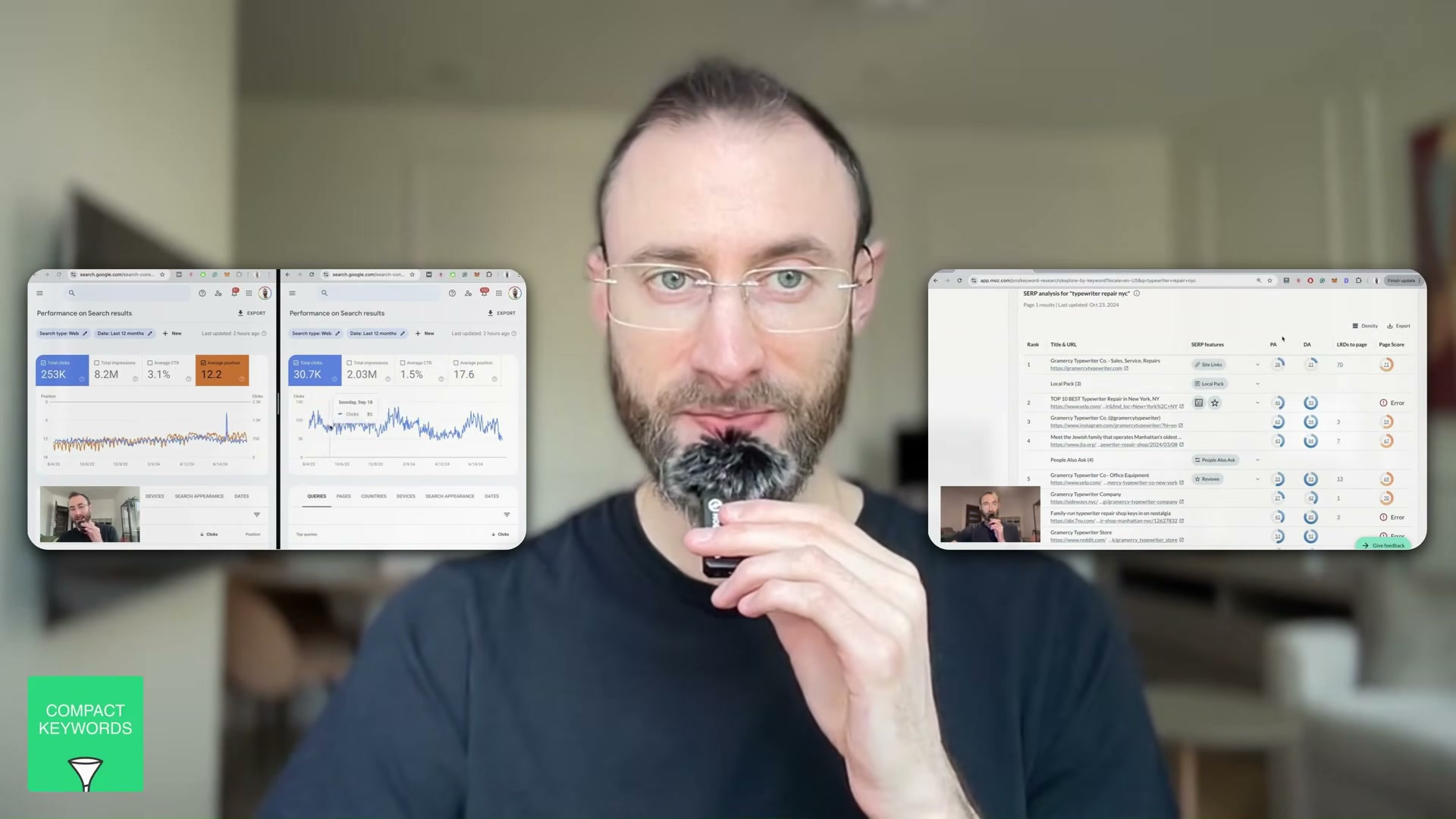
Monitor Search Console for separate Discover and News performance segments. These appear as distinct tabs in the Performance report and give you the click and impression data needed to detect whether your Discover presence is growing or eroding before it becomes a crisis.
-
Identify trending conversations in your niche on X, Reddit, TikTok, or Instagram and publish timely, opinionated articles about them. Discover rewards content that intersects your established topical authority with what’s already generating measurable engagement across platforms.
-
Write from a firsthand perspective rather than aggregating existing coverage. The panel targets 2,000–3,000 words for deep-dive formats — enough depth to signal original analysis and separate your content from thin republication.
-
Keep titles and thumbnails aligned with actual page content. The expressive-face, open-loop-headline strategy that performs on YouTube actively penalizes you in Discover. Google’s update specifically targets mismatches between the card presentation and the on-page experience.
-
If expanding into a new topic area, run cross-channel marketing to establish that topical association before publishing at scale. Google needs to register the signal across the broader web before it extends your Discover trust to the new subject matter.
How does this compare to the official docs?
The panel’s advice is rooted in live publisher accounts and hard-won experience, but Google’s official Discover documentation defines precise eligibility criteria and content policies that sharpen — and in a few cases reframe — what the video covers.
Here’s What the Official Docs Show
The panel in Act 1 holds up well against current Google documentation. What follows adds precision where the docs go deeper — and marks the steps where official coverage ran out.
Step 1 — Feature image at 1,200px wide
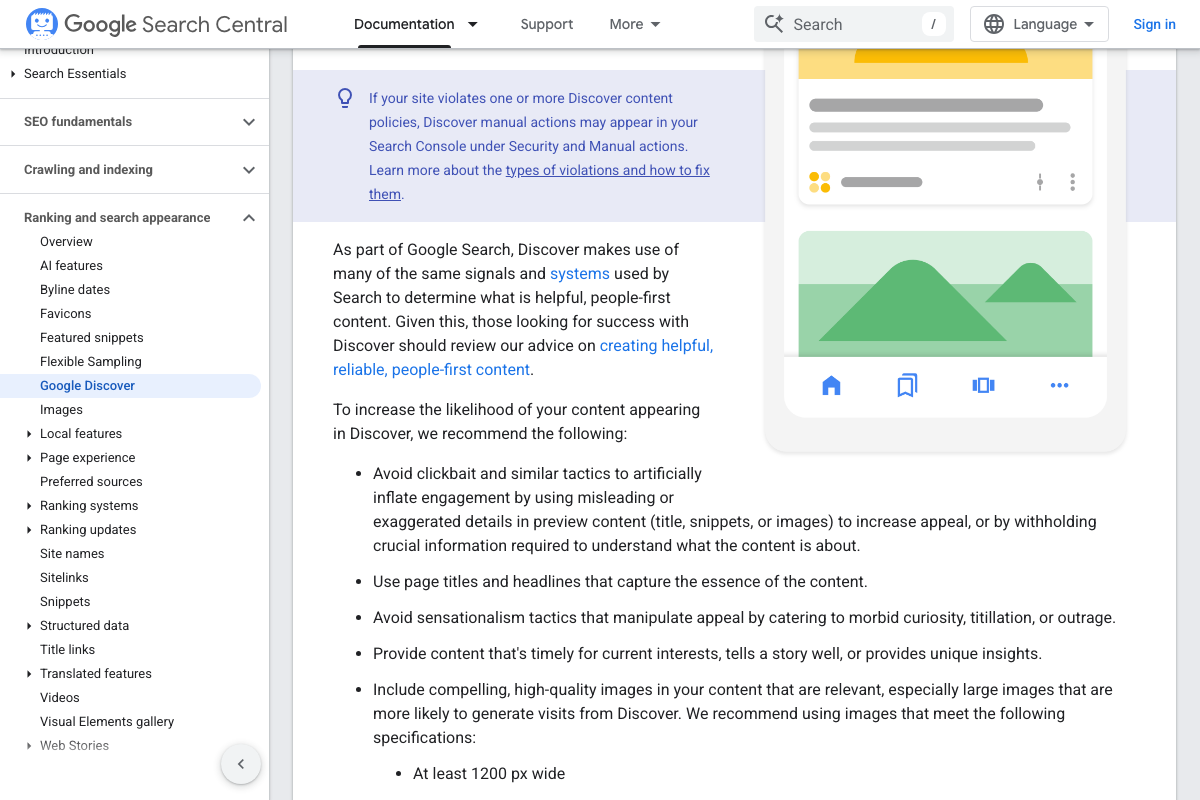
The 1,200px minimum is confirmed verbatim in the official docs. Two co-requirements the video didn’t cover: images must also be 16:9 aspect ratio, and large-card display in Discover requires either the max-image-preview:large meta tag or AMP. Without that meta tag, your image may not render as a large Discover card even if it clears the width threshold.
One important reframe: the docs state content is automatically eligible for Discover if indexed and compliant with content policies — no special tags or structured data are required for eligibility. Technical setup affects display quality, not whether you can appear at all.
As of April 17, 2026, the Google Search Central AMP overview page (developers.google.com/search/docs/appearance/amp/overview) returns 404. AMP now appears in Discover docs only as an alternative mechanism for enabling large image previews — not a standalone publisher strategy.
Step 2 — RSS feed setup
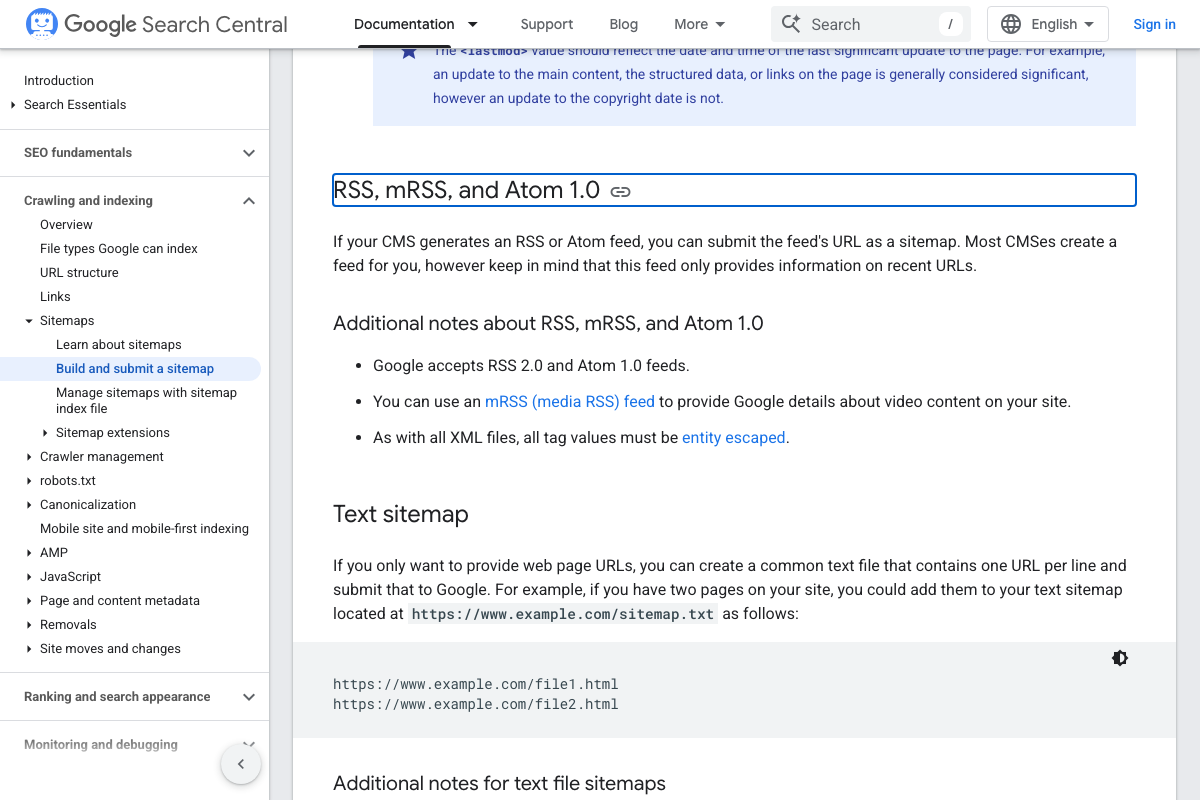
The video’s approach here matches the current docs exactly. One addition: Google also accepts Atom 1.0 as an equivalent feed format — the video referenced only RSS 2.0. Whichever you use, note that a feed submitted as a sitemap signals only recent URLs, not your full publication archive.
Step 3 — XML news sitemap submission to Search Console
No official documentation was found for this step — proceed using the video’s approach and verify independently.

Step 4 — General XML sitemap verification
The video’s approach here matches the current docs exactly. If you’re on WordPress, Wix, or Blogger, your CMS has likely already generated a sitemap automatically. The docs characterize submission as “merely a hint” — it doesn’t guarantee Google downloads or acts on it.

Step 5 — Topical focus discipline
No official documentation was found for this step — proceed using the video’s approach and verify independently.
Step 6 — Monitor Discover and News segments in Search Console
No official documentation was found for this step — proceed using the video’s approach and verify independently.
Step 7 — Trend-based publishing
No official documentation was found for this step — proceed using the video’s approach and verify independently.
Step 8 — Long-form, first-person original content
No official documentation was found for this step — proceed using the video’s approach and verify independently.
Step 9 — Title and thumbnail alignment
The video’s approach here matches the current docs exactly. The docs go further, explicitly prohibiting “sensationalism tactics that manipulate appeal by catering to morbid curiosity, titillation, or outrage.” They also recommend using og:image or schema.org markup to control which image Discover selects as your card thumbnail — and warn against generic site logos or text-heavy images in that field.

Step 10 — Cross-channel marketing before topic expansion
No official documentation was found for this step — proceed using the video’s approach and verify independently.
Useful Links
- Get on Discover | Google Search Central — Official eligibility criteria, image requirements, content policies, and best practices for Google Discover inclusion
- Build and Submit a Sitemap | Google Search Central — RSS 2.0 and Atom 1.0 feed submission guidance, including the recent-URLs-only limitation
- sitemaps.org — Reference specification for the XML sitemap protocol supported by Google, Yahoo!, and Microsoft
- Google Search Console — Google’s primary tool for monitoring search, Discover, and News performance
- AMP — amp.dev — AMP web component framework; the dedicated Google Search Central AMP overview page now returns 404
- Google News — Consumer-facing Google News interface; Publisher Center eligibility documentation is managed separately at publishercenter.google.com


0 Comments