

Page Weight, HTML Size, and Googlebot’s 15MB Crawl Limit Explained
Web pages have tripled in size over the last decade — but what “size” actually means depends entirely on who’s measuring and why. In Google Search Central’s Search Off the Record Episode 107, Googlers Gary Illyes and Martin Splitt unpack the competing definitions of page weight, trace a decade of growth using Web Almanac data, and clarify exactly how Googlebot’s 15MB per-URL crawl limit works in practice.

- Establish what “page weight” means — and why the answer isn’t obvious. The term describes at least three different things: the raw bytes of the HTML document at a given URL, the total transferred resources a browser must fetch to render the page (HTML, CSS, JavaScript, images, fonts), and the on-disk decompressed footprint after network compression is removed. The Web Almanac defines page weight as total data a user must download to view a page. Googlebot’s crawl documentation counts raw bytes per URL. Neither is wrong; they answer different questions for different audiences.
- Review a decade of growth from the Web Almanac 2025. The HTTP Archive found that the median mobile homepage weighed 845KB in 2015 — just over half a 1.44MB floppy disk. By July 2025, that median had climbed to 2.3MB, nearly three times larger. The measurement covers all resources transferred to render a homepage, not the HTML file alone.
-
Understand Googlebot’s 15MB per-URL raw-byte crawl limit. Googlebot stops reading any single URL after fetching 15MB of raw bytes. That ceiling applies independently to every resource your HTML references — each stylesheet, script, and media file gets its own 15MB budget. From a crawlability standpoint, this matters more than aggregate page weight, because it defines the maximum indexable content per resource, not per user-facing page load.
-
See the limit in context: loading the WHATWG HTML Living Standard. The WHATWG publishes the HTML specification as a single-page HTML file. Loading it live during the episode took roughly 45 seconds on a fast connection. The downloaded file sits at approximately 14–15MB on disk — approaching Googlebot’s per-URL ceiling for a single document containing almost no images, just densely structured text.

-
Compare Chrome’s print-to-PDF output against the official WHATWG PDF. Chrome’s print-to-PDF on the same spec page produces a ~96MB file. The official WHATWG-published PDF of the same content runs approximately 15MB. The difference comes down to compression applied during the publishing pipeline — a concrete illustration of how output format and tooling choices, not just content volume, determine final file weight.
-
Separate network transfer size from on-disk footprint. gzip and Brotli compression cut the bytes sent over the wire, but the decompressed file written to disk is larger. A page that transfers 5–6MB over the network may occupy 10MB once decompressed. Transfer size affects load time and data costs; on-disk size affects storage-constrained devices. Both metrics are real — they just describe different constraints for different users.
-
Calibrate impact by connection type. A 2.3MB median homepage is negligible on fiber or 5G. On metered satellite connections it carries a direct dollar cost per page load. On throttled 2G or 3G connections common in parts of the developing world, that same page can mean a multi-minute wait. Page weight has no universal threshold — its real-world impact scales with the network conditions of whoever is loading it.
How does this compare to the official docs?
The episode raises questions the conversation doesn’t fully resolve — particularly around how Googlebot’s 15MB limit interacts with compression, and what the documentation actually specifies versus what practitioners assume.
Here’s What the Official Docs Show
Act 1 walked through a rich conceptual discussion from Google Search Central’s podcast — the definitions hold up well as framing. What the documentation review adds here is an important layer of transparency: several specific figures cited in the episode couldn’t be confirmed against the captured source pages, so you’ll know exactly which claims to independently verify before building strategy around them.
Step 1 — What “page weight” actually means
No official documentation was found for this step — proceed using the video’s approach and verify independently.

Step 2 — A decade of growth from the Web Almanac 2025
The 2025 Web Almanac is real, active, and authoritative. Screenshots confirm the report is published by HTTP Archive, draws on a July 2025 dataset of 16.2 million websites, and processed 244 TB of data across 16 chapters — all of which supports the video’s use of it as a source.

However, the specific figures cited in the episode — 845KB median mobile homepage in 2015, growing to 2.3MB by 2025 — do not appear in the captured screenshots. Those numbers would live in the dedicated Page Weight chapter, not on the homepage. The homepage foregrounds the CMS chapter.
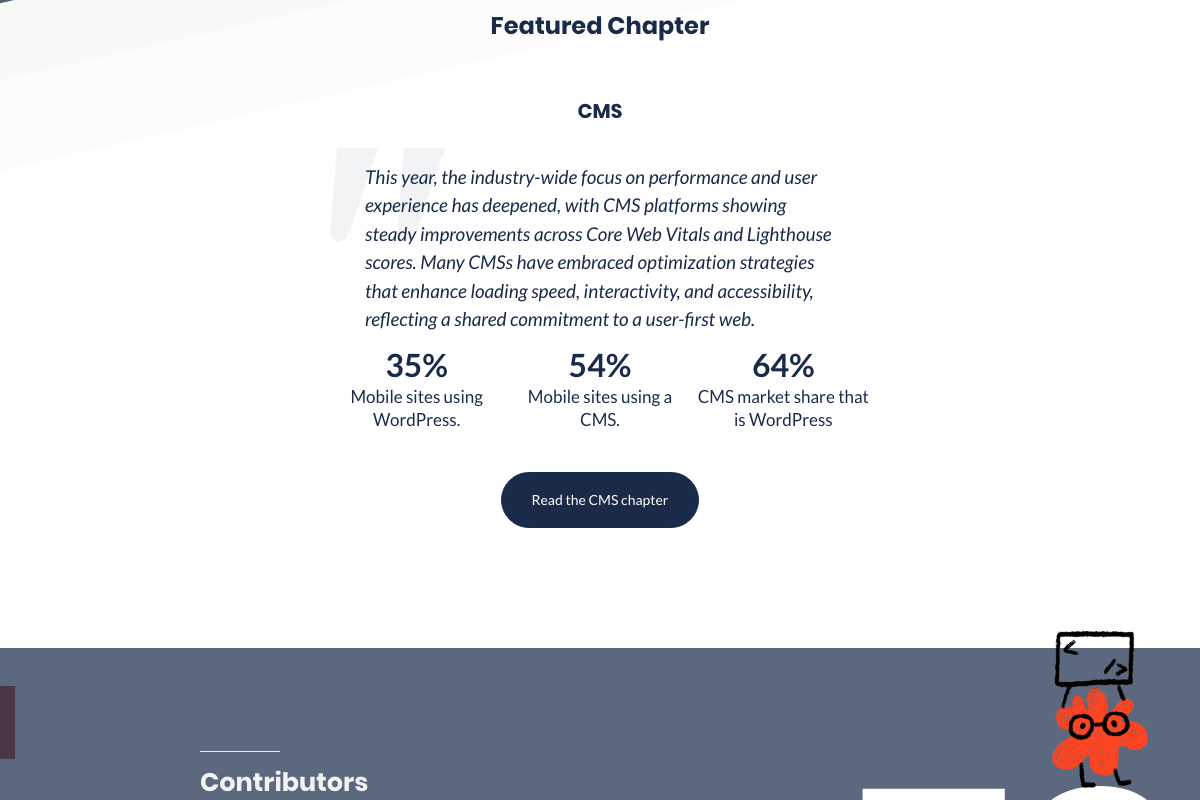
No official documentation was found confirming the specific page-weight figures for this step — navigate directly to
almanac.httparchive.org/en/2025/page-weightto verify the cited numbers independently.
Step 3 — Googlebot’s 15MB per-URL raw-byte crawl limit
The screenshots captured for this step show the Google Search Central portal homepage, not the dedicated Googlebot documentation page at developers.google.com/search/docs/crawling-indexing/googlebot. As of 2026-03-30, the 15MB per-URL raw-byte crawl limit stated in the episode is not visible in any captured screenshot and cannot be confirmed from the provided images — the specific claim requires verification at the Googlebot sub-page directly.
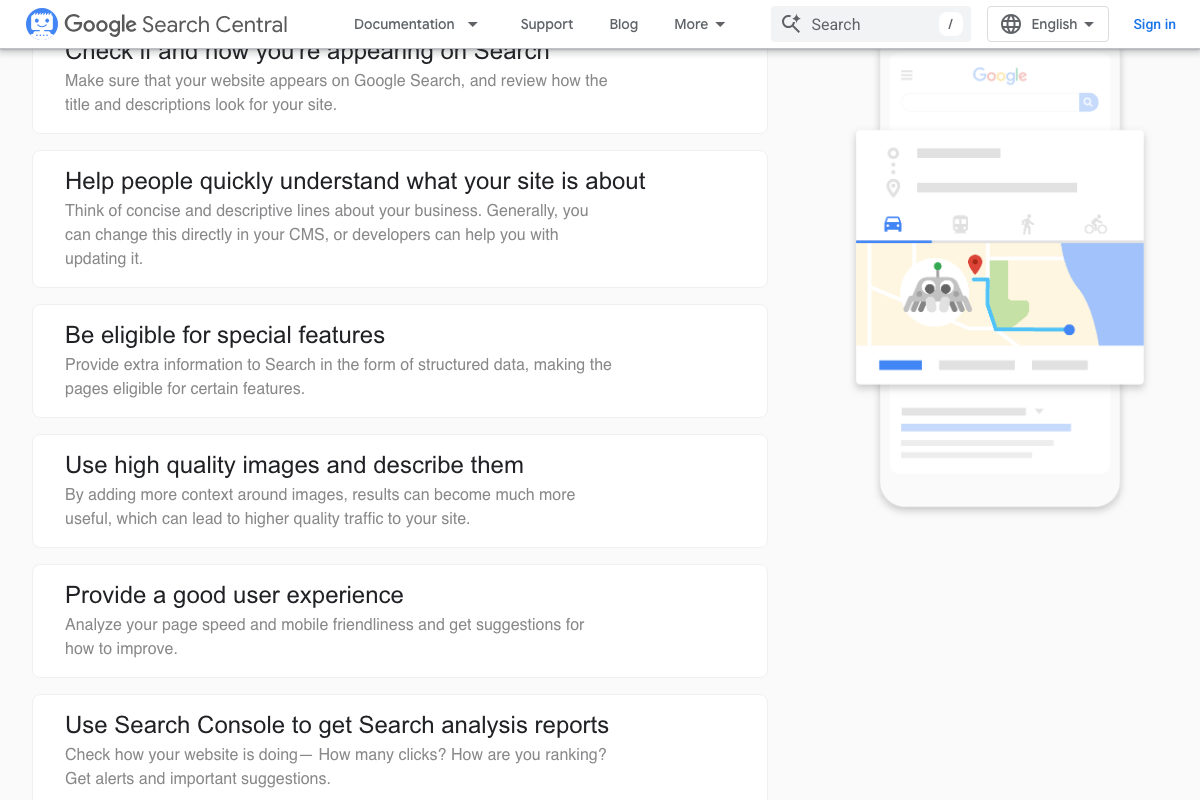
No official documentation was found confirming the 15MB crawl limit for this step — verify at
developers.google.com/search/docs/crawling-indexing/googlebotbefore citing this figure in client work.
Step 4 — Loading the WHATWG HTML Living Standard as a real-world example
The WHATWG HTML Living Standard exists and is accessible — the captured screenshots confirm the organization’s homepage links directly to “Read the HTML Living Standard,” and that WHATWG has been stewarding HTML since 2004 under governance from Apple, Google, Mozilla, and Microsoft.
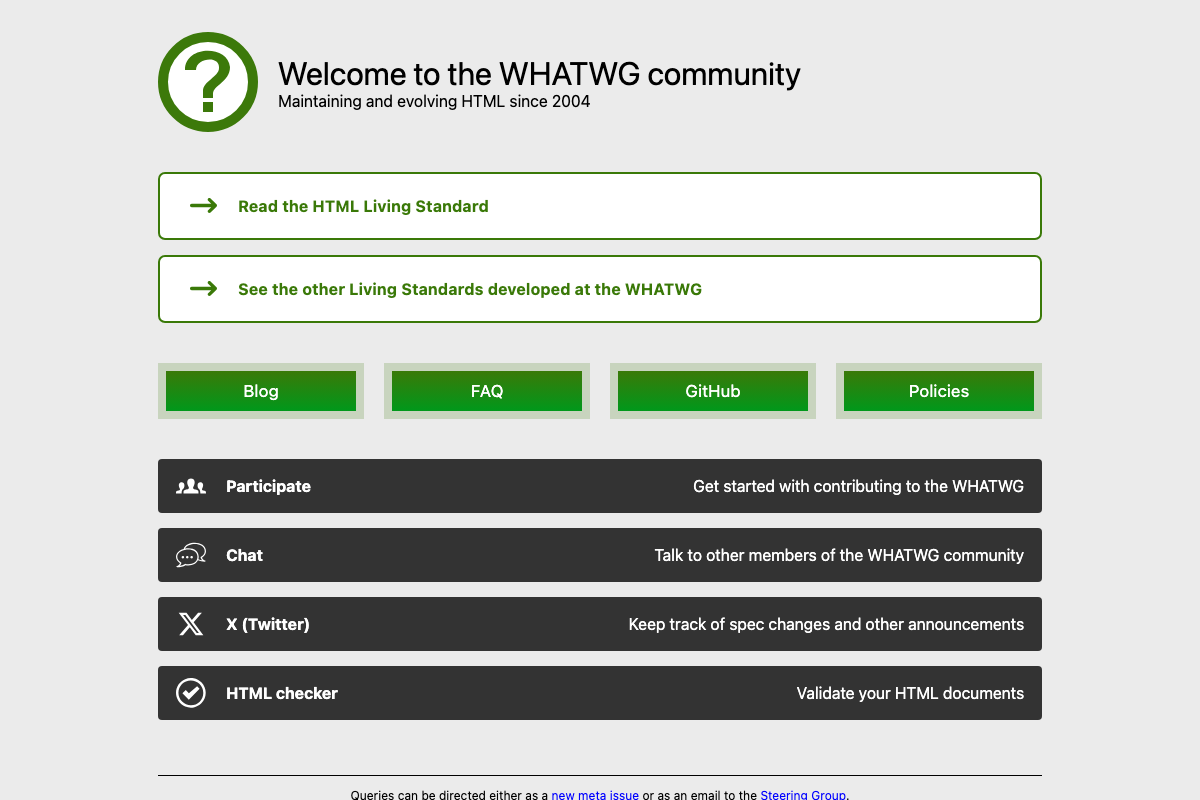
That said, the screenshots capture the whatwg.org organizational homepage, not the html.spec.whatwg.org/multipage/ specification document itself. The ~45-second load time and ~14–15MB on-disk size cited in the episode cannot be confirmed from the visible content.
No official documentation was found for the file-size and load-time claims in this step — proceed using the video’s approach and verify independently by loading the single-page spec directly.
Step 5 — Chrome’s print-to-PDF output vs. the official WHATWG PDF
Google Chrome is a valid and available tool for this demonstration — confirmed. Beyond that, the captured screenshots are Chrome’s marketing homepage, which contains no documentation of the print-to-PDF feature, output file sizes, or compression behavior. The ~96MB Chrome PDF output figure cited in the episode cannot be verified from the provided images.
No official documentation was found for this step — proceed using the video’s approach and verify independently.
Step 6 — Network transfer size vs. on-disk footprint (gzip/Brotli)
No official documentation was found for this step — proceed using the video’s approach and verify independently.
Step 7 — Calibrating impact by connection type
Google Search Central does surface page speed and user experience as ranking signals — the captured homepage references a “Provide a good user experience” recommendation that links to speed and mobile-friendliness tooling, which sits adjacent to the connection-type framing in this step.
No official documentation was found directly addressing connection-type impact thresholds for this step — proceed using the video’s approach and verify independently.
Useful Links
- Google Search Central — Web SEO Resources — Portal homepage for Google’s official SEO and crawling documentation, including the Googlebot sub-pages where the 15MB crawl limit is documented.
- The 2025 Web Almanac — HTTP Archive’s annual state-of-the-web report based on 16.2M websites from the July 2025 dataset; the Page Weight chapter contains the specific median mobile figures referenced in the episode.
- Web Hypertext Application Technology Working Group (WHATWG) — Organizational homepage for the WHATWG, which publishes and maintains the HTML Living Standard under four-company governance; links directly to the single-page spec used in the episode’s load-time demonstration.
- Google Chrome — Official Chrome download page, confirming the browser used in the print-to-PDF demonstration is available for macOS 12 or later.


0 Comments