

YouTube Policy Violations That Get Channels Banned
Your YouTube channel can be terminated not just for obvious offenses, but for routine creator habits that quietly cross policy lines. This tutorial walks through nine specific behaviors that trigger strikes, demonetization, or outright bans — and what to do instead. By the end, you’ll have a clear checklist to audit your channel before your next upload.
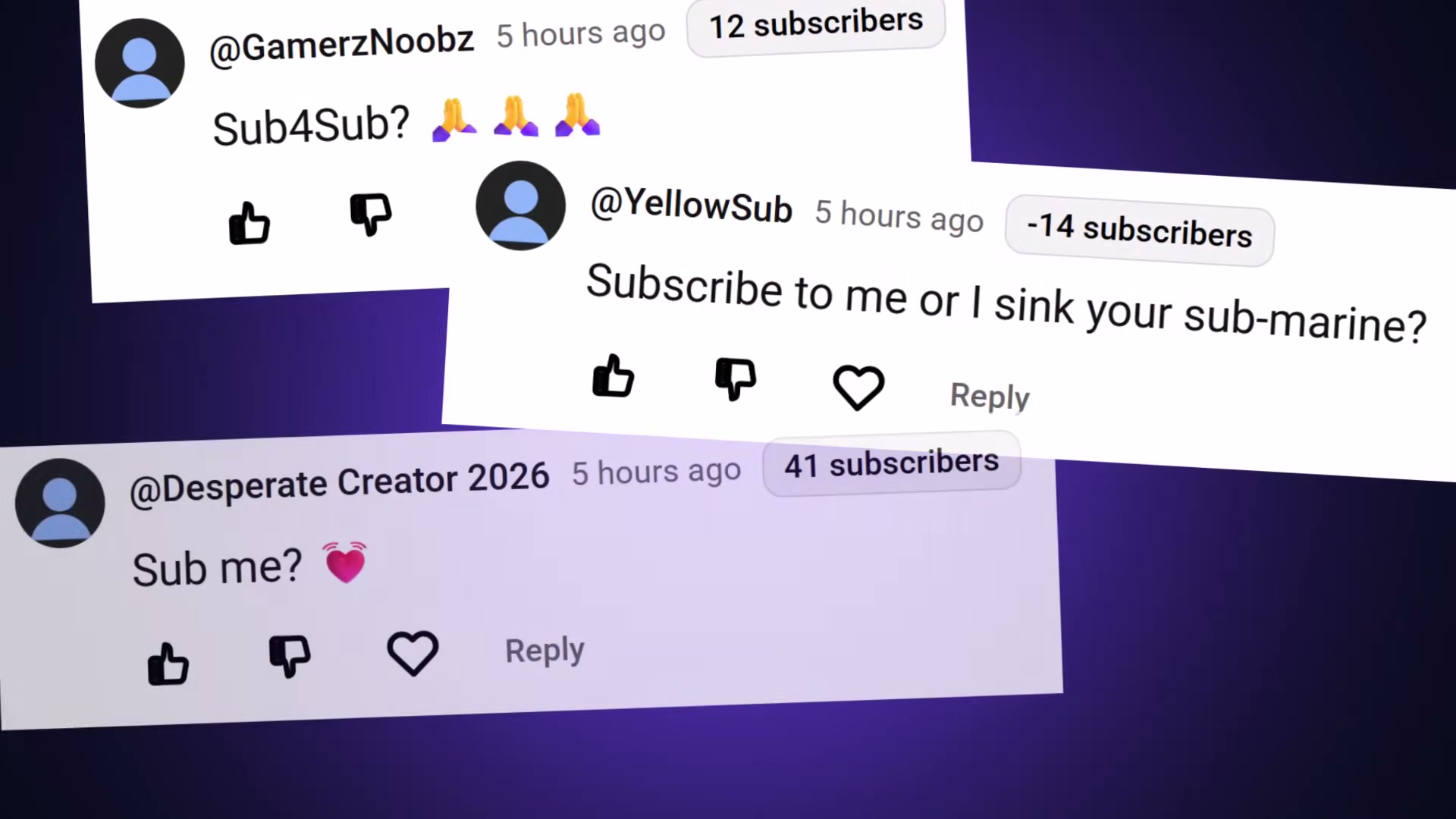
- Never participate in sub-for-sub programs or subscriber exchange threads. YouTube’s automated systems classify coordinated subscriber swaps as bot-farm behavior, and bot farms get removed. Artificial subscriber counts also produce zero views, making the tactic both risky and pointless.
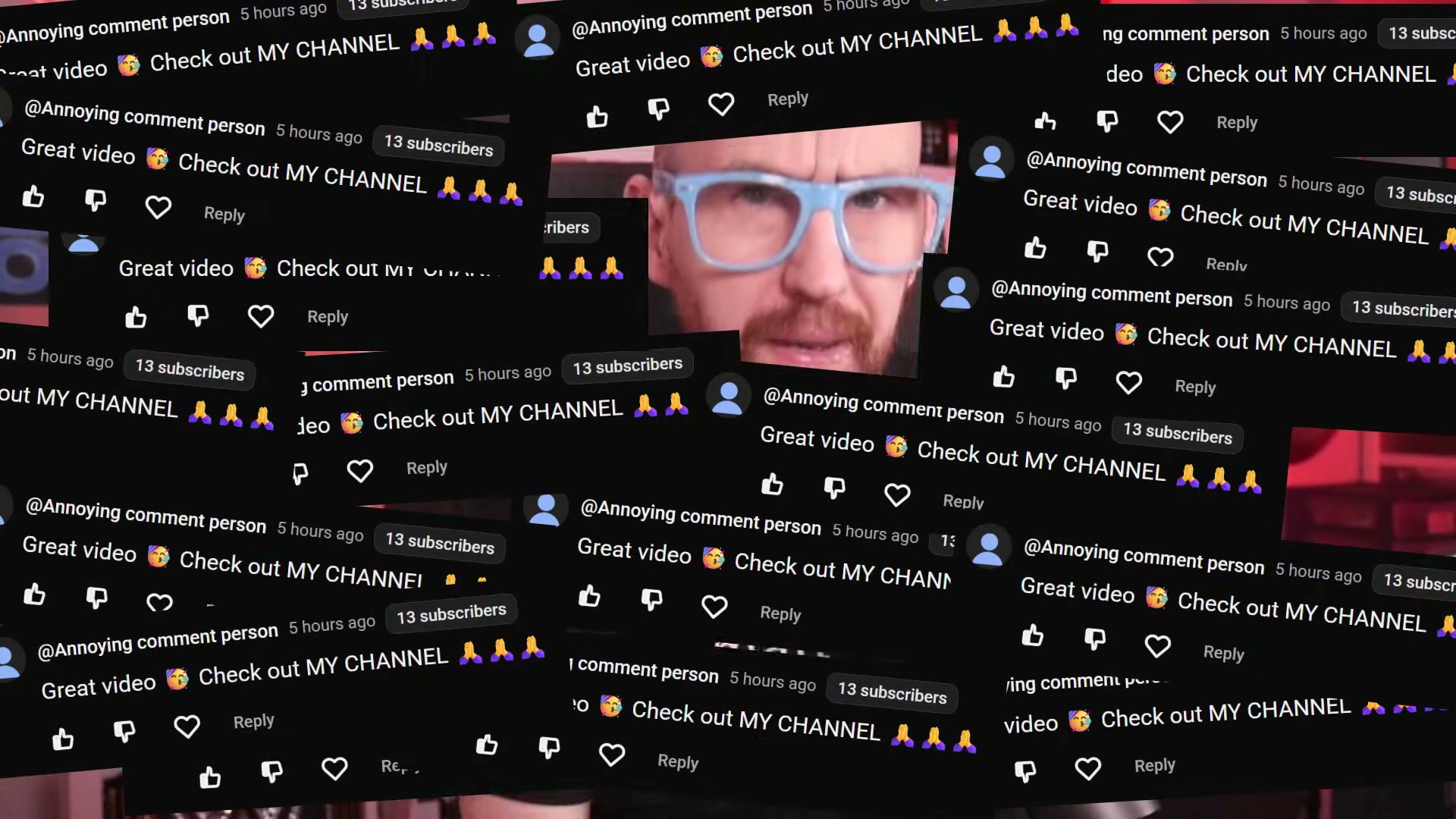
- Do not copy-paste identical comments across multiple videos or channels. Posting the same “great video 🔥 check out my channel” text at scale is textbook automated spam — YouTube’s detection systems flag patterns of identical text, rapid posting cadence, and multi-channel targeting simultaneously. Many creators also add these phrases to their banned-words lists, so the comments never post at all.
- Avoid publishing tutorials that show viewers how to bypass paywalls, skip age verification, or circumvent another platform’s restrictions. Even well-intentioned how-to content that earns no revenue falls under YouTube’s harmful and dangerous content policy. Each such video is a strike risk regardless of your intent.
-
Limit your hashtags to three relevant tags per video. YouTube’s own guidelines state that adding more than 60 hashtags causes all of them to be ignored entirely. Three strong, targeted tags outperform 67 irrelevant ones in every discoverability scenario.
-
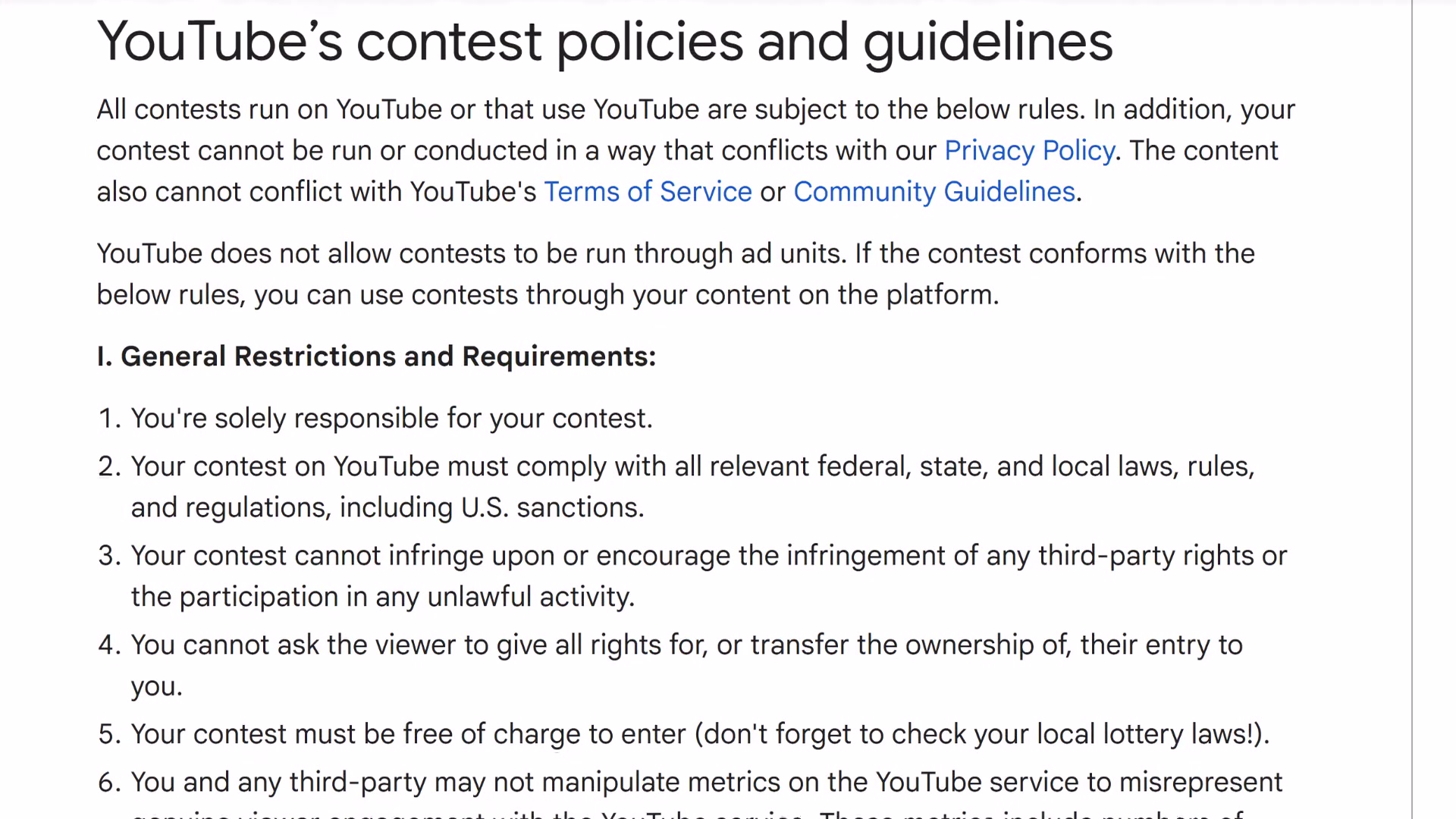
When running giveaways, include all three required disclosures: official contest rules, an explicit statement that YouTube is not a sponsor, and a privacy notice if you’re collecting personal data from entrants. Missing any one of these converts your engagement-building giveaway into a policy violation.
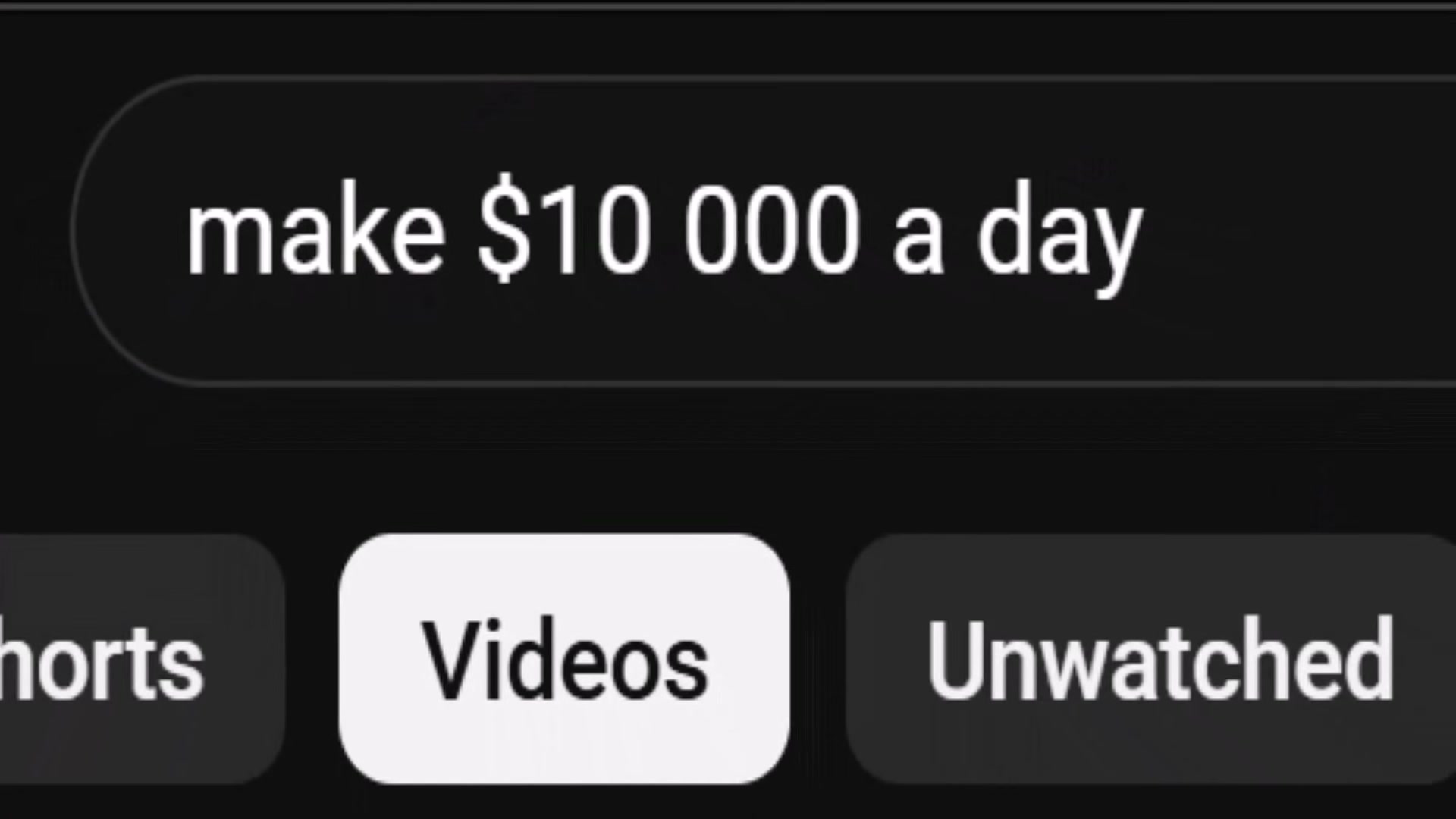
- Keep income claims in thumbnails and titles realistic and verifiable. Specific, unverified earnings figures — especially large sums over short timeframes — attract automated flagging. Discussing money-making topics is permitted; structuring your metadata like a late-night infomercial is not.
- Use the video description to describe the video. Stuffing descriptions with walls of unrelated keywords — “YouTube tips, YouTube tricks, YouTube hacks, YouTube algorithm 2026” — is explicitly classified as spam in YouTube’s policy documentation, not a gray area.
-
Enable two-factor authentication on your Google account if you haven’t already. A compromised Google account means a compromised channel — and YouTube holds the channel owner responsible for whatever content gets published through it.
-
Do not download PDF attachments or other files from unknown senders in brand deal emails. A single malicious file can give an attacker full access to your Google account. From YouTube’s perspective, any content they livestream from your channel — including crypto scams — was posted by you.
How does this compare to the official docs?
The video distills these violations from a creator’s practical experience, but YouTube’s policy pages add specific enforcement thresholds, edge cases, and exact policy language that reframes several of these rules in ways worth knowing before your next upload.
Here’s What the Official Docs Show
The video covers nine real policy risks that creators consistently underestimate — and the framework holds up as a practical starting point. What follows layers in the official source context so you can trace every rule back to YouTube’s own policy language before acting on it.
Step 1 — Sub-for-sub programs
No official documentation was found for this step —
proceed using the video’s approach and verify independently.
Step 2 — Copy-paste comment spam
No official documentation was found for this step —
proceed using the video’s approach and verify independently.
Step 3 — Paywall and age-verification bypass tutorials
No official documentation was found for this step —
proceed using the video’s approach and verify independently.
Step 4 — Hashtag limits (the 60-hashtag threshold)
No official documentation was found for this step —
proceed using the video’s approach and verify independently.
Step 5 — Giveaway disclosure requirements
No official documentation was found for this step —
proceed using the video’s approach and verify independently.
Step 6 — Income claims in thumbnails and titles
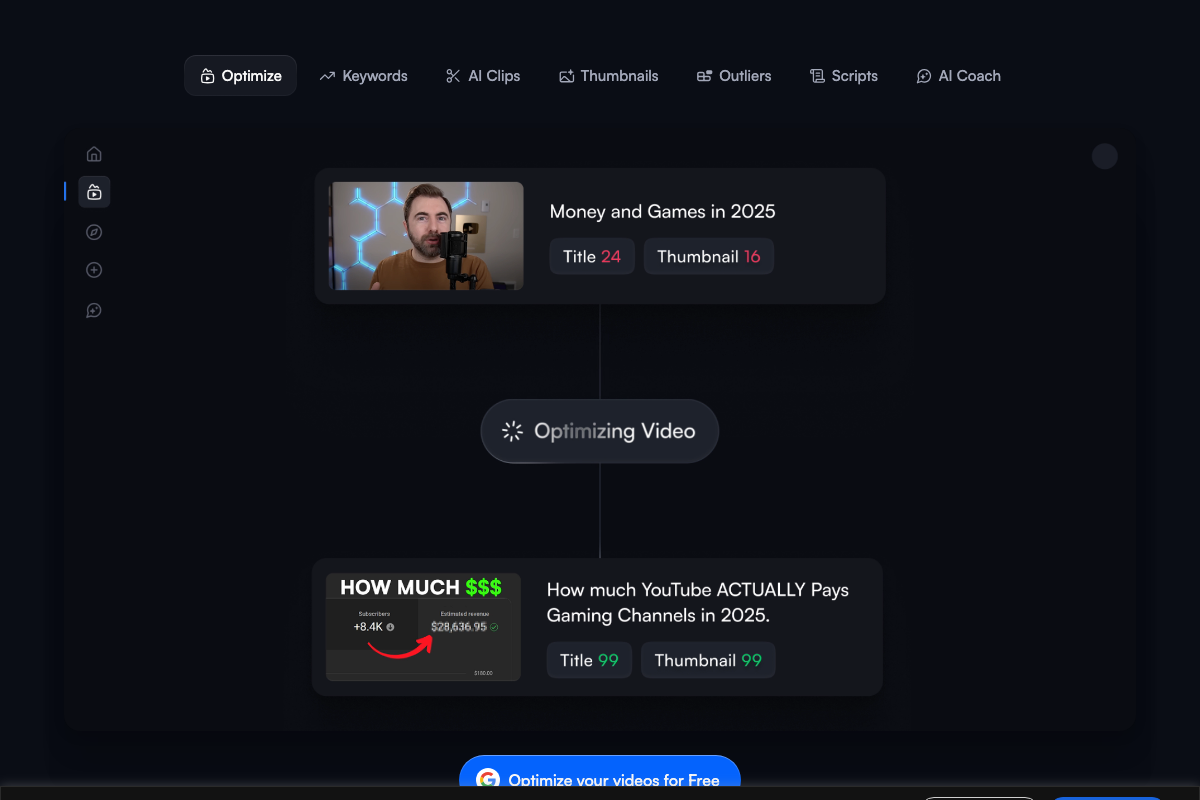
One notable data point: vidIQ’s own product demo thumbnail displays specific revenue figures ($28,636.95) and a subscriber count (+8.4K) — exactly the pattern the video flags as a policy risk. That context illustrates how common the practice is, but it is a product demo, not a policy statement.
No official documentation was found for this step —
proceed using the video’s approach and verify independently.
Step 7 — Keyword-stuffed descriptions
No official documentation was found for this step —
proceed using the video’s approach and verify independently.

Step 8 — Two-factor authentication
No official documentation was found for this step —
proceed using the video’s approach and verify independently.
Step 9 — Malicious attachments in brand deal emails
No official documentation was found for this step —
proceed using the video’s approach and verify independently.
A note on source verification: The documentation screenshots intended to cover all nine steps captured YouTube’s unauthenticated homepage rather than the Community Guidelines page at youtube.com/howyoutubeworks/policies/community-guidelines/. As of March 25, 2026, every step in this tutorial should be cross-referenced directly against that URL before you treat any specific threshold — the 60-hashtag limit, the giveaway disclosure checklist, the income-claim language — as enforcement-confirmed.
Useful Links
- YouTube Policies Crafted for Openness – How YouTube Works — YouTube’s official Community Guidelines hub covering spam, misleading content, harmful content, and account security policies relevant to all nine steps in this tutorial.
- vidIQ: Get More Subscribers & Views on YouTube | YouTube Tools — Third-party YouTube optimization platform used in the tutorial; trusted by 20M+ creators and enterprise brands including Microsoft, Netflix, and ESPN.


0 Comments