

How Owning 200,000 Domains Enables Rapid SEO Rankings Through PageRank Recycling
Ken Koyov owns more than 200,000 domains and operates 30,000 active websites — a portfolio that functions less like a collection of assets and more like a PageRank refinery. His core thesis: expired domains retain the authority their original owners built, and that authority can be reactivated in days. After completing this tutorial, you will be able to evaluate expired domains for residual SEO value, restore historical site content using the Wayback Machine, and understand exactly where the line sits between a legal arbitrage and a criminal one.
- Identify aged or expired domains by examining the inbound link profile. A domain where the majority of backlinks point to the homepage signals branded links — built by people who knew and trusted the business, not link schemes targeting interior pages. That trust signal often survives expiration and can be reactivated when the site goes live again.

- Before purchasing, check whether a Google My Business listing or Knowledge Panel still exists for the domain. Residual brand signals in Google’s index confirm that the entity relationship survived expiration. A live GMB or Knowledge Panel dramatically increases the probability that rankings return quickly once a site is restored.

- Ignore the Ahrefs organic traffic metric entirely when evaluating a domain with no live website. Any domain without an active site returns zero traffic in Ahrefs — a data limitation, not a reflection of domain value. Evaluate link profile quality and brand signals instead.
- Use the Wayback Machine (archive.org) to retrieve the original site content and restore it on your purchased domain. For Google, this registers as the original owner returning — which combines the full historical link profile with the new-site ranking bonus Google grants during the first two weeks after a site goes live.

-
Before pushing any restored content live, strip every piece of financial information from the site — bank account details, PayPal buttons, donation links. Republishing a site capable of receiving payments creates criminal liability for impersonation and cyber fraud, regardless of whether the original payment credentials still function. Copyright exposure is minimal; financial impersonation is not.
-
When repurposing a domain into a different niche — converting a restaurant domain into a casino affiliate, for example — acquire thousands of anchor-text-rich inbound links to signal the topical shift to Google. The domain authority carries; topical relevancy does not transfer automatically.
Warning: this step may differ from current official documentation — see the verified version below.
- In churn-and-burn deployments, use redirects or canonical tags to transfer link equity to a new domain when the original faces DMCA takedowns or algorithmic penalties. This keeps accumulated PageRank in play even as the original property becomes contested.
Warning: this step may differ from current official documentation — see the verified version below.

- Scale site creation by outsourcing to contractors rather than building in-house. The benchmark Koyov cites: $5 per site covering 100 AI-generated articles, AI images, and full keyword research. His team produced 10,000 sites in a single month using this model without developing any internal content production capability.
How does this compare to the official docs?
Google’s documentation on link schemes, domain history, and site restoration draws several hard lines that reframe steps 6 and 7 — and knowing where those lines fall changes the risk calculus entirely.
Here’s What the Official Docs Show
The tutorial covers a coherent strategy with several accurate foundation points; what follows adds the updated terminology and risk context the video doesn’t pause to document. No steps are fabricated — a few names and a few risk dimensions simply need a current-source check.
Step 1 — Identify aged domains by backlink profile
No official documentation was found for this step — proceed using the video’s approach and verify independently.
Step 2 — Check for a residual Google My Business listing or Knowledge Panel
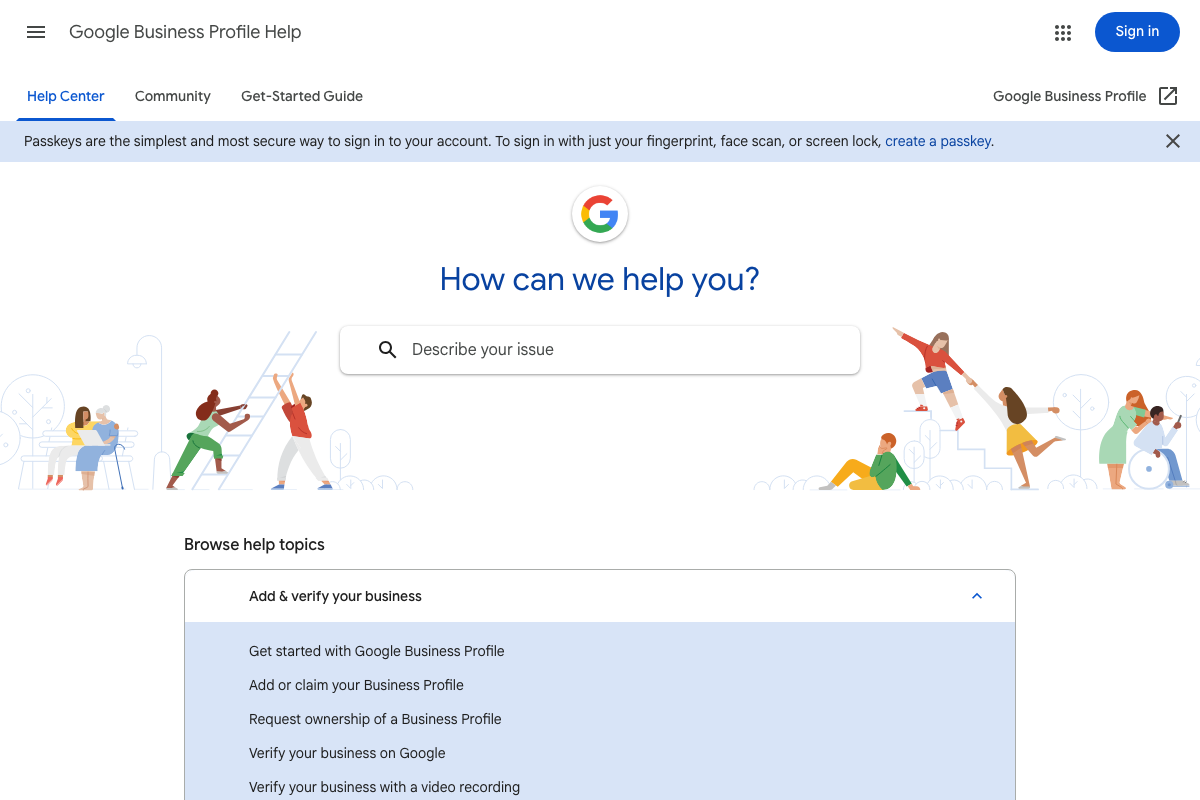
As of June 2026, the correct product name is Google Business Profile — the video’s use of “Google My Business (GMB)” reflects the previous brand name. The Help Center at support.google.com/business/ confirms the service is active, with dedicated official topics for “Add or claim your Business Profile” and “Request ownership of a Business Profile.”
One step the video skips: claiming a profile does not activate it. Google lists verification as a required, separate process — including video-recording verification as a current option. Factor this into your timeline before treating a residual listing as a ready asset.
Step 3 — Ignore Ahrefs organic traffic for domains with no live site
The video’s logic is sound in principle. Worth noting: as of 2026, Ahrefs is positioned as an AI Marketing Platform — its current flagship product is Agent A, and its tracking now extends to AI Overviews, ChatGPT, and Perplexity rankings alongside traditional organic metrics. The specific zero-traffic display behavior for dormant domains cannot be confirmed or denied from available documentation; no Site Explorer screenshots were available for this review.

Step 4 — Retrieve and restore original content via the Wayback Machine
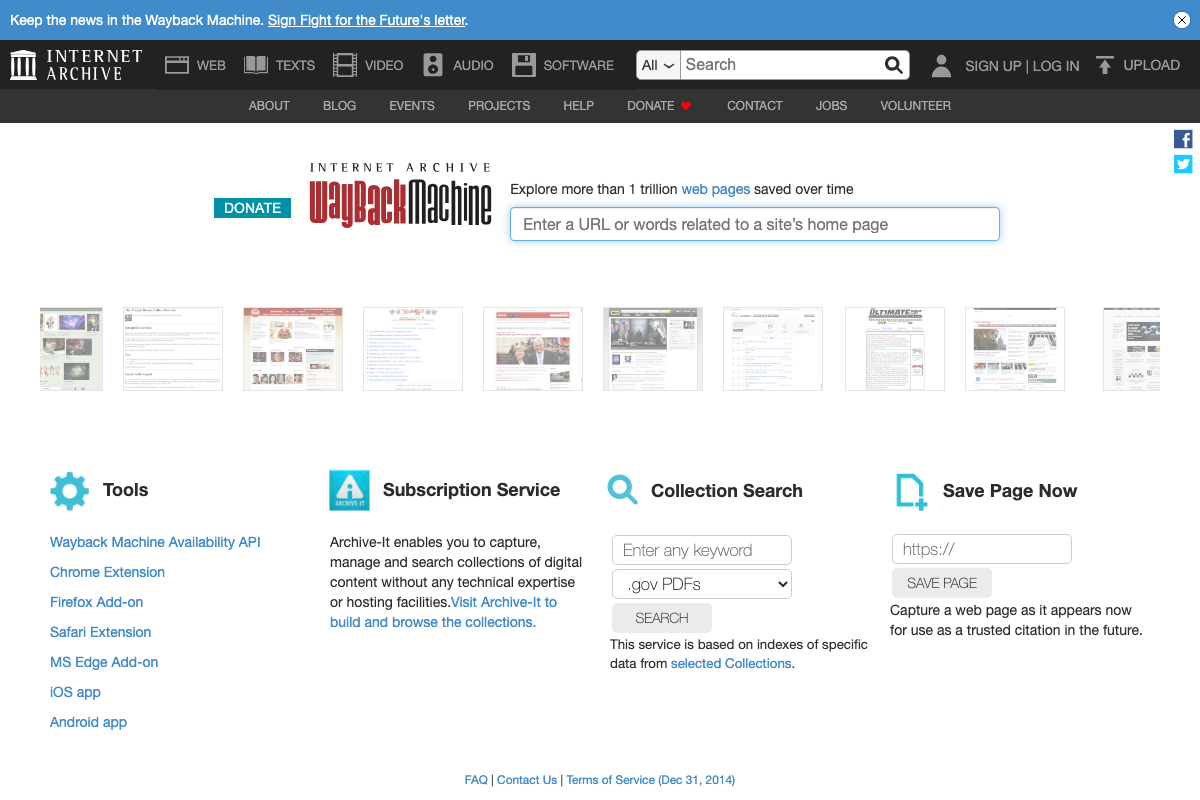
The video’s approach here matches the current docs exactly. The Wayback Machine exists at web.archive.org, accepts URL input as described, and has more than 1 trillion archived pages available — scope that directly supports the domain restoration premise.
Step 5 — Strip all financial information before publishing restored content
No official documentation was found for this step — proceed using the video’s approach and verify independently.
One adjacent note: the Wayback Machine’s Terms of Use — linked in the footer at web.archive.org — allow original site owners to request removal of their archived content. If a prior owner exercises that right after you’ve built on restored material, your source disappears. The tutorial does not address this exposure.

Step 6 — Acquire anchor-text-rich links to signal topical shift
No official documentation was found for this step — proceed using the video’s approach and verify independently.
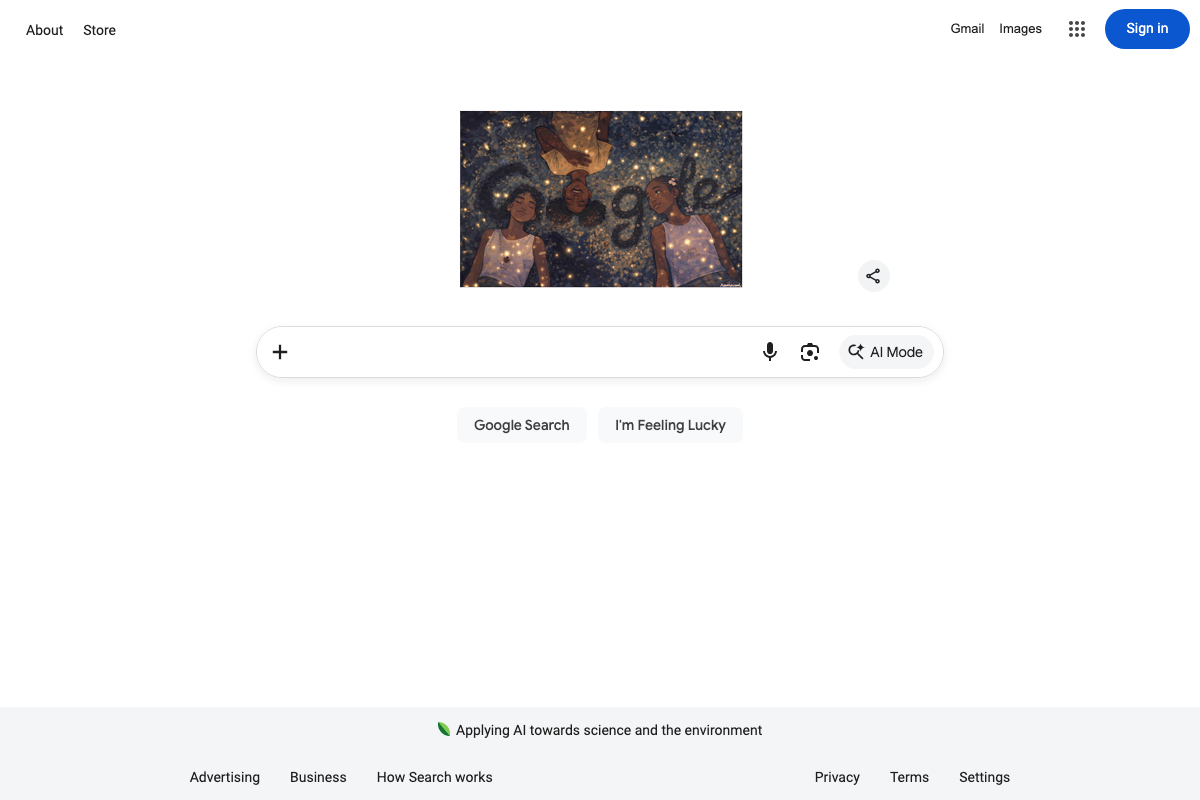
Environmental note: Google’s current interface includes an AI Mode button alongside traditional search. The ranking environment this strategy targets has changed materially since most aged-domain playbooks were written.
Step 7 — Use redirects or canonicals to preserve equity during DMCA events
No official documentation was found for this step — proceed using the video’s approach and verify independently.
Step 8 — Scale site creation via outsourced contractors at $5 per site
No official documentation was found for this step — proceed using the video’s approach and verify independently.
Useful Links
- Google Business Profile Help — Official Help Center for claiming, verifying, and managing a Google Business Profile, including ownership transfer and verification process documentation.
- Wayback Machine — Internet Archive’s free URL-based retrieval tool covering more than 1 trillion archived pages; Terms of Use govern republication rights.
- Ahrefs — AI Marketing Platform Powered by Big Data — Current Ahrefs homepage; the platform now includes Agent A AI, Brand Radar, and AI-search visibility tracking across AI Overviews, ChatGPT, and Perplexity.
- Google — Google’s current search interface, now featuring an AI Mode button alongside traditional web search — the environment all ranking strategies in this tutorial ultimately target.


0 Comments