

Human-Led, AI-Assisted SEO: How to Outrank Vibe-Coded Sites
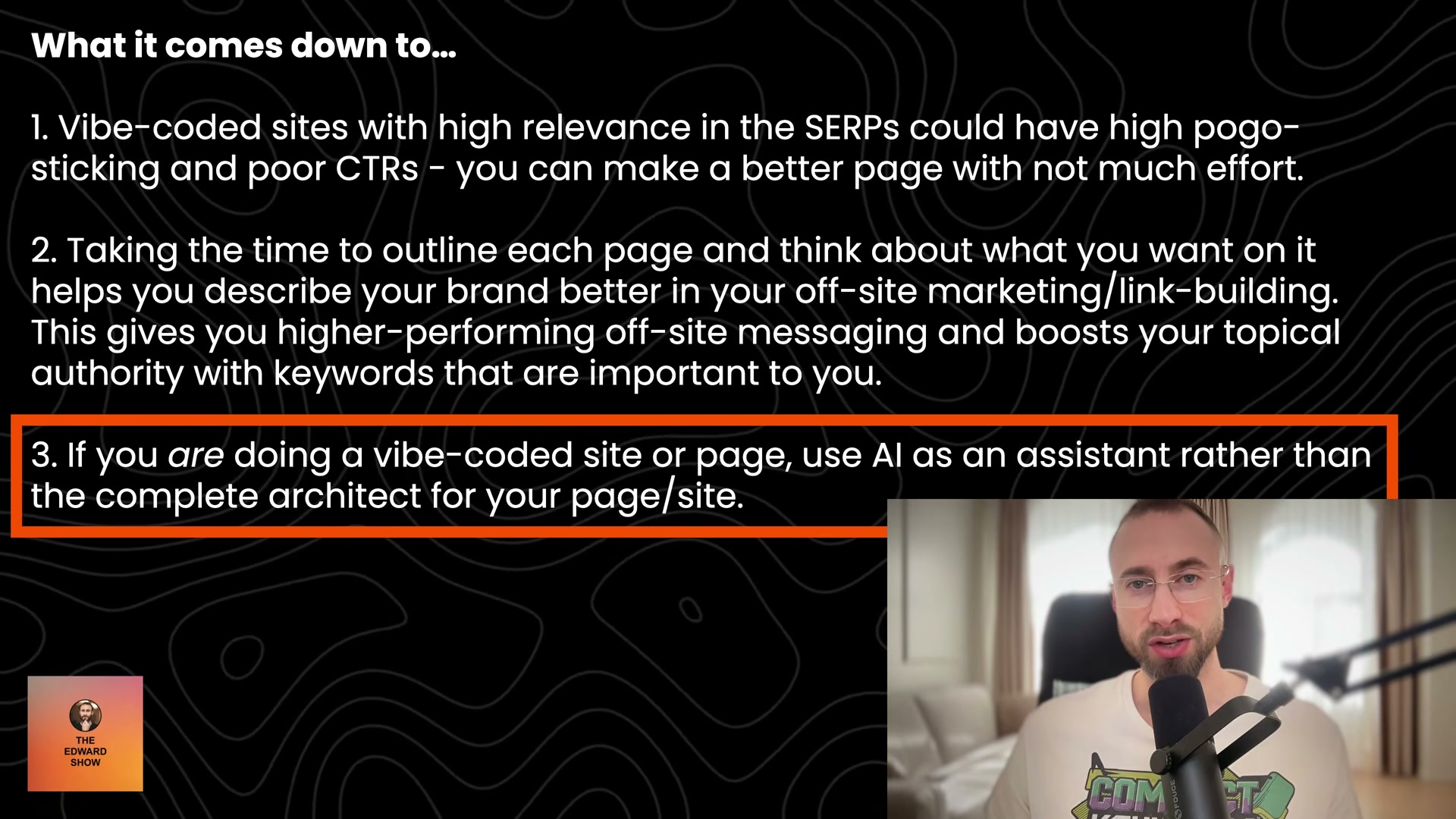
The flood of AI-generated websites hitting search results isn’t a threat to thoughtful SEO practitioners — it’s an opening. Edward Sturm argues that fully vibe-coded pages rank but fail to convert, and that any marketer willing to own the outline can beat them on the metrics that matter. Follow this workflow to build pages that outperform AI-generated competitors on engagement signals, conversion rate, and topical authority.
-
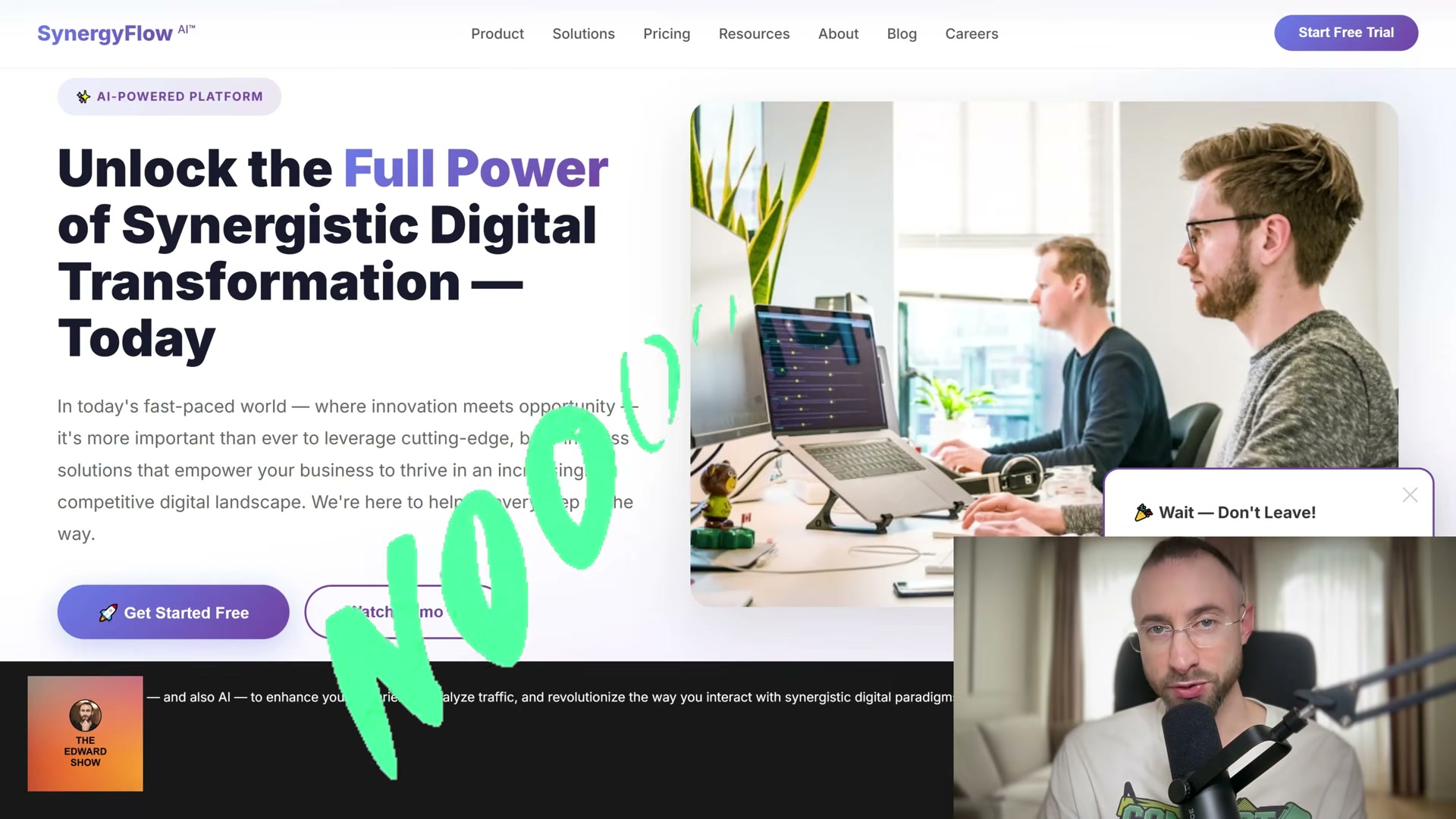
Decide which pages your site needs. This is a human call — not a prompt. Before any AI touches your project, map out the pages that matter: home, about, and your bottom-of-funnel landing pages. The AI can execute; it cannot set strategic priorities for your business.
-
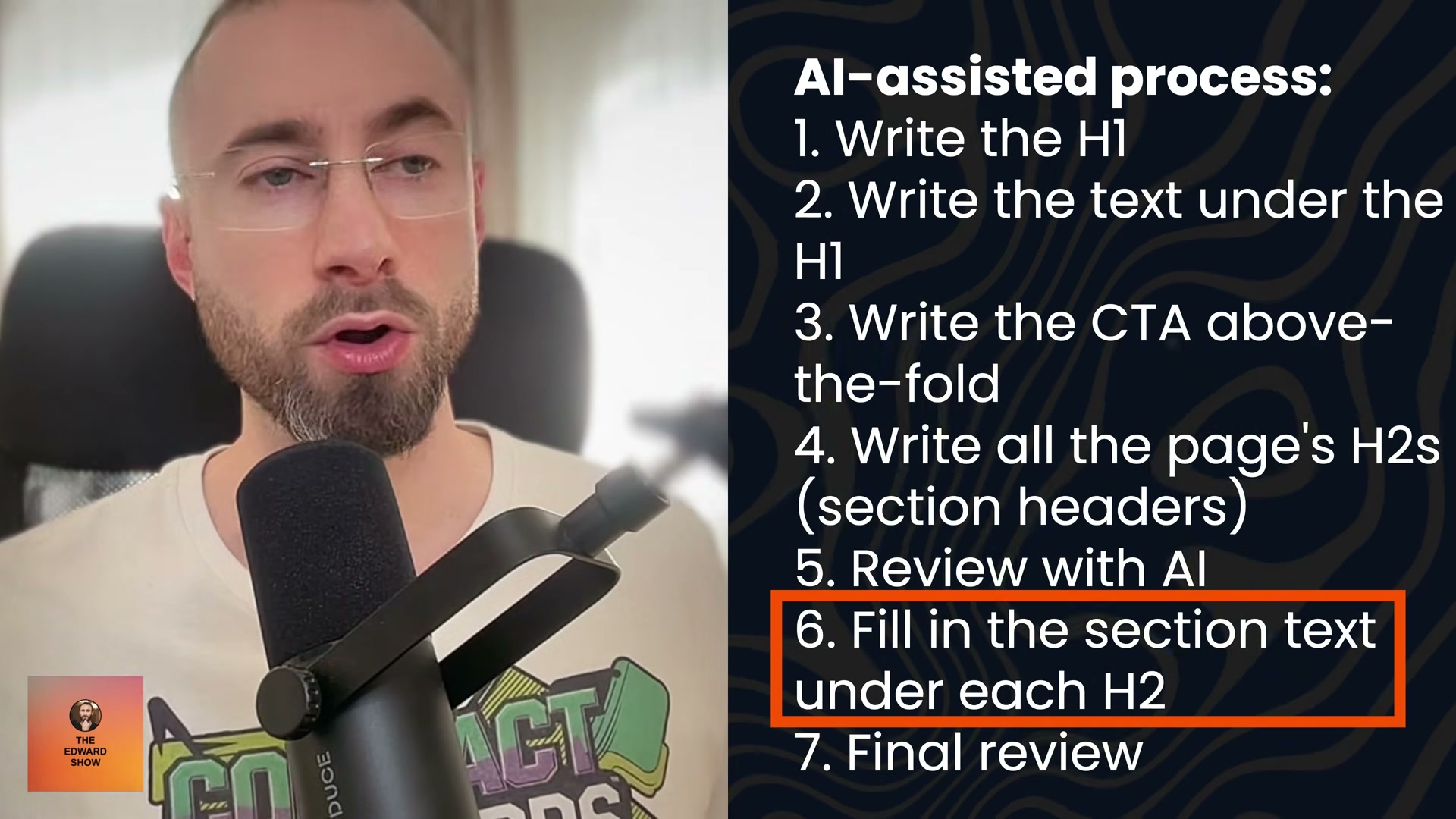
Write a page outline for each. For every page, draft the H1, the introductory paragraph beneath it, the primary call to action, and the H2 section headings. Keep it rough. The goal is to anchor the structure in your thinking before AI introduces its own defaults.
-
Review the outline for completeness. Ask whether the benefits are accurately highlighted, whether the page covers everything a ready-to-convert visitor would need, and whether supporting elements like FAQs or testimonials belong here. This editorial pass is where conversion-focused thinking happens.
- Use an LLM to pressure-test the outline. Share the outline with a language model and ask what’s missing. Framed this way — with your structure already set — the AI gives genuinely useful suggestions rather than generic filler. This is the correct use of LLMs for SEO strategy: decision support, not decision replacement.
-
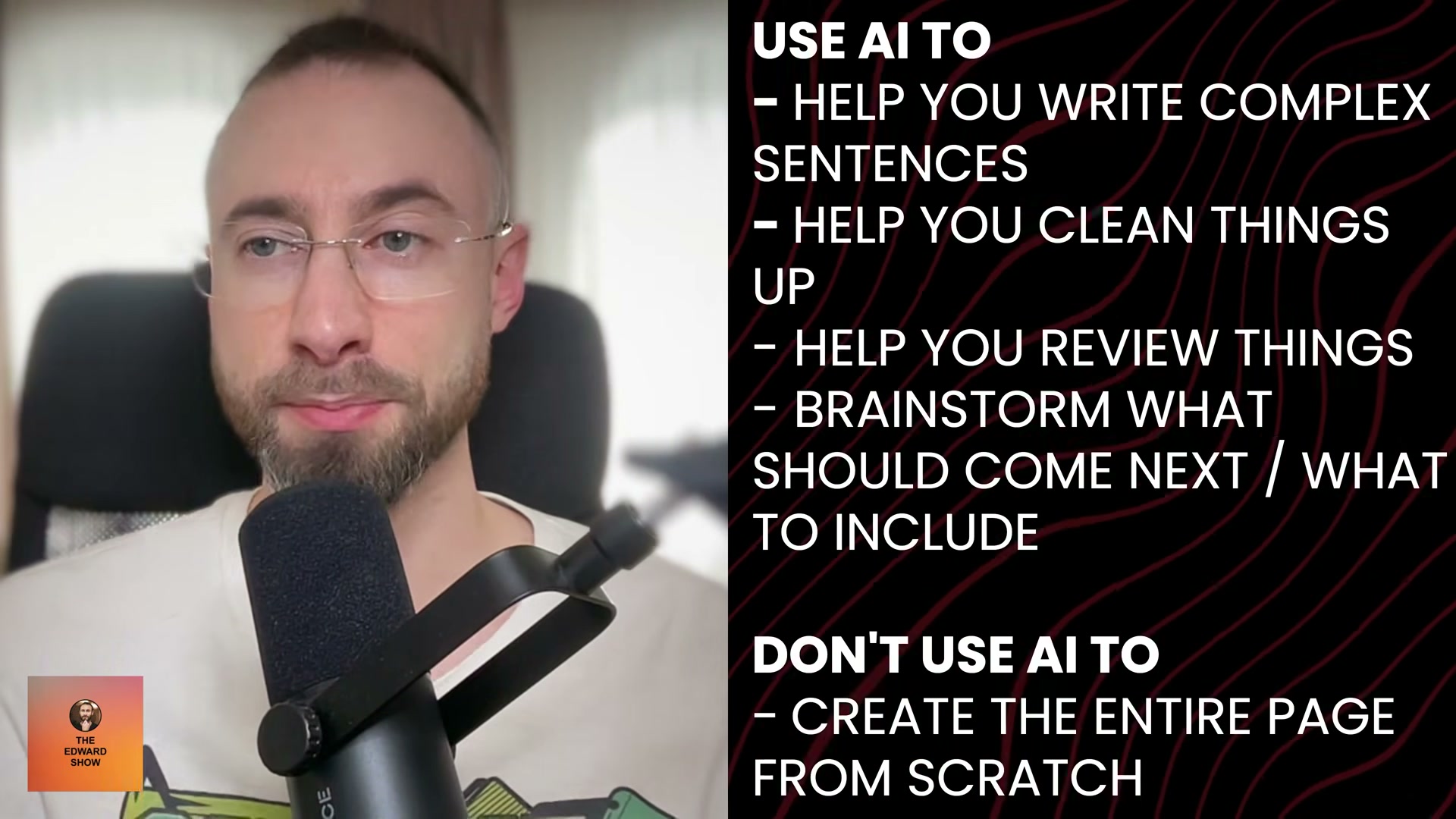
Write the body text under each H2. Draft the section copy yourself, then use AI to sharpen phrasing, untangle complex sentences, or tighten transitions. The critical distinction is authorship: you write, AI assists.
-
Review the full page for coherence and conversion focus. Read the assembled page as a visitor would. Check that the benefit narrative holds from H1 through CTA, and that each section earns its place on the page rather than padding word count.
-
Select and place images, using AI only for editing acceleration. Choose images that serve the page’s argument. Use AI tools to speed up editing tasks — resizing, background removal, color correction — rather than generating images wholesale.
-
Hand implementation to AI. Once the content is locked, let the vibe-coded toolchain (Sturm uses Replit and Astro) handle the build. At this stage, AI is the right tool: construction, not conception.
-
Repeat for every high-priority page. Work through the home page, about page, and bottom-of-funnel landing pages in order of conversion impact. Each page you complete this way widens your engagement-signal advantage over competitors running fully automated pipelines.
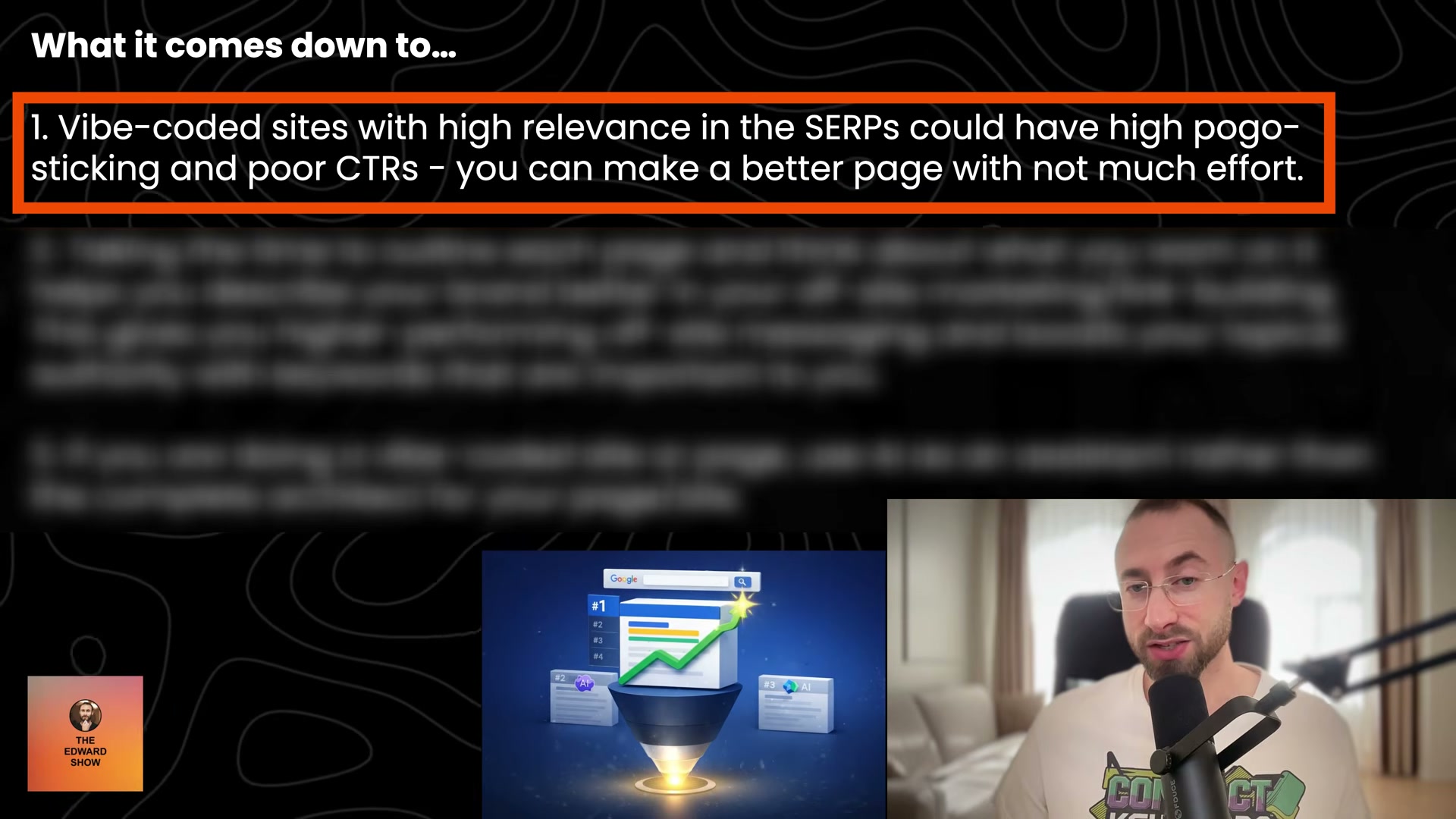
- Align keyword targets with off-site SEO. The pages you outline manually sharpen your link-building and outreach messaging. When a keyword appears consistently across your page, your anchor text, and your brand mentions, topical authority compounds. Fully AI-generated sites, anchored in AI logic from the start, struggle to maintain this coherence.
How does this compare to the official docs?
Sturm’s workflow is grounded in SEO practice rather than any single platform’s documentation — which raises the question of how these steps hold up against the guidance that search engines and content tooling providers actually publish.
Here’s What the Official Docs Show
Edward Sturm’s workflow is built on SEO judgment and craft — and the official documentation for the tools he recommends adds useful technical depth without contradicting his core argument. What follows layers in the platform-specific context the docs provide, particularly around the build toolchain in step 8 where the documentation record is clearest.
Steps 1–7: Content strategy, outline, review, LLM consultation, copywriting, image selection, and page prioritization
No official documentation was found for steps 1 through 7 —
proceed using the video’s approach and verify independently.
Step 8: Hand implementation to AI (Replit + Astro)
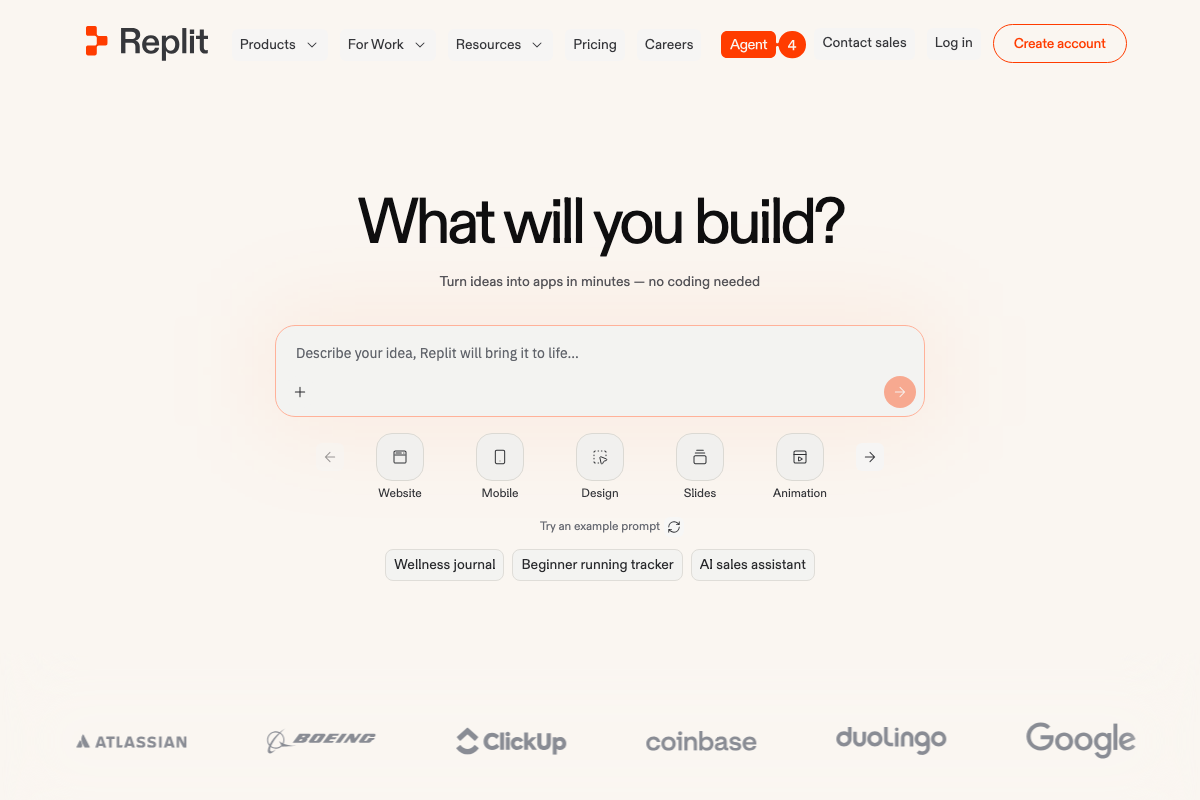
The video’s approach here matches the current docs exactly. Replit’s homepage confirms website creation as a dedicated build category, and its “Describe It. Publish It.” Agent Chat interface directly supports the prompt-to-published-page handoff Sturm describes.
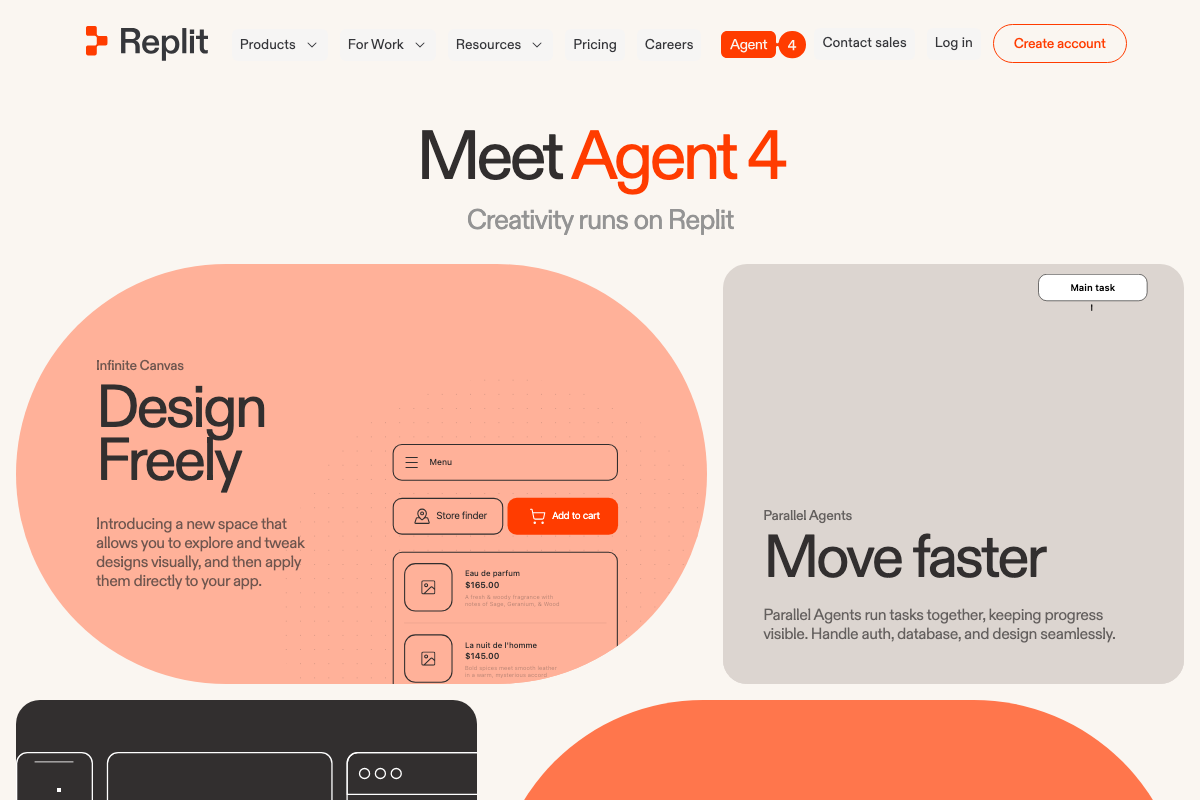
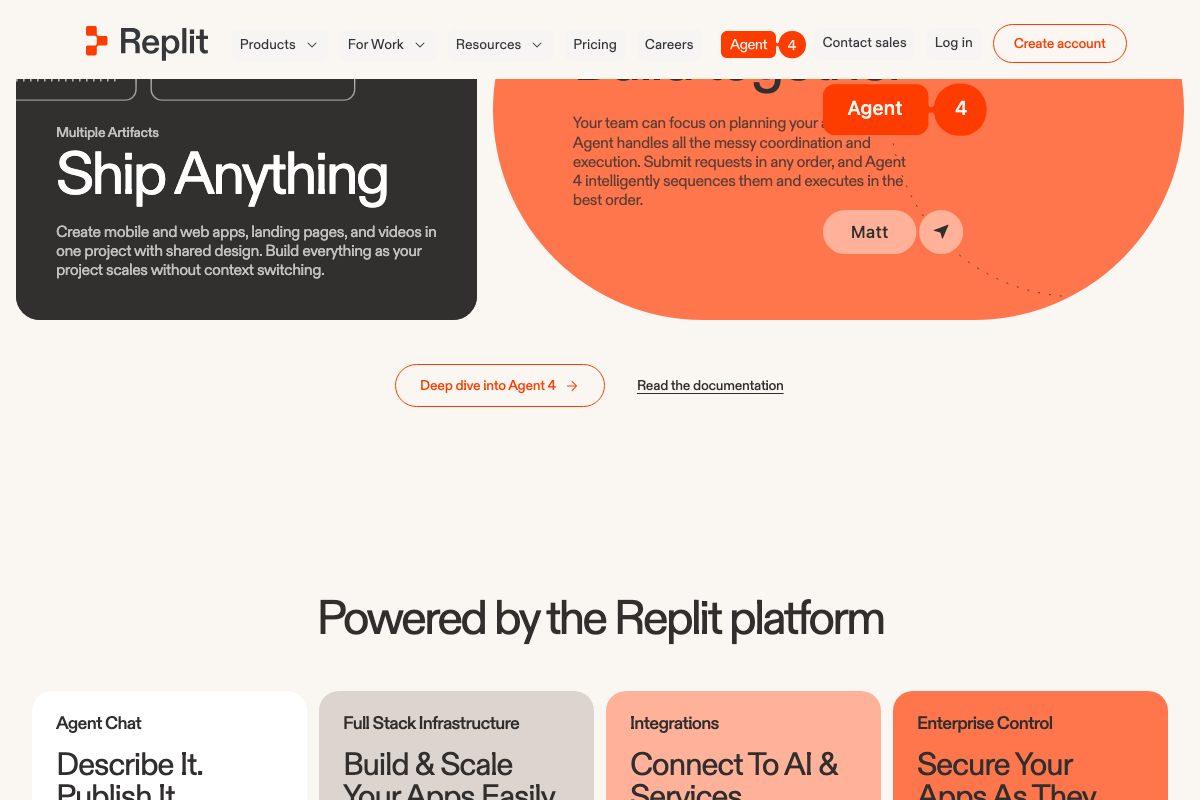
A few platform details worth noting before you build: the current Replit AI product is named Agent 4 — the tutorial doesn’t specify a version. Agent 4 introduces Parallel Agents, which handles auth, database setup, and design tasks concurrently rather than sequentially, and Infinite Canvas, which supports visual design iteration before you publish. Neither capability is mentioned in the tutorial, but both compress the build phase Sturm describes.
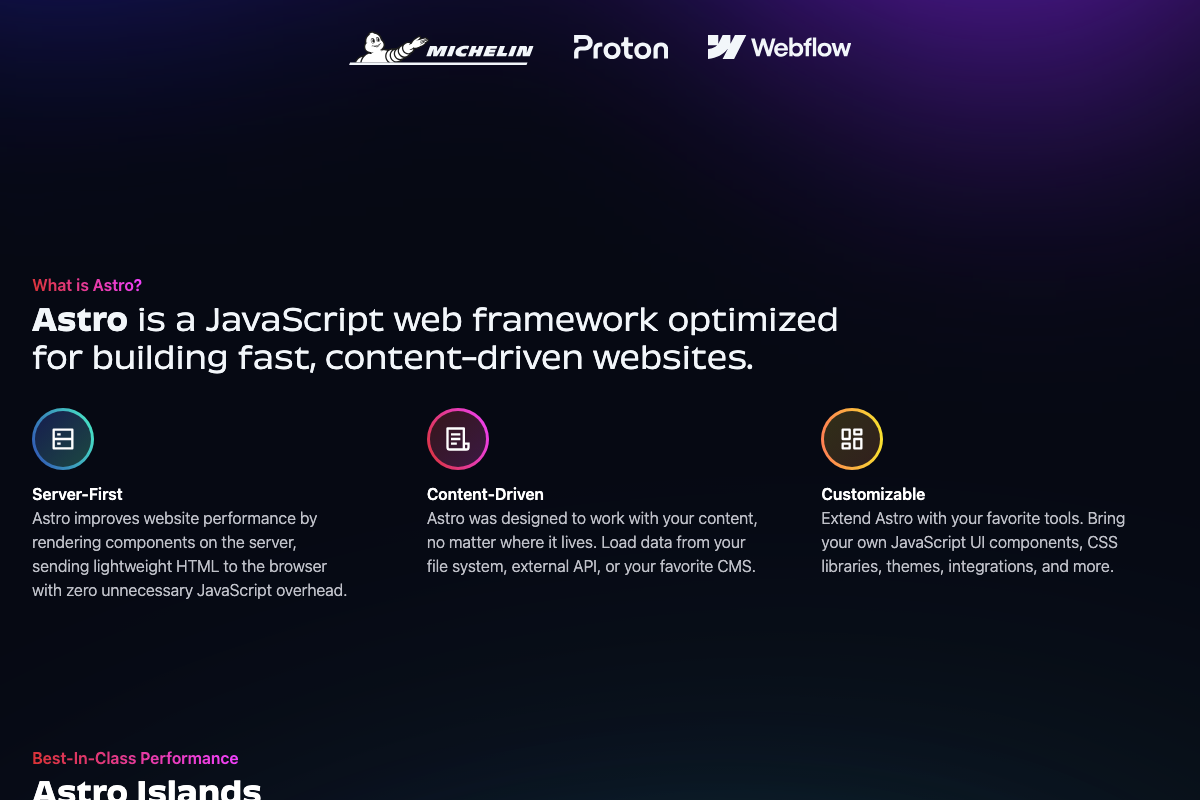
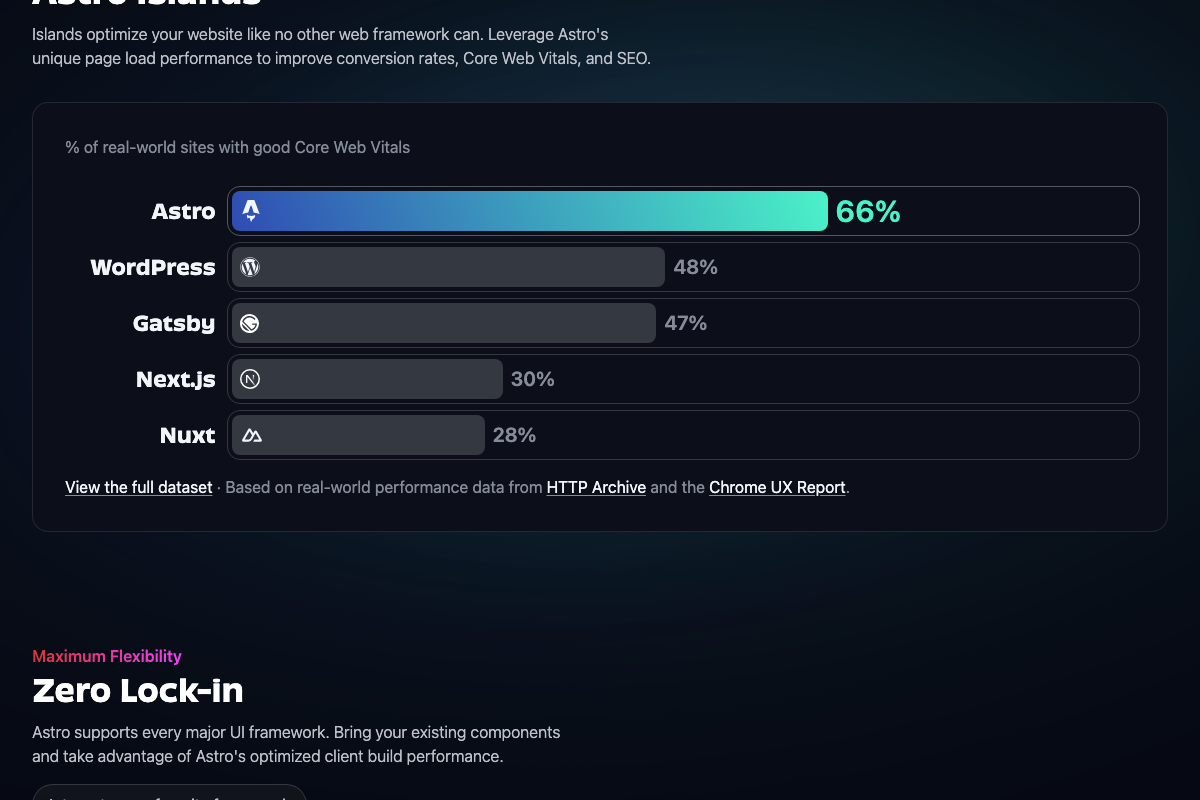
On the Astro side, the current version is 5.6. The tutorial doesn’t cite a version, but the framework choice carries a documented performance rationale worth stating explicitly: Astro’s server-first, zero-JavaScript-overhead architecture results in 66% of real-world Astro sites passing Core Web Vitals — versus 48% for WordPress, 47% for Gatsby, and 30% for Next.js, per HTTP Archive and Chrome UX Report data. The tutorial frames Replit + Astro as a workflow convenience; the numbers show it is also a measurable SEO infrastructure decision.
Step 9: Repeat for every high-priority page
No official documentation was found for this step —
proceed using the video’s approach and verify independently.
Step 10: Align keyword targets with off-site SEO
No official documentation was found for this step —
proceed using the video’s approach and verify independently.
Useful Links
- Replit – Build apps and sites with AI — Official Replit homepage documenting Agent 4 capabilities, including Parallel Agents, Infinite Canvas, Multiple Artifacts, and the Website build category.
- Astro — Official Astro framework homepage covering version 5.6, server-first architecture, and Core Web Vitals performance benchmarks sourced from HTTP Archive and the Chrome UX Report.
- Blog Tool, Publishing Platform, and CMS – WordPress.org — WordPress.org homepage for WordPress 6.9, providing platform-comparison context for readers evaluating alternatives to the Replit + Astro stack.


0 Comments