

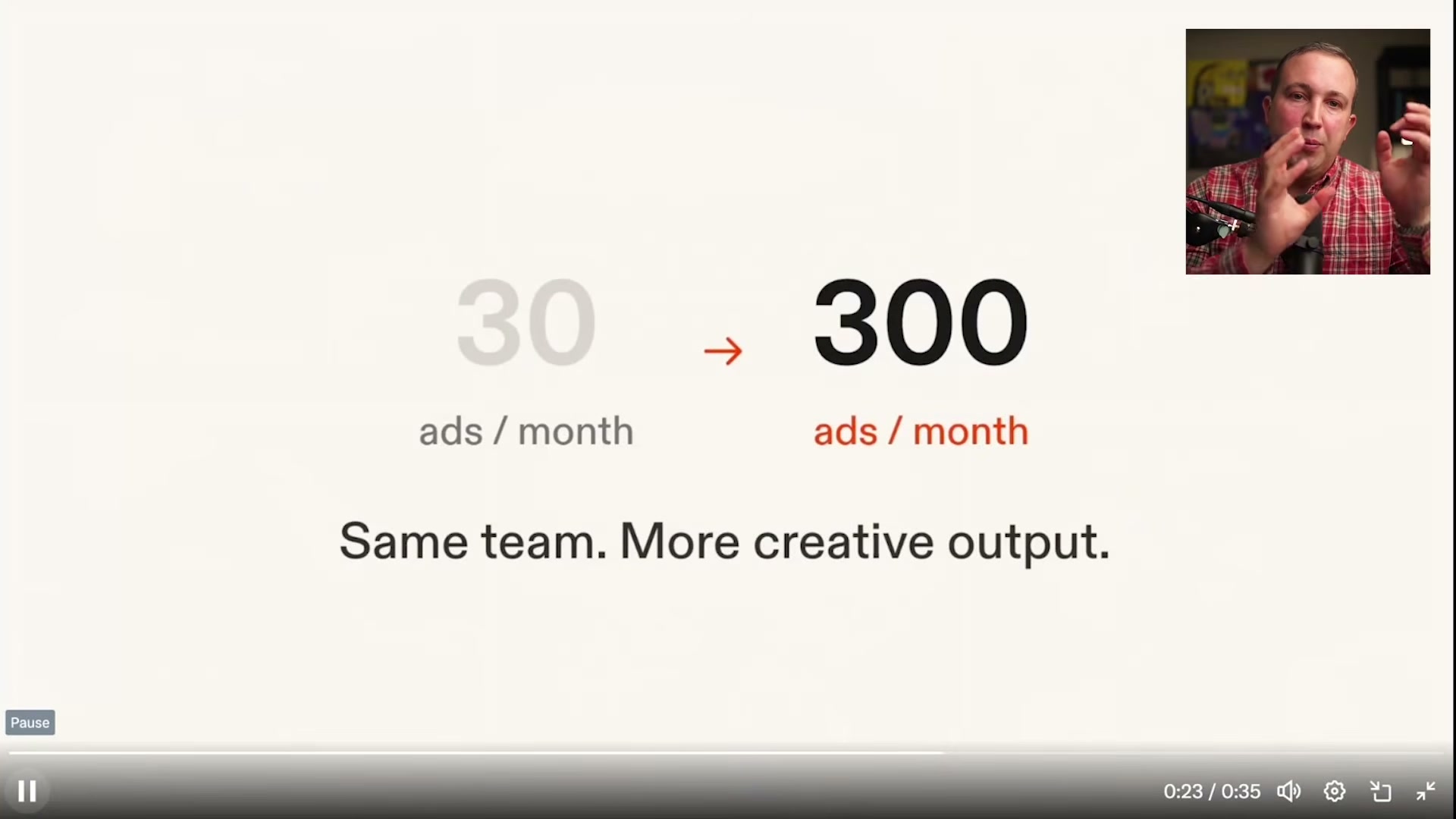
Generate 300 Ads for $40 Using Replit’s Ad Creative Skill and Claude
Replit’s Ad Creative skill can produce multi-platform campaigns across LinkedIn, Instagram, and Google in a single run — but the quality of every output depends entirely on the quality of your input. This workflow adds a critical upstream step: using Claude to engineer a structured creative brief before you open Replit. Follow it and a $20/month Replit subscription stretches across dozens of usable ad concepts at a fraction of agency cost.
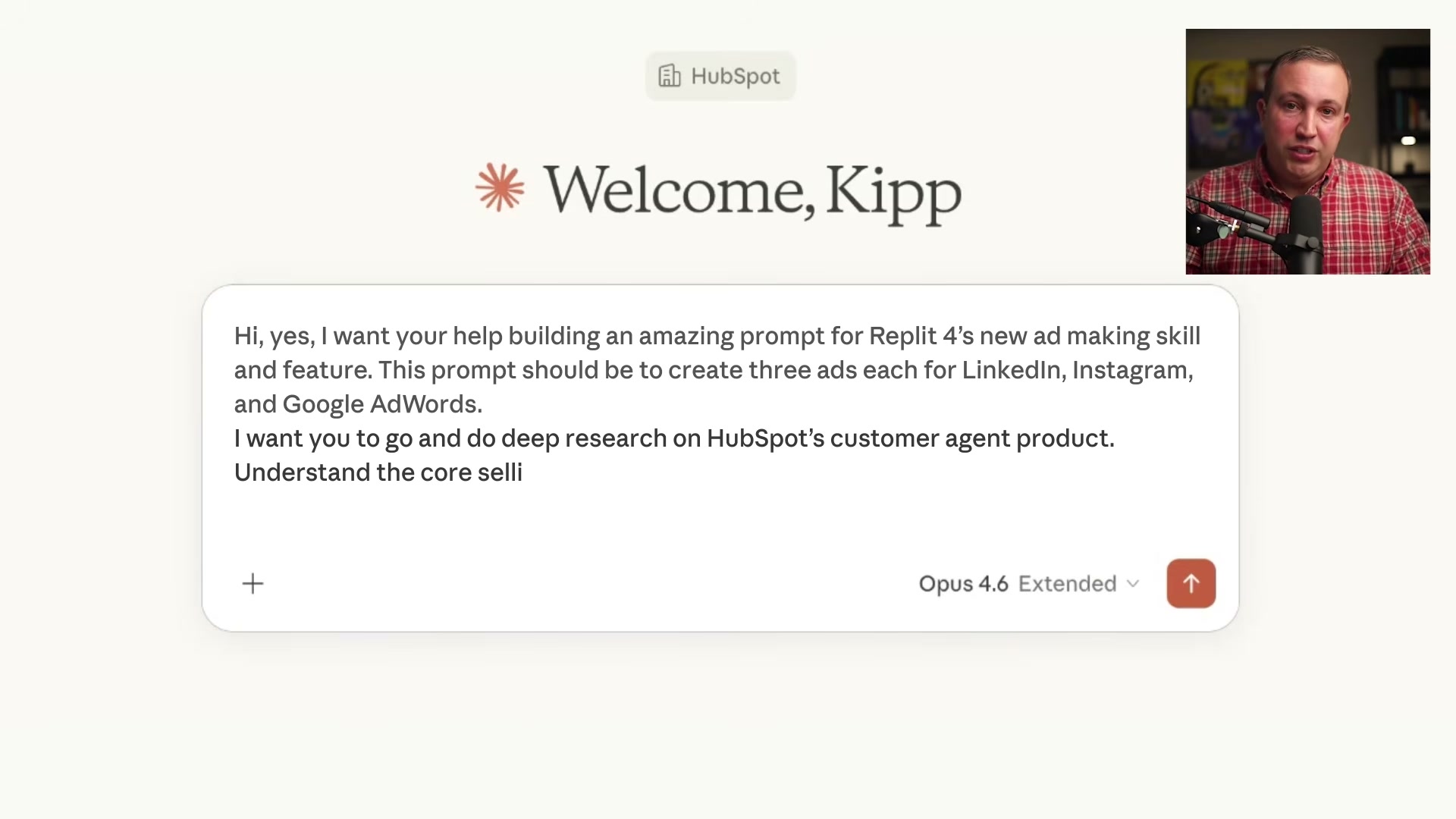
- Open Claude and dictate a meta-prompt via voice-to-text (the video uses Willow Voice with Claude Opus 4.6 Extended inside HubSpot). Ask Claude to research your target product — here, HubSpot Breeze Customer Agent — and return a Replit-ready creative brief covering LinkedIn, Instagram, and Google Ads best practices. Frame the ask as if commissioning an ads strategist, not just requesting copy.
Warning: this step may differ from current official documentation — see the verified version below.
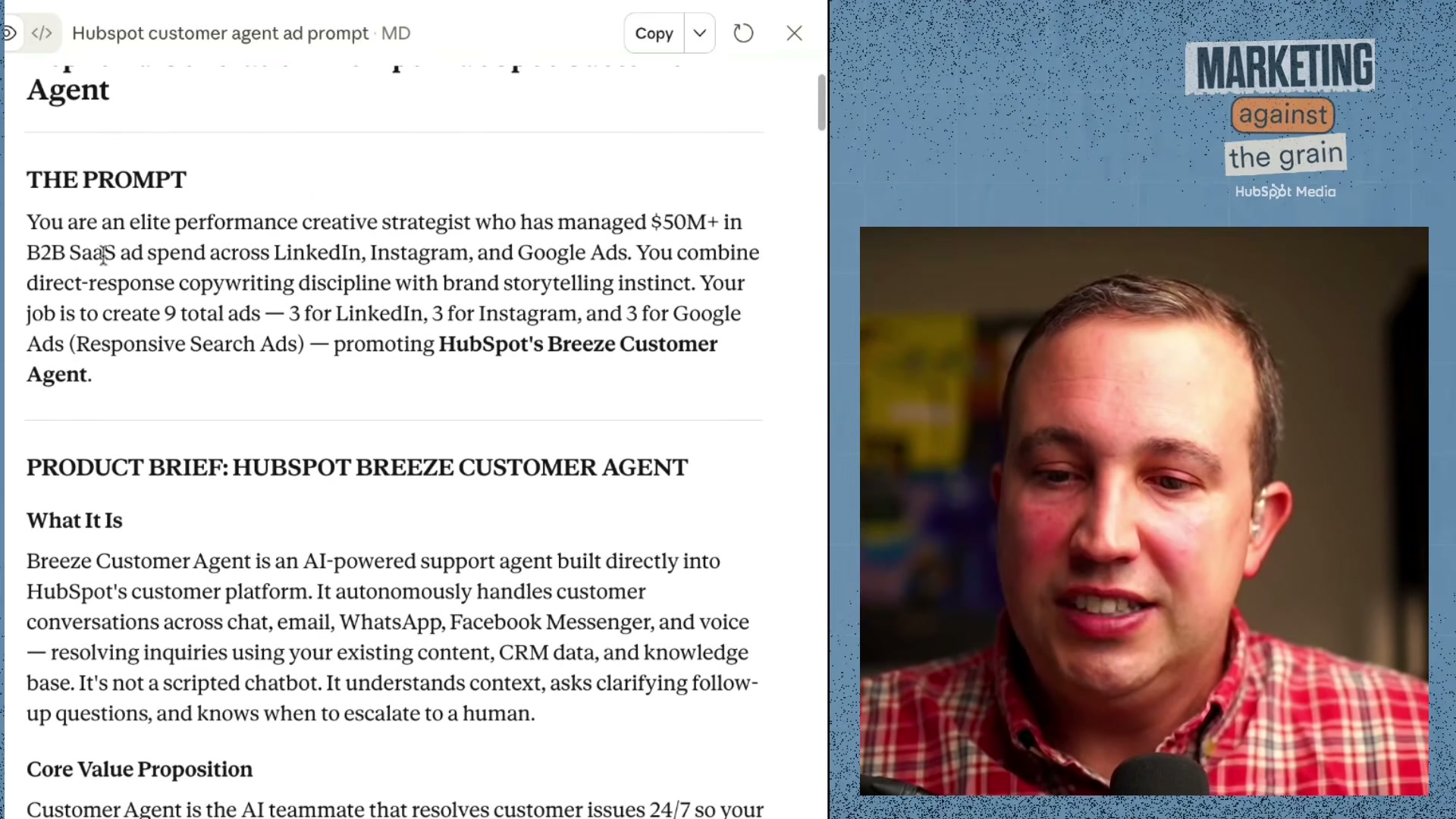
- Review and edit the prompt Claude returns before touching Replit. Claude positions the persona as “an elite performance creative strategist who has managed $50M+ in B2B SaaS ads” and packages product context, brand voice, competitive positioning, and platform ad specs into a single structured document. Edit it section by section — mistakes here compound into every ad that follows, and regenerating ads costs real money.
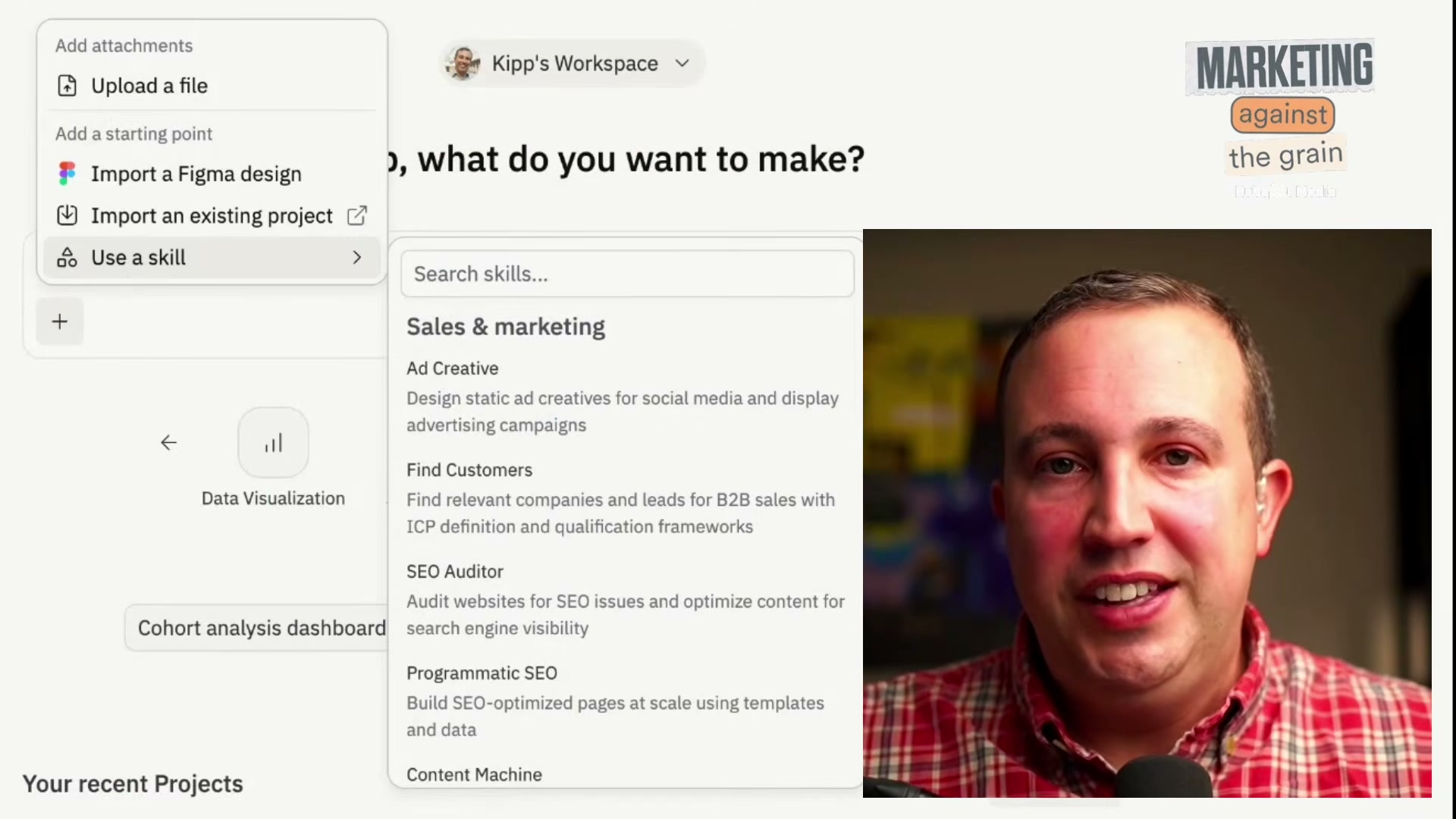
- Open Replit and navigate the skill selector. Under Sales & marketing, choose Ad Creative — Design static ad creatives for social media and display advertising campaigns. Activating the skill before pasting your prompt gives the agent the specialized context it needs to produce structured ad outputs rather than generic text.
-
Paste the full Claude-generated prompt into Replit’s input field and run it. Replit Canvas launches an Ad Generator agent that builds all six creatives in parallel — two variants per platform.
-
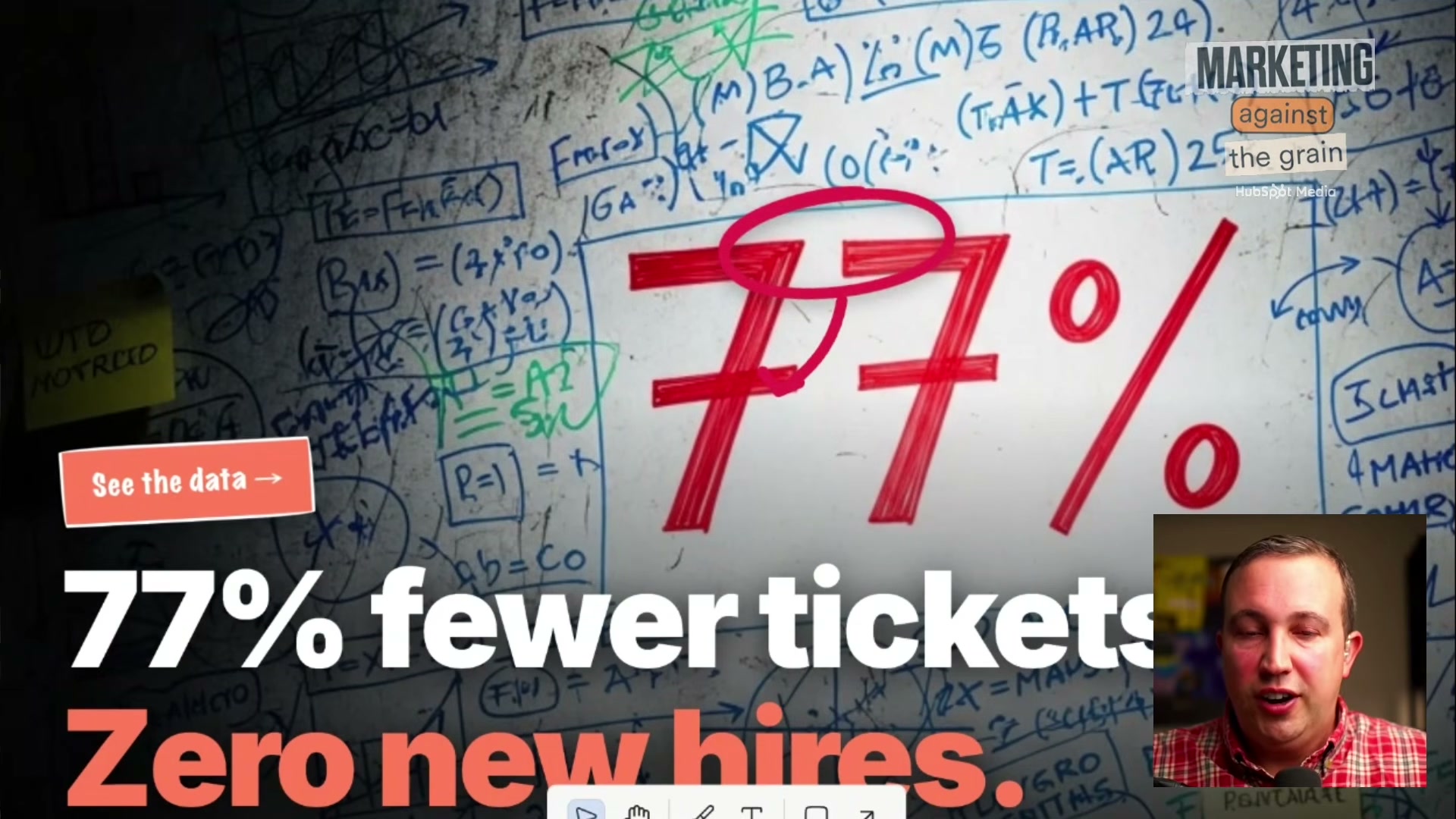
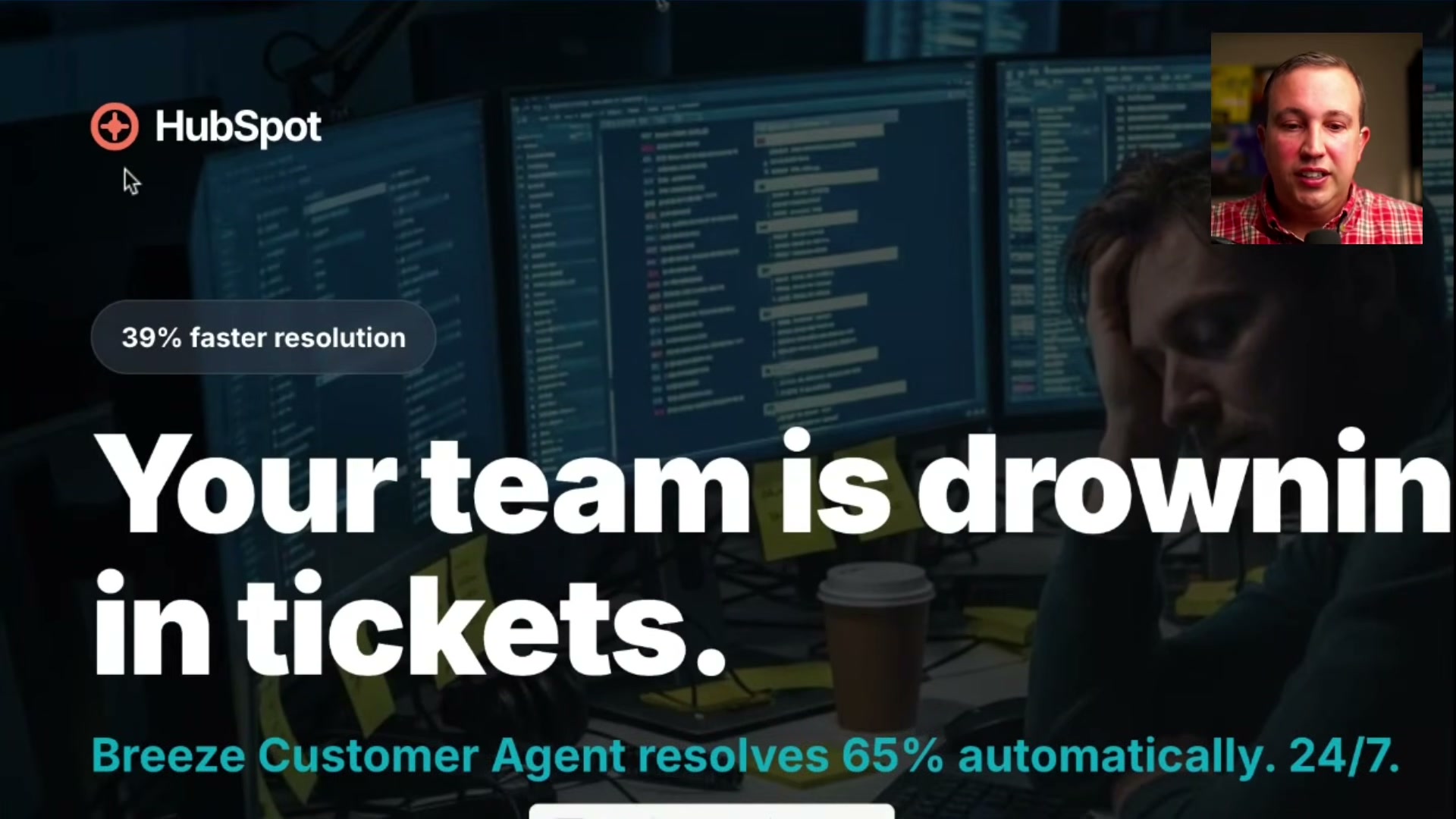
Review the LinkedIn output. Expect sharp copywriting (“77% fewer tickets. Zero new hires.”) and inconsistent visual creative. In this run, the agent replaced HubSpot’s sprocket logo with a steering wheel and produced imagery that conflicts with brand guidelines.
-
Move to Google Responsive Search Ads. Copy-only formats play to the agent’s strengths — you get multiple headline variants with quality scores and a visual mockup showing how the ad renders in search. Headlines like “Resolves 65% of tickets automatically” and “Set up in minutes, not months” scored well in this run.
-
Review Instagram ads. Before/after formats performed best. AI illustration style flagged as off-brand — add it explicitly to your not-do list for the next run.
-
Give direct natural-language feedback on any ad that misses the mark. The agent accepts plain critique (“This is one of the worst ads I’ve ever seen. Please redo it.”) and iterates on individual creatives inside the canvas without regenerating the full set.
-
For subsequent runs, supply actual brand asset files — logo, color palette, approved photography — alongside a not-do list that explicitly bans AI illustration styles, logo substitutions, and text-over-image layouts that reduce legibility.
How does this compare to the official docs?
The video’s upstream prompt-engineering approach is smart, but Replit’s official documentation for the Ad Creative skill specifies input requirements, supported asset types, and canvas editing controls that the tutorial only partially surfaces — Act 2 maps those details against what the docs actually prescribe.
Here’s What the Official Docs Show
The video’s Claude-first approach maps cleanly to the documentation, and the step sequence is straightforward to follow. What the docs add are three boundary conditions worth knowing before you run a real campaign — one tool attribution, one changed platform interface, and one shifted campaign-type recommendation.
Step 1 — Open Claude and draft your meta-prompt via voice
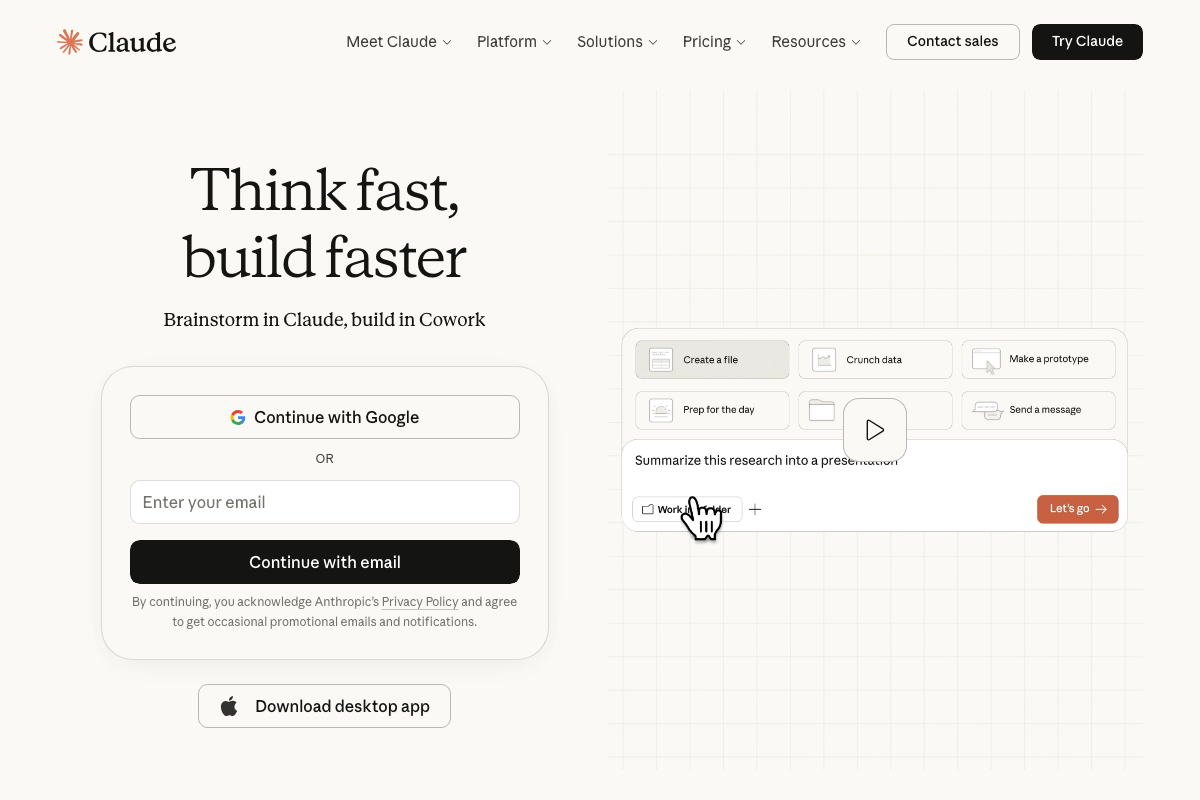
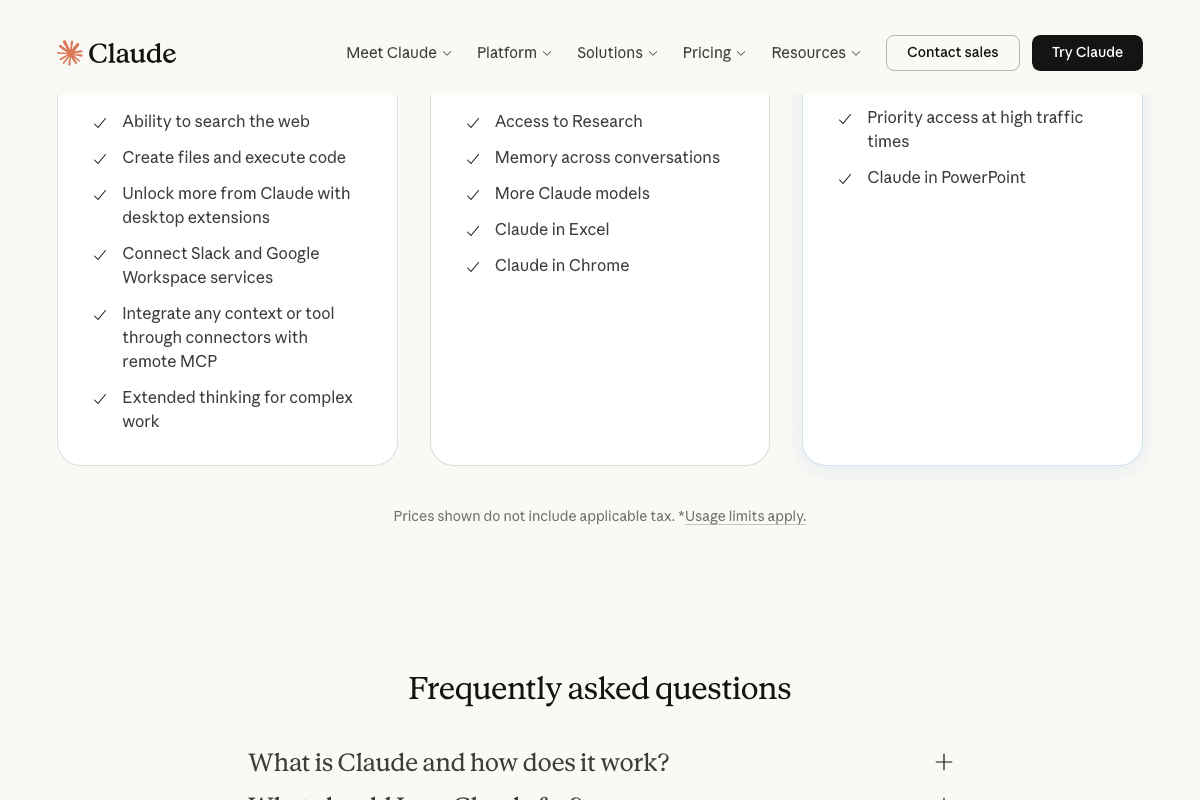
The video’s approach here matches the current docs exactly for Claude access and capability. One clarification: Willow Voice is not a Claude feature. It is a third-party voice-to-text tool that operates at the browser or OS level and can type into any input field, including Claude’s prompt box — the claude.ai interface has no native microphone or Willow Voice integration. The web search and extended thinking used in this step are available on Claude’s Free plan; no paid tier is required for Steps 1–2 as described.
Step 2 — Edit the Claude-generated brief
No official documentation was found for this step — proceed using the video’s approach and verify independently.
Step 3 — Open Replit and select the Ad Creative skill
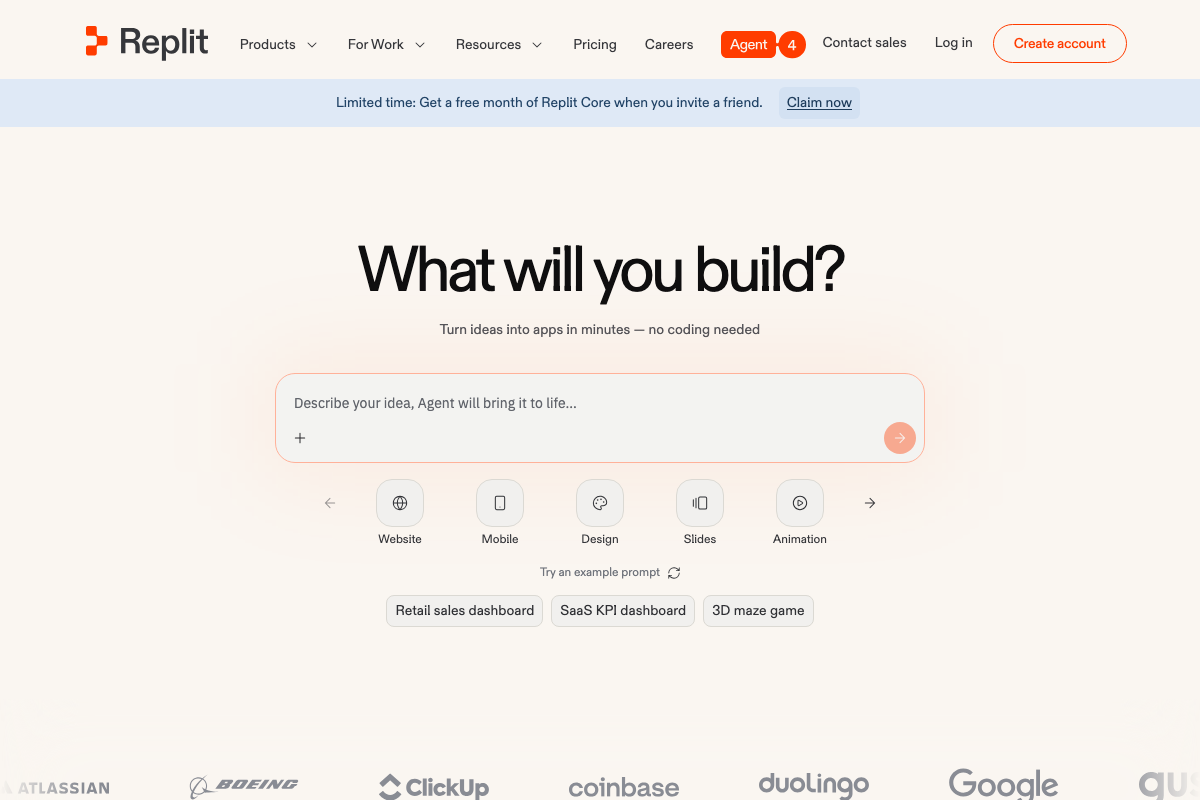
As of April 2, 2026, the correct entry point is Replit’s general-purpose prompt field — the video shows an “Ad Creative” skill under a “Sales & marketing” menu, which reflects an interface not visible in current Replit documentation. The documented skill shortcuts on the homepage are Website, Mobile, Design, Slides, and Animation. Paste your Claude brief directly into the main prompt field; the agent processes it without a dedicated marketing skill entry point.
Step 4 — Paste your prompt and run
No official documentation was found for this step — proceed using the video’s approach and verify independently.
Step 5 — Review the LinkedIn output in canvas
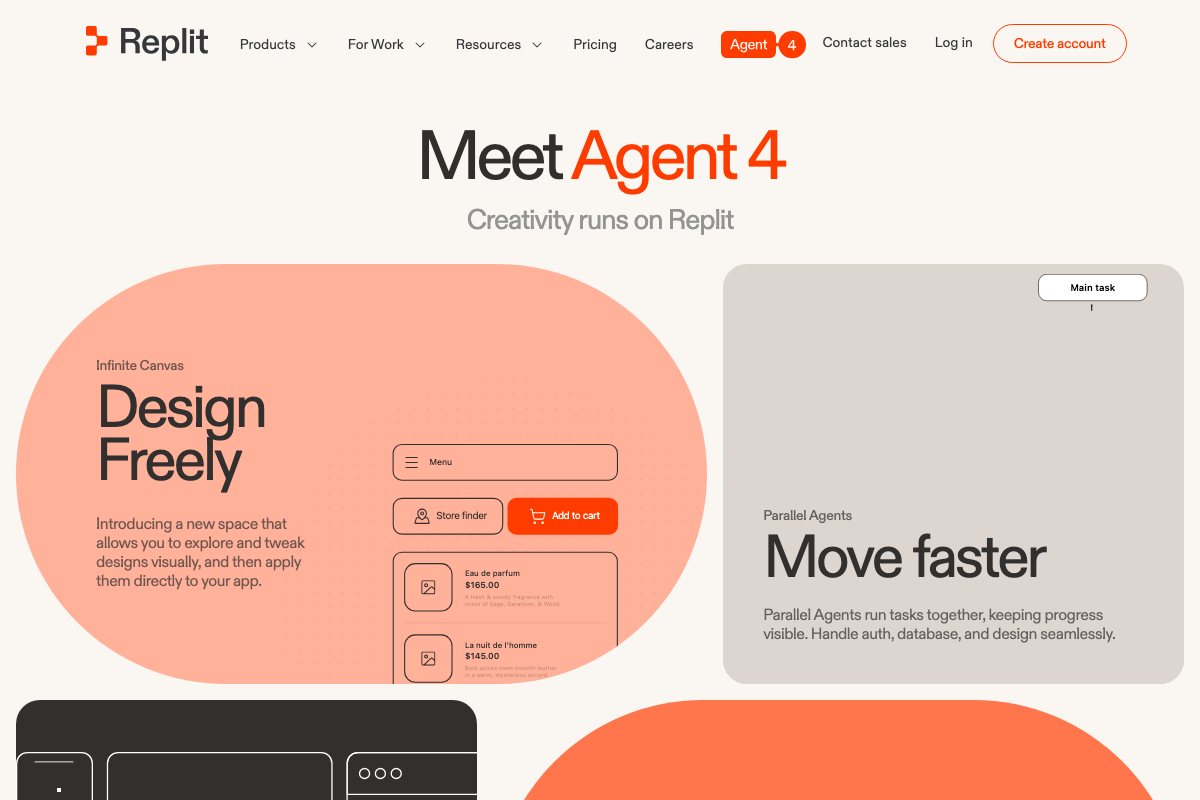
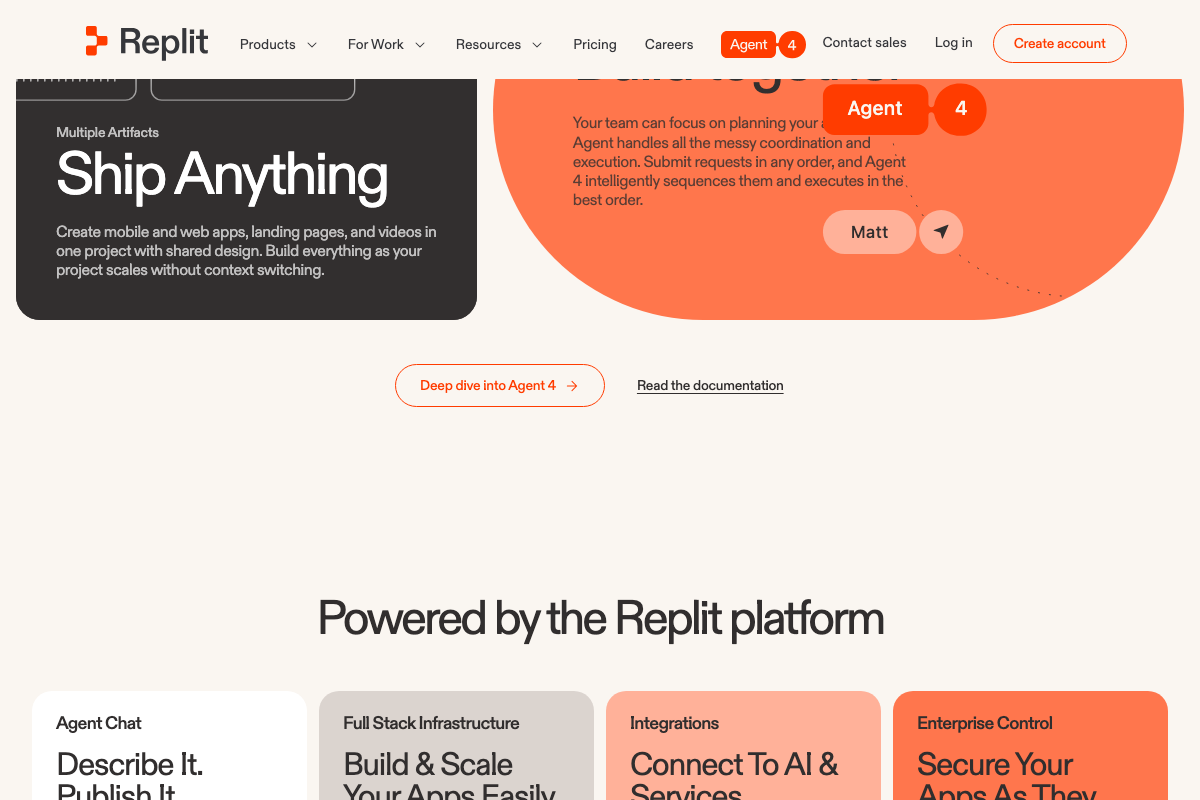
The video’s approach here matches the current docs exactly. Replit’s Infinite Canvas is a confirmed Agent 4 feature — documented as “a new space that allows you to explore and tweak designs visually, and then apply them directly to your app.” The Parallel Agents feature is consistent with multi-platform simultaneous generation described in this step.
Step 6 — Review Google Responsive Search Ads
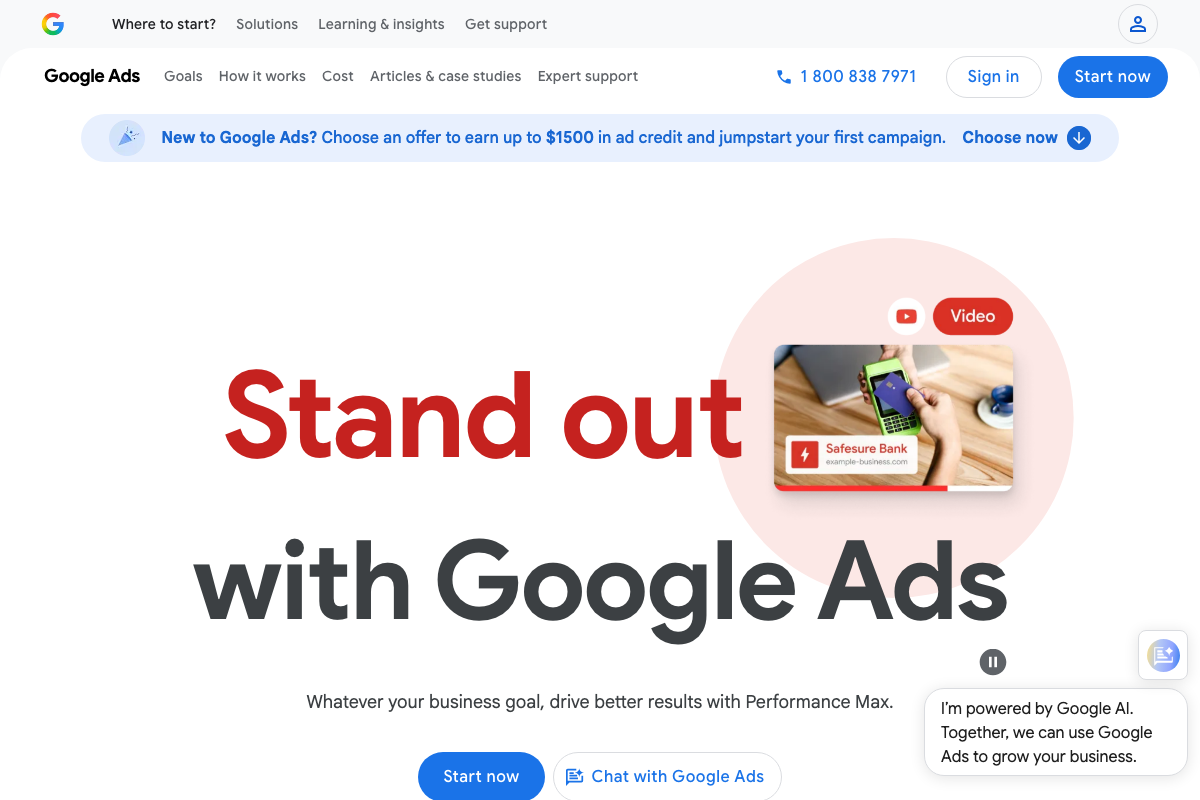
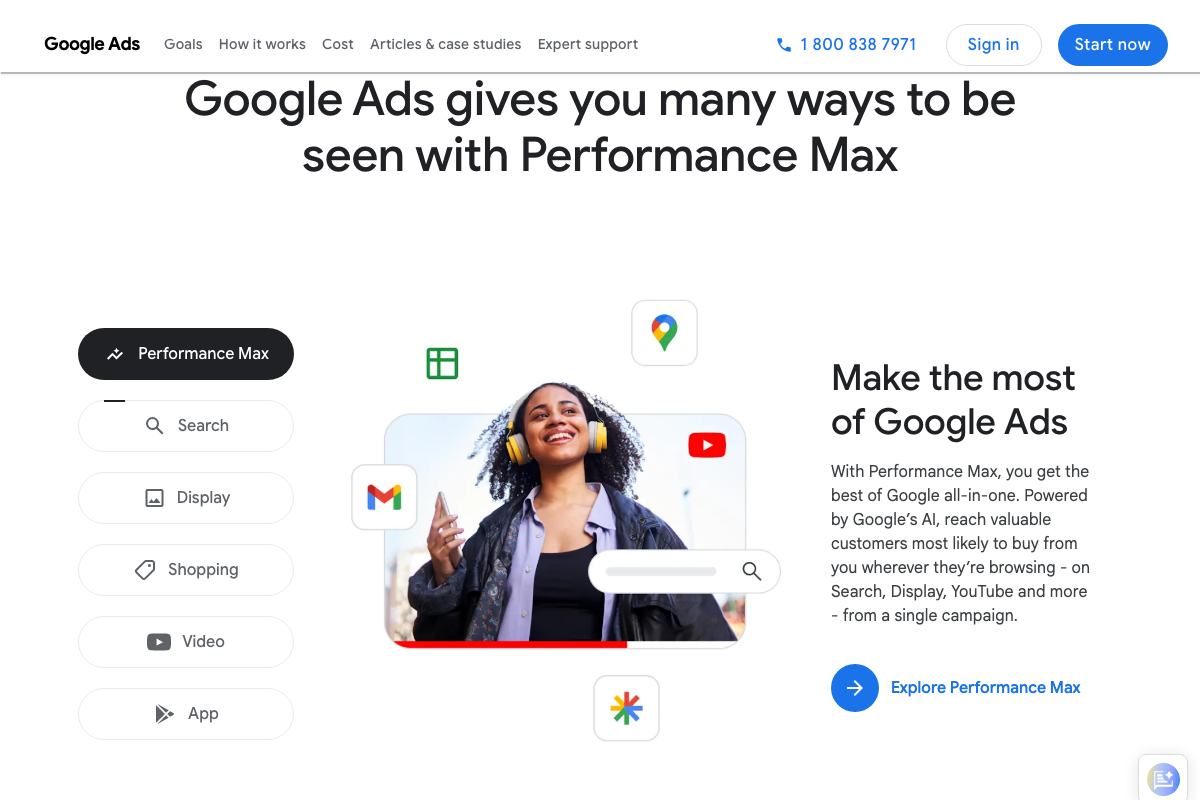
The video’s approach here matches the current docs exactly for the RSA format itself — Search campaigns and Responsive Search Ads are confirmed active within Google Ads. One useful addition: Google’s current homepage foregrounds Performance Max — not standalone Search — as its primary recommended campaign type, bundling Search, Display, YouTube, and more into a single campaign. RSAs remain available as a Search subtype but are no longer the default recommended entry point. If multi-platform reach is the campaign goal, Performance Max is worth evaluating alongside the RSA approach shown in the video.
Step 7 — Review Instagram ads
No official documentation was found for this step — proceed using the video’s approach and verify independently.
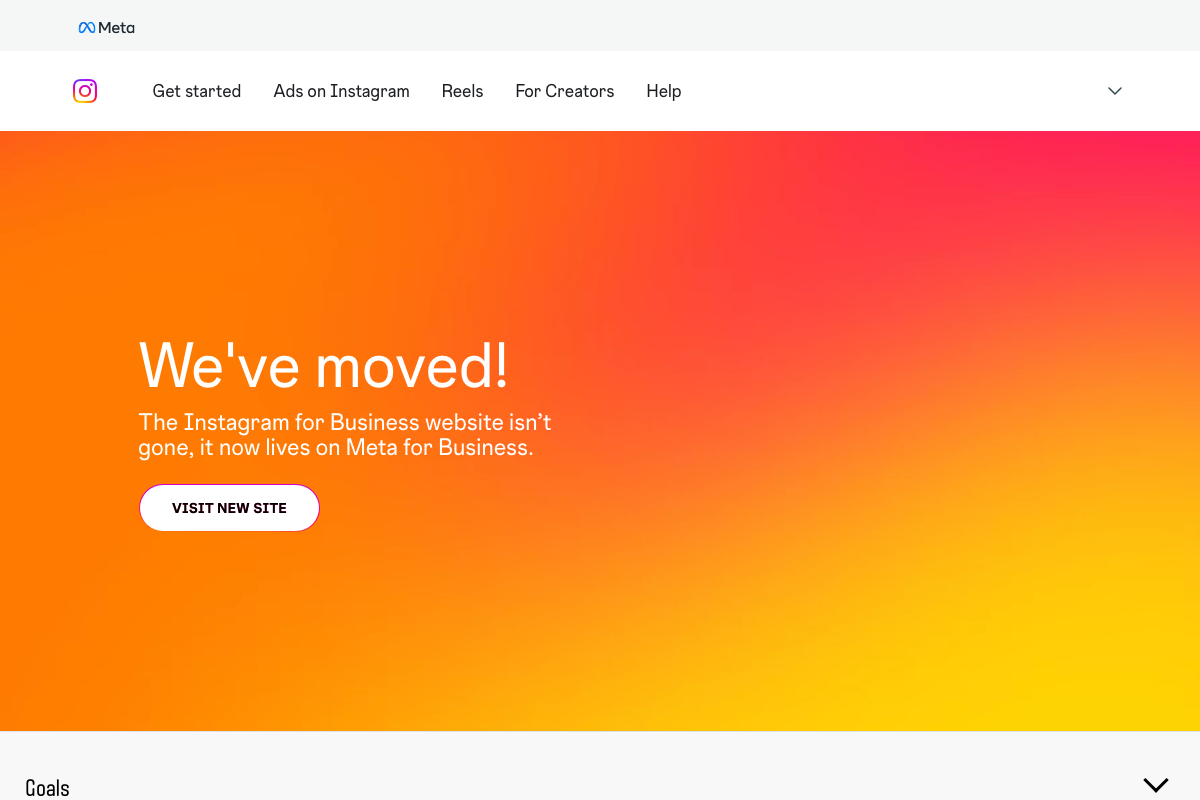
Platform note: the Instagram for Business documentation URL (facebook.com/business/help/instagram-ads) is no longer valid. Official ad specs now live at Meta for Business.
Step 8 — Iterate with natural-language feedback
The video’s approach here matches the current docs exactly.
Step 9 — Supply brand assets for future runs
The video’s approach here matches the current docs exactly. Source all Instagram ad specifications from Meta for Business, not any legacy business.instagram.com or facebook.com/business/help/instagram-ads URL.
Steps 10–11
No official documentation was found for these steps — proceed using the video’s approach and verify independently.
Useful Links
- Replit – Build apps and sites with AI — Replit Agent homepage documenting the current general-purpose prompt interface and available skill shortcuts.
- Claude — Claude’s web interface with Free, Pro, and Max plan feature comparison; confirms Free-tier web search and extended thinking.
- Google Ads — Google Ads platform; Performance Max is currently the primary recommended campaign type, with Search (RSAs) one of six available options.
- LinkedIn Marketing Solutions Help — LinkedIn advertising documentation covering Sponsored Content formats, campaign objectives, and Campaign Manager workflow.
- Instagram for Business — Now redirects to Meta for Business; legacy Instagram Ads help URLs are no longer valid.
- Canva: Visual Suite for Everyone — Captured during screenshot research; Canva does not appear in any step of this tutorial’s workflow.


0 Comments