

Reach 1,000 Subscribers and 4,000 Watch Hours to Unlock YouTube Monetization
The YouTube Partner Program’s full monetization tier isn’t a lottery — it’s an engineering problem with two measurable outputs. This tutorial breaks down the Channel Makers framework for hitting 1,000 subscribers and 4,000 watch hours within a 12-month window, covering channel positioning, content strategy, and the analytics habits that compound growth over time.
-
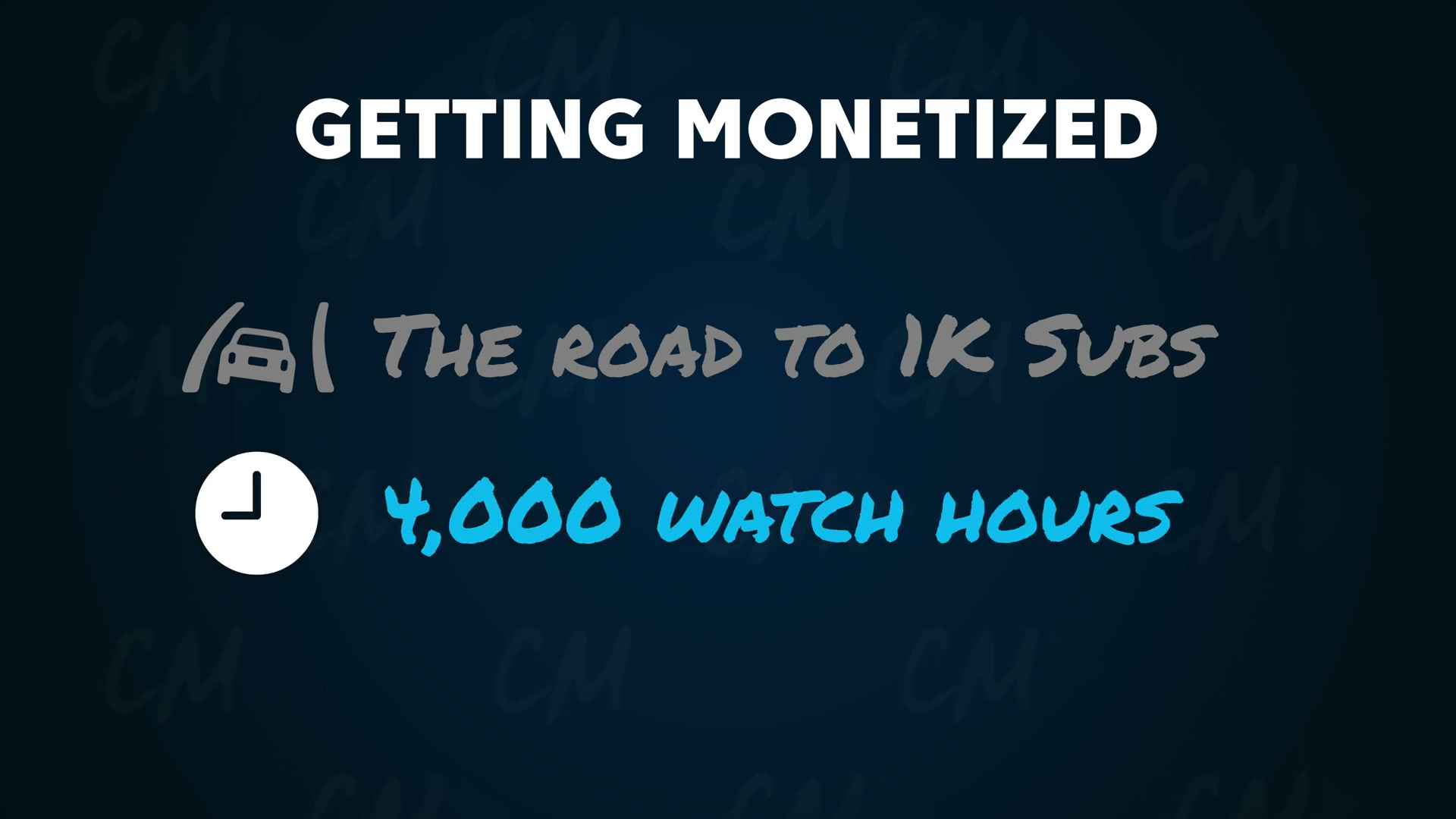
Set the right target. Full YPP access — ad revenue, channel memberships, Super Thanks — requires 1,000 subscribers and 4,000 watch hours within any rolling 12-month period. Shorts-based monetization thresholds are separate and out of scope here.
-
Lock in a tight niche before publishing. Every video on the channel should share enough thematic DNA that a first-time visitor immediately understands what the channel is about. Scattered topics make it harder for YouTube’s recommendation engine to identify the right audience, which throttles subscriber conversion before it can start.
-
Build a unique value proposition around your perspective. Niche saturation isn’t the obstacle — undifferentiated content is. Combine practical instruction with your own point of view and lived experience. Viewers subscribe to a channel, not just a topic, and that distinction determines whether someone clicks the button.
-
Use value-based calls to action. Tie every subscribe or watch-next ask to a specific payoff: “Subscribe now — the follow-up to this drops next week.” A concrete, forward-looking reason outperforms a generic plea every time.
-
Maintain consistent branding and a predictable publishing cadence. Recognizable thumbnails, consistent channel art, and a reliable upload schedule signal trustworthiness to both viewers and the algorithm. That consistency compounds over time.
-
Prioritize long-form video over Shorts. Videos between 5 and 20-plus minutes generate more watch time per view. Shorts watch time does not count toward the 4,000-hour YPP requirement in most cases — making them an inefficient path to full monetization regardless of how many views they accumulate.
-
Engineer bingeable content from the first frame. Open with a curiosity hook, structure the video around a story arc, keep pacing tight, and give viewers plenty to look at visually. When viewers watch past the platform average, YouTube interprets that as a quality signal and widens distribution — accelerating both watch hours and subscriber growth simultaneously.
-
Start with search-optimized topics to build early traction.

New channels lack the authority to land consistently in browse and suggested feeds. Keyword-driven topics let YouTube’s search surface videos to viewers already looking for that content. Once the channel gains momentum, the strategy shifts toward browse-and-suggest content, which carries a much higher distribution ceiling.
-
Publish at least once per week without exception. Irregular output breaks algorithmic momentum and prevents subscribers from building a consistent watching habit. Treat the weekly cadence as a non-negotiable floor, not an aspirational target.
-
Post to the YouTube Community Tab consistently. A populated Community Tab signals an active, healthy channel to new visitors and makes them more likely to subscribe. Produce Community posts as if the audience already numbers in the thousands — that energy shapes first impressions.
Warning: this step may differ from current official documentation — see the verified version below.
- Review YouTube Analytics after every upload.
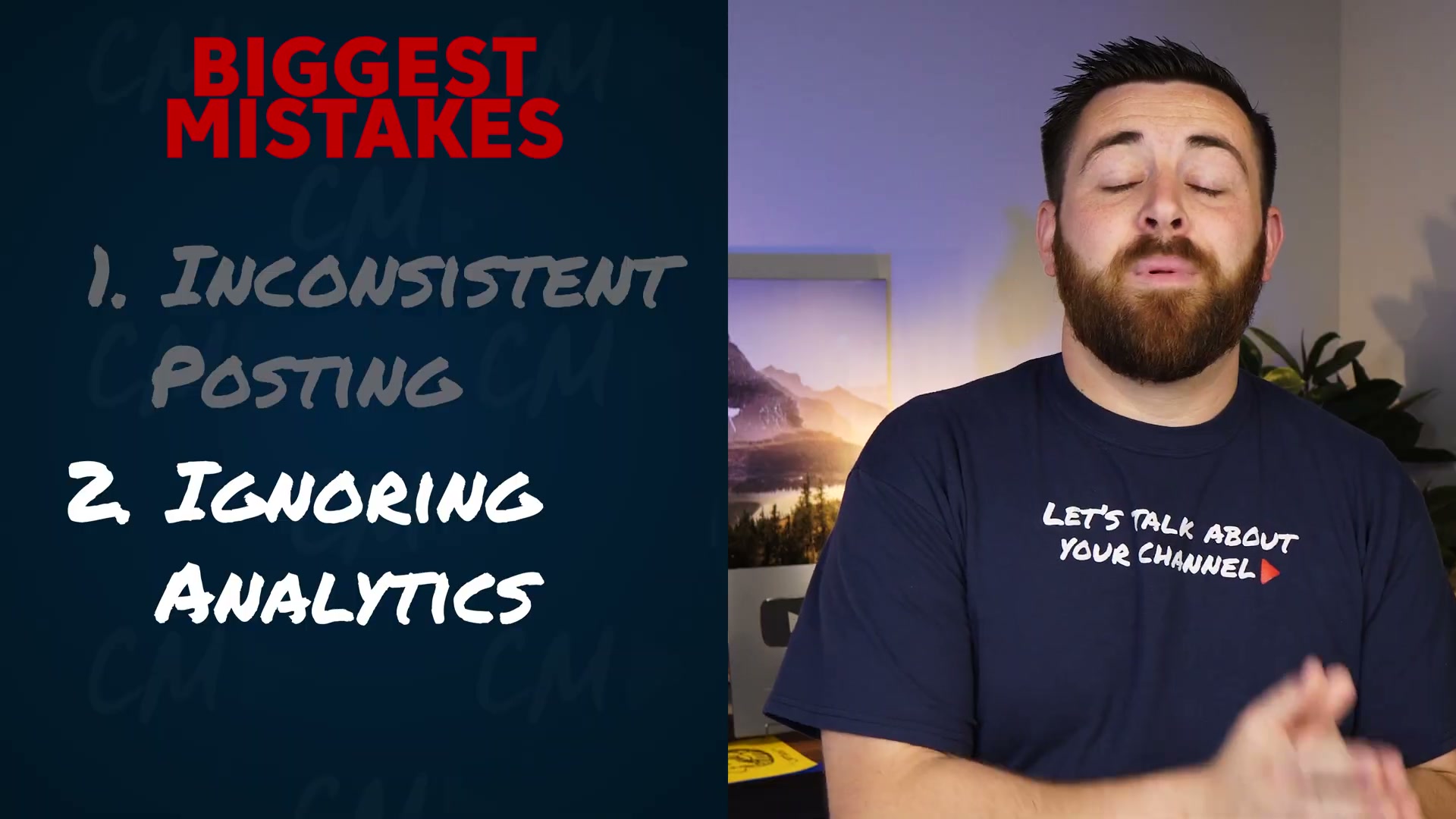
Track watch duration, click-through rate, and the exact timestamps where viewers drop off. Each video is a data point. Apply what the numbers reveal to the next upload — that iteration loop is how channels improve faster than creators who publish and move on without looking back.

- Concentrate all effort on one long-form video per week for 12 months. Splitting production time across YouTube Shorts, Instagram Reels, and TikTok simultaneously dilutes the focused output required to build momentum on any single platform. For creators chasing the YPP threshold, undivided commitment to weekly long-form content is the highest-leverage use of limited time.
How does this compare to the official docs?
The framework above reflects one practitioner’s interpretation of how YouTube rewards creator behavior — but YouTube’s own documentation on Partner Program eligibility, watch time calculations, and Community Tab access rules carries specific technical nuances that can materially change how you structure your approach.
Here’s What the Official Docs Show
The video lays out a solid strategic framework for reaching YPP monetization thresholds, and most of its tactical advice is directionally sound. What follows adds documentation-grounded detail where the official sources either extend the picture or use terminology that has since shifted — particularly around two steps where the current docs diverge from what the video shows.
Step 1 — Set the right target (1,000 subscribers + 4,000 watch hours)
No official documentation was found for this step — proceed using the video’s approach and verify independently.
The three screenshots assigned to the YPP help article (support.google.com/youtube/answer/72857) all loaded the YouTube homepage rather than the eligibility article. The 1,000-subscriber and 4,000-watch-hour thresholds stated in the video could not be confirmed or corrected from the captured images. Verify current thresholds directly at support.google.com/youtube/answer/72857 before building your timeline around them.
Steps 2–9 — Niche, differentiation, CTAs, branding, long-form priority, hooks, search topics, and publishing cadence
No official documentation was found for these steps — proceed using the video’s approach and verify independently.
These steps reflect the creator’s strategic interpretation of how YouTube’s recommendation system responds to creator behavior. No official documentation screenshots were captured for steps 2 through 9.
Step 10 — The “Community Tab” is now called Posts
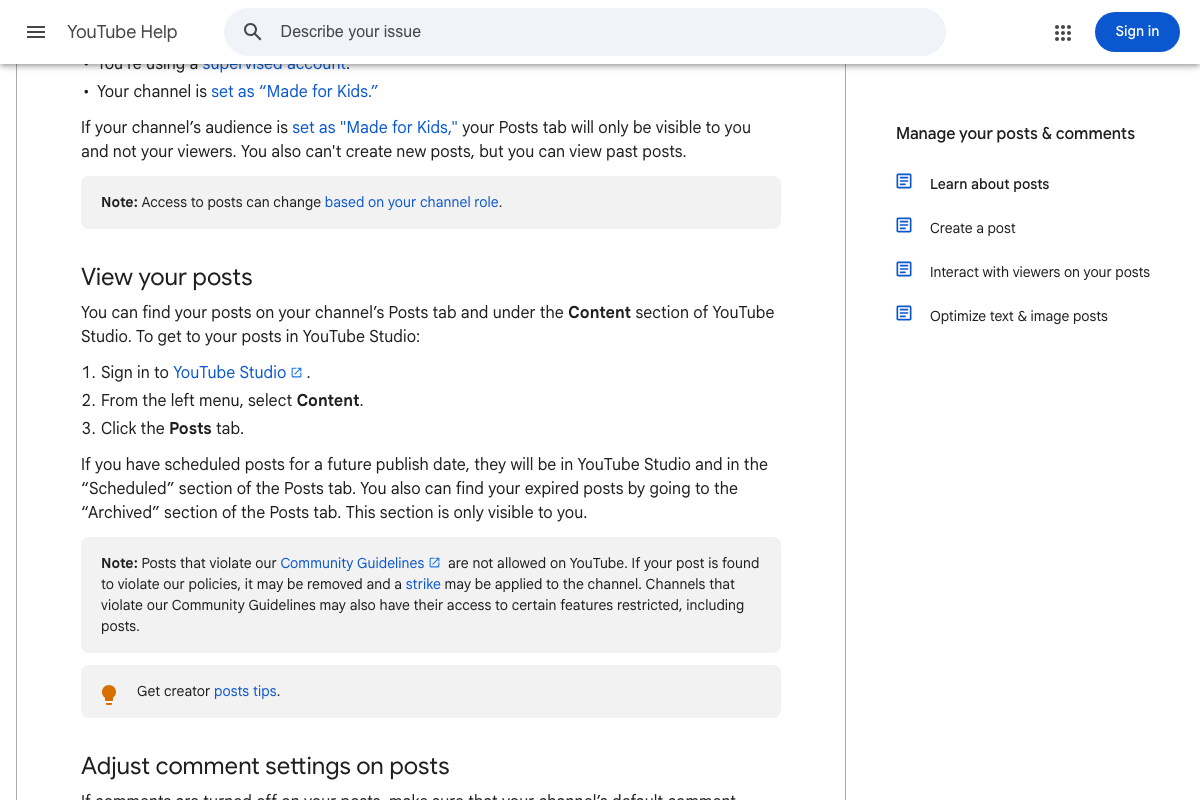
The video’s approach here matches the current docs in spirit — publishing regularly to this feature does signal an active channel. Two things have changed at the documentation level, however.
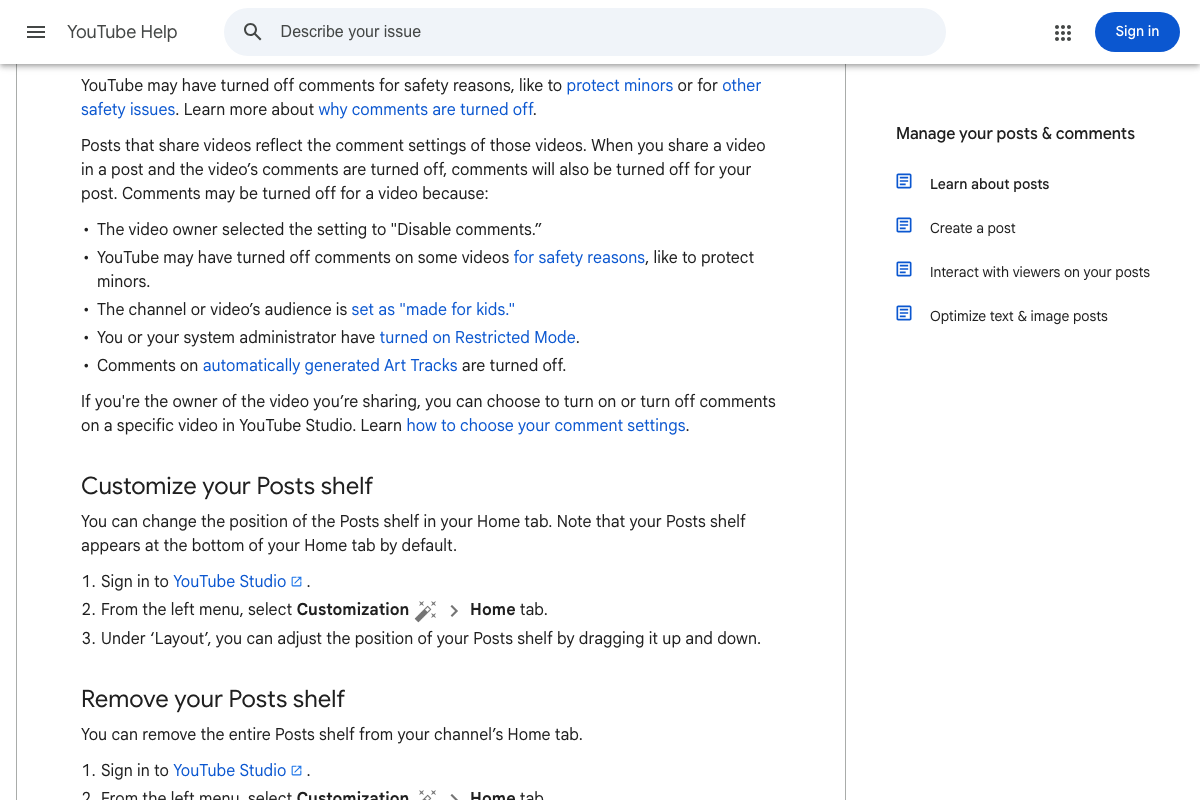
As of March 2026, the correct name for this feature is Posts — the official documentation uses “Posts tab” and “Posts shelf” throughout. The term “Community Tab” reflects an earlier naming convention.
More importantly, the video frames activation as a simple available step. The official docs show Posts availability is determined by account type and channel role — there is no single activation toggle, and supervised accounts or channels set as “Made for Kids” cannot use Posts at all.
Posts appear across more surfaces than the video implies: the Posts tab, the Posts shelf on your channel’s Home tab, viewers’ homepage, the Subscriptions feed, and the Shorts feed. You can adjust the Posts shelf position — or remove it entirely — under YouTube Studio → Customization → Home → Layout.
Note: posts that violate Community Guidelines can result in a channel strike and may restrict your access to the feature.

Step 11 — Review YouTube Analytics after every upload
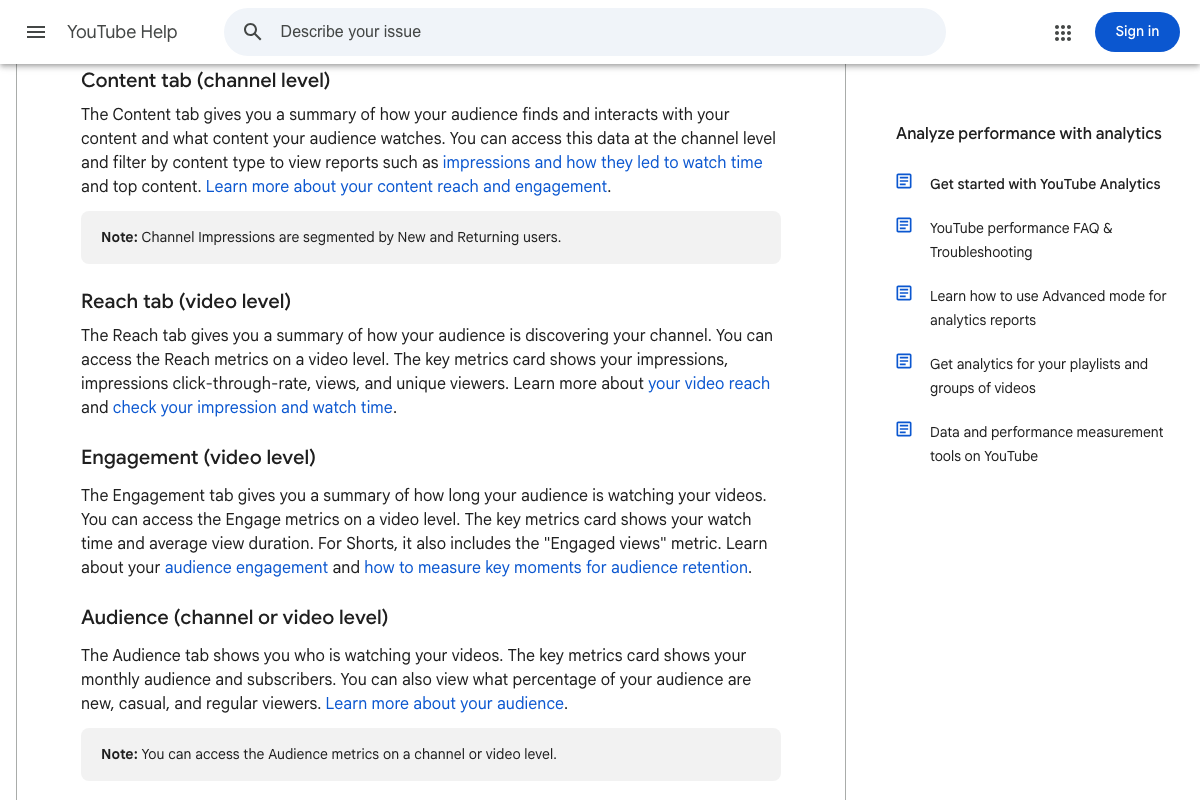
The video’s approach here matches the current docs exactly. Watch duration and click-through rate are confirmed trackable metrics, found in the Engagement and Reach tabs respectively.
Two useful additions from the official docs:
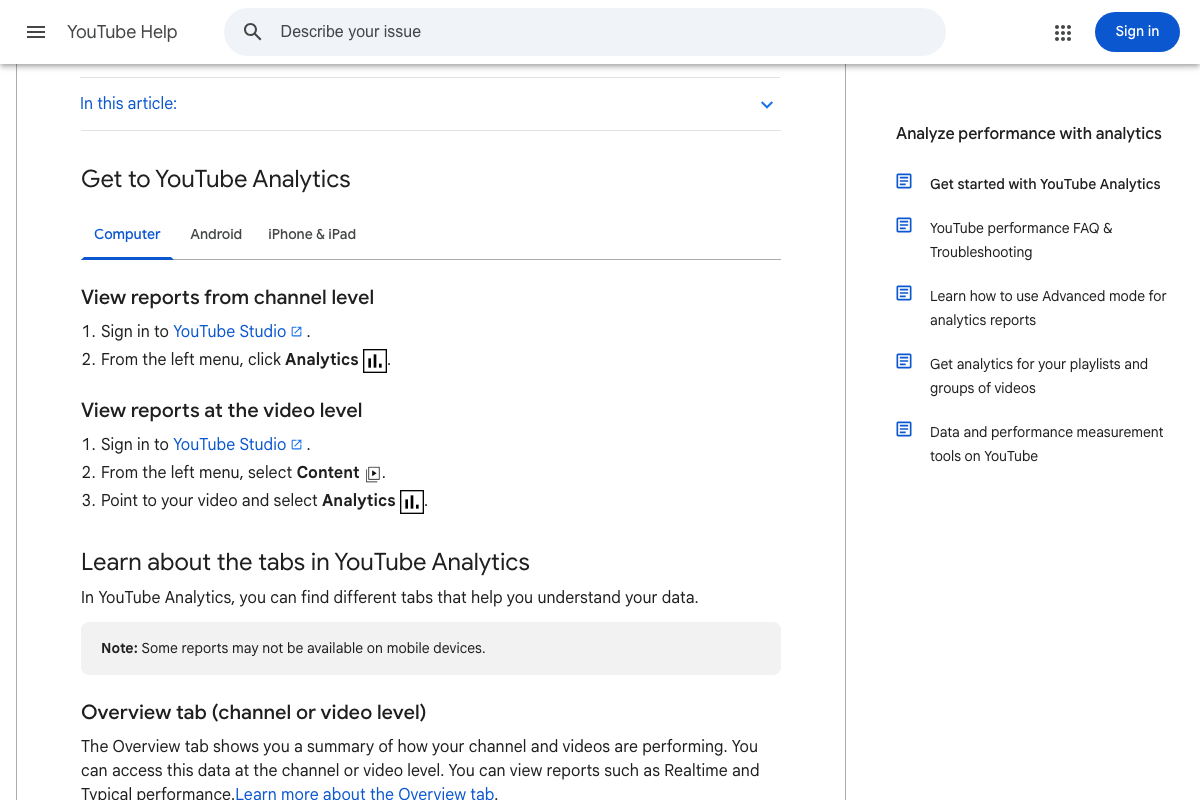
First, access paths matter. Channel-level analytics: YouTube Studio → Analytics (left menu). Video-level analytics — where granular drop-off data lives — require a separate route: YouTube Studio → Content → point to the video → Analytics. The video does not distinguish between these two paths; for retention analysis, the video-level route is the one you need.
Second, the official Engagement tab calls what the video describes as “drop-off timestamps” by its documented name: key moments for audience retention. Same data, different label — worth knowing so you can find it without hunting.
One metric the video omits entirely: the Engagement tab includes an Engaged views metric specific to Shorts. If you are publishing any Shorts alongside your long-form content, this is the correct metric to track for that format — standard watch time figures do not apply.
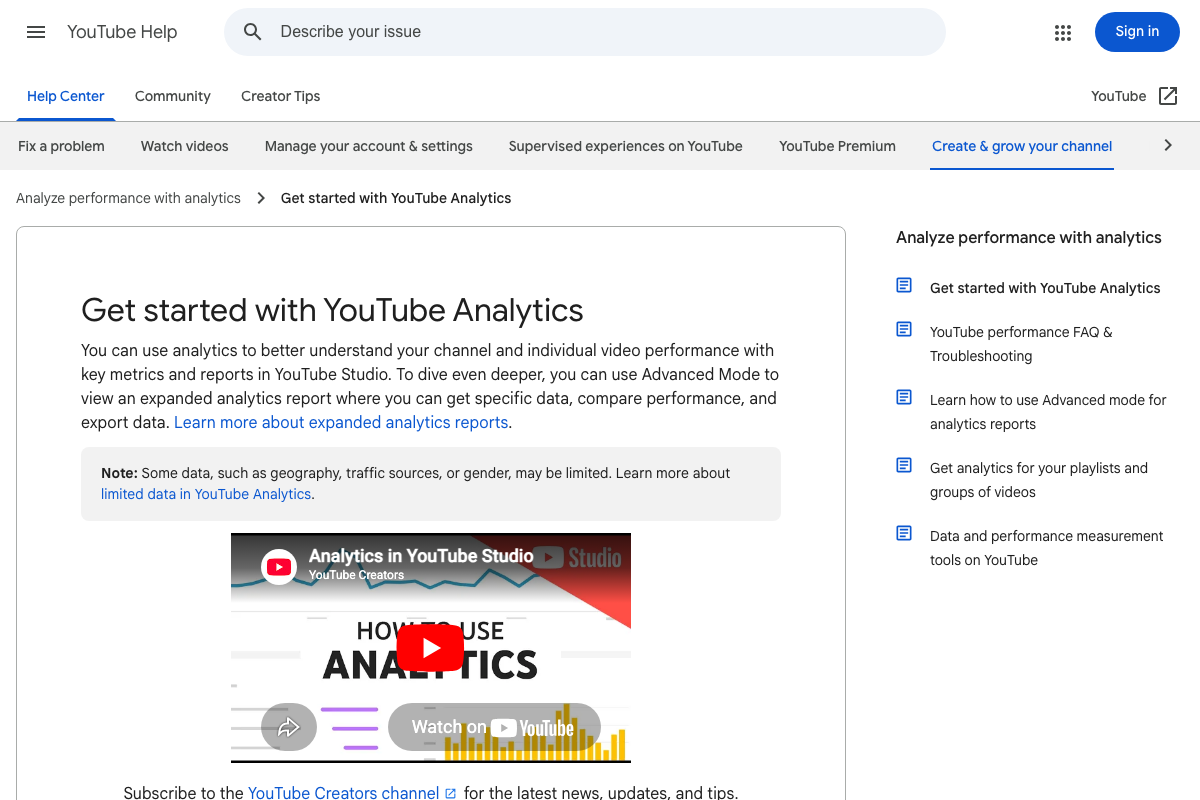
Advanced Mode is also available within Analytics for expanded data exports and side-by-side comparisons. Some data types — geography, traffic sources, and gender — may be limited. Most Analytics reports are not available on mobile.
Step 12 — Concentrate on long-form; deprioritize Shorts and cross-platform
No official documentation was found for this step — proceed using the video’s approach and verify independently.
The Shorts help article (support.google.com/youtube/answer/10059070) did not load in any of the three assigned screenshots — the Shorts player rendered instead. The strategic guidance on deprioritizing Shorts during the YPP push cannot be confirmed or corrected from the captured images. The Shorts player UI does confirm that Shorts occupies a distinct viewing surface from long-form content, which is consistent with the video’s framing of the two formats as separate strategic decisions.

Useful Links
- How to earn money on YouTube – YouTube Help — Official YPP eligibility requirements, including subscriber and watch-hour thresholds; verify current numbers here directly.
- Get started with YouTube Analytics – Computer – YouTube Help — Full documentation for YouTube Analytics, covering channel-level and video-level access paths, tab breakdowns, Advanced Mode, and data limitations.
- Learn about posts – YouTube Help — Official documentation for the Posts feature (formerly Community Tab), including eligibility conditions, supported post types, distribution surfaces, and management via YouTube Studio.
- Get started creating YouTube Shorts – YouTube Help — Official Shorts creation guide; the help article did not render during documentation capture — visit directly for current guidance.
- YouTube — YouTube homepage, confirming current primary navigation structure including Shorts as a first-class destination.


0 Comments