

How Google’s Crawling Infrastructure Actually Works
“Googlebot” has become shorthand for everything Google does on the web — but that framing is wrong in ways that matter for SEO and technical auditing. This post unpacks Google’s internal crawling architecture as described by a Google Search engineer, covering the SaaS-style fetching system at its core, how crawl jobs are deployed, and why most of Google’s crawlers will never appear in any public documentation.
-
Understand that “Googlebot” is a client name, not a program. There is no
googlebot.exe. Googlebot is the name one team uses to identify their fetches — it is one client among many that calls a central internal crawling system. That system has no public-facing name, and the “Googlebot” label persists largely as a historical artifact from the early 2000s when Google had a single product and, presumably, a single crawler. -
Recognize the internal crawling system as a SaaS API. The underlying infrastructure exposes API endpoints that any internal Google team can call to request a fetch from the web. When making that API call, callers pass parameters including: the user agent string to send, the
robots.txtproduct token to obey, and a response timeout. Most parameters have sensible defaults, so teams can omit them and keep their calls minimal. The result returned is the HTTP response — status, headers, body, and metadata. -
Know the difference between a crawler and a fetcher. These are distinct internal classifications. A crawler processes a continuous stream of URLs in batch with no human waiting for output — it runs until it’s told to stop. A fetcher handles a single URL per invocation and is tied to a user action: someone submits a URL, clicks a button, and waits for a result. Fetchers are expected to be human-controlled by internal policy; crawlers are fire-and-forget background jobs.
-
Understand how crawl jobs are deployed. Engineers compile C++ programs into binaries and run them on remote data-center machines — analogous to cloud runner instances. Those binaries make API calls to the central crawling SaaS to initiate or configure a crawl. The job itself lives on infrastructure, not a local workstation.
-
Account for geoblocking limitations. By default, Google’s egress IPs fall in the
66.x.x.xrange, registered to Mountain View, California. Sites that geoblock non-US traffic will behave differently for Google’s crawler than for international users. Non-US IP leasing exists internally but is low-capacity and reserved for high-value content — it is not a general-purpose solution. -
Recognize Google’s internal caching layer. Google deduplicates fetches across products regardless of HTTP cache headers. If Google News fetched a page ten seconds ago, a web search crawler requesting the same URL may receive that cached copy rather than a fresh fetch. Individual product teams can configure content-reuse exceptions — some products, such as Ads systems, may be prohibited from reusing content fetched for other purposes.
-
Learn how new crawlers get documented. An internal SQL-style alert fires when a crawler or fetcher exceeds a daily fetch-count threshold. That alert opens an internal issue prompting the Search Relations team to evaluate the crawler, confirm it’s intentional, and decide whether it warrants a public entry. This process also catches zombie jobs — crawlers for sunsetted projects that were never turned off.
-
Accept that most crawlers will never be documented publicly. Dozens to hundreds of named crawlers and fetchers exist inside Google. The
developers.google.com/search/docs/crawling-indexing/overview-google-crawlerspage documents only the major ones, constrained by documentation real estate, not by the actual scope of Google’s crawling activity.
How does this compare to the official docs?
The engineer’s account fills in significant architecture that Google’s public documentation touches only lightly — and in a few places, the framing in the video diverges from what the docs currently specify.
Here’s What the Official Docs Show
The engineer’s walkthrough in Act 1 covers internal architecture that Google’s public documentation doesn’t attempt to replicate — and that’s by design, not omission. What follows layers in what the official docs do confirm, flags where public documentation runs out, and adds one verification tool the video doesn’t mention.
Step 1 — “Googlebot” is a label, not a program.
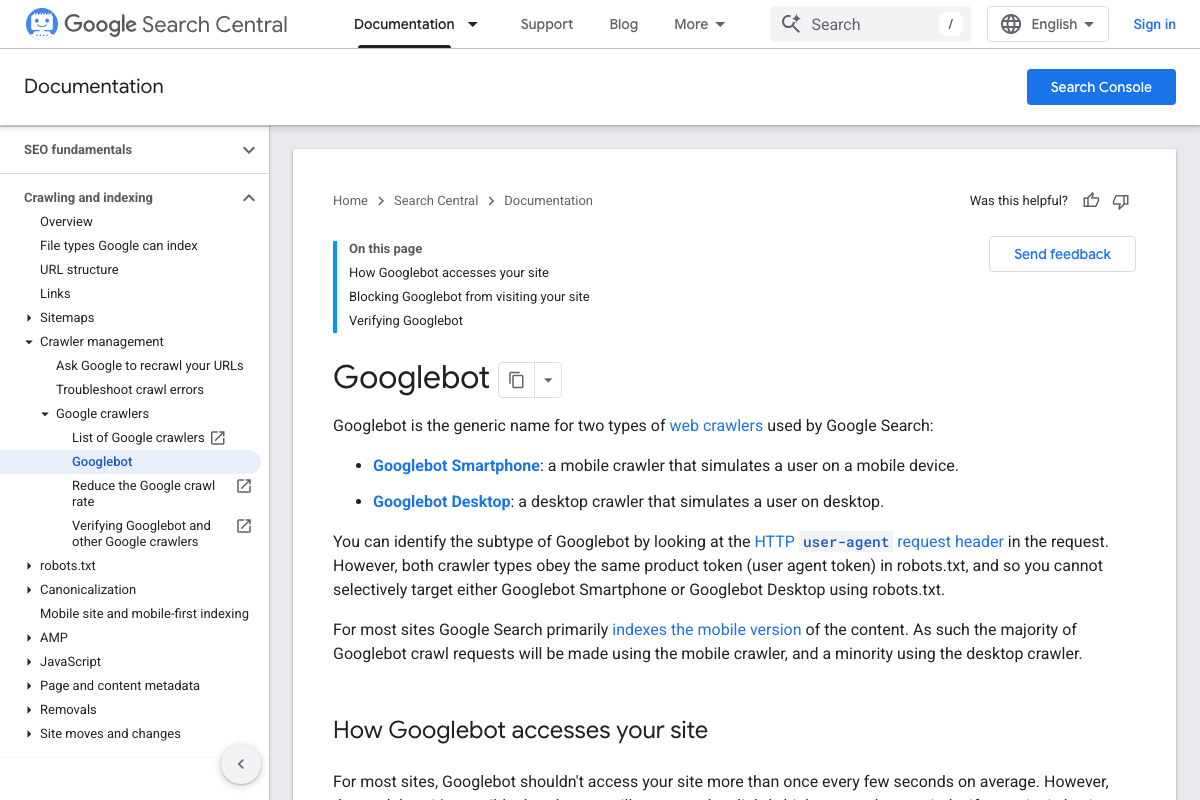
The official docs support the core point here, with a meaningful reframe. Google Search Central defines Googlebot as “the generic name for two types of web crawlers used by Google Search” — Googlebot Smartphone and Googlebot Desktop. The “not a single monolithic program” interpretation holds up; the “named client of an internal SaaS system” framing describes internal architecture that public documentation does not address.
No official documentation was found for the internal SaaS framing of Googlebot as one client among many — proceed using the video’s approach and verify independently.
Step 2 — The internal crawling API and its parameters.
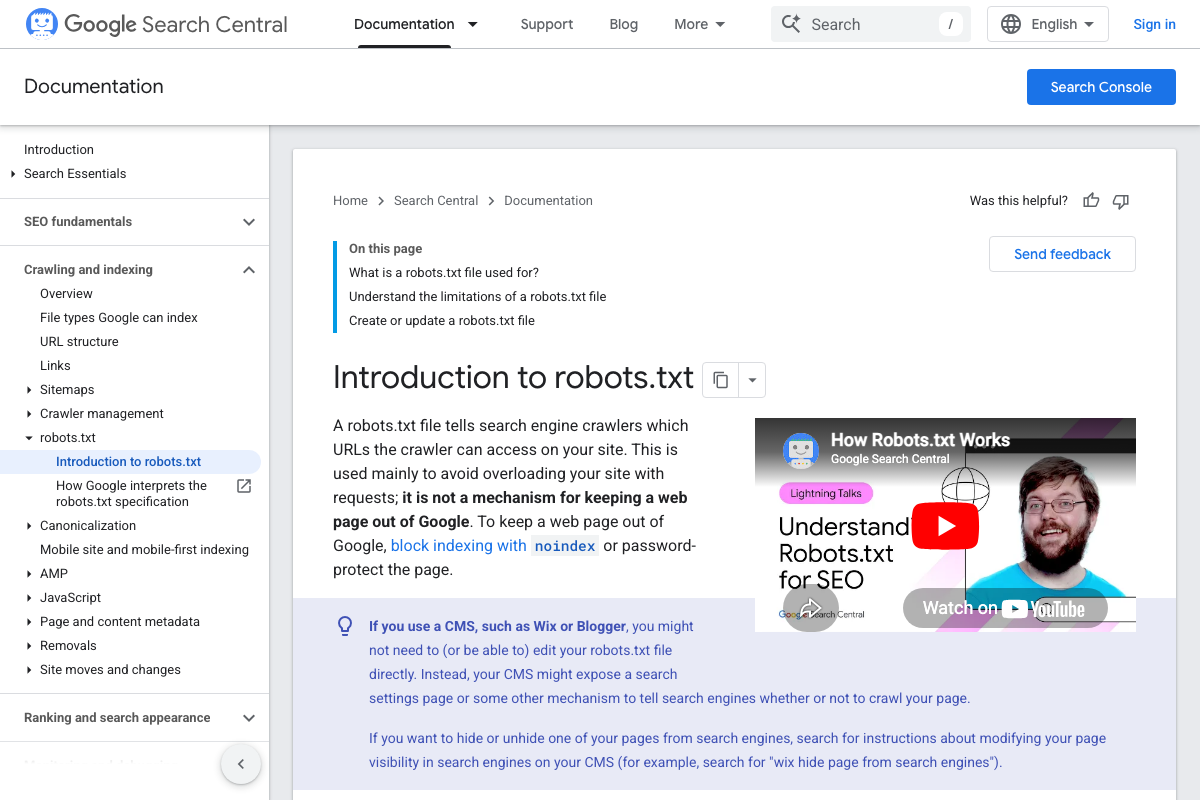
The video’s approach here matches the current docs exactly — for the robots.txt product token. The official robots.txt introduction confirms that product tokens are how crawlers identify themselves to webmaster directives. The other parameters described (user agent string, response timeout, sensible defaults) cannot be confirmed or denied from available documentation.
Step 3 — Crawler vs. fetcher distinction.
No official documentation was found for this step — proceed using the video’s approach and verify independently.
Step 4 — Crawl job deployment as C++ binaries on remote infrastructure.
No official documentation was found for this step — proceed using the video’s approach and verify independently.
Step 5 — US-based egress IPs and geoblocking implications.
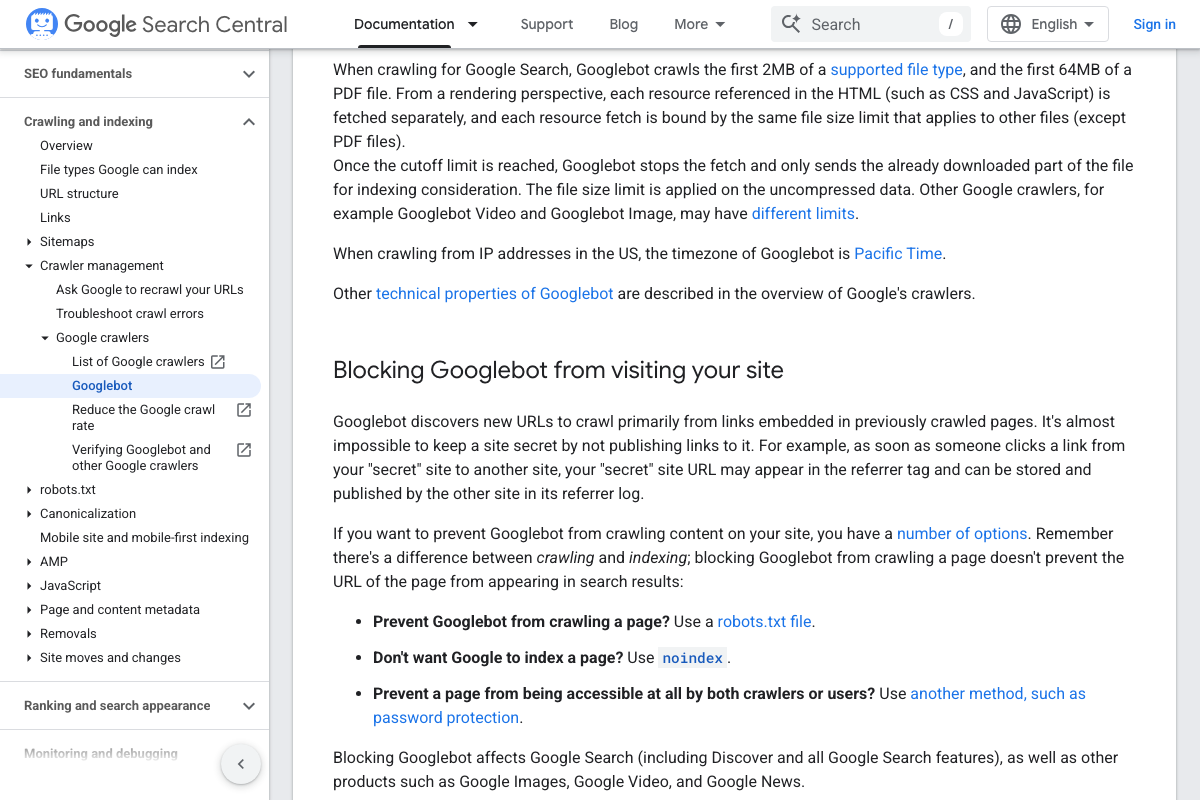
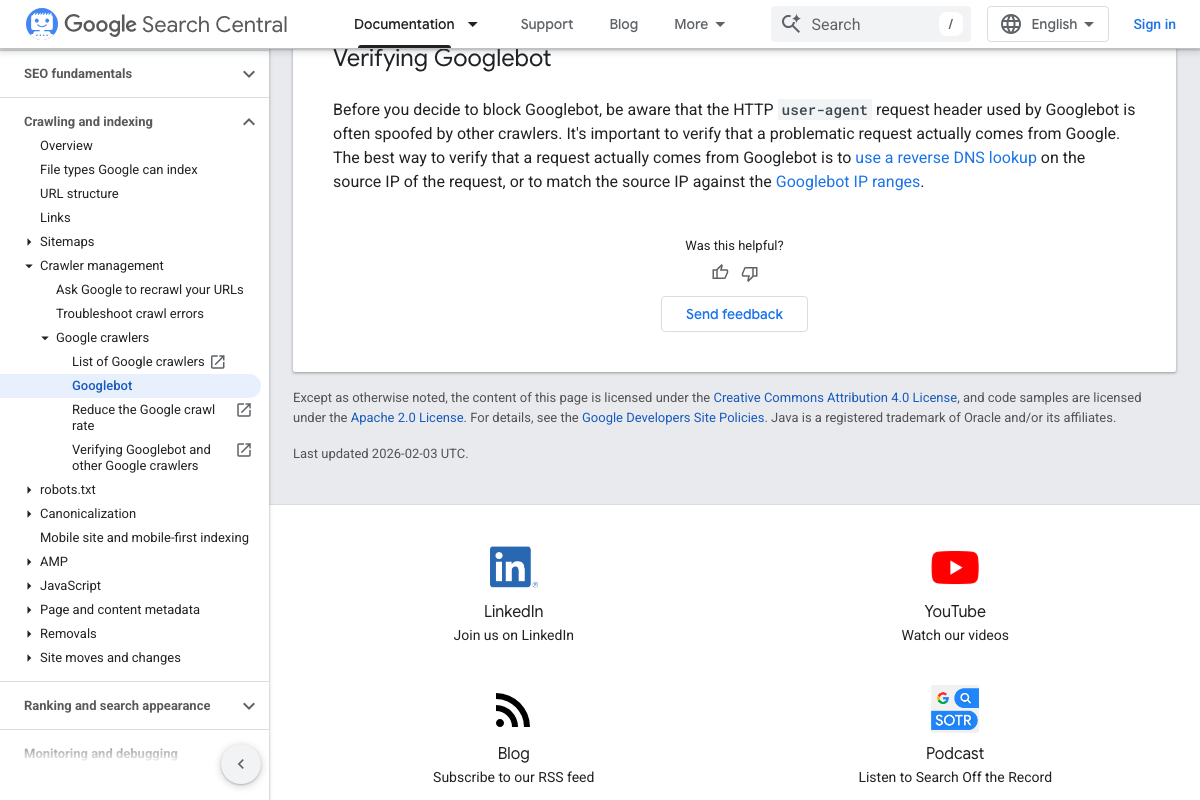
The docs confirm that Googlebot crawls from US IP addresses use Pacific Time as the declared timezone — directional support for the Mountain View, CA egress claim. The specific 66.x.x.x IP range and non-US low-capacity leasing are not confirmed or denied by any available screenshot. One addition the video doesn’t cover: the docs note that the Googlebot user-agent header is frequently spoofed, making reverse DNS lookup or IP range matching the only authoritative way to verify a crawl is genuine.
Step 6 — Cross-product caching and deduplication layer.
No official documentation was found for this step — proceed using the video’s approach and verify independently.
Step 7 — SQL-threshold alert triggering crawler documentation.
No official documentation was found for this step — proceed using the video’s approach and verify independently.
Step 8 — Most crawlers will never be publicly documented.
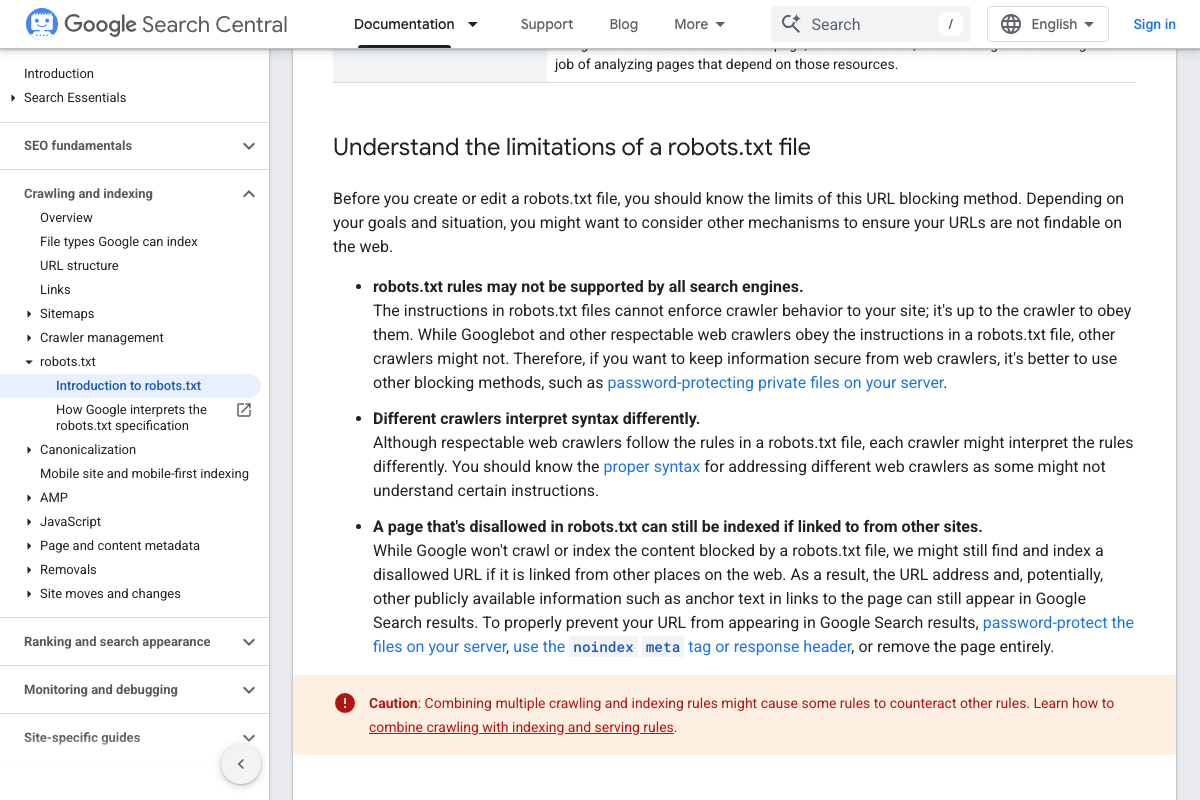
The docs give this partial grounding. Because Googlebot Smartphone and Desktop share a single robots.txt product token, webmasters cannot distinguish between them via that mechanism — a small but real indicator that Google’s crawler architecture is more granular than what’s publicly surfaced. The docs also note that different crawlers interpret robots.txt syntax differently, indirectly supporting the video’s point that many distinct crawlers exist with individual behaviors. The full scope of undocumented crawlers remains, by definition, unverifiable from public sources.
No official documentation was found for the full claim about the scale of undocumented crawlers — proceed using the video’s approach and verify independently.
Useful Links
- What Is Googlebot | Google Search Central — Official definition of Googlebot as a generic name for Smartphone and Desktop crawler types, including IP verification methods and timezone behavior.
- Robots.txt Introduction and Guide | Google Search Central — Authoritative guide to product tokens, file-type crawl behavior, and the limits of robots.txt as a crawl-control mechanism.
- Google Search Central — Public-facing portal for SEO resources, Search Console guidance, and the complete Google crawlers documentation index.
- IETF HTTP Working Group — Standards body responsible for HTTP specifications, relevant context for any discussion of crawl request/response behavior and timeouts.


0 Comments