

Amazon SEO Playbook: How Products Actually Rank in 2026
Organic ranking on Amazon in 2026 comes down to conversion rate, relevance, and an increasingly AI-driven backend — not keyword stuffing. This tutorial, drawn from an expert interview with a seven-figure Amazon seller, walks you through building a listing that the A9 algorithm surfaces on its own. By the end, you’ll know how to structure a listing from title to images, how to pick and sequence keyword targets, and how Amazon’s Cosmo and Rufus AI systems change what “optimization” now means.
- Internalize the A9 ranking model: Amazon ranks products by conversion rate and velocity. The listing that converts best for a given query earns organic position over time. A product’s ad spend can accelerate momentum, but it cannot substitute for genuine conversion performance — Amazon captures revenue from both sides of the transaction and promotes whatever generates the most of it.
- Confirm product-keyword fit before you do anything else. Amazon’s backend now scrapes every element of a listing to verify that the product matches the query. A biotin gummy targeting “collagen gummies” may appear around position 50 due to residual traffic, but it will not rank competitively — there are thirty actual collagen products ahead of it. Mismatched relevance is a ceiling, not a speed bump.
- Use Helium 10 or Data Dive to map your keyword universe. Start with the root term (e.g., “collagen gummies”), then surface its long-tail variations (“collagen gummies for women,” “collagen gummies with biotin”). The tools generate the framework; your job is to understand which roots carry the volume you can realistically compete for.
4. Let search volume drive product development decisions before launch. If the highest-searched flavor in your category is peanut butter, launch peanut butter — not the novel flavor that sounds interesting internally. Keyword data is a product brief, not just a listing brief.
5. Write your title first — it carries the most algorithmic weight. Lead with your primary keyword root. Amazon enforces a hard limit: no word may appear more than twice in a title. Keyword stuffing is not just ineffective; it triggers suppression.
6. Use bullet points to layer in secondary keyword variations alongside feature-benefit messaging. This is where “collagen gummies for women” and similar long-tails live without crowding the title.
7. Write a product description that reinforces keywords and answers the questions that appear in your listing’s Q&A and review sections. Consumers surface real objections there; your description should pre-empt them.
8. Add benefit-focused text overlays to product images. Amazon’s Cosmo AI reads image content as part of its relevance-scoring process — images are not decorative; they are indexable content.
Warning: this step may differ from current official documentation — see the verified version below.
9. Commit to one keyword target per listing at a time. Switch targets only after you have achieved a stable rank on the current one. Splitting focus across multiple roots simultaneously dilutes velocity signals.
10. Assess rankability before committing to a keyword. Count how many competitor titles contain your exact target keyword. A crowded title field signals a harder path to the top positions; a thin field signals opportunity.
11. Optimize for Amazon Rufus, the front-end AI agent that surfaces product comparisons to users — often without the user initiating a search. Rufus increasingly drives discovery through comparison-style queries, which means your listing must answer “why this product versus that one,” not just match a keyword string.
How does this compare to the official docs?
Amazon’s Seller Central documentation covers listing structure and keyword fields, but it stays largely silent on Cosmo’s image-reading behavior and Rufus’s comparison-query surfacing — which is exactly where the gap between seller practice and official guidance gets interesting.
Here’s What the Official Docs Show
Act 1 gives you the practitioner’s playbook directly from a seven-figure Amazon seller — Act 2 maps each step against what the available platform documentation actually shows. The tool-level evidence is broadly supportive where it exists; for the steps involving Amazon’s AI systems and backend ranking signals, no public documentation was available to confirm or correct the video’s claims.
1. A9 ranking model — conversion rate and velocity
No official documentation was found for this step — proceed using the video’s approach and verify independently.

2. Confirm product-keyword fit before you build the listing
No official documentation was found for this step — proceed using the video’s approach and verify independently.
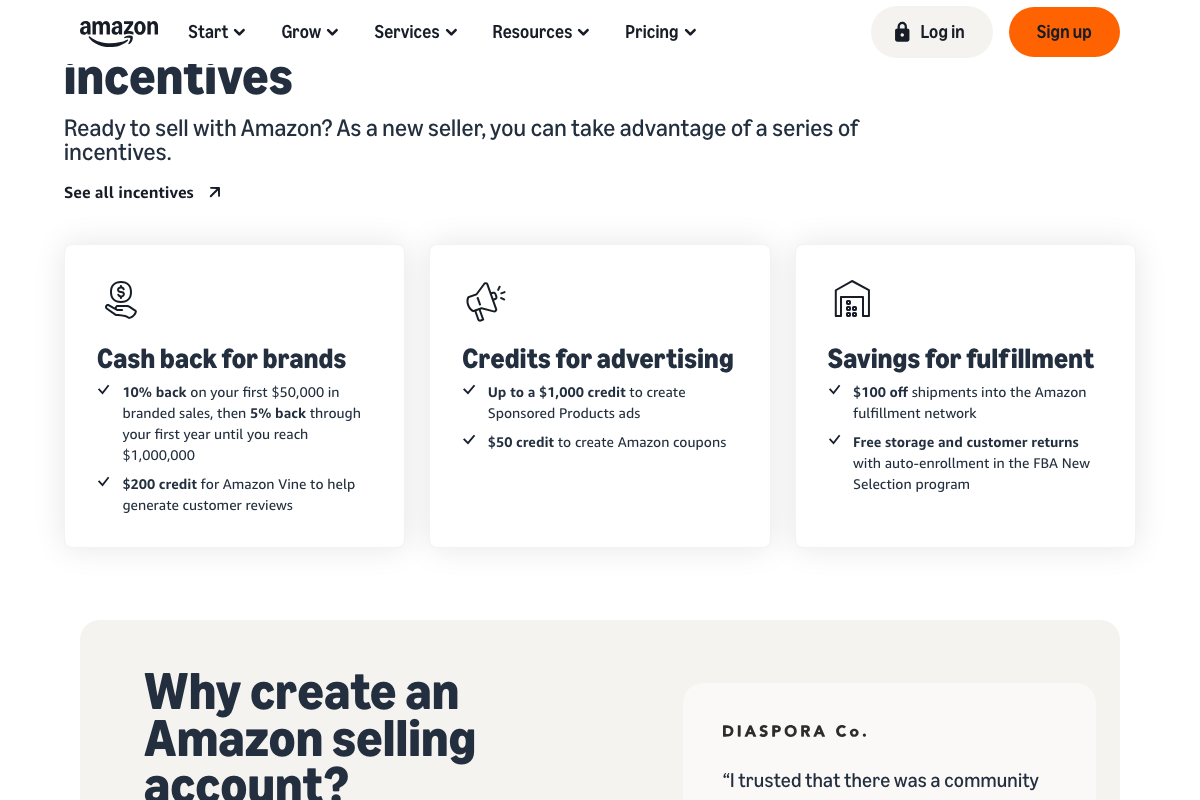
3. Map your keyword universe with Helium 10 or Data Dive
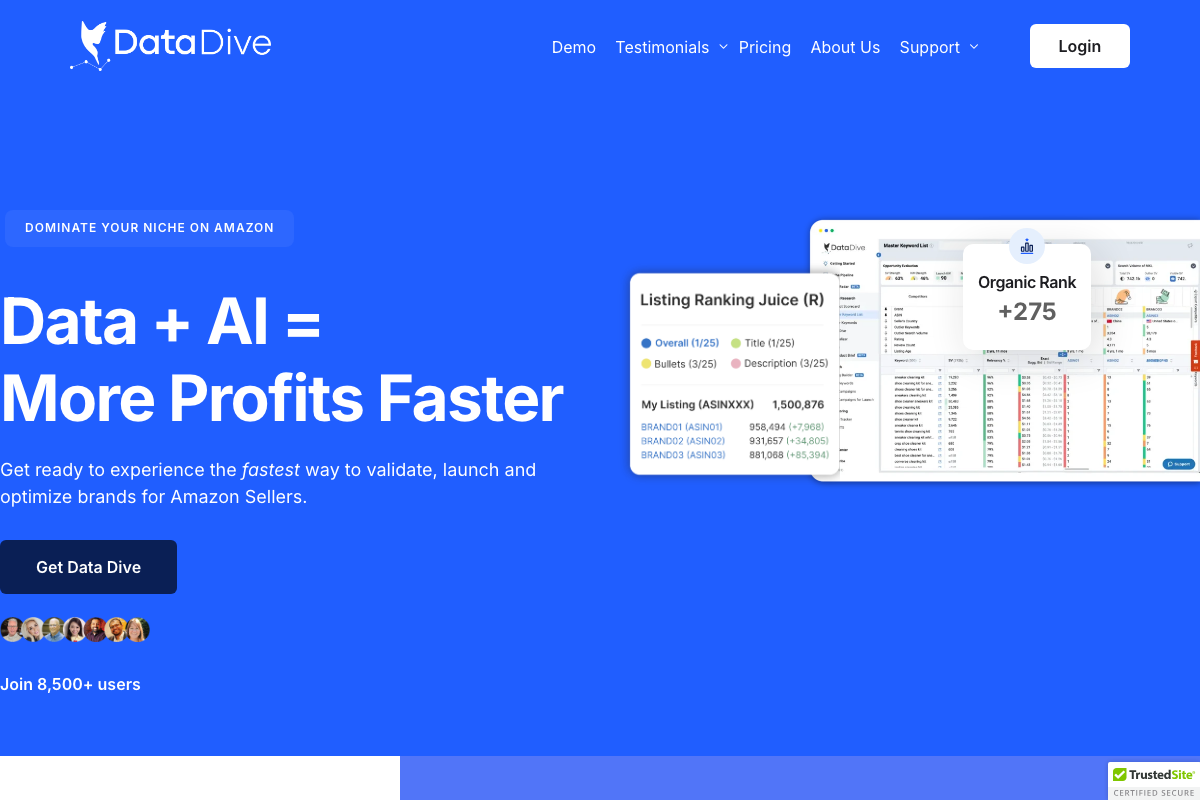
The video’s approach here matches the current docs exactly. Helium 10’s solutions page confirms dedicated “Research keywords” and “Optimize listings” workflow tabs, and Data Dive’s dashboard actively tracks organic rank movement — both consistent with the tutorial’s step 3 workflow. One useful addition: as of March 2026, Helium 10 explicitly supports Amazon, Walmart, and TikTok Shop. The tutorial covers only Amazon use cases, which is accurate — just a subset of where the tool now operates.
4. Let search volume drive product development before launch
The video’s approach here matches the current docs exactly. Data Dive’s pre-launch niche risk evaluation adds a layer of structure the tutorial doesn’t describe: numerical scoring on a scale from roughly −400 to +550, with four labeled statuses — Negative, In Progress, Positive, and Incomplete — distinguishing High Risk from Low Risk product opportunities. The tutorial frames this step as a judgment call; Data Dive makes it a scored output.

5–7. Title, bullet points, and product description
The video’s approach here matches the current docs exactly. Data Dive’s Listing Ranking Juice metric scores Title, Bullets, and Description as three separate components, providing a quantitative frame for the tutorial’s qualitative hierarchy. Worth noting: these are proprietary Data Dive scores, not Amazon-published ranking weights. No available Amazon documentation specifies how the algorithm weights these fields relative to one another — the tool gives you a proxy, not a direct read from the source.
8. Add benefit-focused text overlays to images — Cosmo AI indexing
No official documentation was found for this step — proceed using the video’s approach and verify independently.
9. Commit to one keyword target per listing at a time
No official documentation was found for this step — proceed using the video’s approach and verify independently.
10. Assess rankability by counting competitor title saturation
No official documentation was found for this step — proceed using the video’s approach and verify independently.
11. Optimize for Amazon Rufus comparison queries
No official documentation was found for this step — proceed using the video’s approach and verify independently.
Useful Links
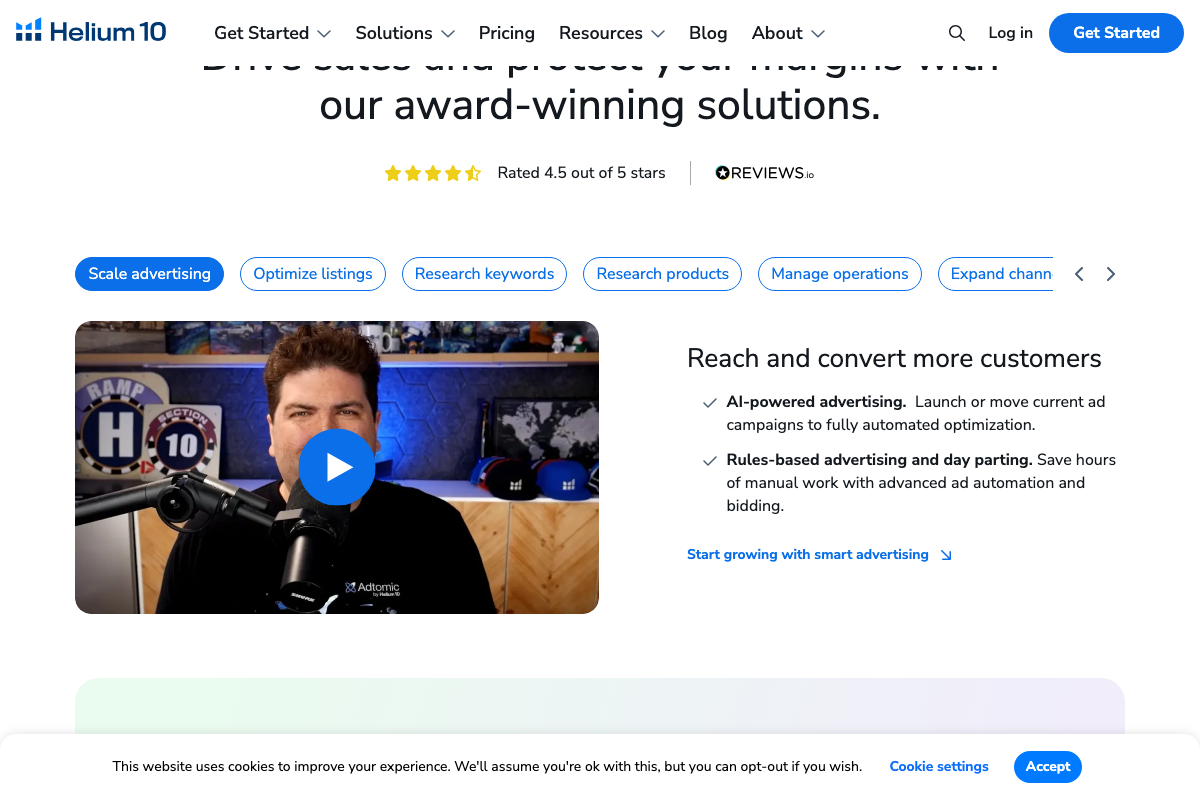
- Amazon Seller Central — Amazon’s seller platform; screenshots captured for this post reflect public marketing and sign-up pages, not Help Hub algorithm or listing optimization documentation.
- Helium 10 — Multi-marketplace seller tool with keyword research, listing optimization, and advertising automation workflows for Amazon, Walmart, and TikTok Shop.
- Data Dive — Amazon seller research platform featuring Listing Ranking Juice scoring across Title, Bullets, and Description, plus quantitative pre-launch niche risk evaluation.


0 Comments